
Ship Your App in 60 Seconds: 5-Step Claude Code System
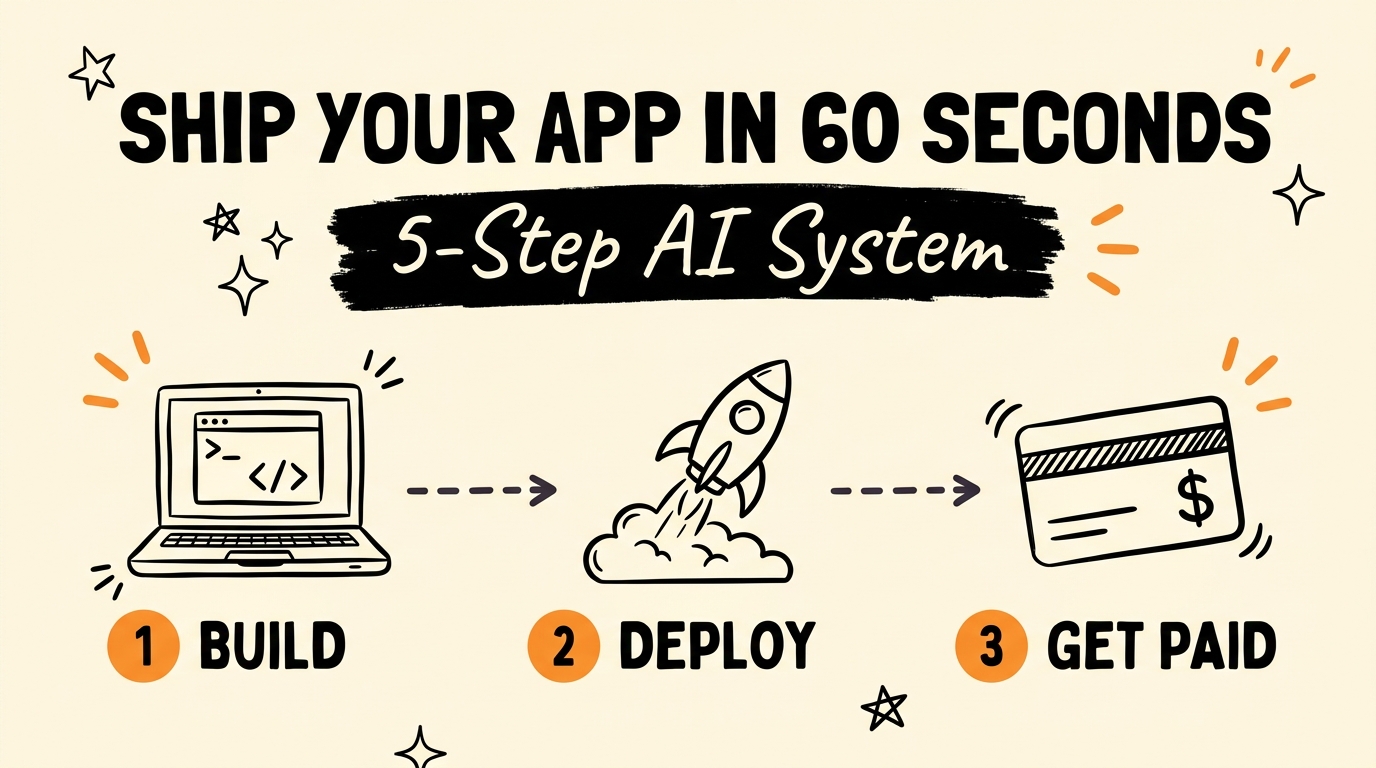
You can ship a working app in under 60 seconds with a five-step AI system: use Claude Code to build the app autonomously, manage your agents with cmux, plan the build with a master prompt, back everything up to GitHub, and deploy on Railway with a live domain. Then plug in Stripe and you are getting paid. Most entrepreneurs still build the hard way — hand-coding for weeks — when the modern stack does the heavy lifting in minutes.
Get the Free Guide
The free cheat sheet gives you the exact 5-step system, the copy-paste master prompt, and the tools that turn an idea into a live, paid app.
Get the free Ship-Your-App Cheat Sheet →
What Is the 5-Step System to Ship an App Fast?
The five-step system chains four free or low-cost tools so that a single idea becomes a deployed, revenue-ready app without weeks of manual coding. Each tool owns one job, and the handoff between them is where the speed comes from. Here is the whole pipeline at a glance:
| Step | Tool | What it does |
|---|---|---|
| 1 | Claude Code | Builds the entire app autonomously |
| 2 | cmux | Runs and manages up to 8 AI agents at once, free |
| 3 | Master prompt | Plans ~80% of the build before you write a line |
| 4 | GitHub | Free cloud backup and version history for your code |
| 5 | Railway | Deploys the app with a live custom domain instantly |
Plug Stripe in at the end and the loop is closed: build, deploy, get paid. As of August 2026, every tool in this stack has a free tier or free trial, so the only real cost to start is your time.
How Does Claude Code Build the App for You?
Claude Code, Anthropic’s terminal-based AI coding agent, does the actual building — it reads your plan, writes the files, runs the commands, and fixes its own errors. You describe the app in plain English and it works autonomously, so you review output instead of typing every line. That single shift is what collapses a two-week build into an afternoon.
To get the most out of it:
- Start with a clear idea and a screenshot of what you want (a competitor, a sketch, or a Figma frame).
- Let Claude Code scaffold the whole project structure first, then iterate feature by feature.
- Review each change before moving on — you stay the director, the agent stays the builder.
If you are brand new to the terminal, my Claude Code for non-developers walkthrough covers the setup so this step is not intimidating.
Why Use cmux and a Master Prompt?
cmux lets you run up to eight Claude Code agents in parallel for free, so you can build several features — or several apps — at once instead of waiting on a single thread. Think of it as mission control for your agents: one screen, many builders. For solo founders, that parallelism is the difference between shipping one thing a week and shipping several.
The master prompt is the multiplier. Screenshot your app idea, hand the image to Claude, and the master prompt makes it plan roughly 80% of the build — data model, screens, and logic — before a single line is written. Planning first means fewer dead ends and far less rework later. The full copy-paste prompt is in the free cheat sheet linked above, and it pairs well with the approach in my full-stack app from one prompt guide.
How Do You Deploy the App Live with Railway?
Railway takes your finished code and puts it online with a live custom domain in a single deploy — no server config, no DevOps. First you back the project up to GitHub, which acts as a free cloud filing cabinet for your code and gives Railway a source to deploy from. Then you connect the repo to Railway and it builds and hosts the app for you.
The full path from code to cash:
- Back up to GitHub — push your repo so nothing is lost and Railway has a source.
- Deploy on Railway — connect the repo; Railway builds, hosts, and hands you a live URL.
- Add a custom domain — point your domain at the Railway service in a click.
- Plug in Stripe — drop in checkout so the app can actually take payments.
For a deeper walkthrough of this exact deploy, see my Claude Code to a live Railway app post.
FAQ
How long does it really take to ship an app this way?
The deploy step genuinely takes under 60 seconds once your code is ready. The build itself depends on the app’s complexity — a simple tool can be done in an afternoon with Claude Code, while a larger product takes longer.
Do I need to know how to code?
No. Claude Code writes and fixes the code; your job is to describe the app clearly, review the output, and make product decisions. Basic comfort with the terminal helps, but you can learn it as you go.
Is this stack actually free?
Mostly. As of August 2026, cmux is free, GitHub has a free tier, and Railway offers a free trial with usage-based pricing after. Claude Code requires an Anthropic subscription, and Stripe only charges a fee when you make a sale.
What is the master prompt for?
The master prompt turns a screenshot of your idea into a full build plan — data model, screens, and logic — so Claude Code plans about 80% of the work before writing code. It dramatically reduces rework. Grab it in the free cheat sheet above.
Why deploy on Railway instead of a traditional host?
Railway removes the server setup that usually stalls solo builders. It connects to your GitHub repo, builds automatically, and gives you a live custom domain instantly, so you can go from finished code to a shareable link in seconds.
Ship Your First App This Week
The five-step system — Claude Code, cmux, a master prompt, GitHub, and Railway — turns app building from a multi-week slog into a same-day ship. Build it, deploy it, plug in Stripe, and you have a live product that can take payments. The tools are ready; the only thing left is to start.
Ready to go deeper on building agentic AI systems? Join the Vibe Coding Build →