
Claude Code for Non-Developers: Build Apps, No Code
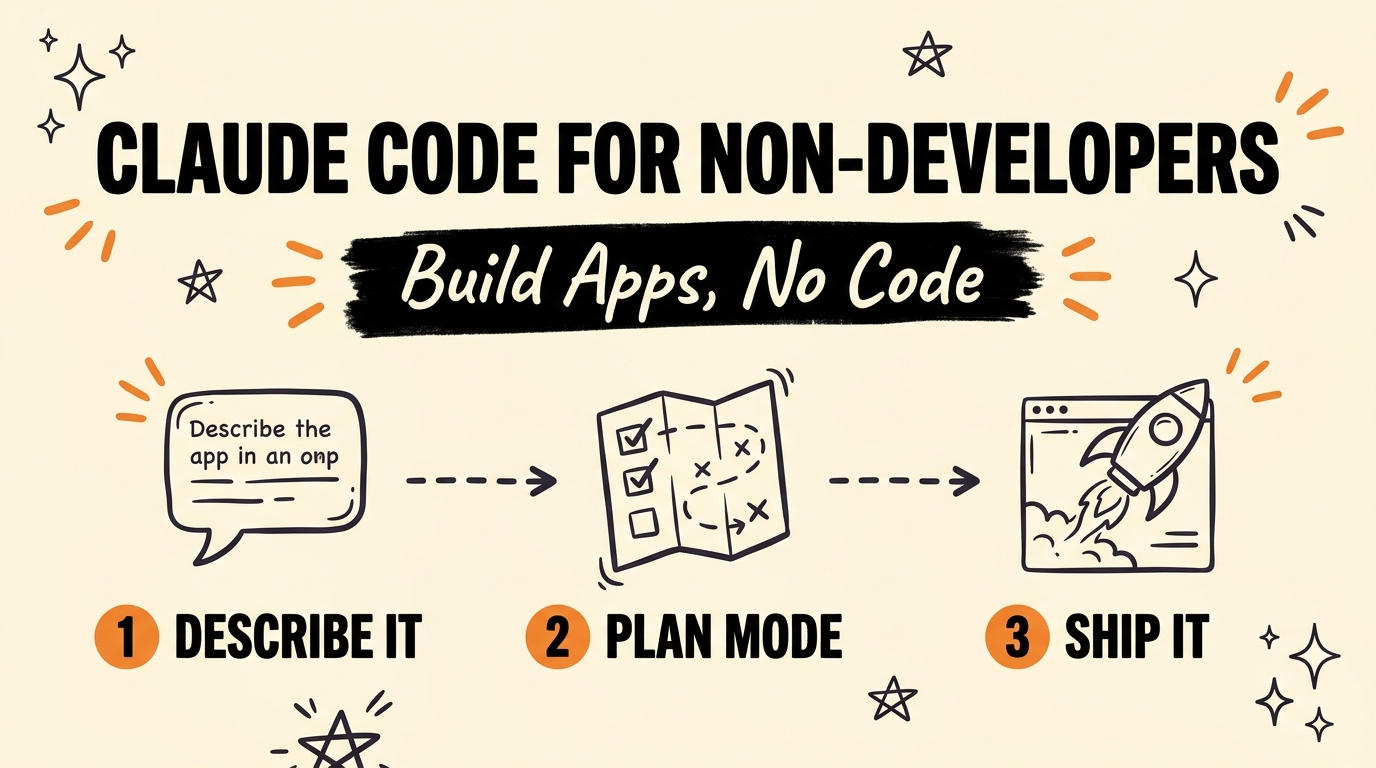
Claude Code for non-developers is one of the most powerful AI builders available right now, and most people skip it because the name says “code.” You do not write code with it. You describe what you want — a stock app, a client portal, a SaaS tool — and Claude Code builds it, file by file, while you make the decisions. Anthropic designed Claude Code as a coding agent, but in practice it works just as well as a build-anything partner for founders, marketers, and creators who have never opened a code editor.
Get the Free Guide
The Claude Code Beginner’s Playbook walks you through your first build — Plan Mode, model choice, and connecting a project folder — in plain English, no jargon.
Get the free Claude Code Beginner’s Playbook →
Is Claude Code Only for Developers?
No — Claude Code is for builders, not just developers, and that distinction is the whole point. Anthropic released Claude Code as a terminal-based coding agent, but you interact with it in natural language: you say what the app should do, and it writes, edits, and organizes the actual files. The “code” happens under the hood while you stay at the level of product decisions.
Think of it the way you already think about hiring. You do not need to know how to lay bricks to describe the house you want built. With Claude Code, your job is to be a clear client:
- Describe the outcome — “a simple invoicing app for freelancers” — not the syntax.
- Answer questions as Claude Code asks them, the way you would brief a contractor.
- Review and approve each step instead of writing it yourself.
If you have ever written a detailed brief or a good prompt, you already have the core skill. For a full ground-up walkthrough, start with the Claude Code beginner’s guide.
Why Should You Start in Plan Mode First?
Start in Plan Mode because it forces the AI to think before it builds, which is the single biggest difference between a messy prototype and a deployable product. Instead of throwing a one-line prompt at Claude Code and hoping, Plan Mode lets the agent ask clarifying questions, map your features, and structure the entire build before a single file is created.
This is meta prompting — prompting the AI to design the plan, rather than prompting it to write the thing directly. You are not guessing at the perfect prompt; you are collaborating on a blueprint.
Here is the flow non-developers should follow:
- Open Plan Mode before you describe anything in detail.
- State the goal in one or two sentences (“a client portal where customers log in and see their project status”).
- Answer the clarifying questions Claude Code asks — features, screens, data, users.
- Read the plan it produces and correct anything that is off.
- Approve the plan, then let Claude Code execute it file by file.
Skipping Plan Mode is why so many first builds feel chaotic. The plan is where you make your decisions cheaply, before any code is committed.
What Do You Actually Do If You’re Not Writing Code?
You make decisions — that is the entire job. Once Plan Mode is done, you connect Claude Code to a folder on your computer, pick your model, and let the agent handle the building. Your attention goes to choices, not syntax.
| Claude Code handles | You handle |
|---|---|
| Writing and editing the files | Deciding what the app should do |
| Structuring the project | Approving or rejecting the plan |
| Fixing errors it finds | Judging whether it looks right |
| Wiring features together | Choosing the model and priorities |
Picking a model is one of those decisions. As of July 2026, higher-capability models like Claude Opus 4.8 are worth it for complex, multi-file builds, while faster models are fine for small edits. When you are ready to go end to end, this walkthrough on building a full app with Claude Code shows the decisions in context, and the guide to connecting Claude Code to a project folder covers the setup step.
FAQ
Do I need to know how to code to use Claude Code?
No. You describe what you want in plain language and Claude Code writes the code for you. Your role is to make product decisions and approve the work, not to write syntax.
What is Plan Mode in Claude Code?
Plan Mode is a step where Claude Code asks clarifying questions and maps out the full build before creating any files. It turns a vague idea into a structured plan you approve, which prevents messy, throwaway prototypes.
What is meta prompting?
Meta prompting means prompting the AI to design a plan or approach rather than prompting it to produce the final output directly. In Claude Code, using Plan Mode to shape the build is a form of meta prompting.
What can non-developers actually build with Claude Code?
Real, usable tools — invoicing apps, client portals, stock trackers, simple SaaS products, and internal dashboards. If you can describe the outcome clearly, Claude Code can build a deployable version of it.
Which model should a beginner pick?
As of July 2026, use a higher-capability model such as Claude Opus 4.8 for complex, multi-file builds, and a faster model for small edits. You can switch models between tasks depending on how demanding the work is.
Start Building, Not Coding
Claude Code for non-developers flips the script: you are not learning to code, you are learning to make good product decisions and let the AI do the building. Start in Plan Mode, describe the outcome, answer the questions, approve the plan, and ship. The name has “code” in it, but the work is pure vision and judgment — exactly the skills you already have.
Ready to build your first real app with AI as your co-builder? Join the Vibe Coding Build → and turn your idea into something deployable.