
Build an App With Claude Code — No Code, No Developers
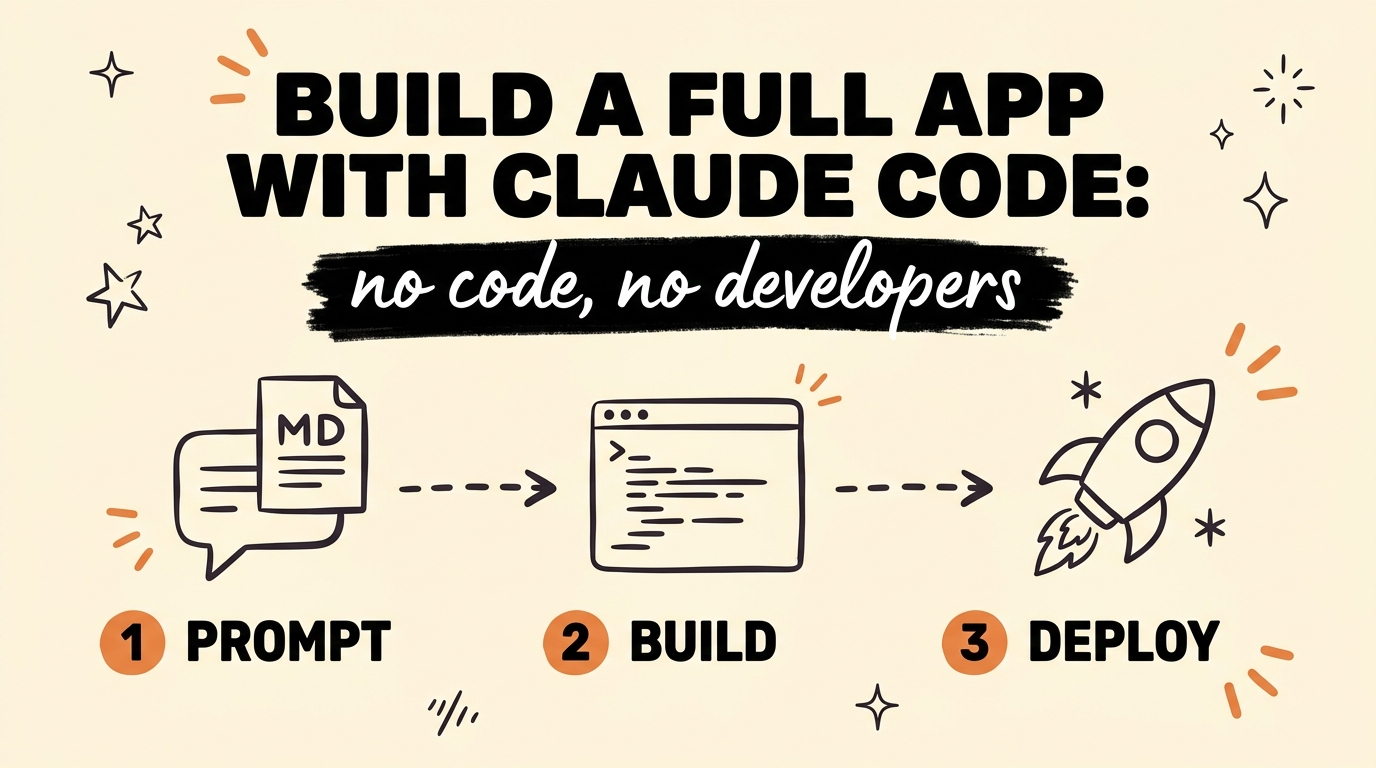
You can build a full, deployable app — user authentication, database, payment processing, even an admin dashboard — without writing code or paying a developer thousands. The system, as of July 2026: use Claude Chat to craft a master build prompt called a CLAUDE.md file, then hand it to Claude Code (Anthropic’s terminal-based AI coding agent), which generates every layer of the app while you direct it like a founder. When an error pops up, you paste it back into the agent and it corrects itself.
Most entrepreneurs still get a $5,000–$20,000 quote for an MVP and assume that is the price of entry. It isn’t anymore. The price of entry is one well-written markdown file.
Get the Free Guide
The playbook has the exact Claude Chat prompt that writes your CLAUDE.md master file, the phased build prompt for Claude Code, and the error-fix loop that keeps the agent on track.
Get the free Full-App Builder Playbook →
What Is the CLAUDE.md Master Prompt System?
The CLAUDE.md master prompt system is a two-tool workflow: Claude Chat writes the build specification, and Claude Code executes it. Instead of typing vague instructions into a coding agent and hoping, you split the job the way a founder and an engineering team would.
- Claude Chat is your product strategist. You describe the app in plain language, and it interrogates the idea — users, features, data, payments — then writes it all up as a CLAUDE.md file: a structured markdown document that tells a build agent exactly what to make and what rules to follow.
- Claude Code is your engineering team. You drop the CLAUDE.md into a project folder, open Claude Code, and tell it to build. It scaffolds the repo, writes the schema, wires the auth, and keeps going until the spec is met.
- You are the founder. Your job is to hold the scope, review each phase, and feed errors back. You direct; the agent builds.
The reason this works better than “just prompting” is that a CLAUDE.md file persists. Claude Code reads it automatically at the start of every session, so your requirements, stack choices, and rules survive across conversations instead of getting lost when the context resets — the same failure mode I covered in beating context rot with a Claude Code handoff file.
How Do You Write the CLAUDE.md Master Prompt?
You write the CLAUDE.md by making Claude Chat do it for you. Open a chat, describe your app idea in a few sentences, and paste this:
1
2
3
4
5
6
7
8
9
10
11
12
13
14
15
16
17
18
Act as a senior product engineer. Interview me about the app I just
described — ask about target users, core features, data, payments,
and admin needs — one question at a time, until you have enough to
write a complete build spec.

Then output a CLAUDE.md file for Claude Code containing:

1. Product overview — what the app is and who it's for, in 3 sentences.
2. Tech stack — pick a modern, boring, well-documented stack and
   justify each choice in one line.
3. Data model — every entity, its fields, and relationships.
4. Feature list — split into "v1 (must ship)" and "v2 (later)".
5. User authentication and payment requirements.
6. Build rules: no mock data in committed code, run the app and verify
   each feature before reporting it done, write the smallest diff that
   fully solves each step, and stop for my review after each phase.

Output only the finished CLAUDE.md, ready to save.
Here is what each section of the finished file does once Claude Code picks it up:
| CLAUDE.md section | What Claude Code does with it |
|---|---|
| Product overview | Keeps every decision anchored to the actual user |
| Tech stack | Stops mid-build framework switching |
| Data model | Writes the database schema and migrations on day one |
| v1 / v2 feature split | Protects your scope when the agent gets ambitious |
| Auth + payments spec | Wires signup, login, and checkout to real providers |
| Build rules | Forces verification, so “done” means running |
The build rules section is the one most people skip, and it is the one that separates a deployable product from a demo that falls over. An agent with no rules will happily report success on code it never ran.
How Does Claude Code Build Every Layer of the App?
Claude Code builds the app in phases, and you make it prove each phase before it moves to the next. Save the CLAUDE.md in an empty project folder, open Claude Code in that folder, and start with:
1
2
3
4
5
6
7
8
Read CLAUDE.md. Build v1 in phases, stopping for my review after each:

Phase 1 — Scaffold the repo, database schema, and user authentication.
Phase 2 — The core feature, end to end, working with real data.
Phase 3 — Payment processing with a test-mode checkout I can click.
Phase 4 — Admin dashboard and analytics.

Follow the build rules in CLAUDE.md at every step.
From one master prompt like this, the agent generates the full stack: signup and login, the database, Stripe-style payment processing, and the product itself — people are shipping everything from booking tools to casino-style games with live leaderboards this way. It is the same phased approach behind building a million-dollar app with Claude Code: small verified steps, never one giant “build my app” request.
This isn’t a prototype pipeline. Because the spec includes auth, payments, and verification rules, what comes out the other end is a deployable, revenue-ready product — the agent handles every layer of the build, and you just direct it.
What Do You Do When an Error Pops Up?
You paste the error straight back into Claude Code, verbatim, and let it self-correct. This is the whole debugging workflow, and it is why non-coders can ship real software now. The agent reads the stack trace, finds the file, fixes the cause, and re-runs the app.
Three habits make the loop reliable:
- Paste the full error, not a summary. “It’s broken” gets a guess; the actual traceback gets a fix.
- Make it re-run after every fix. Your CLAUDE.md build rules already demand this — hold the agent to it.
- Start fresh sessions between phases. Run
/clearand let Claude Code re-read CLAUDE.md. Long sessions drift; the master file doesn’t.
If the same error survives two fix attempts, ask the agent to explain the root cause in plain English before touching code again. That one instruction breaks nearly every fix-fail loop.
What Else Can You Build With .md Master Prompts?
Anything you can specify in a markdown file, you can bolt onto the app with its own master prompt. The pattern scales past v1: once the core product runs, you write (or have Claude Chat write) a focused .md spec per feature and hand each one to Claude Code the same way.
The ones that turn a side project into a business:
- Admin dashboard — user management, revenue view, content moderation.
- Analytics — signups, activation, and churn, tracked from day one.
- Live chat and support — a widget wired to your own inbox.
- Leaderboards and gamification — the retention layer that keeps users opening the app.
Each spec is twenty minutes of writing for a feature that used to be a developer invoice. And if you would rather start from a product the market has already validated, the same master-prompt system works on top of reverse-engineering a proven app from its screenshots or cloning an $800K app’s playbook — the research changes, the build system doesn’t.
FAQ
What is a CLAUDE.md file?
A CLAUDE.md file is a markdown document that Claude Code automatically reads at the start of every session in a project folder. Used as a master build prompt, it holds your product spec, tech stack, data model, and build rules so the agent follows them consistently across sessions.
Do I need to know how to code to build an app with Claude Code?
No. Claude Code writes, runs, and fixes all the code. Your job is to describe the product clearly, hold the scope phase by phase, and paste errors back when they appear — founder skills, not programming skills.
Can Claude Code really handle authentication and payments?
Yes. Given a spec, Claude Code wires standard providers — Supabase or similar for auth and database, Stripe-style checkout in test mode for payments — and you verify each with a real click-through before going live. As of July 2026 this is routine, not experimental.
How long does it take to build a full app this way?
Writing the CLAUDE.md with Claude Chat takes under an hour. A focused v1 — auth, core feature, payments, dashboard — typically comes together over a weekend of phased building and review, compared with weeks and a five-figure invoice for a hired MVP.
What happens when the build breaks?
You paste the exact error message back into Claude Code and it self-corrects: it reads the trace, fixes the cause, and re-runs the app. If a fix fails twice, ask it to explain the root cause in plain English before trying again.
Stop Renting Developers. Start Directing Agents.
The leverage shift is real: one founder with a well-written CLAUDE.md master prompt now ships what used to take a contracted dev team. Claude Chat writes the spec, Claude Code builds every layer — authentication, database, payments, dashboard — and the error loop means broken never stays broken. You direct it like a founder, because that is what you are.
Ready to build systems you own instead of renting someone else’s? That is exactly what we do inside Vibe Coding Mastery.