
How Boring Apps Make $80K/Month With Claude Code
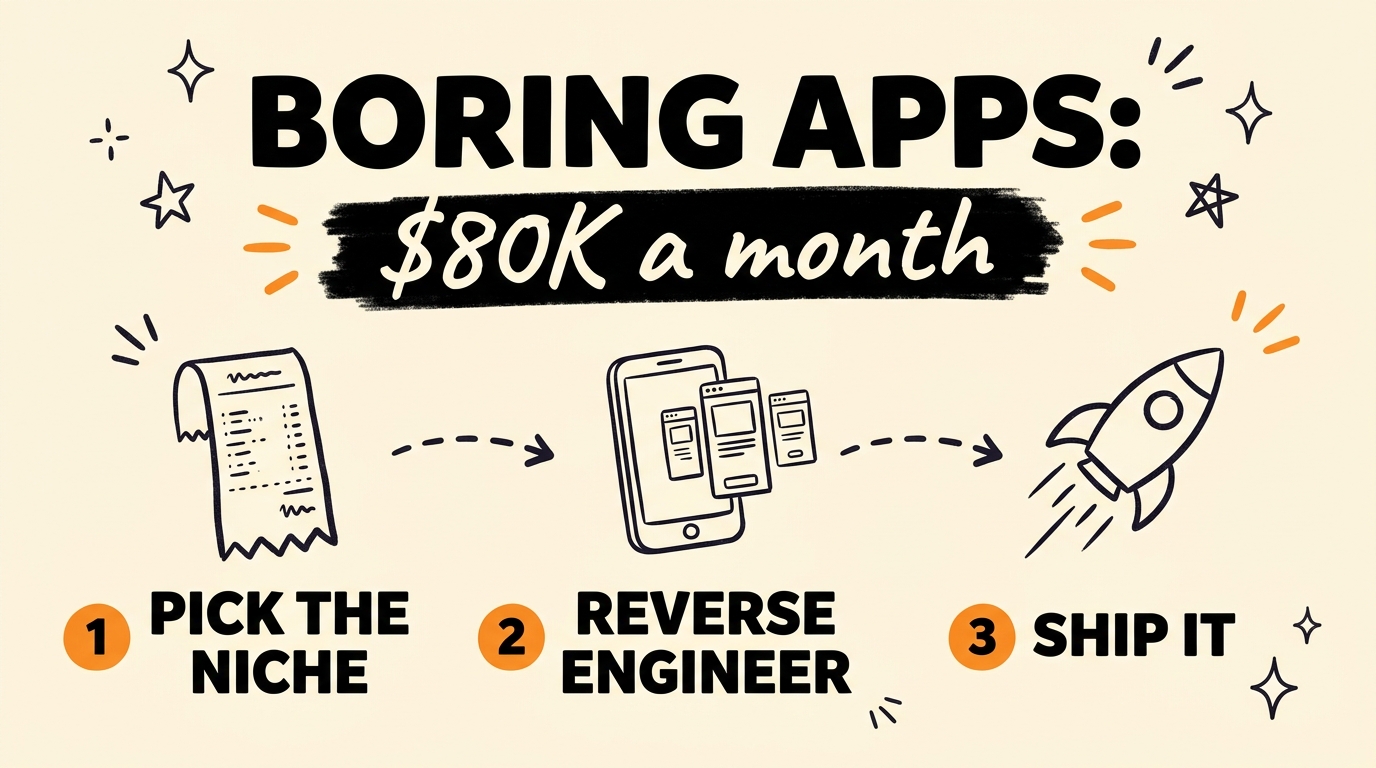
Single-purpose receipt scanning apps are clearing $60,000 to $80,000 a month, and almost nobody talks about them. They win because they solve a recurring, expensive, unglamorous problem for businesses — manual bookkeeping — which makes them a necessity rather than a nice-to-have. And as of July 2026, Claude Code (Anthropic’s terminal-based AI coding agent) can reverse-engineer one of these apps from screenshots and rebuild your own version in a weekend.
That last part is what most people miss. You are not starting from a blank page and a good idea — you are starting from a product the market already pays for, plus a list of complaints its customers have written down for you.
Get the Free Build Playbook
The playbook has the exact prompt to paste with your app screenshots, the product requirements document Claude Code returns for a receipt tracker, and the phased build prompt that turns it into working software.
Get the free Boring App Build Playbook →
Why Do Boring Apps Make More Money Than Exciting Ones?
Boring apps make more money because they attach to a problem a business has every single week and cannot ignore. Receipt tracking is the textbook case: someone has to reconcile the shoebox of paper before tax time, and those hours cost real money. An app that removes them is a line item, not a treat.
That changes the economics in three ways:
- Churn is low. Nobody cancels the tool that keeps their books clean.
- The buyer is a business. A $20/month subscription that saves four hours is an obvious yes for a company and a hard sell to an individual.
- There is no growth tax. No virality, no feed, no network effects. One user, one receipt, immediate value.
The screenshots are dull, and that is a feature — it means nobody with a design portfolio is fighting you for the niche.
To find one, open the App Store, go to Business or Finance, and look past the top ten for tools doing a single unglamorous job for a company. Then cross-check the revenue on a tracker like Sensor Tower before you commit; a founder’s screenshot on X is not evidence.
How Do You Reverse-Engineer a Proven App With Claude Code?
You reverse-engineer a proven app by screenshotting every one of its screens and handing the whole set to Claude Code in a single message. Install the top-ranked app in your niche and capture the onboarding, the empty state, the capture flow, the list and detail views, settings, and every paywall you can trigger. Twenty to thirty screenshots is normal. Then paste this prompt with them:
1
2
3
4
5
6
7
8
9
10
11
12
13
14
15
16
17
18
19
20
I'm attaching screenshots of an App Store app called [APP NAME] in the
[receipt scanning / expense tracking] category. Act as a senior product
engineer. From these screens only — no guessing at features you can't
see — produce:

1. A screen-by-screen inventory: every screen, its purpose, and the UI
   components on it.
2. The inferred data model: entities, fields, relationships, and which
   screen reads or writes each one.
3. The core user flows, written as numbered steps from first launch to
   the app's main value moment.
4. The monetisation model you can see evidence for (paywall placement,
   free limits, upgrade prompts).
5. The 20% of features that deliver 80% of the value — what I must
   build for v1, and what I can cut.
6. A gap list: what this app does badly or omits, based on what's
   visible plus the negative reviews I'm pasting below.

Output as a PRD I can hand to a build agent. Flag anything you inferred
rather than observed.
Here is what each of those six requests buys you:
| What you ask for | What you get | Why it matters |
|---|---|---|
| Screen inventory | Every screen and its components | Your build checklist, in order |
| Data model | Entities, fields, relationships | The schema you migrate on day one |
| Core user flows | First launch → value moment | Tells you what to build first |
| Monetisation | Where the paywall actually sits | Copy proven pricing, don’t guess |
| The 80/20 cut | v1 scope vs. backlog | Stops the weekend becoming a month |
| Gap list | What the app does badly | Your differentiation, for free |
That final instruction — flag anything you inferred rather than observed — earns its place. Without it, Claude Code will confidently describe features that were never on any screen you gave it.
What Does Claude Code Say About a Receipt Tracking App?
For a receipt tracker, Claude Code returns a product requirements document with five core screens and six entities. Knowing the shape of a good answer means you can tell when yours is thin.
The five screens: camera capture, receipt list, receipt detail with editable extracted fields, reports and export, and settings and billing.
The data model: User, Receipt, LineItem, Category, Export, and Subscription — with an optical character recognition (OCR) confidence score stored per extracted field. That detail is the one most people skip, and it is what makes the edit screen work: you highlight only the fields the scan is unsure about.
Monetisation: the paywall sits at the monthly scan limit, not at signup. Users get hooked on the capture flow before they are asked for money.
The 80/20 cut: capture, extract, edit, export. Everything else is version two.
The gap list, pulled from negative reviews: the OCR misreads totals on faded receipts, no multi-currency support, no clean export into accounting software, and no team or multi-user mode.
That gap list is the most valuable section on the page — your product wedge, written for you by your competitor’s own paying customers. Sort the App Store reviews by most critical, paste thirty to fifty back into the same session, and have Claude Code re-rank the roadmap so the biggest complaint ships as your headline feature instead of sitting in a backlog. It is the same review-mining move behind cloning an $800K app with Claude Code.
How Do You Build It in a Weekend?
You build it in a weekend by phasing the work and making Claude Code prove each phase before it moves on. Do not ask for the whole app in one shot — that is how you end up with something that looks finished and does not run.
1
2
3
4
5
6
7
8
9
10
11
12
13
14
15
16
Build v1 of this product from the PRD above. Stack: React Native / Expo
for mobile, Next.js for the web dashboard, Supabase for auth, database
and storage. Work in this order and stop for my review after each phase:

Phase 1 — Scaffold the repo, the database schema and auth. Show me the
  migration files before you run them.
Phase 2 — The capture flow end to end: camera → upload → OCR → editable
  extracted fields → saved receipt. Prove it by running it and showing
  me a real saved record.
Phase 3 — The receipt list, detail and category screens.
Phase 4 — The web dashboard reading the same data, plus CSV export.
Phase 5 — The paywall and subscription limits.

Rules: no mock data in committed code. After every phase, run the app
and confirm the flow works before telling me it's done. Write the
smallest diff that fully solves each step.
The two rules at the bottom are load-bearing. “No mock data in committed code” and “run the app and confirm the flow works” keep you out of the trap where every phase reports success and nothing actually functions.
Split across two days:
- Saturday: phases 1 and 2 — schema, auth, and the capture flow working end to end on your own phone with a real receipt.
- Sunday: phases 3 to 5 — list and detail screens, the web dashboard, CSV export, and the paywall.
Cut anything that is not capture, extract, edit, export. No onboarding tour, no dark mode, no settings you do not need yet. Run /clear between phases and point Claude Code back at your PRD.md — long sessions drift and start forgetting your constraints. The build playbook walks through each phase with the exact prompts.
Then watch one number: the share of users whose first scan makes it all the way to a saved receipt. If that is low, nothing else you build matters. Same principle behind building software you actually own — ship the core job, then earn the right to add.
FAQ
Do I need to know how to code to build a boring app?
No, but you need to know how to direct. Claude Code writes the code; your job is choosing the niche, holding the scope, and refusing to accept “done” until you have watched the flow run. That is a product skill, not a programming one.
Is it legal to reverse-engineer an app from its screenshots?
Studying a competitor’s public screens to understand the problem space is normal product research and is how most software gets built. Copying their code, assets, brand, or exact copy is not. Build your own implementation of the same job, and lead with the gaps their reviews expose.
How much does it cost to run a receipt scanning app?
The recurring costs are OCR processing per scan, file storage for receipt images, and your database and auth hosting. On Supabase’s free and entry tiers with a metered OCR provider, a small user base runs in the tens of dollars a month — which is why the paywall belongs at the scan limit, where your cost actually sits.
How do I find a boring niche that isn’t already saturated?
Look for the complaint clusters rather than the empty categories. If the top three apps in a niche all get hammered for the same missing feature, that is a live gap in a proven market — far safer than a category nobody has entered, which is usually a category nobody wants.
How long does the reverse-engineering step actually take?
Capturing twenty to thirty screenshots takes about twenty minutes. Claude Code returns the product requirements document in a single pass, and one round of pushback to cut the scope adds another ten. You can have a build-ready PRD inside an hour.
The Boring Niche Is the Opportunity
The most profitable app you can build right now is not the flashiest one. It is the one solving something a business quietly hates dealing with every week — receipt tracking, invoice chasing, compliance logging, inventory counts. Those problems are recurring, expensive, and unfashionable, which is exactly why they are still available.
The system is the same every time: pick a proven app in a boring niche, screenshot every screen and hand it to Claude Code, mine the one-star reviews for your wedge, then build it in phases and make the agent prove each one. One focused tool, one real problem, shipped in a weekend. For the same approach on a bigger swing, see how to build a million-dollar app with Claude Code.
Ready to build systems you own instead of renting someone else’s? That is exactly what we do inside Vibe Coding Mastery.