
Beat Context Rot: The Claude Code Handoff Method That Keeps Sessions Sharp
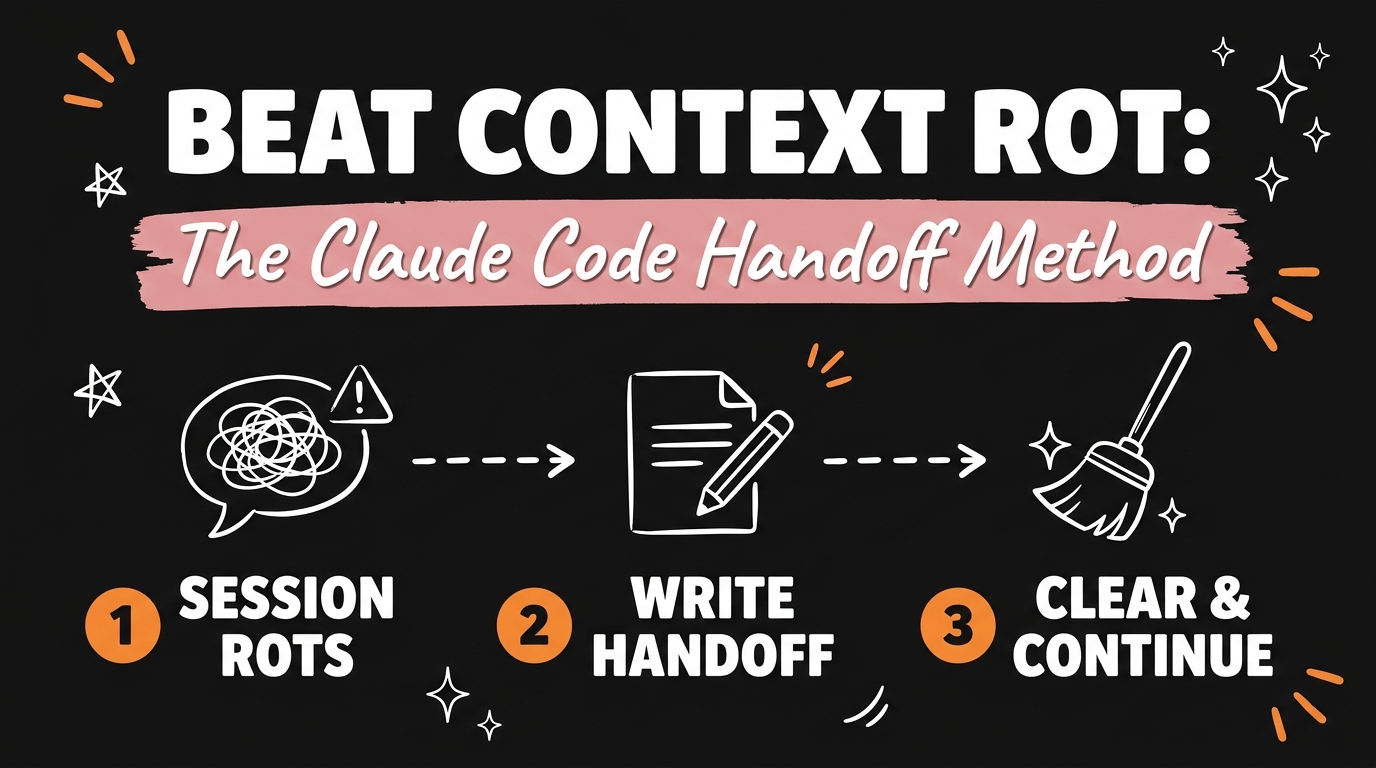
If your Claude Code sessions feel sharp for the first twenty minutes and then start repeating the same broken fix on a loop, you’re not imagining it. There’s a name for it: context rot. And running /compact doesn’t fix it — it just repackages the mess and hands it back to you. In this post you’ll learn the handoff method that actually clears the rot: what to put in a handoff.md file, when to use it, and the exact copy-paste prompt that gets Claude to write it for you.
Get the Free Guide
Want the paste-ready version — the six-section handoff.md template and the copy-paste prompt to make Claude write it for you? That’s all in the free Beat Context Rot cheat sheet.
Get the free Beat Context Rot Guide →
Why /compact Isn’t Enough
Here’s what’s actually happening inside a long Claude Code session: every dead end, every messy debugging detour, every assumption that didn’t pan out stays in view. As that pile grows, it crowds out the signal. Claude starts spending its attention on noise instead of your actual problem, and the quality of its answers quietly slides. That’s context rot.
Most people reach for /compact the moment they notice it. It’s not enough. Compacting summarizes the old conversation and carries it forward — baggage and all. Claude remembers that it tried something and it failed, but not why it failed. So it tries again. You end up watching it circle back into the exact same broken fix, just with a shorter transcript behind it.
The fix isn’t a smaller version of the mess. It’s a clean handoff.
The Handoff Method: Write, Clear, Continue
Instead of compacting, you have Claude write a short handoff note before you stop. It captures only what the next session actually needs — the goal, where things stand, and what not to repeat. Then you wipe the slate and start fresh from that note.
Three moves, in order:
- Before you end a session, tell Claude to create a
handoff.mdfile. - Run
/clear, or just open a brand-new session. - Tell the fresh session to read
handoff.mdand continue from there.
The new session starts with the full picture and none of the rot. No re-explaining, no waiting for Claude to accidentally rediscover a mistake it already made once.
Use this when you’re stepping away for hours, or when Claude keeps making the same broken mistake on a loop. Either one is your signal to hand off and reset.
What Actually Goes in handoff.md (Six Things, No More)
This is the part that separates a useful handoff note from a glorified compact. Tell Claude to put exactly six sections in handoff.md:
- The goal — what you’re ultimately building, in one or two lines.
- Current state — what works right now, what’s done, what’s still open.
- Active files — the exact files in play, so the next session knows where to look.
- Changes made — what happened this session, so nothing is a surprise.
- Failed attempts — what you tried that didn’t work, and specifically why it failed.
- Next steps — the concrete next actions, in order.
That fifth item — failed attempts, with the why — is the whole thing. A bare list of “tried X, tried Y” is exactly what /compact already gives you. What stops Claude from looping back into a dead end is knowing why it was a dead end, not just that it was one.
Here’s the copy-paste prompt to run before you stop a session:
Before we stop, create a file called handoff.md. Include six sections: 1) Goal, 2) Current state, 3) Active files, 4) Changes made, 5) Failed attempts (and why each one failed), 6) Next steps. Keep it short and factual — just what the next session needs to pick up cleanly.
When to Use This (And When Not To)
You don’t need a handoff for every five-minute session — that’s overhead for no reason. This is for the moments where context actually has time to rot:
- You’re stepping away for hours — end of day, moving to another task, waiting on something external.
- Claude keeps circling the same fix — that’s the clearest sign the current context is working against you, not for you.
- You’re handing the project to a teammate, human or otherwise, who wasn’t in the original session.
For quick back-and-forth work in a single sitting, just keep going. Save the handoff for the moments where a clean slate actually buys you something.
Make It a Habit, Not a One-Off
Once you’ve done this a couple of times, it’s worth locking in as a default, not something you only remember after a session already went sideways:
- Commit
handoff.mdto git. Now your project carries its own memory between sessions, not just your own. - End every session this way. Make the handoff your last move, every time, so future-you never has to reconstruct where things stood.
- Guard the failed-attempts section. It’s the one part of the note that saves you real time — never let Claude drop it to save space.
Wrapping Up
Context rot isn’t a Claude problem, it’s a long-session problem — and /compact was never built to solve it, only to shrink it. The fix is a clean handoff: write the note, clear the slate, pick up clean. Your progress carries forward. The mistakes don’t.
Grab the free Beat Context Rot guide for the paste-ready six-section template, drop it into your next long session, and see how much sharper Claude stays.
And if you’re ready to stop stitching together rented tools for your business — CRM, content, booking, email — and want one AI-powered system you actually own, that’s exactly what GrowthOS is built for. Come see how it can save you the monthly rent, or how you could resell it and get paid to set it up for others.