
How to Set Up Your Claude Code Project Folder
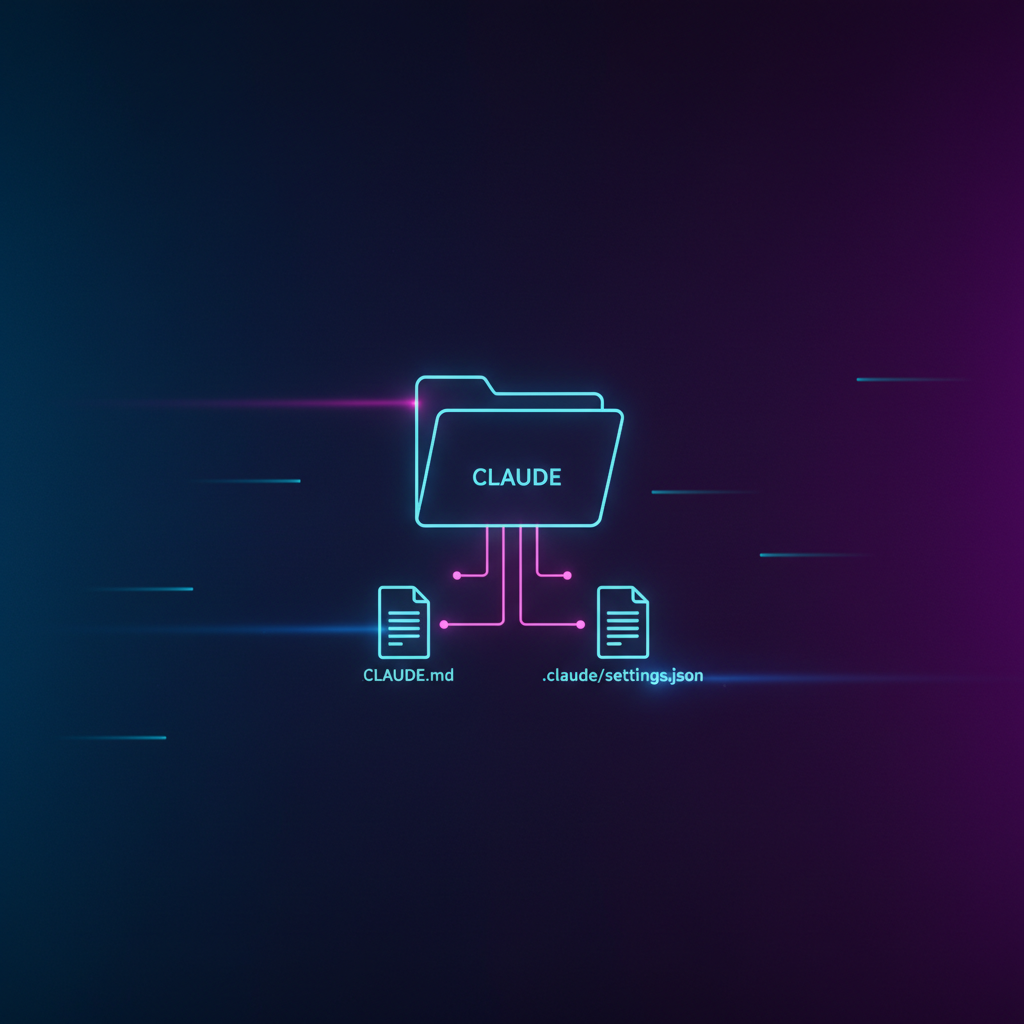
Most people fire up Claude Code and just start typing. No structure, no CLAUDE.md, no settings — just vibing and hoping. That works until it doesn’t. If you want Claude Code to actually know your project, follow instructions reliably, and behave consistently every session, your folder setup is the first thing to get right.
Here’s exactly how to structure your Claude Code project folder so your AI agent works with you, not against you.
Get the Free Setup Guide
A 3-page PDF with the full folder structure diagram and a checklist to get your project configured in under 20 minutes.
Get the free Claude Code Folder Setup Guide →
Why Folder Setup Matters in Claude Code
Claude Code reads your project like a new contractor reads a codebase on day one — it needs documentation to make good decisions. Without the right files in place, it guesses. With the right setup, it follows your rules, remembers your preferences, and executes tasks the way you’d actually do them.
The two files that matter most:
- CLAUDE.md — your agent’s instruction manual
- .claude/settings.json — permissions, hooks, and tool config
Get these right and you won’t have to repeat yourself every session.
Step 1: Create Your CLAUDE.md
CLAUDE.md is the most important file in your Claude Code project. Claude reads it automatically at the start of every session — before you say a single thing.
Put it in the root of your project folder:
1
2
my-project/
└── CLAUDE.md
What to include:
Project overview — what the project does in 2-3 sentences. This tells Claude what world it’s operating in.
Folder structure — list your key directories and what they’re for. Claude will reference this when deciding where to put files.
Commands — the bash commands Claude should use. npm run dev, python main.py, how to run tests, etc.
Rules — your non-negotiables. “Never commit to main directly.” “Always write TypeScript, not JavaScript.” “Don’t create documentation files unless asked.”
Keep it tight. A 200-line CLAUDE.md full of vague instructions is worse than a 30-line focused one.
Step 2: Set Up Your .claude Folder
The .claude/ folder lives inside your project and controls Claude Code’s behavior at the tool level.
1
2
3
4
my-project/
├── CLAUDE.md
└── .claude/
    └── settings.json
Your settings.json handles:
- Permissions — which bash commands Claude can run without asking you first
- Hooks — shell commands that fire automatically before/after Claude takes certain actions
- Tool allowlists — so Claude doesn’t prompt you every time it runs
git statusornpm install
A simple starting point:
1
2
3
4
5
6
7
8
9
10
{
  "permissions": {
    "allow": [
      "Bash(git status)",
      "Bash(git diff)",
      "Bash(npm run *)",
      "Bash(ls *)"
    ]
  }
}
Add to the allowlist as you go — start narrow, expand as you learn what your workflow needs.
Step 3: Add a Skills Folder (Optional but Powerful)
If you’re building reusable agent workflows, add a skills/ folder to your project. Skills are markdown files that teach Claude a repeatable task — like a recipe it can follow on command.
1
2
3
4
5
6
7
my-project/
├── CLAUDE.md
├── .claude/
│   └── settings.json
└── skills/
    ├── seo_blog_writer.md
    └── repurpose_social.md
When you run /seo_blog_writer (or reference a skill in your prompt), Claude reads that file and follows the steps inside it. It’s how you turn one-off prompts into reliable, repeatable systems.
Step 4: Keep Inputs and Outputs Separate
One folder habit that makes a massive difference: separate your inputs from your outputs.
1
2
3
4
5
my-project/
├── inputs/
│   └── blog/        ← content briefs, raw material
├── outputs/
│   └── blog/        ← finished files ready to use
This keeps Claude from getting confused about which files are source material vs. finished work — and makes cleanup and review infinitely easier.
The Minimal Starter Structure
If you want to just get going, here’s the minimum setup that actually works:
1
2
3
4
my-project/
├── CLAUDE.md          ← what this project is + rules
└── .claude/
    └── settings.json  ← permissions + tool config
Add the skills and inputs/outputs structure as your project grows. Don’t over-engineer it upfront — the structure should grow with the work.
Build Smarter, Not Harder
Getting your Claude Code folder setup right is a 20-minute investment that pays off every single session. Your agent stops asking redundant questions, follows your rules without reminders, and knows exactly where to put things.
This is the foundation of every agentic workflow we build inside Vibe Coding Mastery — and it’s free to set up today.
Grab the free Claude Code Folder Setup Guide — a 3-page PDF with the full folder structure diagram and a checklist to get your project configured in under 20 minutes.