
Build a Full Stack App With One Prompt Using Claude Code
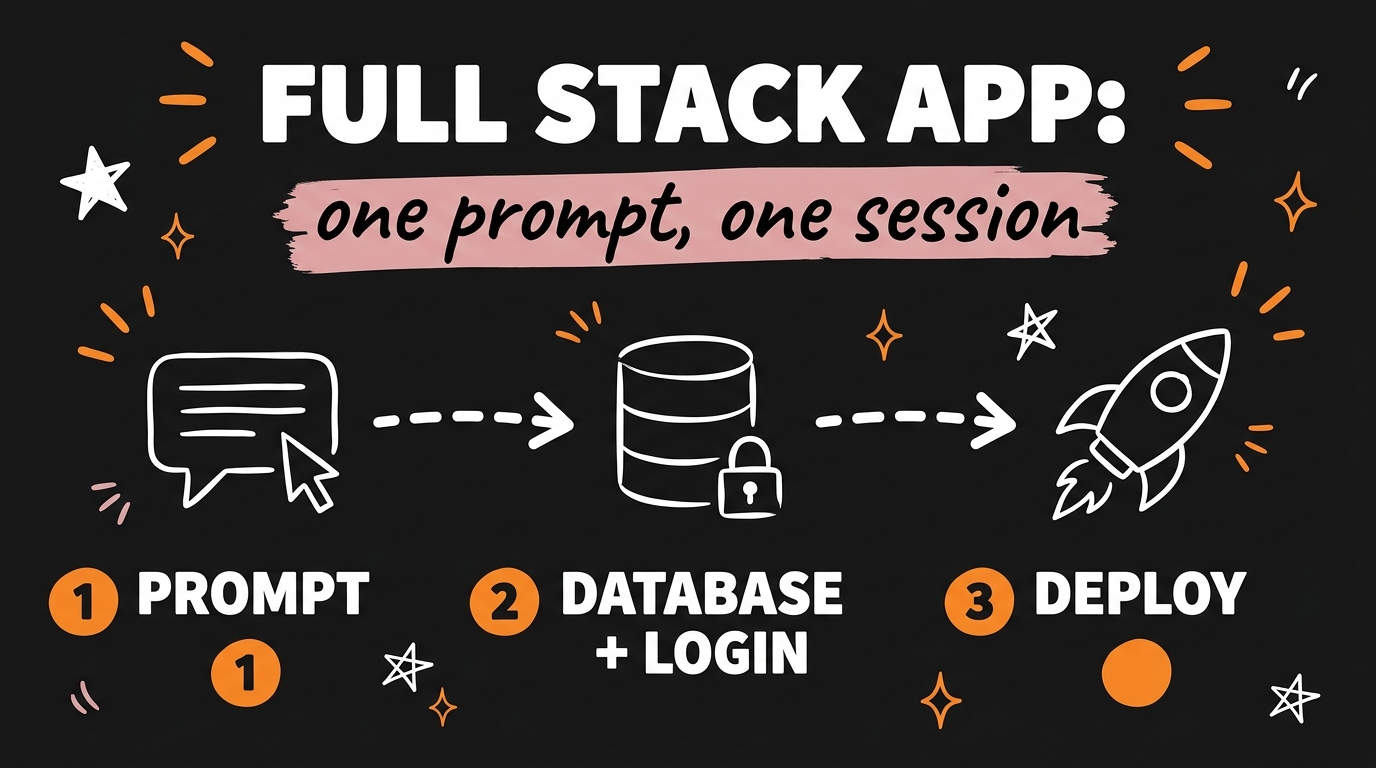
You can build a full stack app with Claude Code from a single prompt — a live, database-backed product with user login — in one working session. The system has four phases: prompt Claude Code (Anthropic’s AI coding agent) to build a simple clickable version first, connect a Neon database, add authentication so users can sign up and log in, then deploy to Vercel so anyone on the internet can use it. No dev team, no months of waiting, and no writing code from scratch.
This is the exact system agency owners and creators are using right now to ship client tools and SaaS products, and in this post I’ll walk you through each phase with the prompts to use.
Get the Free Guide
The guide breaks the whole system into four copy-paste phases — the starter prompt, the Neon database step, the auth step, and the Vercel deploy — so you can ship your first app this week.
Get the free One-Prompt Full Stack App Playbook →
Can You Really Build a Full Stack App With One Prompt?
Yes — one prompt starts the session, and Claude Code carries the build from there by writing, running, and fixing the code itself. “One prompt” doesn’t mean the app materializes in a single message; it means you describe the product once, in plain English, and then steer with short follow-ups like “make the dashboard simpler” while the agent does the actual engineering.
That distinction matters because it changes who can build software. As of July 2026, Claude Code can scaffold a project, install dependencies, write a working frontend and backend, run the app locally, and debug its own errors — which is why non-developers are shipping real products with Claude Code instead of waiting on a dev team.
Here’s the whole stack at a glance:
| Phase | Tool | What it gives you | Cost to start |
|---|---|---|---|
| 1. Build | Claude Code | A working app you can click through locally | Claude subscription |
| 2. Database | Neon | Serverless Postgres that stores your data | Free tier |
| 3. Auth | Auth library (e.g. NextAuth/Clerk) | Sign up, log in, protected pages | Free tier |
| 4. Deploy | Vercel | A public URL anyone can visit | Free tier |
Phase 1: Prompt Claude Code to Build a Simple Version First
The biggest mistake beginners make is asking for everything at once — start with a simple version you can click through and test. When you cram the database, auth, payments, and deploy into the first prompt, you get a tangled build you can’t verify. When you start simple, you have a working app within the hour and a solid base to layer onto.
Here’s a starter prompt you can adapt:
1
2
3
4
Build me a [type of app — e.g. client feedback tracker] as a Next.js app.
Keep it simple: no database and no login yet, just store data in memory.
I want to be able to [core action 1] and [core action 2].
Make it clean and modern. Run it locally so I can test it in my browser.
Then actually click through it. Add a record, delete a record, break things on purpose. Anything that feels wrong, tell Claude Code in plain English — “the save button doesn’t clear the form” — and it fixes it. This test-as-you-go loop is the same approach I used to build a full app with Claude Code without touching the code.
Phase 2: How Do You Connect a Neon Database and Add Login?
Once the simple version works, you ask Claude Code to swap the in-memory storage for a Neon database, then add authentication — in that order. Neon is serverless Postgres with a generous free tier, and Claude Code handles the schema, the connection code, and the migration for you.
The workflow looks like this:
- Create a free Neon project at neon.tech and copy the connection string.
- Hand it to Claude Code: “Connect this app to my Neon Postgres database. Here’s the connection string — move all the in-memory data into real tables.”
- Test again. Add data, restart the app, confirm the data survives. That’s the proof the database is live.
- Add auth: “Add authentication so users can sign up and log in. Each user should only see their own data.”
- Test as two users. Sign up with two accounts and confirm their data stays separate.
That last check is the one that turns a demo into a real product. Multi-user data separation is exactly what makes an app sellable to clients — every user gets their own account and their own data, which is the baseline for any SaaS or client tool.
Phase 3: How Do You Deploy the App to Vercel?
Deploying to Vercel is one instruction: tell Claude Code to push the project to GitHub and deploy it. Vercel is built for Next.js apps, connects straight to your GitHub repository, and redeploys automatically every time you push a change.
Your prompt is as simple as: “Push this project to a new GitHub repo and deploy it to Vercel. Set up the environment variables it needs, including the Neon connection string.” Claude Code handles the repo, the config, and tells you exactly what to click in the Vercel dashboard. A few minutes later you have a public URL — a live, database-backed app with login that anyone can use.
If you’d rather host on a platform with servers and background jobs, the same handoff works elsewhere — here’s how I took a Claude Code app live on Railway with the same prompt-driven approach.
Why Does This Matter for Agency Owners and Creators?
Because the cost of shipping software just collapsed — a build that used to mean hiring a developer for months now fits in an afternoon session. That changes the math on everything: client portals, internal tools, niche SaaS ideas you’ve been sitting on.
Three ways people in my community are using this system right now:
- Client tools: a custom dashboard or tracker for a retainer client, delivered in days — a deliverable that used to be unaffordable to offer.
- Niche SaaS: small, focused apps for one audience, validated with real users before investing more.
- Internal automation: tools for your own content or operations workflow that you’d never have commissioned a developer to build.
You’re not learning to code. You’re learning to direct — describing the product, testing it like a user, and letting Claude Code do the engineering. That’s the founder-who-ships position.
FAQ
Do I need to know how to code to build a full stack app with Claude Code?
No. You describe what you want in plain English, and Claude Code writes, runs, and debugs the code itself. Your job is to test the app like a user and describe what to change.
What does the Claude Code, Neon, and Vercel stack cost?
As of July 2026, Neon and Vercel both offer free tiers that comfortably cover a first app, so the only required cost is a Claude subscription that includes Claude Code.
How long does it take to build a full stack app this way?
A simple working version typically takes under an hour, and a live deployed app with a database and login is realistic in one focused session. Complex features add time, which is why you build the simple version first.
Why start with a simple version instead of the full app?
A simple version gives you something to click through and verify before adding complexity. Each phase — database, auth, deploy — is then added onto a base you already know works, which makes problems easy to isolate.
Start Building Today
The system is four moves: prompt a simple version, connect a Neon database, add authentication, deploy to Vercel. Every phase is a plain-English instruction to Claude Code, and every phase ends with you testing the result like a user. That’s how you build a full stack app with Claude Code in one session — and it’s the same repeatable loop whether you’re shipping a client tool or your first SaaS.
If you want to go deeper and build these systems alongside other creators and agency owners, Join the Vibe Coding Build →