
Open Montage: Free AI Tool That Builds Videos For You
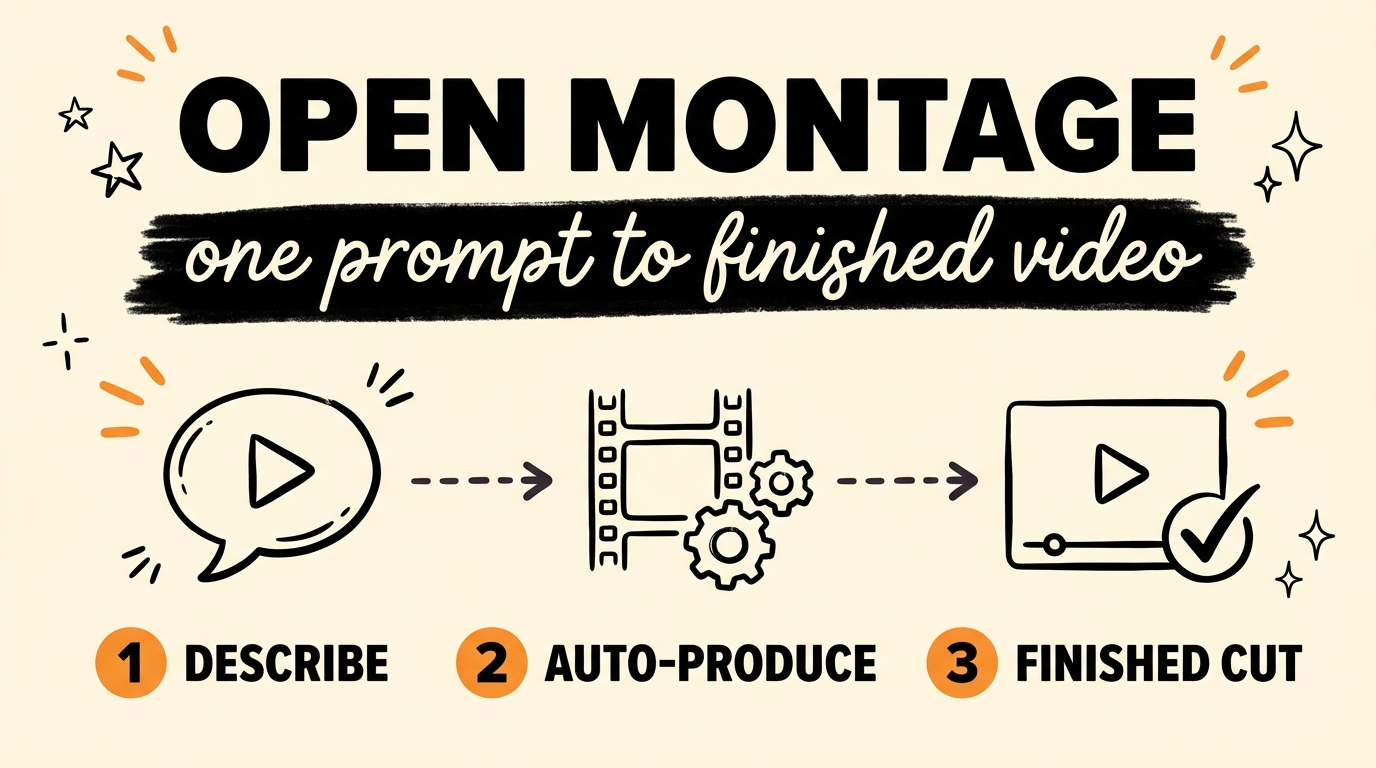
Open Montage is a free, open-source tool that runs the whole video production pipeline from one prompt: it researches the topic, writes the script, generates or pulls footage, adds a voiceover, and hands you a finished cut. It runs inside your AI coding assistant (Claude Code, Cursor, Codex, and a few others) and is built on Remotion, so the output is real programmatic video, not a slideshow of stills. For a solopreneur or a small agency, the cost of content was never the software. It was the hours, the editor fees, and the scripting. This tool goes after all three at once.
Get the Free Guide
A first-person setup walkthrough for Open Montage: the install commands, the API keys you can skip, the first render, and a fix table for when it breaks.
Get the free Open Montage Setup Guide →
What Is Open Montage?
Open Montage is an open-source agentic video production system that turns an AI coding assistant into a full video studio. You describe the video you want in plain English, and the agent works through a fixed pipeline: research → proposal → script → scene_plan → assets → edit → compose. Each stage is driven by a director skill, a markdown instruction file that teaches the agent how to do that one job well.
The repo lives at github.com/calesthio/OpenMontage and is released under the AGPLv3 license, so it is genuinely free to run. It ships with 12+ production pipelines, including animated explainers, documentary montages from real archive footage, talking-head videos, podcast repurposing, and a clip factory for batch short-form extraction. If you already build with Remotion, this sits on top of the same engine you know. My earlier walkthrough on AI motion graphics skills for Remotion in Claude Code covers that foundation.
How Does the Open Montage Pipeline Work?
Open Montage splits one big job into small ones so the agent can check itself between each step. Here is the order it runs in:
- Research and script. It searches YouTube, Reddit, news sites, and academic sources first, then writes a script grounded in what it found.
- Assets. It generates or pulls the images, video clips, narration, music, and sound effects the scene plan calls for.
- Edit and compose. It assembles the timeline, burns captions, mixes audio, and renders the final file through Remotion and FFmpeg.
Between those stages sit approval gates. At the proposal, script, scene-plan, asset, and publish points, the run can pause for a check, and a local web board called Backlot shows the production status in real time. A pre-compose validation step blocks a render if the plan is broken, and a post-render self-review inspects the finished file with ffprobe and frame extraction before it calls the job done.
Can You Run Open Montage For Free?
Yes. Every API key is optional, and the tool is built to produce a real video with none of them. Without paid keys you still get Piper for offline text-to-speech, free archival footage from Archive.org, NASA, and Wikimedia Commons, free stock media from Pexels, Pixabay, and Unsplash, and the full Remotion plus FFmpeg render stack.
| What you want | Free option | Paid option (optional) |
|---|---|---|
| Voiceover | Piper (local, offline) | ElevenLabs, OpenAI TTS |
| Footage | Archive.org, NASA, Pexels | Kling, Runway, Google Veo |
| Images | Local diffusion, stock | FLUX, Google Imagen, GPT Image 2 |
| Music and SFX | (bring your own) | Suno AI, ElevenLabs Music |
The provider list runs past 60 options, and Open Montage scores them automatically across task fit, quality, control, reliability, cost, latency, and continuity, then picks one and logs why. You can watch a zero-key demo with make demo before you spend a cent.
Who Is Open Montage For?
Open Montage fits the creator or agency owner who is drowning in production time, not tooling budget. If you script, shoot, edit, and repurpose everything yourself, the pipeline hands most of that off and keeps you in the approval seat. It pairs well with the wider habit of turning one asset into many, which I wrote about in repurposing content automatically from video to blog to freebie and in the one-link short-form video studio build.
Fair warning from the video: it still needs some tuning. Fully automated content production is close, not finished. Treat the first few runs as calibration, not a hands-off machine.
FAQ
Is Open Montage really free?
Yes. The code is open source under AGPLv3, and every API key is optional. With the free providers (Piper, Archive.org, Pexels, Remotion, FFmpeg) you can render a complete video without paying for anything.
What do I need installed to run it?
Python 3.10 or newer, FFmpeg, Node.js 18 or newer, and an AI coding assistant such as Claude Code, Cursor, or Codex. After that, git clone the repo and run make setup.
Does Open Montage make real video or just animated slides?
Real video. It uses actual motion footage from free and open archives and composes through Remotion and FFmpeg, and it runs a slideshow-risk score to flag output that looks too static.
Can it repurpose a podcast or a long video into clips?
Yes. It ships pipelines for podcast repurposing and a clip factory for batch short-form extraction, alongside talking-head and documentary montage pipelines.
How much does a video cost if I use paid providers?
The repo lists rough ranges: about $0.15 to $1.50 for a short with a few paid providers, and roughly $1 to $3 for a fuller cinematic setup. It estimates cost before it runs and can enforce a spending cap.
Where to Go From Here
Open Montage is one of the clearest signs yet that the whole content pipeline can live inside an AI coding assistant, from research to a rendered file. Start with the free stack, run make demo, then point it at a real prompt and watch where it needs your hand. Grab the free setup guide above so you have the install steps and the fix table next to you on the first run. If you want to build these systems with a group doing the same, come Join the Vibe Coding Build →.