
AI Motion Graphics Skills That Don't Look Like Slop
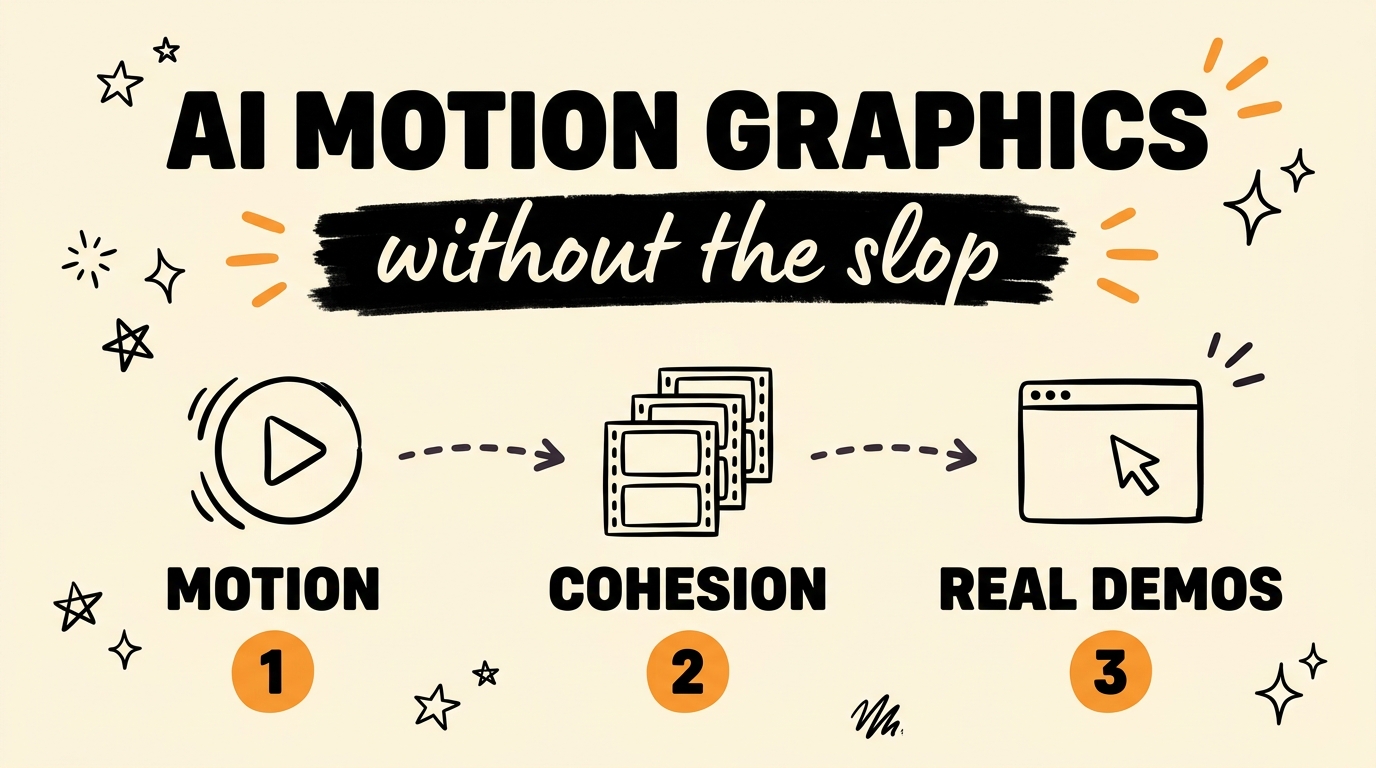
AI can write motion graphics code today, but the default output looks generic because the model has no design direction. Remotion lets you build videos and animations with code, and a small set of Claude Code skills gives that code the instructions it needs to look intentional. Four open-source skills fix the four things that make AI video look cheap: aimless movement, mismatched shots, fake-looking demos, and visuals that highlight nothing.
Get the Free Guide
The Motion Playbook lays out all four Claude Code skills, what each one fixes, and the exact prompts to run so your Remotion renders stop looking like stock templates.
Get the free Motion Playbook →
Why Does AI-Generated Motion Graphics Look Like Slop?
AI motion graphics look like slop because the model reaches for whatever is most common in its training data, and that means the same tired defaults on every render. When you ask Claude Code to build a Remotion scene with no design rules, you get the visual clichés that flooded the internet in the first place.
The usual symptoms are easy to spot:
- Purple gradients on every background because gradients are the safe default
- Random zooms and pushes that move for no reason
- Fake screen demos that no real user would recognize
- Text and shapes animating in without pointing at anything important
- Wrong or generic logos when a brand mark should appear
None of this is a Remotion problem. Remotion is a React framework that renders real, frame-accurate video from code, so it can produce broadcast-quality work. The gap is direction. The skills below are the direction.
What Are the 4 Motion Graphics Skills for Remotion?
The four skills each target one failure point, and each one is a reusable Claude Code skill you install once and call whenever you build a scene. Instead of re-explaining good motion design in every prompt, you let the skill carry the rules.
| Skill | What it fixes | The result |
|---|---|---|
| Purposeful Motion | Aimless zooms and drifts | Every movement explains the idea on screen |
| Shot Cohesion | Mismatched, jarring cuts | A consistent look across every shot |
| Real Demos | Fake-looking app footage | Computer demos that read as genuine |
| Focus Highlight | Flat frames with no emphasis | The one thing the viewer needs to see is obvious |
A fifth habit is baked into all of them: the skills tell Claude to use the correct brand logos instead of guessing, so a product shot shows the real mark rather than a placeholder.
How Do Purposeful Motion and Focus Work?
Purposeful motion means each animation earns its place by moving the story forward rather than filling time. When an element slides in, it should reveal a point; when the camera pushes, it should draw the eye toward the thing that matters next.
Here is the mental model the skills encode:
- Decide what idea the shot has to land before you animate anything.
- Give one element the job of carrying that idea.
- Animate only what supports it, and hold everything else still.
- Use a highlight, a scale, or a clean reveal to point at the key detail.
That last step is the focus highlight in action. A frame that emphasizes one thing reads instantly, while a frame where five things move at once reads as noise. If you want to see this pattern in a full build, the walkthrough in building a video creator with Remotion and Claude Code shows the same principles inside a working project.
How Do You Install and Use These Skills?
You install these as Claude Code skills, then call them by name while you build a Remotion composition. The workflow stays plain: describe the scene, name the skill you want applied, and let Claude generate the component with the design rules already in place.
A typical run looks like this:
- Open your Remotion project in Claude Code.
- Ask for a scene and reference the skill, for example “build the intro shot using the purposeful motion skill.”
- Review the generated component, then layer the next skill on the next shot.
- Render with Remotion once the shots feel cohesive.
Because the rules live in the skills and not in your memory, the tenth video looks as sharp as the first. If you are new to building your own skill libraries, these free Claude skills organized by department are a good place to see how the pieces fit together. For more animation styles you can borrow, the Vox-style animation approach with free AI tools pairs well with these motion skills.
FAQ
What is Remotion?
Remotion is an open-source framework that lets you create videos and motion graphics using React code. You write components, and Remotion renders them into real, frame-accurate MP4 video.
Do I need to know how to code to use these skills?
No. You describe the scene in plain language and Claude Code writes the Remotion components for you. The skills carry the design rules so you focus on the message, not the syntax.
Why do AI motion graphics look generic by default?
Because the model defaults to the most common patterns in its training data, which means purple gradients, random zooms, and fake demos. Adding skills with clear design rules replaces those defaults with intentional choices.
Are the four skills free?
Yes, all four skills are open source. Comment the keyword on the video or grab the free Motion Playbook above to get the full set and the prompts.
How long does it take to build a scene this way?
Once the skills are installed, a single shot takes minutes because you are prompting instead of hand-animating. The time savings compound across a full video.
Turn Code Into Motion That Actually Lands
AI can generate the code, but taste is what separates a clean render from generic slop. These four Claude Code skills hand your model the taste: purposeful motion, cohesive shots, real demos, and clear focus, with the right logos every time. Install them once and every Remotion video you build starts from a higher floor.
Want to build systems like this with AI agents? Join the Vibe Coding Build →