
How to Make Viral Vox-Style Animations for Free
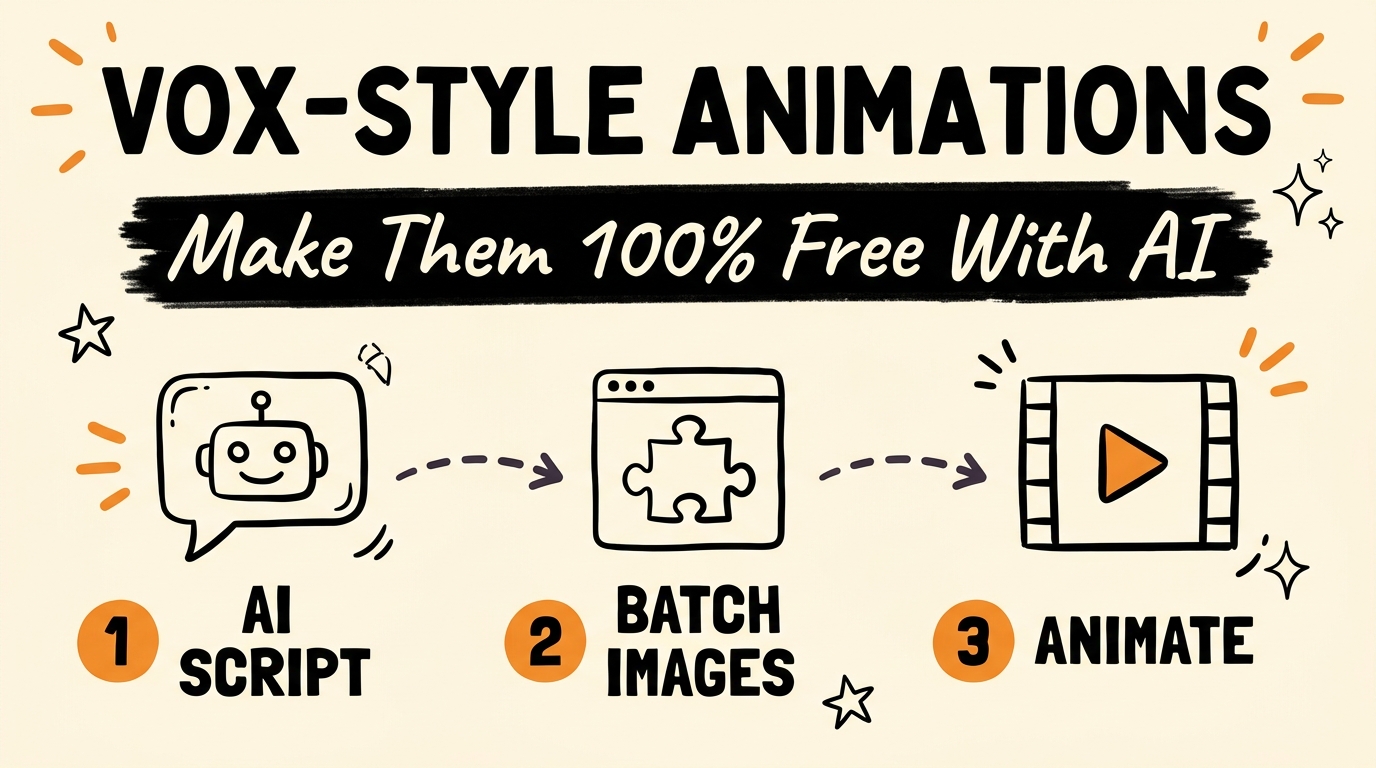
A Vox-style animation is the archived-photo effect you’ve seen everywhere lately — old black-and-white portraits that pop off the page, get stamped “ARCHIVED,” and animate into a short explainer. You can build the entire thing for free: a free AI chatbot writes the script and image prompts, a free Chrome extension batch-generates every image, and one motion prompt turns the batch into finished clips.
No editing software. No paid image generator. No manual prompt-by-prompt babysitting.
Get the Free Guide
The exact playbook — the master prompt, the extension setup, and the universal motion prompt that animates every image the same way.
Get the free Vox Animation Playbook →
What Is a Vox-Style Animation?
A Vox-style animation is a short-form video built around still images — usually old photographs or archival-looking portraits — that get a red outline, a subtle bounce, and a stamped label like “ARCHIVED” or “CLASSIFIED,” then push in and out with a Ken Burns-style camera move while a voiceover explains something. It borrows the explainer-documentary look popularized by newsroom video essays, and as of July 2026 it’s spread well beyond news into history channels, true-crime pages, and business explainers.
This is one of the fastest growing content formats on Instagram Reels, TikTok, and YouTube Shorts right now, because it turns a script into a fully visual video without filming anything or hiring an editor. The whole pipeline runs on three free tools stacked together: an AI chatbot, a Chrome extension, and an AI image-to-video model.
Which Free AI Chatbot Should You Use to Write the Script and Prompts?
Any of the three major free chatbots can run this step — you feed it one master prompt and it returns your script broken into visual beats, plus a detailed image prompt file you can hand straight to an image generator.
| Chatbot | Free tier limit | Best for this workflow |
|---|---|---|
| Claude | Generous daily message limit | Cleanest structured output — best at holding the beat-by-beat format |
| ChatGPT | Free tier with usage caps | Widest general knowledge, good for niche research |
| DeepSeek | Free, high daily limit | Best when you’re batching many scripts in one sitting |
The master prompt does three things in a single pass:
- Writes the full script in your voice, sized for a 30–60 second short.
- Breaks the script into visual beats — one beat per sentence or idea, timed to match natural speech pacing.
- Generates a detailed image prompt for every beat, formatted so an image model can render it without extra editing.
That last part is what saves the time — instead of writing image prompts by hand for every scene, you get a ready file the moment the script is done. For the research side of picking what to make next, see Stop Guessing Your Content: How AI Finds Trending Niches For You.
How Does ZapiFlow Batch-Generate Every Image for Free?
ZapiFlow is a free Chrome extension that connects to Google Flow and batch-produces every image in your prompt file automatically, so you’re not submitting one prompt at a time. Install the extension, paste in the image prompt file the chatbot generated, and it queues every image through Google Flow while you do something else — no re-typing prompts, no babysitting a queue.
How Do You Animate the Images Into Clips?
Once every image is generated, the same AI model converts them into short animated clips using one universal motion prompt — a single instruction that applies the same subtle push-in, parallax, and pop-out motion to every image in the batch. That’s what makes Vox-style videos feel intentional instead of like a slideshow: every image moves the same way, so cutting between them reads as one continuous style rather than a pile of separate stills. For a comparison point, Free Animated Explainer Videos in Claude with HyperFrames walks through a different free animation pipeline built entirely inside Claude.
Is This Different From Other AI Video Generators?
Most AI video tools ask you to describe an entire scene and hope the model gets the physics, faces, and pacing right in one shot. This pipeline sidesteps that risk by keeping images and motion as two separate, simpler steps — generate a clean still first, then apply one proven motion prompt to it. Tools built around full scene generation, like the storyboarding approach in Vibe Directing Explained: OpenArt’s AI Video Generator, solve the problem from the opposite direction: one sentence in, a fully storyboarded film out. Both are worth having in your toolkit depending on whether you want maximum control (Vox-style) or maximum speed (single-prompt storyboarding).
FAQ
What is a Vox-style animation?
A Vox-style animation is a short-form video that animates still images — often old-looking archival photographs — with a signature pop-out, red-outline, and stamped-label treatment, paired with a voiceover script. It’s one of the fastest growing short-form formats as of July 2026.
Is ZapiFlow really free?
Yes. ZapiFlow is a free Chrome extension that connects to Google Flow to batch-generate images from a prompt file, without a paid subscription.
Which free AI chatbot should I use to write the script?
Claude, ChatGPT, or DeepSeek all work — Claude tends to hold the beat-by-beat structure most cleanly, DeepSeek is useful for batching many scripts quickly, and ChatGPT is a solid general-purpose option.
Do I need any video editing skills to make one of these?
No. The entire pipeline — script, image prompts, batch image generation, and animation — runs through free AI tools. There’s no manual editing software involved.
How long does the whole process take?
Once the master prompt and motion prompt are set up, generating a full batch of images typically runs in the background while you do something else, and the animation step applies the same motion prompt to every image at once — so most of the time is unattended.
Build the System, Not Just One Video
The real value here isn’t one Vox-style video — it’s a repeatable system that turns any topic into a finished short without touching an editing timeline. Once the master prompt and motion prompt are dialed in, you run the same three steps on a new script every day.
If you want the full setup — the exact prompts and the other free AI systems I run content through — come Join the Vibe Coding Build →.