
Free Animated Explainer Videos in Claude with HyperFrames
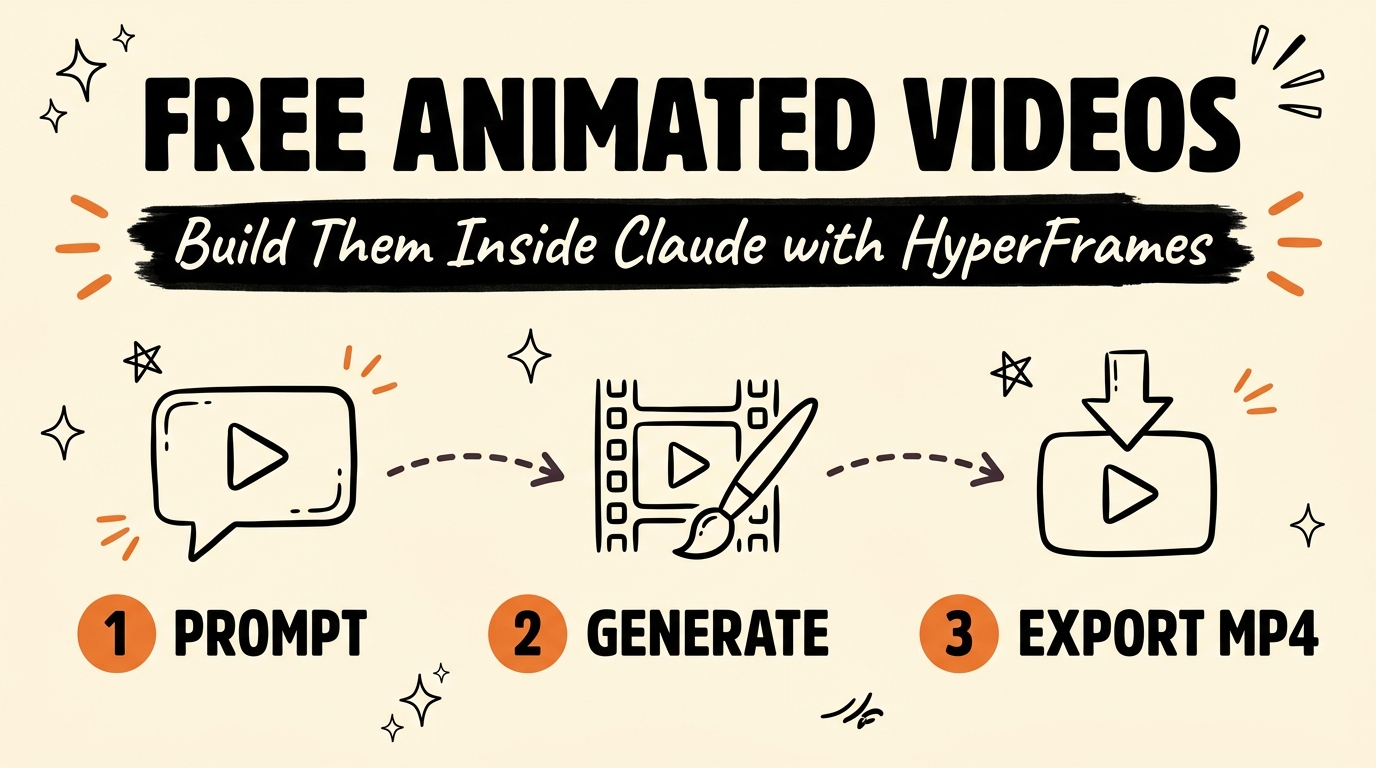
HyperFrames is a free, open-source system that builds animated explainer videos entirely inside Claude — no editing software, no design skills, and no monthly subscription. You give an AI agent a prompt, and it writes the script, builds the visuals, times the animation, and exports a finished MP4.
Most solopreneurs are still paying for video tools they don’t need. Here’s what HyperFrames actually does and how to get it running today.
Get the Free Guide
Get the full HyperFrames playbook — how to install it, feed it your brand, and generate your first video.
Get the free HyperFrames Playbook →
What Is HyperFrames?
HyperFrames is a free, open-source system that runs inside Claude and turns a prompt into a fully rendered animated video — no timeline editor, no keyframes, and no design software involved. The AI agent handles the entire pipeline: it writes the script, generates the visuals, syncs the timing, and exports the final MP4 file.
That matters because most solopreneurs default to paid tools like Canva, CapCut, or After Effects templates for explainer content, even when the actual bottleneck isn’t the software — it’s the time spent learning it. HyperFrames removes that layer entirely by letting you describe the video you want in plain language.
How Does HyperFrames Pull Your Brand Automatically?
HyperFrames can read a live website and extract its brand colors, typography, and overall visual feel without any manual setup. Feed it your website URL, and the agent applies that look to the video it generates — so the output already matches your existing brand instead of looking like a generic template.
This is the same design-extraction approach used in Claude’s broader design tooling. If you want the deeper mechanics of turning a design into a rendered video, the Claude Design to Video guide walks through the 4-step export-and-render workflow HyperFrames builds on.
What Content Can You Feed Into HyperFrames?
HyperFrames accepts almost any source material as input, then turns that context into the script and visuals for the video. You are not limited to typing a prompt from scratch — you can hand it existing content and let the agent adapt it.
Sources that work well:
| Input Type | What HyperFrames Does With It |
|---|---|
| YouTube transcript | Extracts key points and reshapes them into an explainer script |
| PDF document | Pulls the core concepts and structures them into video beats |
| Podcast audio/transcript | Condenses the conversation into a visual narrative |
| Website URL | Extracts brand colors, fonts, and tone for the visuals |
| Plain text prompt | Builds a script and storyboard from your description |
Because the agent works from your actual content, the resulting video reflects your specific message rather than a generic stock template.
How Do You Iterate on a HyperFrames Video?
If the first version of your video isn’t right, you fix it by talking to the agent, not by opening an editing timeline. You can ask for changes like “make the pacing faster in the second half” or “swap the color scheme to match my logo,” and HyperFrames regenerates the affected parts.
This conversational revision loop is the same pattern used across Claude Code’s creative skills — see the Remotion video creator guide for another example of building video output through iterative prompting rather than manual editing.
Quick tips for faster iteration:
- Be specific about what changed feels wrong (pacing, color, text size) rather than saying “make it better”
- Iterate on one element at a time so the agent doesn’t overcorrect
- Save a version you like before requesting a bigger change, in case you want to roll back
Who Should Use HyperFrames?
Solopreneurs, content creators, and small teams who need explainer videos regularly but don’t have a video editor on staff are the best fit for HyperFrames. If you’re already using Claude Code or Claude for other parts of your workflow — as covered in the creator skills roundup — adding HyperFrames keeps video production inside the same system instead of bouncing between five separate tools.
FAQ
Is HyperFrames really free?
Yes. HyperFrames is a free, open-source system that runs inside Claude, with no subscription fee to generate animated explainer videos.
Do I need editing or design experience to use HyperFrames?
No. HyperFrames is built so you describe what you want in plain language, and the AI agent handles the script, visuals, and export — no timeline editing or design skills required.
Can HyperFrames use my existing brand assets?
Yes. Feed HyperFrames a website URL and it automatically extracts your brand colors, typography, and overall feel, then applies that to the generated video.
What file types can I feed into HyperFrames?
You can feed HyperFrames a YouTube transcript, a PDF, a podcast, a website URL, or a plain text prompt, and it will turn that source content into the video’s script and visuals.
How do I fix a HyperFrames video I don’t like?
You talk to the agent and describe the change you want — pacing, color, wording — and HyperFrames regenerates the video until it matches what you’re picturing.
If you want the full step-by-step setup — install, first prompt, and how to structure your source content for the best results — join the Vibe Coding Build → for the complete walkthrough.