
Repurpose Content Automatically: One Video, Blog & Freebie
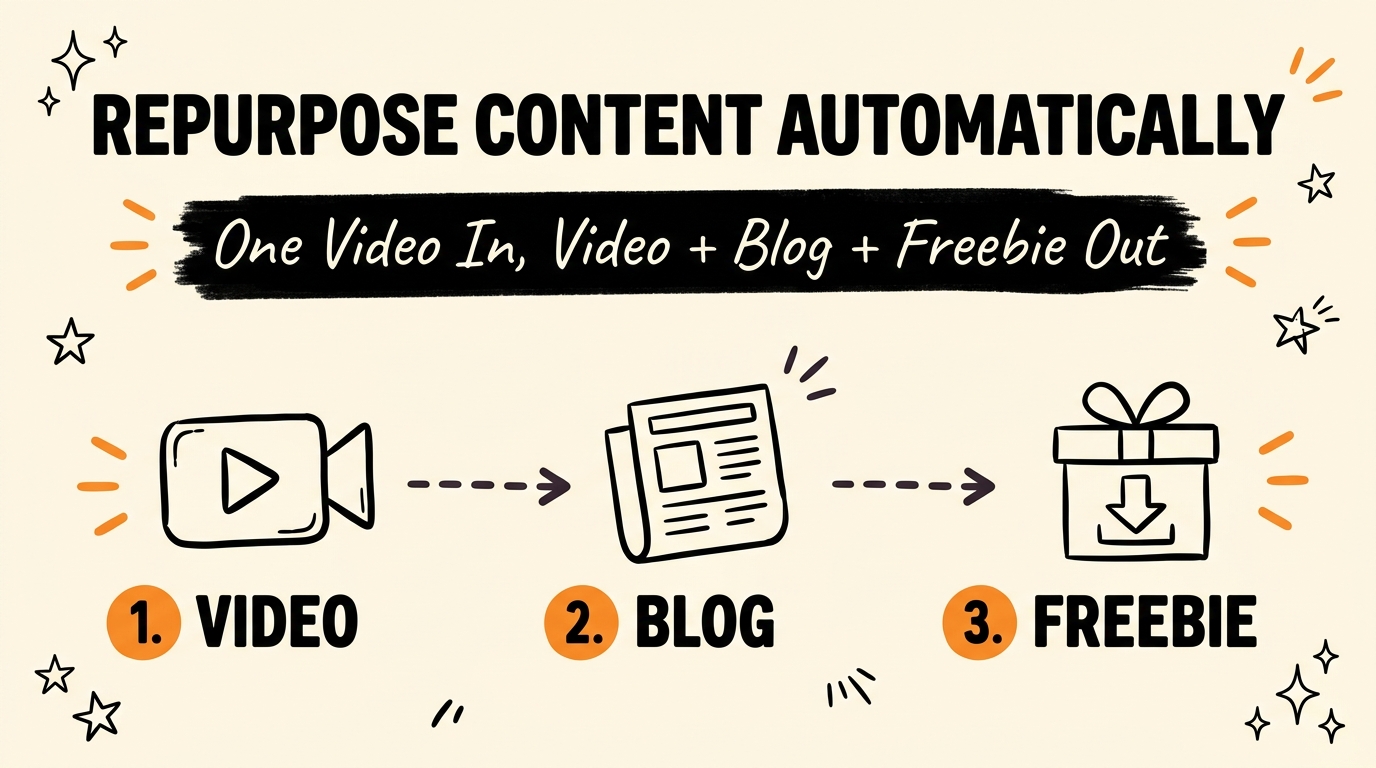
Repurposing one piece of content into a short-form video, a blog post, and a lead magnet can run in about two minutes instead of three hours, when a Chrome extension handles the transcript, script rewrite, voiceover, avatar, and publishing steps automatically. You drop in a single source — a YouTube video, a viral short-form clip, or an old blog post — and the system does the rest.
Get the Free Guide
Get the full breakdown of the repurposing pipeline, including the exact tool stack and setup order.
Get the free Content Repurposing Playbook →
What Does “Repurposing Content Automatically” Actually Mean?
Automatic content repurposing means one source input — a video, transcript, or blog post — gets transformed into multiple finished, platform-ready assets without you manually editing, writing, or recording each one. Instead of watching your own video, transcribing it by hand, and rewriting it three separate times for three separate formats, a connected system does the transcription, rewriting, voiceover, and assembly in a single automated pass.
This matters because most creators aren’t short on ideas — they’re short on hours. One piece of source content, filmed or written once, is enough raw material for a week of output if the repurposing step doesn’t eat the afternoon. That’s the gap Claude Code Routines and Chrome extension automations like this one are built to close.
How Does the Chrome Extension Turn One Input Into a Finished Video?
The extension takes a single source — a YouTube video, an already-viral short-form clip, or an old blog post — and runs it through a fixed pipeline before handing back a ready-to-post video. Here’s the sequence:
| Step | What Happens |
|---|---|
| 1. Pull transcript | The source video or post is transcribed automatically |
| 2. Rewrite the script | The transcript is rewritten into a short-form script in your brand voice |
| 3. Generate voiceover | An AI voiceover reads the new script (ElevenLabs) |
| 4. Create the avatar | A talking avatar of you delivers the script on camera (HeyGen) |
| 5. Assemble the video | Hooks, captions, and platform-specific titles are added and the final cut is assembled (Remotion) |
No timeline, no manual captioning, no re-recording. As of July 2026, this entire sequence runs inside one Chrome extension connected to HeyGen for the avatar, ElevenLabs for the voiceover, and Remotion for the final assembly — the same three tools power the extension covered in this setup walkthrough.
How Does One Video Become a Blog Post Too?
The same transcript that feeds the video pipeline also feeds a written pipeline — the system reuses the source instead of asking you to write a second, unrelated piece of content. Once the transcript is pulled, it’s rewritten again, this time as a long-form, SEO-structured blog post rather than a 60-second script, complete with headings, internal links, and a meta description.
That reuse is what makes the “one input, three outputs” claim hold up: you’re not creating a video and then separately researching and drafting a blog post. Both trace back to the same two-minute source pull, which is also how this exact post came to exist.
What Makes the Lead Magnet Different From a Regular PDF?
The lead magnet is generated from the same source content as the video and blog post, so it functions as a cheat-sheet version of whatever you just taught — not a generic opt-in freebie bolted on afterward. Because it’s pulled from material you already created, it stays on-topic and matches what the viewer just watched, which keeps the ask (“comment a keyword to get it”) relevant instead of feeling like a bait-and-switch.
This closes the loop that most creators leave open: a piece of content that entertains or informs, but never converts a viewer into an email subscriber. The freebie is the conversion step, generated automatically alongside everything else.
Is Automatic Content Repurposing Actually Worth Setting Up?
For a creator publishing regularly across more than one platform, yes — the time saved compounds every week, not just once. Three hours of manual repurposing per piece of content, multiplied across a normal posting cadence of three to five pieces a week, is 9 to 15 hours reclaimed weekly once the pipeline is set up. That’s the same math behind why manual cross-platform posting kills momentum in the first place — it’s not the posting itself, it’s the repeated manual rework behind it.
The setup cost is real — connecting HeyGen, ElevenLabs, and your Claude Code environment takes an afternoon, not a click. But it’s a one-time cost against a recurring weekly saving, which is the same trade-off that makes finding trending niches with an AI agent worth the initial setup too.
FAQ
What tools does this content repurposing system use?
It runs on a Chrome extension connected to HeyGen for the talking avatar, ElevenLabs for the AI voiceover, and Remotion for final video assembly, with Claude Code coordinating the transcript, script rewrite, and blog/freebie generation.
Can I repurpose an old blog post, not just a video?
Yes. The system accepts a YouTube video, an already-viral short-form clip, or an existing blog post as the source input — it pulls a transcript or the existing text either way before rewriting it.
Does the blog post and freebie require extra manual work?
No. Both are generated from the same source pull that creates the video, so no separate research or drafting step is required once the source is dropped in.
How long does the full repurposing pipeline take?
About two minutes for the automated pipeline to run, compared to roughly three hours for manually transcribing, rewriting, recording, and captioning the same content by hand.
Is a talking avatar required, or can I use my own face?
The avatar step is what lets the video get made without a new recording session, but the same script and voiceover can be paired with your own on-camera footage if you’d rather film it yourself.
Ready to Build Your Own Repurposing System?
One video, filmed once, doesn’t have to end as one post. With the right pipeline, it becomes a short-form video, an SEO blog post, and a lead magnet — automatically, in the time it takes to make coffee. If you want the full build behind systems like this one, Join the Vibe Coding Build →