
Open Montage: One Prompt Runs a Full AI Video Studio
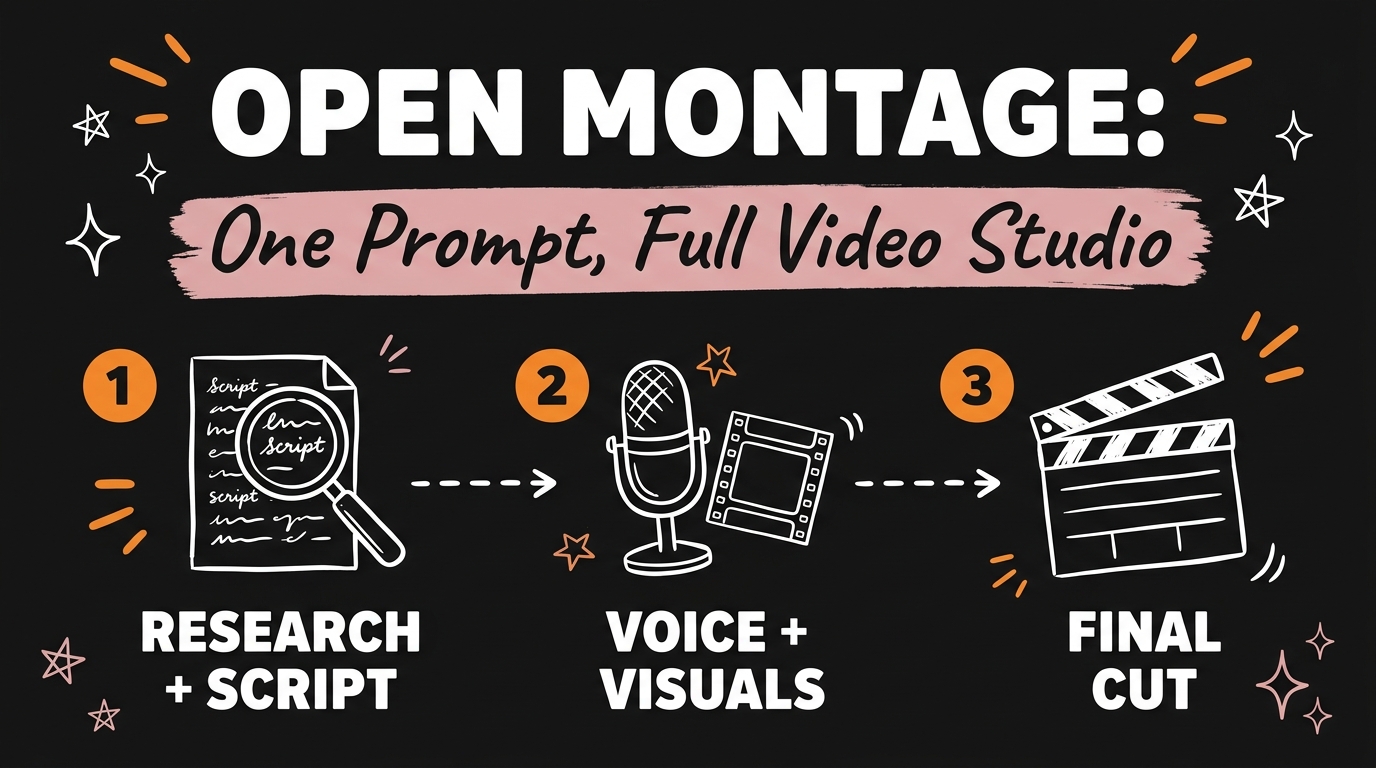
Open Montage is a free, open source video production system that runs inside Claude Code and other AI coding assistants. You give it one prompt, and a team of AI agents researches the topic, writes the script, generates visuals, pulls real B-roll, adds music, voiceover and sound effects, then delivers a finished video. As of October 2026 the repo shows over 61k stars on GitHub, and it is released under the AGPLv3 license.
Get the Free Guide
A first-person playbook with the exact prompts I would run for an explainer, a product teaser, a remake of a video you like and a trailer, plus the setup steps, the approval gates and the budget caps.
Get the free One-Prompt Video Studio Playbook →
What Is the Open Montage AI Production Team?
Open Montage is a pipeline where each stage of video production has its own AI agent role. In the video I call it a production team: a researcher, a scriptwriter, a voice artist and an editor, all powered by AI. The README describes the same thing in more technical terms. Every pipeline runs the stages research, proposal, script, scene_plan, assets, edit and compose, and each stage has a director skill, a markdown file that teaches the agent how to do that one job.
Here is how I map the team to the stages:
| Team role (my shorthand) | Pipeline stages | What it produces |
|---|---|---|
| Researcher | research, proposal | A grounded plan, based on live web search |
| Scriptwriter | script, scene_plan | The narration and a scene-by-scene plan |
| Voice artist | assets | Narration, music and sound effects |
| Editor | edit, compose | Word-level captions and the final render |
The agent is your AI coding assistant, so there is no separate app to learn. You open the project folder in Claude Code and describe the video in plain language. If you have not set it up yet, my earlier Open Montage walkthrough covers the install in detail.
What Can One Prompt Actually Make?
One prompt can produce an animated explainer, a product ad, UGC content or a cinematic trailer, according to the video. The README shows the range with real example prompts and rough costs:
| Video type | Example prompt from the README | Rough cost tier |
|---|---|---|
| Animated explainer | “Make a 45-second animated explainer about why the sky is blue” | Zero keys needed |
| Documentary montage | “Make a 90-second documentary montage about what a city feels like at 4am. Use real footage only, no narration, elegiac tone.” | Free, real footage |
| Product teaser | “Make a product launch teaser for a fictional smart water bottle called AquaPulse” | About $0.15 to $1.50 |
| Cinematic trailer | “Create a cinematic 30-second trailer for a sci-fi concept: humanity receives a warning from 1000 years in the future” | About $1 to $3 |
The README also lists a 60-second Pixar-style animated short, “The Last Banana”, that cost $1.33 in total. That is the number I keep in mind when someone tells me video needs a full editing budget.
Do You Stay in Control of the Video?
Yes. Open Montage pauses for your approval at the proposal, the script, the scene plan, the generated assets and the publish step, so nothing moves to the next stage until you sign off. The README says these gates are enforced, not suggested. Asset generation stops on a scene-by-scene storyboard with the takes, the prompts and the cost of each asset, so you approve the visuals before the render.
Money has guardrails too. According to the README, the budget controls include:
- A cost estimate before anything runs.
- A default total cap of $10.
- A per-action approval threshold, $0.50 by default.
- Three modes:
observe,warnandcap.
The film-crew metaphor holds up here. You stay in the director’s chair, and the crew asks before it spends your money.
How Do You Start From a Video You Already Like?
You can paste a reference video, and Open Montage builds a production plan from it. The README says it works with a YouTube video, a Short, a Reel, a TikTok or a local clip. The agent analyzes the transcript, pacing, scenes, keyframes and style, then gives you two or three differentiated concepts, an honest tool path, cost estimates and a sample before full production.
The prompt is short: “Here’s a YouTube Short I love. Make me something like this, but about quantum computing.” I wrote about a similar remake workflow in how I recreate a viral video with AI, and if you want to cut an existing recording with one sentence instead, see Claude Code video editing from one sentence.
What Do You Need to Run It?
You need Python 3.10 or newer, FFmpeg, Node.js 18 or newer and an AI coding assistant such as Claude Code, Cursor, Copilot, Windsurf or Codex. Then three commands set it up:
1
2
3
git clone https://github.com/calesthio/OpenMontage.git
cd OpenMontage
make setup
Every API key is optional. With zero keys you still get Piper for offline narration, free footage from Archive.org, NASA and Wikimedia Commons, and the Remotion render stack. More keys mean more tools, and a paid image or video provider adds AI-generated visuals. You can run make demo first to render zero-key demo videos and see what the free path looks like.
FAQ
Is Open Montage free?
Yes. The code is open source under the AGPLv3 license, and every API key is optional. The free path uses Piper narration, open footage archives and local rendering.
Do I need Claude Code to use it?
No. The README says it works with Claude Code, Cursor, Copilot, Windsurf and Codex. Any AI coding assistant that can read files and run code will do.
How much does one video cost?
It depends on the tools you connect. The README gives about $0.15 to $1.50 with an image or video provider configured, and about $1 to $3 for a full setup. The default total budget cap is $10.
Can it make product ads and UGC content?
The video says it handles product ads and UGC content. The README lists an Avatar Spokesperson pipeline for presenter-style videos and shows a product launch teaser prompt. Avatar and video generation providers such as HeyGen are optional keys you add yourself.
Ready to Build Your Own Video System?
Open Montage covers the production side of a content system. The harder part is knowing which systems to build and in what order, and that is what I teach inside the community. Join the build at Vibe Coding Mastery, and grab the free playbook above if you want the prompts and setup steps in one place.