
Recreate a Viral Video With AI Using Your Own Face
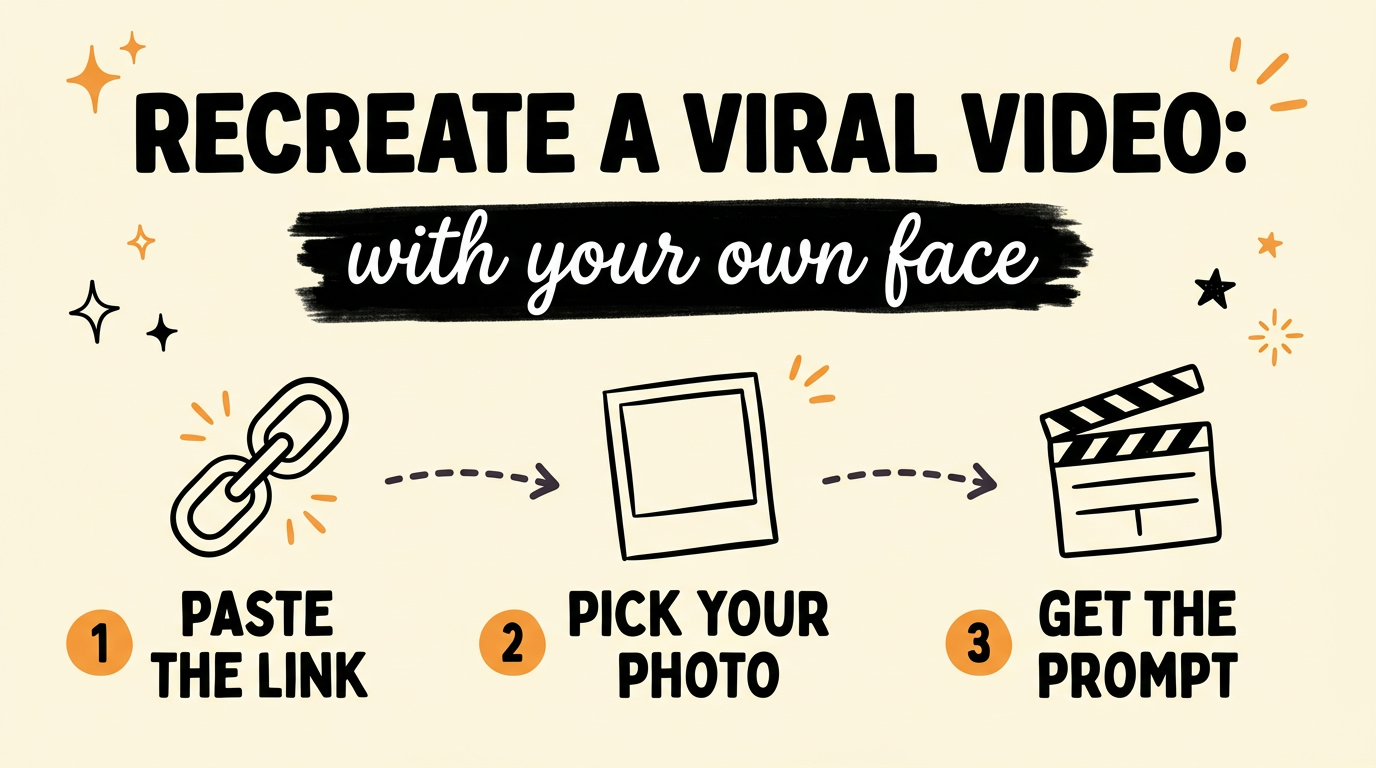
You can recreate a viral video with AI by pasting its link into GrowthOS Marketing Studio, choosing a photo of yourself, and approving the video prompt it writes. The tool breaks the original into shots, then rewrites every shot with your face and your outfit. The clip that opens the video below came out of one run: I pasted an Instagram ad, and I never filmed any of it.
Get the Free Guide
The guide has the full 890-word prompt behind this clip, a copy with blanks for your own look, and the setup steps.
Get the free Recreate a Viral Video With AI guide →
What Does GrowthOS Marketing Studio Do?
GrowthOS Marketing Studio turns a reference video into a new video with you in it. It has four tabs: Studio for starting a run, Assets for your photos, Gallery for finished runs, and Social captions for the posts that go with them. It copies the format of the original, meaning the shot order, the pacing and the camera moves. Scripts, faces, voices, music and brands are always new, and the final creative is your responsibility.
How Do You Recreate a Viral Video Step by Step?
It takes six steps, and the first one only happens once. This is the flow in the app as of October 2026.
- Add your photo. Open Assets, go to Avatars, name the avatar and upload a photo of yourself. You can also generate one with AI for about $0.04. Mine is called “Ness in Dress”.
- Paste the link. On the Studio tab, keep Mode on Recreate and paste an Instagram or TikTok link into the reference video box. You can upload an mp4 instead.
- Pick your presenter. Choose your avatar from the dropdown. Add a location or a wardrobe item if you want one.
- Click Analyze & Prepare. The app analyzes the whole source video, up to 60 seconds.
- Read the prompt. The run opens in Gallery with an editable script, the video prompt and an image prompt.
- Approve and generate. Pick the video engine and click Approve & Generate. I picked Seedance 2.5.
What Does the Analysis Find in the Original Video?
The analysis turns the original into a structured breakdown, and the prompt is built from it. This is what it returned for my 20-second reference:
| Field | What it found |
|---|---|
| Hook type | Pattern interrupt |
| Format | Greenscreen react (the app’s own label) |
| Shots | 11, each with camera, action and speed |
| Setting | An upscale city sidewalk with historic architecture and a landmark |
| Pacing | A steady walk, then a slow-motion spill, then a held pose |
On this run the analysis cost $0.021 with Gemini 3.5 Flash. If you want to do a breakdown like this by hand, How to Reverse-Engineer Viral Videos With AI walks through it.
What Is Inside the Video Prompt?
The video prompt for this run is about 890 words, split into labeled blocks that each do one job.
| Block | What it does |
|---|---|
| CAST LOCK | Fixes one presenter, with the same face, hair and build in every shot |
| WARDROBE LOCK | Fixes one outfit and its props, with no changes mid-video |
| ENVIRONMENT LOCK | Fixes the setting, the light and the color palette |
| STYLE LOCK | Sets the length, the aspect ratio, the pacing and the color grade |
| SHOT LIST | Gives 11 shots, each with camera, action, speed, how it cuts and dialogue |
| AUDIO | Says when the dialogue plays and when the sound effects land |
| NEGATIVE | Lists what the model must not change or add |
Writing the prompt cost $0.14 on this run, using Claude Sonnet 5 through OpenRouter. You can edit the script and the prompt before you generate. Both prompts are portable too: copy them into another video tool and attach the same reference images. If you want more prompts to study, 500+ Claude Opus 5.5 Video Prompts You Can Steal Free collects real ones.
What Does It Cost to Recreate a Video?
The text steps cost cents, and the video render is the larger cost. On my run the analysis was $0.021 and the prompt was $0.14. An optional opening image, which becomes the first frame, costs about $0.04 with Nano Banana 2. Kie.ai bills the video itself, and the app tells you to check Kie pricing before you generate. Marketing Studio runs on your own keys for OpenRouter, Gemini, Apify and Kie.ai, which you add in Settings. You can try GrowthOS free for 7 days before you pay anything, and the trial starts here. All prices are as of October 2026.
FAQ
What is GrowthOS Marketing Studio?
It is the GrowthOS tool that recreates a reference video with your face and outfit. You paste a link, it writes a shot by shot video prompt, and a video model such as Seedance 2.5 renders it.
Can I recreate a TikTok or Instagram video?
Yes. Paste a link from either platform into the reference video box, or upload an mp4 instead. Downloading from those sites may need an Apify key, which you add in Settings.
How long can the reference video be?
The whole source video is analyzed, up to 60 seconds. My reference was about 20 seconds, and the clip it produced was 20 seconds long.
Will my face stay the same in every shot?
The prompt locks your face, your outfit and the setting in separate blocks, and it lists what the model must not change. That gives the video model its best chance of keeping you consistent. Results still depend on the model, so check each clip before you post it.
Do I need to know how to code?
No. Marketing Studio is a web app. You upload a photo, paste a link and click buttons. The only setup is adding your provider keys in Settings.
Where Should You Start?
Pick a short reference video in your niche, add one clear photo of yourself in Assets, and run it through Studio. If you want a prompt to copy first, grab the free guide.
Try GrowthOS Marketing Studio free for 7 days. Start your free trial → A card or PayPal account is needed to start the trial.
To recreate a viral video with AI every week, you also need the rest of the system, and Get GrowthOS → is where that lives.