
500+ Claude Opus 5.5 Video Prompts You Can Steal Free
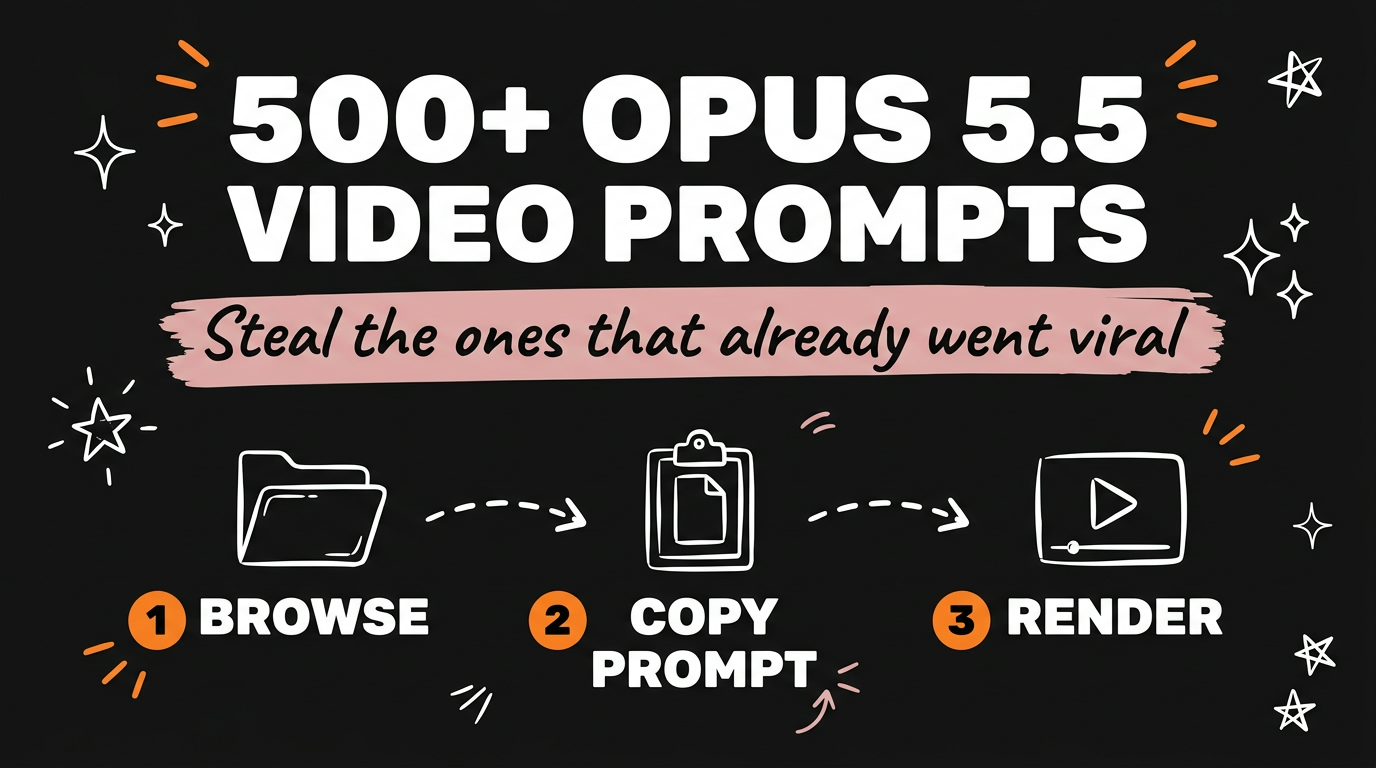
A free GitHub repo called awesome-opus5-5-videos holds more than 500 prompts pulled from real viral videos built on Claude Opus 5.5. Instead of guessing at a prompt from scratch, you open a video that already worked, copy its exact prompt, and adapt it to your own topic.
Get the Free Guide
I turned the repo into a full walkthrough with the setup steps, the prompts I actually use, and the fix table for the errors you’ll hit first.
Get the free Opus 5.5 Prompt Library Guide →
What Is the Awesome Opus 5.5 Videos Repo?
awesome-opus5-5-videos is a GitHub repository that curates viral videos made with Claude Opus 5.5, each one paired with the prompt that generated it. As of October 2026, it holds more than 500 prompts and videos, with 100 highlighted examples covering distinct prompt variations. Every entry links back to the original creator’s post, so you can watch the video the prompt actually produced before you commit to using it.
The repo splits its entries into four categories:
| Category | Entries |
|---|---|
| Motion graphics | 58 |
| Explainers | 16 |
| 3D scenes | 14 |
| Games & interactive | 12 |
The repo also links out to skillry.dev/ai-videos/opus-5-5, a site that shows each original video next to its live remake so you can compare the prompt’s output against the source before you copy it.
Why Starting From a Prompt Library Beats Starting From Zero
Most people open Claude Opus 5.5 with a blank prompt box and a vague idea, then burn a dozen tries getting the camera move, pacing, or art style right. A prompt library skips that by giving you a prompt that already produced a specific, verifiable result.
The workflow is three steps:
- Open a prompt file in the
prompts/folder, organized by creator. - Copy the “Prompt” section into Claude Opus 5.5 and ask it to render as a single HTML file.
- Record the page output if you want a video file instead of a live page.
Because the repo includes data/videos.json with metadata for every entry, you can also script your own filtering, for example pulling only “Explainers” prompts if that’s the style you’re repurposing.
How Do Solopreneurs and Agencies Use This in Practice?
If you make content for yourself or for clients, the fastest use of this repo is matching a category to a content need instead of writing a prompt cold. A motion graphics prompt becomes a product teaser, an explainer prompt becomes a how-it-works post, and a 3D scene prompt becomes a brand sting.
For a deeper breakdown of how to pull apart what makes a reference video work before you copy its prompt, see How to Reverse-Engineer Viral Videos With AI. If you’re adapting prompts for your own channel’s style, the Claude YouTube Agent Skill pairs well with this repo since it already knows how to match a format to a niche.
Does This Still Work If Claude Opus 5.5 Changes Its Defaults?
Yes, but the prompt you copy is a starting point, not a guarantee. Claude Opus 5.5 has changed default behavior before without warning, which is covered in Claude Opus 5.5 Changed These 4 Prompts Overnight. If a prompt from the repo renders differently than the reference video, check whether it depends on an effort or reasoning setting that shifted, before assuming the prompt itself is broken.
FAQ
Is the Opus 5.5 video prompt repo free to use?
Yes. The repo is MIT licensed, so the prompts are free to copy, adapt, and reuse in your own content, including commercial work.
Do I need to install anything to browse the prompts?
No. Viewing the prompt files and the skillry.dev/ai-videos/opus-5-5 comparison site needs no setup. You only need Claude Opus 5.5 access when you’re ready to render a prompt.
How many prompts are in the repo?
More than 500, with 100 highlighted as distinct examples across motion graphics, explainers, 3D scenes, and games and interactive content.
Can I use these prompts for client work?
Yes, the MIT license covers that. Just credit the original creator if you’re using their exact prompt rather than an adaptation, since each entry links back to the source post.
What if the rendered video doesn’t match the reference?
Compare your output against the original on skillry.dev/ai-videos/opus-5-5 first. Small wording changes or a shifted default in Claude Opus 5.5 can both change the result, so check the prompt text against the file before assuming the model is at fault.
Stop Writing AI Video Prompts From Scratch
A library of 500+ working prompts means you’re adapting something proven instead of guessing. Grab a prompt from the category that matches your next post, copy it into Claude Opus 5.5, and compare your render against the original before you publish.
Want the full walkthrough plus the setup commands and troubleshooting table? Join the Vibe Coding Build →