
Claude Code Can Edit Your Videos From One Sentence
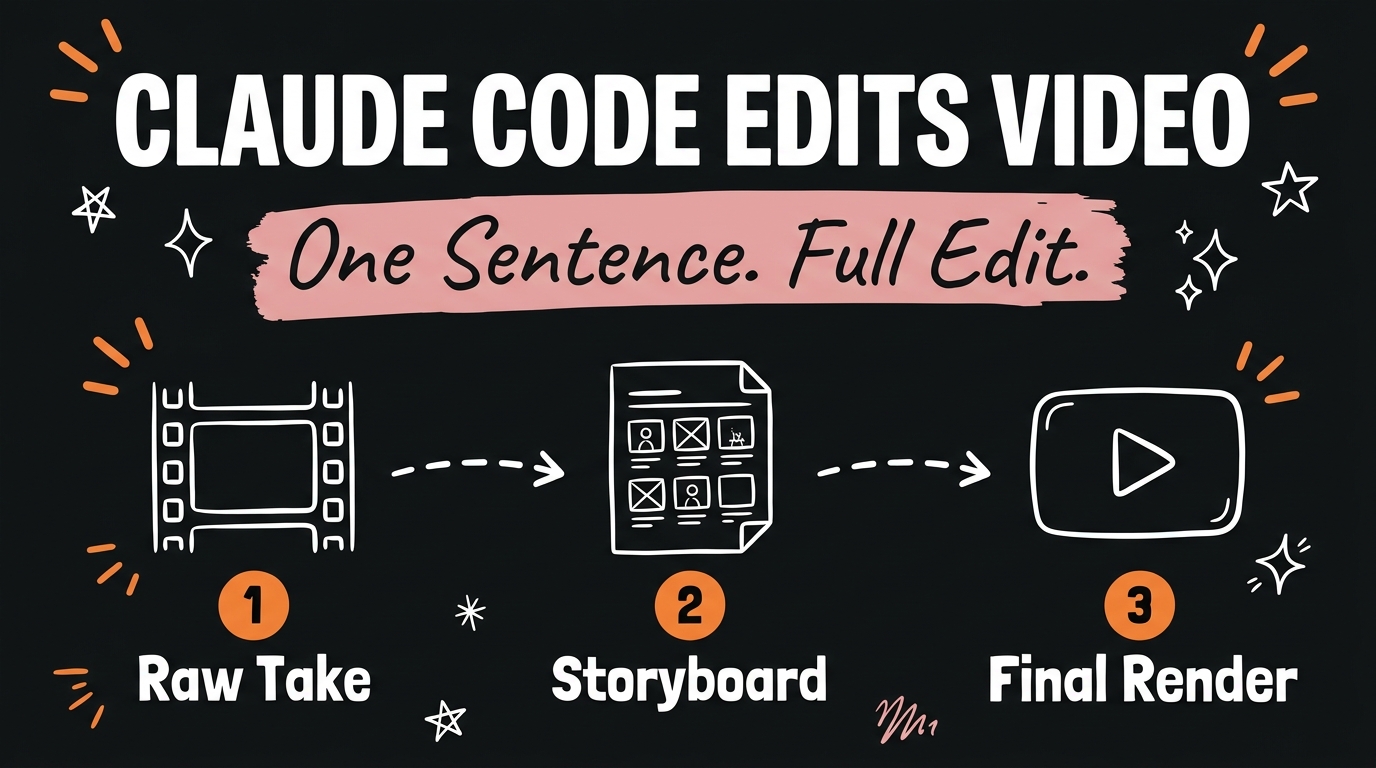
Claude Code can edit a full video from a single sentence. It reads the raw footage, writes out a complete storyboard so you can see the plan before anything renders, then builds the final cut with the color grade, the captions, and the pacing you asked for, no editing app involved.
Get the Free Guide
A step by step walkthrough of how I get Claude Code to edit a video from one sentence, storyboard included.
Get the free Storyboard Edit guide →
How Does Claude Code Edit a Video From One Sentence?
Claude Code reads the raw talking head take and the script, then writes a storyboard before it touches a render. The storyboard is a plain file, broken into beats, where each beat lists the shot, the color grade, the on-screen text, and the sound cue for that moment. You read the storyboard, leave notes on anything you want changed, and only then does Claude render the final video.
That review step is the difference between this and asking an AI tool to “just edit my video.” You see the plan first, so a wrong guess costs you one sentence, not a full re-render.
What Can You Actually Tell Claude to Change?
Every instruction in this workflow is a plain sentence, not a menu of settings. Here is what a few of those sentences actually changed in the demo video:
| What I said | What changed |
|---|---|
| “I want you to take a pass at editing this.” | Claude turned raw, unedited footage into a first full cut |
| “make it more aesthetic” | The color grade warmed up and the captions switched to a cleaner title style |
| “make it moody” | The grade shifted dark and the music bed dropped under it |
| “tighter cut, bigger captions” | The pacing sped up and the caption size scaled to 1.6x |
Each of those is one sentence. None of them required opening a timeline, a color panel, or a text tool.
Why Review a Storyboard Before Rendering?
The storyboard exists so you can catch a bad call before it costs you render time. In the demo, a single note on the storyboard, “make the CTA offer the guide,” changed just that one beat’s on-screen text. Claude did not re-plan or re-render the rest of the video for that change.
This matters most on longer videos, where a full render can take several minutes. Reading the plan first turns most fixes into a one-line edit instead of a re-render.
What Happens to the Raw Footage?
The raw take in the demo ran 1:03. After Claude cut the dead air and tightened the pacing, the final render landed at 0:58. The footage was not reshot. Claude trimmed, graded, and captioned the same take, using the storyboard as the record of every decision it made along the way.
For the full walkthrough from raw take to final render, grab the free guide.
FAQ
Do I need video editing experience to use Claude Code this way?
No. Every instruction in this workflow is a plain sentence like “make it moody” or “tighter cut, bigger captions.” The storyboard step exists specifically so you can review the plan in plain language before anything renders.
What actually renders the video?
Claude Code writes the plan. The render itself runs through HyperFrames, the composition framework that turns the storyboard’s beats into the finished MP4 with the grade, captions, and audio baked in.
Can I change one moment without redoing the whole edit?
Yes. Leave a one-line note on the specific beat in the storyboard, and Claude updates that beat instead of re-planning the entire video.
How long does an edit like this take?
In the demo, a full pass from a one-sentence request to a rendered result took a few minutes, not hours, because the hard work (cutting, grading, captioning) happens automatically once the storyboard is approved.
Try It With Your Own Footage
Drop your own raw take in front of Claude Code, tell it what you want in one sentence, and read the storyboard it hands back before you say render. That loop, prompt, storyboard, approve, is the whole system. If you want to see how a similar prompt-to-render loop plays out with a different kind of content, this breakdown of recreating a viral video with an AI marketing studio and this walkthrough of five Claude Skills running a content team are both worth a read.
Ready to build systems like this one for your own content? Join the Vibe Coding Build →