
5 Free Claude Skills That Run Your Content Team
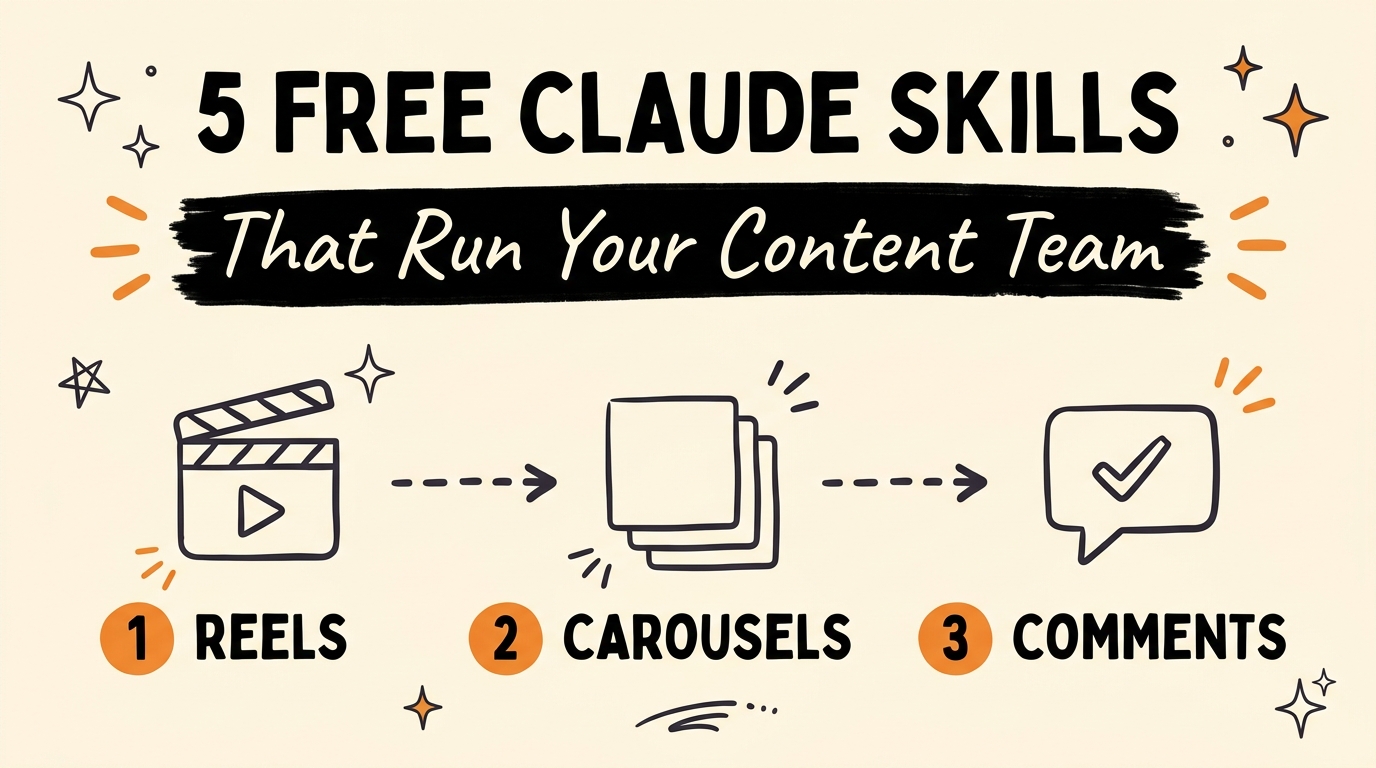
Five free Claude Skills, Reels, Carousels, Captions, Profile, and Comments, cover every piece of a social media content pipeline from first script to published post. They sit inside a public library of 57 MIT-licensed Claude Skills on GitHub, and connecting them to GrowthOS Content Engine turns the set into one system that designs the slides, renders the reels, and posts everything without a human touching a publish button.
Get the Free Guide
Get the step-by-step install guide for all 5 skills plus the GrowthOS connection, free.
Get the free Claude Content Team Skills Install Guide →
What Are Claude Skills, and Why Do They Matter for Content Creators?
Claude Skills are reusable instruction packs that Claude Code loads to handle a specific job, each one a folder with a SKILL.md file describing what to do and how. Anthropic’s Claude Code and Claude.ai both support them, and the content-creation set discussed here comes from a public, MIT-licensed collection of 57 skills on GitHub. For a solopreneur, that license matters: MIT means the skill is free to install, run, and modify without asking permission or paying a fee. The five skills below are the ones that cover a full content pipeline on their own, Reels, Carousels, Captions, Profile, and Comments, and they build on the same skill-pack approach covered in 5 Claude Code Plugins You Should Install Right Now and Claude Skill Packs for Every Department.
| Skill | What It Handles |
|---|---|
| Reels | Hook, scenes, voiceover, and music, rendered into a finished video |
| Carousels | Ten slides, from the cover slide to the one people save |
| Captions | The first line built for what people read before they tap “more” |
| Profile | Audits a bio and rewrites it so visitors actually hit follow |
| Comments | Replies to every comment, then DMs the person exactly what they asked for |
How Does the Reels Skill Turn a Script Into a Finished Video?
The Reels skill takes a script and produces a complete short-form video, not just a draft. It builds the hook, lays out the scenes, generates the voiceover, adds music, and renders the result into a file that is ready to post. That removes the four separate tools a creator would otherwise juggle, a script editor, a voiceover generator, a music library, and a video editor, and replaces them with one pass through Claude Code.
What Do the Carousel and Caption Skills Write For You?
The Carousel skill writes and designs a full ten-slide carousel, starting with the cover slide that earns the swipe and ending with the slide people actually save. The Caption skill focuses on the single most important line in any post: the first sentence, written specifically for what a reader sees before the platform cuts the text off behind “more.” Together they handle the two pieces of a post that get read before anything else, the slide someone stops on and the line that gets them to tap further.
How Do the Profile and Comments Skills Keep an Account Running After You Post?
A post is only half the system. The Profile skill audits an existing bio and rewrites it so that someone who lands on the profile after watching a Reel actually clicks follow instead of scrolling past. The Comments skill then takes over everything that happens after a post goes live: it replies to every comment, and when someone asks for something specific, it sends that person a DM with exactly what they asked for. That is the mechanism behind “comment a keyword and get a DM” funnels, the Comments skill is what reads the comment and sends the reply. It works the same way as the automated reply flow covered in Claude’s Instagram Agent Skill.
How Does GrowthOS Content Engine Automate Publishing?
Connecting these five skills to GrowthOS Content Engine is what turns them from five separate tools into one system. GrowthOS designs the slides, renders the reels, and posts the finished content straight to Instagram, TikTok, Facebook, YouTube, and five more social media platforms, nine in total. The result is zero manual publishing: the content gets written, rendered, and pushed live without a creator opening a single platform’s upload screen. For the full install walkthrough, grab the free guide.
FAQ
What are Claude Skills?
Claude Skills are reusable instruction packs, each built around a SKILL.md file, that tell Claude Code how to perform a specific task. They can be installed, shared, and modified freely when released under an open license like MIT.
Are these 5 Claude Skills free to use?
Yes. They are part of a library of 57 Claude Skills on GitHub released under the MIT license, which means they can be installed and run at no cost.
What is GrowthOS Content Engine?
GrowthOS Content Engine is the system that connects to these Claude Skills to design slides, render reels, and publish the finished content across nine social media platforms, including Instagram, TikTok, Facebook, and YouTube, without manual posting.
Do I need to know how to code to use Claude Skills?
No. Claude Skills are written in plain instructions inside a SKILL.md file. A creator installs the skill folder and runs it through Claude Code; no programming knowledge is required to use one.
Which part of the content pipeline do these 5 skills not cover?
These five skills cover creation, Reels, Carousels, Captions, and Profile, plus post-publish engagement through Comments. Publishing itself across multiple platforms is handled separately, by connecting the skills to GrowthOS Content Engine.
Running Reels, Carousels, Captions, Profile, and Comments together turns a single Claude Code setup into a full content team, and GrowthOS is what gets the output onto nine platforms without manual work. If you want to see how the pieces fit together and build your own setup, Join the Vibe Coding Build →.