
Markitdown: Stop Paying Double for PDFs in Claude
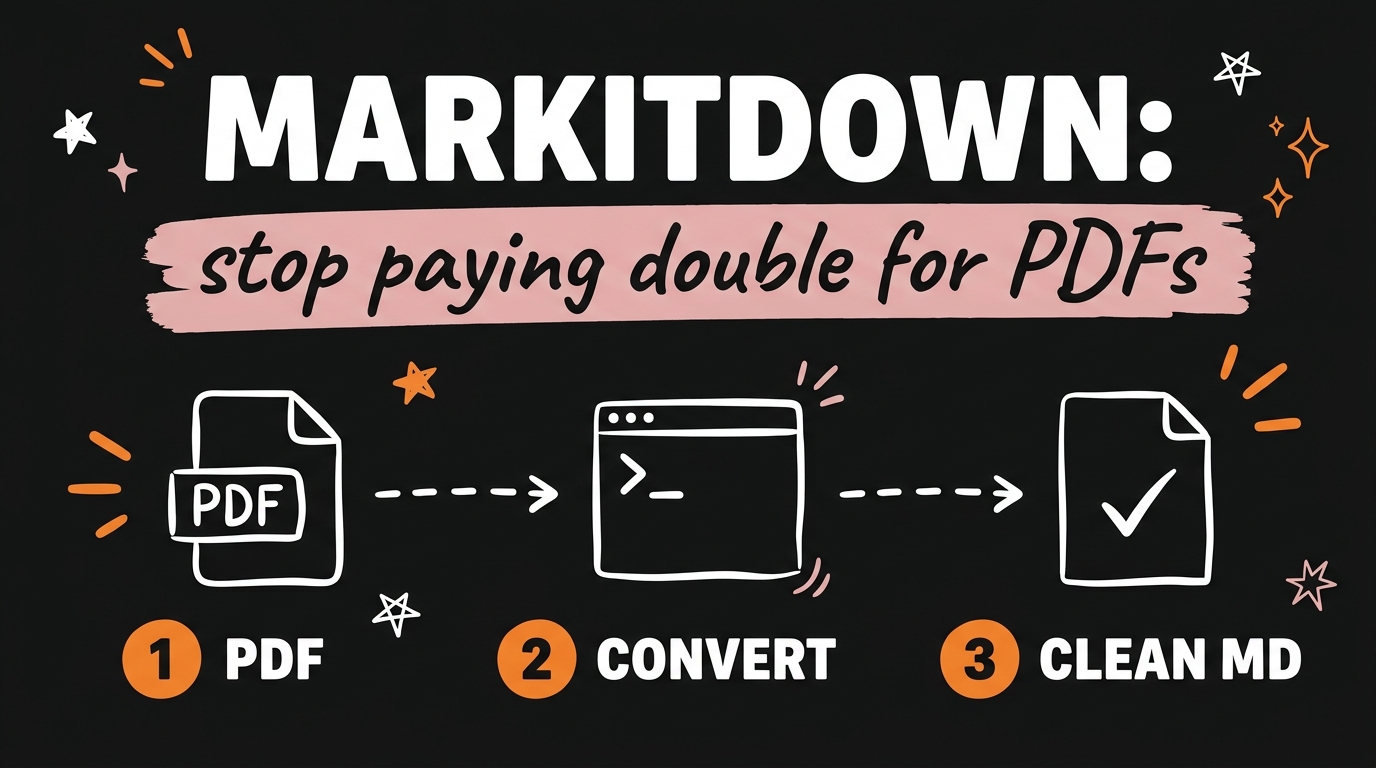
Claude processes every PDF you upload twice: each page gets converted into an image, and the text gets extracted on top of that, so you pay tokens for both. Anthropic’s own documentation puts the text alone at 1,500 to 3,000 tokens per page, with the image cost stacked on top, which means a 20-page contract can burn 60,000 tokens before you ask a single question. Markitdown, a free open-source tool from Microsoft with over 173,000 stars on GitHub, fixes this by converting PDFs, Word docs, and Excel sheets into clean markdown that Claude reads as plain text.
In this guide you’ll see exactly why the double billing happens, how to install Markitdown in one command, and when the raw PDF is still the right choice.
Get the Free Guide
The free Markitdown Setup Guide walks you through the install, the convert commands, and a copy-paste rule that makes Claude Code use it automatically.
Get the free Markitdown Setup Guide →
Why Does Claude Double-Bill Your PDFs?
When you upload a PDF, Claude converts every page into an image and also extracts the text, and both versions count toward your token bill. This is by design: the image lets Claude see charts, diagrams, and page layouts, while the extracted text gives it the words. For a visually rich document that trade is worth it. For a plain contract, a report, or meeting notes, you’re paying for a picture of text you already gave it.
The numbers add up fast. As of August 2026, Anthropic’s documentation estimates 1,500 to 3,000 text tokens per PDF page, and the page image is billed on top of that. Upload a 20-page contract and you’ve spent around 60,000 tokens before your first prompt. Do that a few times a day across a team and the waste turns into real money.
If you’ve ever watched a long Claude session degrade because the context filled up, this is one of the quiet culprits. Bloated PDF uploads eat the same context window that context rot slowly poisons in long Claude Code sessions, so trimming file inputs helps on both fronts: cost and quality.
What Is Markitdown?
Markitdown is a free, MIT-licensed Python tool from Microsoft that converts documents into markdown built for large language models. Point it at a file and it returns clean, structured text: headings stay headings, tables stay tables, and the page images disappear entirely. As of August 2026 the GitHub repo has passed 173,000 stars, which puts it among the most popular open-source AI tools ever released.
It handles far more than PDFs. Markitdown converts Word documents, Excel spreadsheets, PowerPoint decks, HTML, CSV, and JSON, and with optional extras it can even transcribe audio files and pull text from images. Microsoft built it specifically for feeding documents to language models, which is why the output is markdown rather than plain text: models parse markdown structure well, and it costs fewer tokens than most alternatives.
Microsoft has been on a run of shipping free tools that replace paid AI workflows, the same pattern behind VibeVoice, its free voice cloning model. Markitdown is that pattern applied to document processing.
How Do You Set Up Markitdown?
The full setup is one install command and one convert command, and it takes about two minutes. Here’s the whole flow:
- Install it. Open a terminal and run:
1
pip install 'markitdown[all]'
The
[all]extra pulls in support for every file type, including PDFs and Office documents. - Convert a file. Point it at any document:
1
markitdown contract.pdf > contract.md
You get a markdown file with the same text content, minus the page images.
- Give Claude the markdown. Paste or attach
contract.mdinstead of the original PDF. Claude reads it as plain text, no image conversion, no double billing.
If you use Claude Code, you can skip step 3 entirely: install Markitdown once, then tell Claude Code to run it on any document before reading it. Add a rule to your project’s CLAUDE.md like “before reading any PDF, Word, or Excel file, convert it with markitdown and read the output instead.” From then on it happens automatically. For the exact rule text and a few extras, grab the free setup guide.
How Much Does It Actually Save?
Converting to markdown removes the image half of the bill, which roughly halves the token cost of a text-heavy PDF. Here’s the comparison for that 20-page contract:
| Upload method | What Claude processes | Token cost |
|---|---|---|
| Raw PDF | Page images + extracted text | ~60,000 tokens before your first question |
| Markitdown output | Text only | Roughly half, often less |
The savings compound in ways the single-upload math hides. Every follow-up message in the conversation re-reads the whole context, so a bloated upload gets paid for again on every turn. Smaller inputs also mean more room before you hit context limits, fewer truncated sessions, and better answers, since Claude focuses on words instead of redundant page renders.
The same buy-only-what-you-use logic applies across the AI stack. If cutting waste is your thing, the pay-as-you-go AI image tools setup does for image generation what Markitdown does for documents.
When Should You Still Upload the Raw PDF?
Send Claude the original PDF when the visual layout carries meaning that text extraction would lose. That covers scanned documents with no text layer, forms where field positions matter, financial reports where you want Claude reading the charts, and anything where design itself is the question. Claude’s page-image processing exists for exactly these cases, and Markitdown’s text extraction can’t replace it.
For everything else, contracts, articles, meeting notes, documentation, spreadsheets of data, markdown wins. A good default: if you’d be happy reading the document in a plain text editor, convert it first.
FAQ
Is Markitdown free?
Yes. Markitdown is open source under the MIT license, published by Microsoft on GitHub, and free for personal and commercial use.
What file types does Markitdown support?
Markitdown converts PDFs, Word documents, Excel spreadsheets, PowerPoint decks, HTML, CSV, and JSON, and with optional extras it can transcribe audio and extract text from images.
Does Markitdown work with Claude Code?
Yes. Install it with pip, then add a CLAUDE.md rule telling Claude Code to convert documents with Markitdown before reading them. Microsoft also ships an MCP server, markitdown-mcp, for direct integration.
How many tokens does a PDF page cost in Claude?
As of August 2026, Anthropic’s documentation estimates 1,500 to 3,000 tokens per page for the extracted text, and the page image is billed on top of that.
Do I need to know Python to use Markitdown?
No. You run one pip install command and one convert command in the terminal, and if you use Claude Code you can have it run the commands for you.
Conclusion
Every text-heavy PDF you hand Claude carries an invisible surcharge, and Markitdown removes it with one free command. Install it, convert before you upload, and put the rule in your CLAUDE.md so it happens without thinking. Your token bill drops and your context window stays clean.
If you want to build more systems like this, where small free tools quietly cut your AI costs while you focus on the work, come join us: Join the Vibe Coding Build →