
Microsoft VibeVoice: Free Open-Source Voice Cloning AI
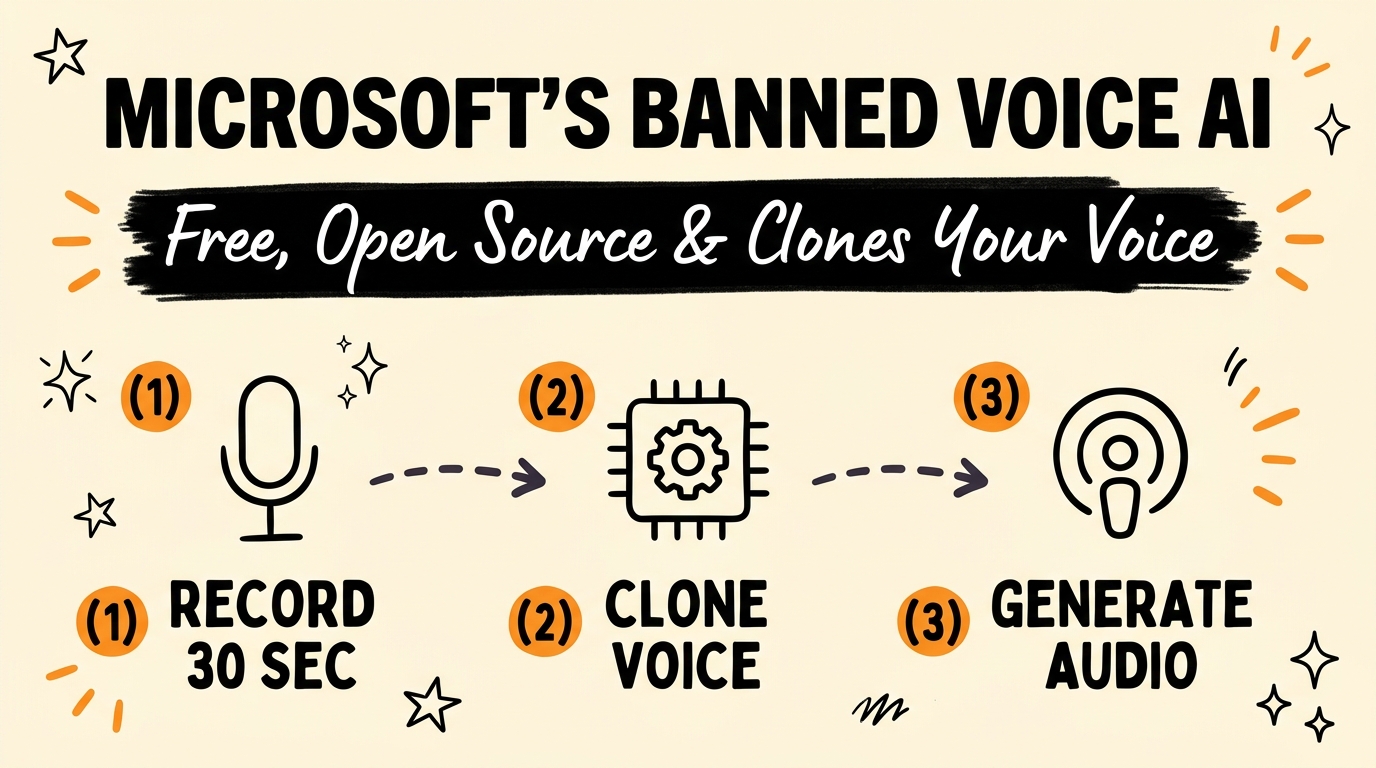
Microsoft VibeVoice is a free, open-source text-to-speech model that clones a human voice from a short audio sample and runs entirely on your own computer. It generates natural, multi-speaker, multi-language audio with no subscription and no per-character API fees — and shortly after release, Microsoft restricted public access to the repository over deepfake-misuse concerns, which only made creators want it more.
Get the Free Guide
Get the full setup playbook for cloning your voice, running VibeVoice locally, and generating podcasts and voiceovers with Claude Code handling the install.
Get the free VibeVoice Setup Playbook →
What Is Microsoft VibeVoice, and Why Did It Get Pulled?
Microsoft VibeVoice is a research text-to-speech (TTS) model built by Microsoft Research that generates long-form, multi-speaker audio — think full podcast episodes with multiple distinct voices, not just single short clips. It shipped as an open-source, locally runnable model, meaning the weights run on your own machine instead of streaming through a paid cloud API. Shortly after its public release, Microsoft restricted access to the GitHub repository, citing concerns that the voice-cloning quality made it too easy to impersonate real people without consent. The model and forks of it are still available through the open-source community, which is why the “banned but free” framing has driven so much attention to it since.
How Do You Clone Your Voice With VibeVoice in Under an Hour?
You can clone a usable version of your own voice with about 30 seconds of clean audio and a local install — no recording studio required. Here’s the general flow creators are using:
- Record a clean 30-second voice memo — no background noise, one consistent tone, on your phone is fine.
- Have Claude Code handle the environment setup — installing dependencies, pulling the model, and configuring the local server, which is normally the part that stops non-developers before they start.
- Feed in the voice sample to create your voice profile inside VibeVoice.
- Generate a test clip and compare it against your real voice for tone and pacing.
- Wire it into your content pipeline — scripts in, cloned-voice audio out.
Because the model runs locally, there’s no per-minute or per-character fee once it’s set up — a meaningful difference from paid cloud tools where every render adds to a monthly bill.
What Can You Actually Build With a Cloned AI Voice?
A cloned voice turns any text you can write into audio in your own voice, which opens up automation that used to require you to personally record everything. Creators are already using VibeVoice for:
- Multi-speaker podcasts with distinct custom voices per speaker, in multiple languages, without routing through NotebookLM — if you’re already using Claude Code alongside NotebookLM for research, VibeVoice replaces the audio-generation half of that workflow.
- Blog-post-to-audio conversion, turning written content into a narrated version automatically.
- Audiobooks narrated end-to-end without booking studio time.
- Client onboarding messages, so new clients get a personal-sounding welcome recording without you recording it live every time.
If you’re already automating how content moves from one format to another, this slots directly into a pipeline like the one covered in repurposing a single video into a blog post and freebie automatically — the audio layer is just one more automated step.
How Does VibeVoice Compare to ElevenLabs and Other Paid Tools?
The core trade-off is cost and control versus convenience: VibeVoice runs locally for free, while ElevenLabs and similar tools run in the cloud for a recurring fee.
| Microsoft VibeVoice | ElevenLabs (paid tools) | |
|---|---|---|
| Cost | Free, open source | Subscription + usage tiers |
| Where it runs | Locally, on your machine | Cloud API |
| Voice cloning sample | ~30 seconds | Varies by plan |
| Multi-speaker podcasts | Yes, built in | Requires separate workflow |
| Usage limits | None (local compute only) | Character/minute caps by plan |
| Setup difficulty | Moderate (Claude Code simplifies it) | Low (hosted, no install) |
For solopreneurs and agencies producing audio at volume — onboarding messages, narrated blog posts, multi-language podcast versions — the free local model removes the ongoing cost that scales with output.
FAQ
Is Microsoft VibeVoice actually free?
Yes. VibeVoice is released as an open-source model with no subscription or per-use API fee — you run it on your own hardware.
Why did Microsoft restrict the VibeVoice repository?
Microsoft cited concerns that the voice-cloning quality made it easy to impersonate real people without their consent, and limited public access to the official repository shortly after release.
How much audio do I need to clone my voice?
Roughly 30 seconds of clean, single-speaker audio is enough to create a usable voice clone in VibeVoice.
Can VibeVoice generate multi-speaker audio?
Yes. VibeVoice supports generating full conversations or podcasts with multiple distinct custom voices in a single output, including in different languages.
Do I need coding experience to install VibeVoice?
No. Having Claude Code handle the dependency installation and server setup means you don’t need prior development experience to get it running.
Voice cloning used to mean either recording everything yourself or paying by the character for a cloud API. VibeVoice removes both constraints — free, local, and good enough to rival paid tools — provided you’re comfortable getting it running with an agent doing the setup work for you.
Ready to build the rest of your automated content system? Join the Vibe Coding Build →