
Claude Code + NotebookLM: Auto-Generate Research Podcasts
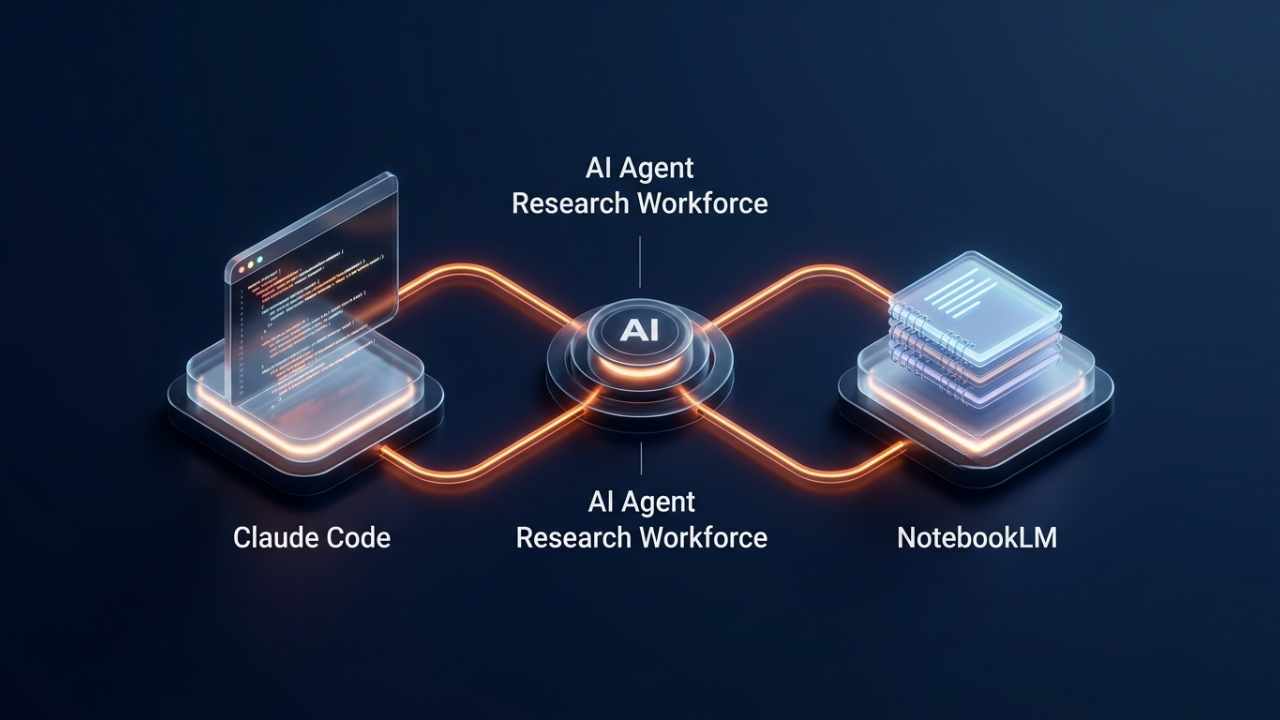
Most people use NotebookLM by manually dumping links and documents into it. That works — but it’s still a manual loop. What if Claude Code could do the whole thing for you, hands-free?
With one GitHub skill install, Claude Code connects directly to Google’s NotebookLM and turns any research topic into a deep-research podcast automatically. No copy-paste. No tab-switching. Just results.
Get the Free Setup Guide
I put together a free PDF that walks through the full installation, NotebookLM connection setup, and a few example prompts to get the best results out of this skill.
Get the free Claude + NotebookLM Research Guide →
What This Workflow Actually Does
The skill is called notebooklm-py — an open-source Claude Code skill hosted on GitHub. Once installed, you give Claude a research topic or question, and it:
- Searches and gathers relevant sources on the topic
- Feeds them into NotebookLM as a structured source set
- Triggers NotebookLM to generate a deep-research audio overview (podcast-style)
The result is a ready-to-listen research podcast on any topic — generated in minutes, with zero manual steps between your prompt and the output.
Why This Is Different From Using NotebookLM Manually
NotebookLM is a powerful tool, but it starts empty. The bottleneck isn’t the AI — it’s the setup time. You have to find sources, copy URLs, paste them in, and organize everything before NotebookLM can do its job.
Claude Code with this skill removes that bottleneck entirely:
- No source hunting — Claude finds and filters relevant material for you
- No manual input — the skill populates NotebookLM automatically
- Reusable — install once, use for any topic forever
- Scriptable — chain it with other Claude skills or workflows
This is what agentic AI actually looks like in practice: you describe the outcome, and the system handles every step in between.
How to Install the Skill
The skill uses the notebooklm-py GitHub repo. Setup takes about 5 minutes.
Step 1 — Clone the skill repo
1
git clone https://github.com/teng-lin/notebooklm-py
Step 2 — Install it as a Claude Code skill
Copy the skill files into your Claude Code skills directory, or use Claude Code’s skill install command to register it directly.
Step 3 — Run it
Open a Claude Code session and prompt it with your research topic. Claude picks up the skill automatically and handles the rest.
For the full step-by-step setup guide, including NotebookLM API configuration and skill registration — grab the free guide at the top of this page.
Who This Is For
This workflow is best for:
- Content creators researching topics for YouTube, newsletters, or courses — skip the research grind and get a structured audio overview instantly
- Entrepreneurs and marketers doing competitor or industry research — let Claude do the sourcing while you focus on the analysis
- Students and researchers who want a fast first-pass on any topic before diving deeper
- Anyone already using Claude Code who wants to get more value from tools they already have
If you spend more than 30 minutes a week gathering research, this workflow will pay for itself immediately.
What’s Next
Once you have this skill running, it opens up a broader pattern: Claude Code as a research and content pipeline, not just a coding assistant. You can chain this skill with others — summarize the podcast, turn the key points into a blog post draft, schedule a social caption — all from one Claude session.
If you want to see more workflows like this, subscribe to the channel and drop a comment with the topic you’d want Claude to research for you.
Want to build AI systems like this for your own content workflow? Check out Vibe Coding Mastery — the full course on building agentic AI systems for creators.