
LTX-2.5: Free AI Video Model That Runs Locally
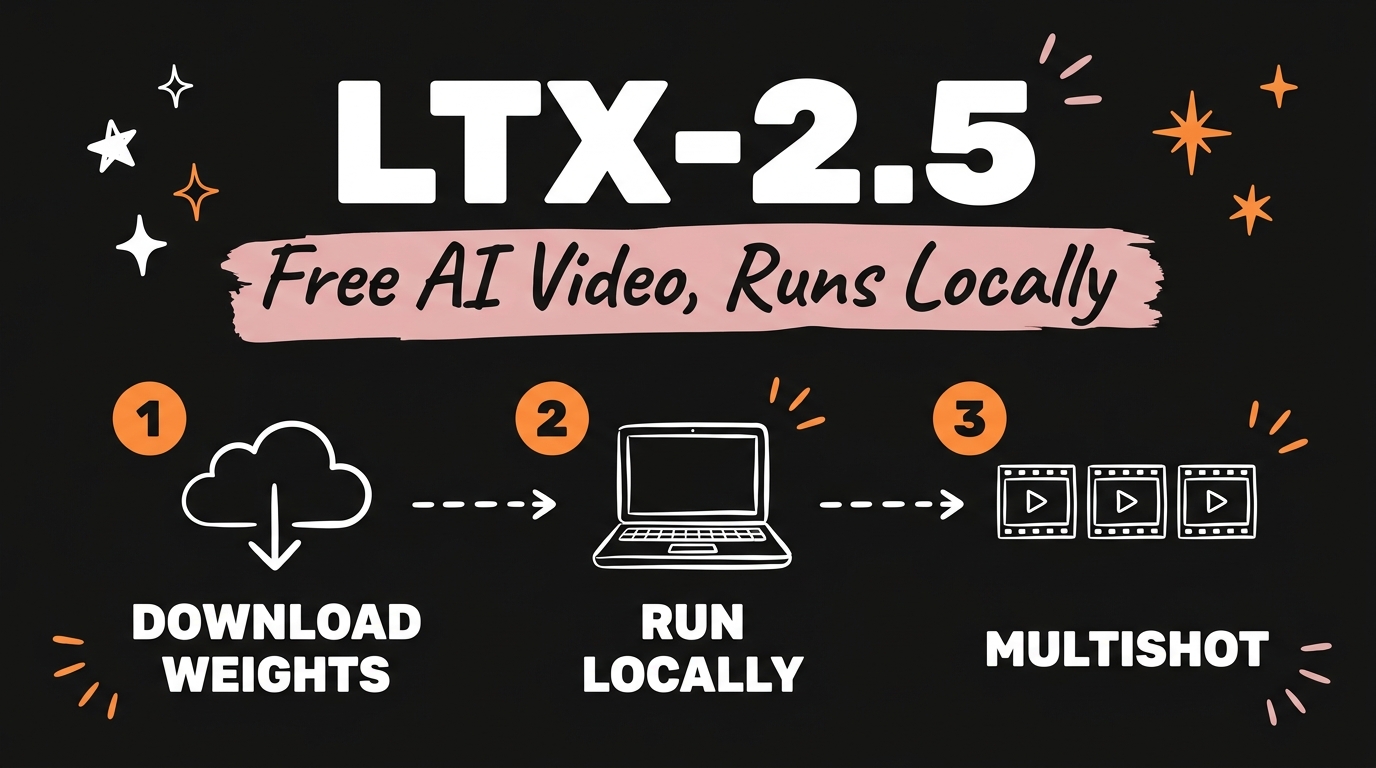
LTX-2.5 is an open-source AI video model from Lightricks that you download once and run on your own machine for free, with no subscription and no per-generation credits. You pull the weights from Hugging Face, point a command at them, and the model generates video and audio on your hardware. The previous version passed 18 million downloads, and the code lives at github.com/Lightricks/LTX-2 under an open licence.
That changes the maths on AI video. Kling and Seedance bill you per clip, so every bad generation costs real money. A local model moves the cost to one download and your own electricity, which means you can regenerate a shot forty times until it matches without watching a credit balance drain.
Get the Free Guide
The guide has the exact install commands, the weight list, the prompt format for multishot sequences, and a fix table for the errors you hit on the first run.
Get the free LTX-2.5 Local Video Generator Guide →
What Makes LTX-2.5 Different From Kling Or Seedance?
The difference is where the model runs and who holds the weights. Kling and Seedance are hosted services: your prompt goes to their servers, they charge per generation, and you get back whatever their current model version produces. LTX-2.5 ships the actual .safetensors files, so the model sits on your drive and the version never changes under you.
The second difference is multishot. Most AI video tools treat every generation as a fresh start, so a character’s jacket changes colour between clip one and clip two and your edit never quite holds together. LTX-2.5 generates a sequence of connected shots from a single prompt, keeping the same character and lighting across the whole run. You describe shot one, shot two and shot three in one prompt and the model treats it as one continuous scene rather than three unrelated jobs.
| Hosted (Kling, Seedance) | LTX-2.5 local | |
|---|---|---|
| Cost per clip | Credits or subscription | Zero after download |
| Weights | Vendor-held | On your drive |
| Model version | Changes without notice | Pinned to your files |
| Shot consistency | Resets per generation | Holds across the sequence |
| Fast attention backend | N/A | Linux and CUDA only |
| Up-front cost | None | About 66 GiB of download |
What Does LTX-2.5 Actually Download?
LTX-2.5 is not one file, it is a set of components that total roughly 66 GiB for the full install. Knowing what each piece does tells you which ones you can skip.
- Transformer. The video model itself. There are two:
ltx-2.5-22b-distilled-transformer-bf16.safetensorsfor fast generation in few steps, andltx-2.5-22b-dev-transformer-bf16.safetensorsfor the guided two-stage pipelines. Start with the distilled one. - Text encoder.
gemma4-12b-with-proj-ltx-2.5-bf16.safetensors, a Gemma 4 12B model fine-tuned to read LTX prompts. - Video VAE. Decodes latents into frames. The diffusion decoder is sharper, the convolutional one (
ltx-2.5-video-vae-conv-bf16.safetensors) is lighter and needs no extra dependencies. - Audio VAE. LTX-2.5 generates sound alongside the picture, which the hosted tools usually charge extra for.
- Upscalers. A spatial 2x and a temporal 2x latent upscaler, used to push resolution and frame rate after the base generation.
The spend here is disk and bandwidth, not money. If you have been watching where your AI video budget leaks, this is the version of that fix where the leak closes entirely.
Will LTX-2.5 Run On A Mac?
Yes, with a caveat worth knowing before you download 66 GiB. The repository’s fastest attention backend, natten, is Linux and CUDA only. On macOS and Windows the install skips it and falls back to Triton or eager neighbourhood attention, so the model still runs, just slower than the same generation on an NVIDIA card.
Two flags matter if your hardware is tight. --quantization fp8-cast shrinks the memory footprint and works with the bf16 checkpoints you already downloaded. --offload cpu or --offload disk pushes parts of the model out of GPU memory when it will not fit. Both cost speed and buy you the ability to finish a generation at all.
How Do You Install And Run It?
Four steps, and the slow part is the download rather than anything you type. As of October 2026 this is the sequence in the repository README.
- Clone and install.
git clone https://github.com/Lightricks/LTX-2.git, thencd LTX-2anduv sync --extra natten. - Authenticate with Hugging Face. Run
hf auth login. The LTX-2.5 weights are gated, so accept the model terms on the Hugging Face page first and use a read token with the “read gated repos” scope enabled. - Download the weights into
models/ltx-2.5withhf download Lightricks/LTX-2.5, naming the transformer, text encoder, both VAEs and the spatial upscaler. - Generate. Run
python -m ltx_pipelines.distilledwith paths to each file, plus--num-frames 121(about five seconds at 24 fps),--seed 42,--prompt "your prompt"and--output-path output.mp4.
The repository ships more than one pipeline. DistilledPipeline is the fast one you should test with. DFRPipeline adds a detailing LoRA for production quality at the cost of runtime and memory. There are also pipelines for image-to-video, keyframe interpolation, audio-to-video, regenerating a time region of an existing clip, and dubbing. The full command for each one, with every flag filled in, is in the free guide above.
Where Does A Local Model Fit In A Content Workflow?
A free local model is most useful on the parts of your workflow where you currently throw away generations. B-roll is the obvious one: you need six seconds of something specific, you do not care about perfection, and paying per attempt makes you settle for the third try instead of the tenth.
It pairs well with a pipeline that already handles the rest. If you are assembling clips into finished videos, Open Montage does the scripting and editing side and can take local footage as input. And if your bottleneck is talking-head footage rather than B-roll, the batch talking head system covers that half.
FAQ
Is LTX-2.5 really free?
The weights are free to download and run locally, so there is no subscription and no per-clip charge. You pay in disk space, roughly 66 GiB for the full component set, and in your own compute time.
Do I need an NVIDIA GPU to use LTX-2.5?
No, but it helps a lot. The natten attention backend that makes generation fastest is Linux and CUDA only, and on macOS or Windows the install falls back to Triton or eager attention, which runs the same model more slowly.
What is multishot generation?
Multishot means one prompt produces several connected shots that hold the same character and lighting across the whole sequence, instead of each generation starting from scratch. It is the difference between directing one scene and stitching together unrelated clips.
Does LTX-2.5 generate audio too?
Yes. The install includes an audio VAE, so the model produces sound along with the video rather than leaving you to add it in a separate step.
Why does my weight download return a 401 or 403?
The Hugging Face repository is gated. Accept the model terms on the LTX-2.5 page while logged in, then make sure your token is a read token with the “read gated repos” scope switched on.
Start With One Clip
Download the distilled transformer, generate one five-second clip at --num-frames 121, and see what your machine does with it before you commit to the full 66 GiB and the production pipeline. That one test tells you more about whether local video fits your workflow than any benchmark will.
If you want the systems side of this, the install commands, the prompt format for multishot sequences, and where a local model slots into an automated content pipeline, Join the Vibe Coding Build →