
Batch 10 AI Talking Head Videos Without Filming
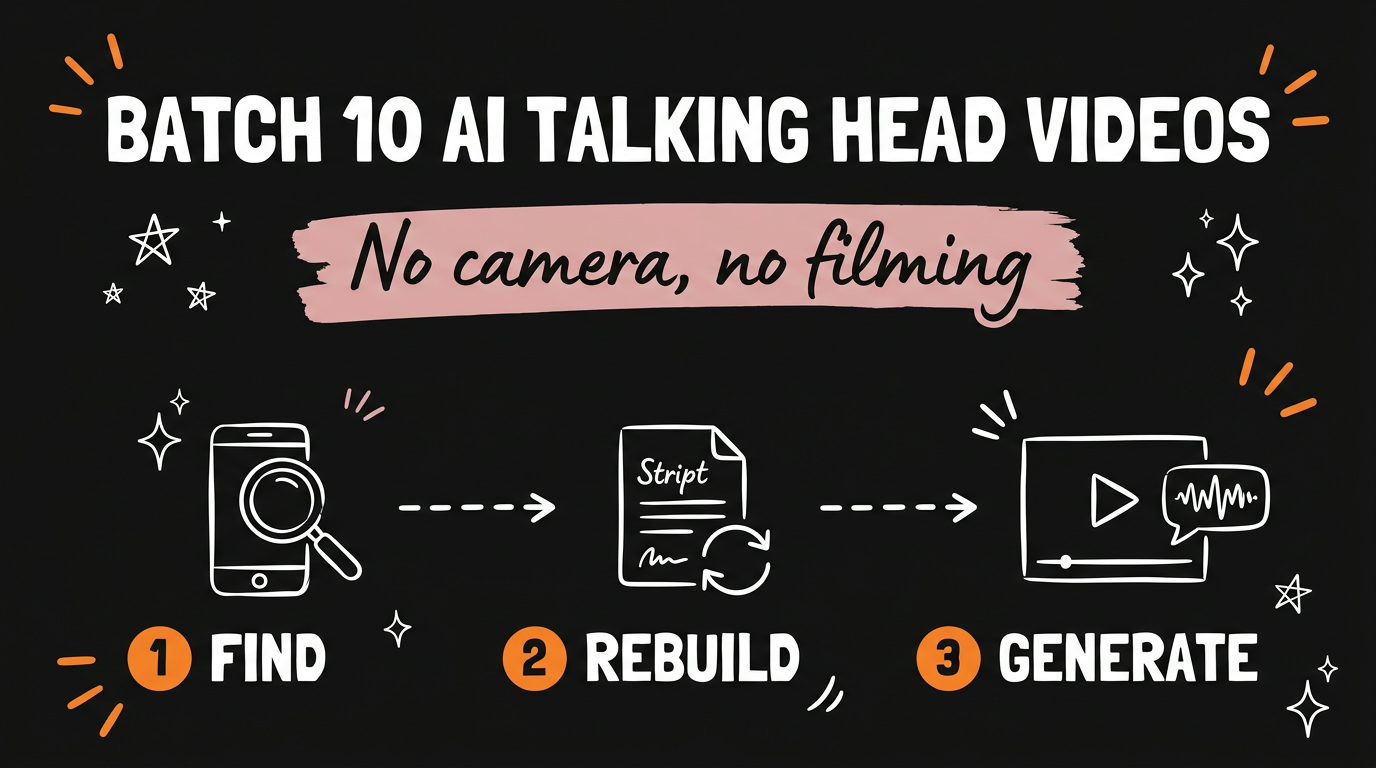
You can batch 10 AI talking head videos without filming a single second by running one four-step system: find a top-performing video in your niche, rebuild its script structure, turn that script into a voiceover with your cloned voice, and let an AI editor produce a lip-synced clip with B-roll and captions. No camera, no scripting, no editing timeline. You review the caption and hit post. That is the whole loop, and it is how solopreneurs and small agencies keep an output calendar full without stepping in front of a lens.
The trick is not one clever tool. It is a pipeline where each stage hands clean input to the next, so you are producing a batch instead of grinding out one video at a time.
Get the Free Guide
The free guide walks you through the exact four-stage setup, the tools at each step, and the review checkpoint that keeps the batch on-brand.
Get the free Batch Talking Head System guide →
What Does It Mean To Batch AI Talking Head Videos?
Batching AI talking head videos means producing several finished clips in one sitting from a repeatable template instead of scripting, filming, and editing each one from scratch. The camera step disappears because an AI avatar reads your script in your cloned voice, and the editing step shrinks because the system adds B-roll and captions for you.
Here is why this matters for output. A normal talking head video has four separate jobs: write the script, film it, edit it, and caption it. Each job is a stopping point where most creators lose a day. When those jobs run as an automated chain, the only human step left is a quick review, so ten videos take about as long as one used to.
- No scripting from a blank page — you rebuild proven structures instead
- No filming — a cloned voice plus a lip-synced avatar replaces the camera
- No manual editing — B-roll and captions are generated for you
- One review — you check the caption and publish
How Does the 4-Step System Work?
The system works by moving a single idea through four stages, where every stage produces exactly what the next one needs. You start with a video that already performed and end with a post-ready clip.
- Find a proven video. Go to Instagram or TikTok and search your niche for top-performing talking head videos. You are looking for a structure that already earned views, not a video to copy word for word.
- Rebuild the script. Open the AI SocialHub Content Engine Chrome extension and pick your B-roll style. It pulls the original transcript and writes a fresh script using the same structure that made the original perform, so you keep the shape that worked without stealing the words.
- Generate the video. The tool turns your new script into a voiceover using your cloned voice, then outputs an edited lip-synced talking head video with B-roll and captions already in place.
- Review and post. Check the generated caption, adjust anything that feels off-brand, and hit post.
The reason this beats a manual workflow is the handoff. Because the extension already has the transcript and the B-roll style, step three has everything it needs to render a finished video with no extra input from you.
Why Rebuild the Script Instead of Writing From Scratch?
Rebuilding a proven script means you inherit the structure that already earned views, which is the part most creators get wrong when they write from a blank page. A viral talking head video usually wins on its opening line, its pacing, and the order it reveals information, not on the specific topic.
When the Content Engine pulls a transcript and rebuilds it, it keeps that skeleton: the hook style, the beat where the tension lands, and the payoff at the end. You swap in your niche and your point of view, so the result is original copy on a frame that is proven to hold attention. This is the same repurposing logic behind turning one video into a blog post and freebie automatically — start from what worked, then adapt it to your channel.
| Step | What you do | What the system does |
|---|---|---|
| 1. Find | Search your niche on IG or TikTok | Nothing yet — you pick the reference |
| 2. Rebuild | Select your B-roll style | Pulls transcript, writes a new script |
| 3. Generate | Wait | Voiceover + lip-synced video + B-roll + captions |
| 4. Post | Review the caption, publish | Renders the final file |
What Do You Need To Run This Yourself?
You need three things: a cloned voice, the AI SocialHub Content Engine Chrome extension, and a short list of reference videos in your niche. The voice clone is the piece that removes the camera, so set that up first.
Voice cloning has gotten cheap and fast. If you want a free route, Microsoft VibeVoice clones a voice from a short sample and slots straight into a content pipeline. Once your voice exists as a reusable asset, every future batch reuses it, so the setup cost is a one-time job. From there the extension does the heavy lifting, the same way a Chrome extension can automate content repurposing end to end.
FAQ
Do I need to appear on camera at all?
No. The system uses an AI avatar that lip-syncs to your cloned voice, so there is no filming step. You supply the voice sample once and the avatar handles every video after that.
Is copying a top-performing video’s script allowed?
You are rebuilding the structure, not copying the words. The Content Engine pulls the transcript to learn the hook and pacing, then writes fresh script in your voice for your niche, so the final copy is original.
How many videos can I make in one batch?
The point of the system is producing several at once from proven templates, so ten in a sitting is realistic. Your limit is how many strong reference videos you can find and how much voiceover credit you have.
What is the AI SocialHub Content Engine?
It is a Chrome extension that pulls a video’s transcript, rebuilds the script on the same structure, generates a voiceover in your cloned voice, and outputs a lip-synced talking head video with B-roll and captions ready to post.
Will the videos look the same as everyone else’s?
No, as long as you vary your reference videos and your B-roll style. The structure is shared, but the topic, voice, and visuals are yours, so each clip reads as your content.
Start Batching Instead of Grinding
The reason most creators stall is that every video is a fresh script, a fresh shoot, and a fresh edit. This four-step system collapses those into one review step, so a full week of content becomes a single sitting. Find a proven structure, rebuild it, let your cloned voice carry it, and post.
If you want to build systems like this across your whole content operation, come Join the Vibe Coding Build → and learn how the pieces fit together.