
JARVIS: A Free Voice Assistant Powered by Claude Code
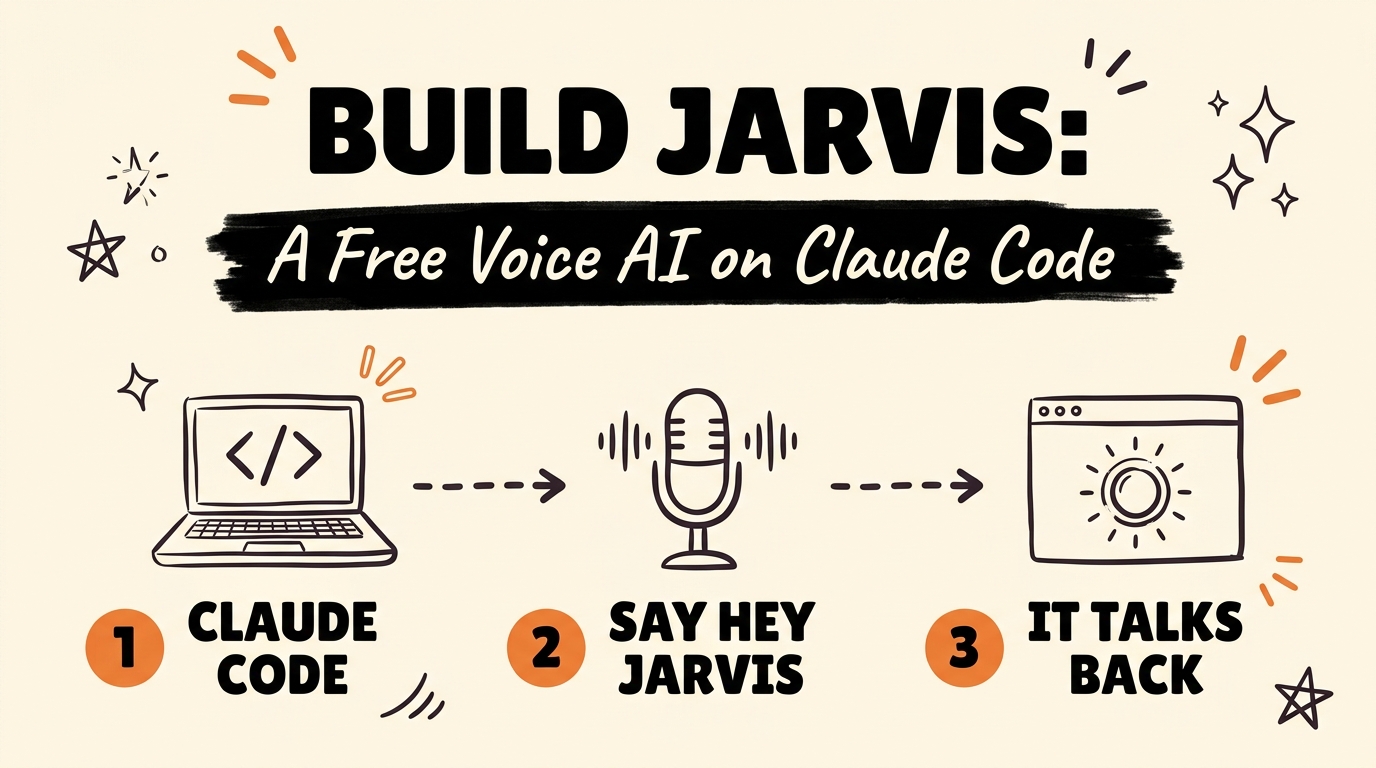
JARVIS is a free, open source voice assistant you run on your own computer. It uses your existing Claude Code subscription as the brain, so there’s no OpenAI account, no API key, and no extra cloud bill. Say “Hey Jarvis” in a browser tab and it searches the web, generates images, drives your phone, and talks back, with an Iron Man style holographic interface on screen while it works.
Get the Free Guide
Get the full setup walkthrough, the exact commands, and the fix table for when the microphone won’t cooperate.
Get the free JARVIS Setup Guide →
What Is JARVIS and How Does It Run on Claude Code?
JARVIS is two processes talking to each other over a WebSocket. The browser tab is the face: it shows the reactor UI built with Three.js and custom GLSL shaders, listens for the wake word with a local voice activity detector, and speaks the replies out loud. A small Node process called the bridge is the brain: it runs the Claude Agent SDK, which spawns the real claude CLI as a child process. That means the model answering you is Claude Code itself, running headless, authenticated off the same login you already use in your terminal.
The two sides talk over ws://localhost:8787 by default. Because the bridge is a real Node process and not a browser tab, it can spawn local MCP servers that a tab never could: things like playwright for browser control, android for your phone, or elevenlabs for voice.
The repo behind this build is adewaskar/jarvis on GitHub, sitting at 143 stars as of this writing, MIT licensed.
What Can You Actually Say to JARVIS?
JARVIS reaches every MCP server already configured in your ~/.claude.json, which usually covers web search, image and video generation, phone control, and browser automation, depending on what you have installed. A few things that work out of the box:
- “What’s happening in AI this week?” (web search)
- “Generate an image of the Mark VII suit.” (image generation)
- “Take a screenshot of my phone.” (device control, if
androidis configured) - “Open my GitHub notifications.” (browser control, if
playwrightis configured)
JARVIS can also drive its own interface by voice. Tools like ui_theme, ui_reactor, and ui_orbit let it change the accent color, swap the reactor’s shape between a ring, sphere, or wireframe, or put a generated image in orbit around the core, all from a spoken command like “make it red, hide the systems list, put that render in orbit.”
How Do You Set JARVIS Up on Your Computer?
The full checklist is in the free guide above, but the short version:
- Install and log into Claude Code (
npm install -g @anthropic-ai/claude-code, then runclaudeonce). This is the only account JARVIS needs; there’s no separate API key. - Install Node.js 20 or newer.
- Clone the repo and run
npm install, thennpm startto launch the brain and the face together. - Open
http://localhost:5173in a real Chrome or Edge window (not a preview pane), click INITIALISE, allow the microphone, and say “Hey Jarvis.”
An ElevenLabs API key is optional. Add one and JARVIS switches to a better voice and sharper transcription automatically; without it, everything still runs on the browser’s own built-in speech.
Why Doesn’t JARVIS Read My Gmail or Calendar Out of the Box?
This is the part that trips people up. JARVIS reaches MCP servers listed in your local ~/.claude.json file, not the connectors you added through your claude.ai account. Account connectors like Gmail or Google Calendar aren’t stored on disk, so the bridge has no way to see them. If you want JARVIS to touch your inbox or calendar, you’d need to add a local MCP server for that in ~/.claude.json, the same way elevenlabs or playwright get added.
Is It Safe to Let a Voice Assistant Touch Your Computer?
By default, yes, because the tool gate starts read-only. Search, generation, and lookups run freely, but anything effectful (sending a message, tapping your phone, deleting a file, installing something, paying for something) is denied automatically. That decision is made ahead of time in a function called decideTool() inside bridge/server.mjs, not in the moment you ask for it, since voice is a poor interface for a confirmation dialog.
To allow the effectful tools, you start the bridge with npm run bridge:writes instead of the default npm run bridge. The README is blunt about what that changes: “Hey Jarvis, clean up my downloads folder” means something different once writes are turned on.
For a look at how other MCP servers plug into Claude Code outside of JARVIS, see 4 MCPs That Make Claude Code Actually Useful. And if you want to see Claude Code running headless in a different kind of tool, Orca: Free AI Agent Manager for Claude Code and Codex covers a similar pattern from a different angle.
FAQ
Do I need an OpenAI or ElevenLabs API key to run JARVIS?
No. JARVIS runs entirely on your existing Claude Code subscription with no API key at all. ElevenLabs is optional and only upgrades the voice and transcription quality; without it, JARVIS speaks and listens through the browser’s own built-in speech.
What browsers does JARVIS work in?
Chrome or Edge, in a real browser window. Embedded preview panes, including the one inside code editors and inside Claude Code itself, block microphone access, so the page loads fine but never hears you.
Can JARVIS control my phone or my browser?
Yes, if you have the android or playwright MCP servers configured in ~/.claude.json. Those tools are effectful, though, so they only work once you start the bridge with npm run bridge:writes.
How much does JARVIS cost to run?
The only ongoing cost is your Claude Code subscription; the heavy model work runs on Anthropic’s servers, so a low-end laptop only has to render the browser interface. An ElevenLabs key, if you add one, has its own free tier that covers a demo.
What model does JARVIS use by default?
claude-opus-5 at medium reasoning effort. Both are overridable with the JARVIS_MODEL and JARVIS_EFFORT environment variables, and the bridge prints which one it picked on startup.
If you’re building your own Claude Code systems and want more free, no-API-key tools like this one, Claude LinkedIn Agent Skill: 11 Free Skills, No API Keys is another one built the same way.
Ready to Go Deeper?
JARVIS is one build on top of Claude Code. If you want a full system for turning Claude Code into daily content, automation, and client work, check out the Vibe Coding builds.