
Claude LinkedIn Agent Skill: 11 Free Skills, No API Keys
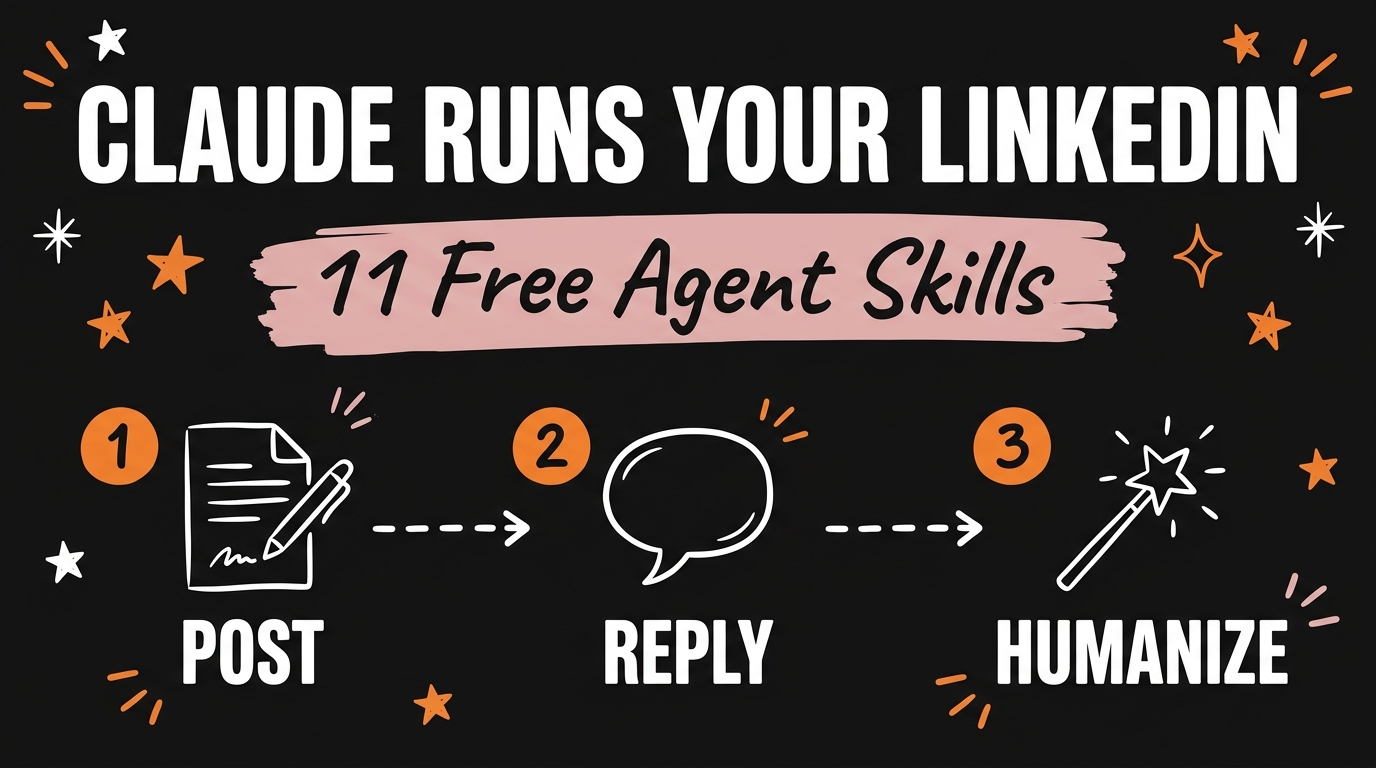
The Claude LinkedIn Agent Skill is a free, MIT licensed bundle of 11 Claude Skills that drafts your entire LinkedIn presence, posts, comments, replies, profile copy, and a weekly plan, then hands every draft to you for approval before anything goes out. It was built by developer Jake Schincariol and runs entirely inside Claude Code or Codex with no API keys and no data leaving your machine.
Get the Free Guide
The full setup walkthrough: where the skill folder goes, the voice profile you fill in once, and the exact commands to run the humanizer and its detector.
Get the free LinkedIn Agent Skill Setup Guide →
What does the Claude LinkedIn Agent Skill actually do?
It splits LinkedIn work into 11 separate skills, each one owning a single job, so Claude picks the right skill instead of guessing at one giant prompt. Every skill produces a draft and stops there; nothing posts automatically, because automating LinkedIn through a browser or third-party tool violates LinkedIn’s User Agreement.
| Skill | Job |
|---|---|
/li-post |
Writes posts using 21 hook formulas |
/li-comment |
Drafts comments across nine comment types |
/li-reply |
Sorts and drafts replies to incoming comments |
/li-profile |
Scores your profile against a 12-part rubric, 0 to 100 |
/li-plan |
Builds a weekly content and engagement plan |
/li-human |
Runs the humanizer and detector pass (below) |
/li-carousel |
Writes multi-slide document post copy |
/li-repurpose |
Turns one piece of content into a week of posts |
/li-dm |
Drafts invite notes and follow-up sequences |
/li-inbox |
Triages incoming messages by type |
/li-audit |
Reviews past posts by engagement metrics |
Every skill reads one shared file, templates/voice.md, so the drafts sound like you rather than like each other. You fill it in once, either by hand or by handing Claude three of your existing posts to extract your voice from.
How does the humanizer clear five AI detectors?
The /li-human skill runs two local Python scripts, humanize.py and detect.py, with no external dependencies and nothing uploaded anywhere. humanize.py cleans a draft in three passes: it strips invisible characters (zero-width spaces, word joiners, soft hyphens, byte-order marks), converts em dashes to commas and curly quotes to straight ones, then swaps out 113 stock AI terms such as “delve,” “leverage,” and “in today’s fast-paced world.”
detect.py then scores the result from 0 to 100 across five checks:
- Burstiness: how much sentence length varies
- Specificity: numbers, names, and concrete details per 100 words
- Slop density: how often stock AI terms appear
- Fingerprint: invisible characters, em dashes, and curly quotes per 1,000 words
- Voice: contractions, first person use, and other structural tells
The final score weights the average of all five checks at 60% and the single weakest check at 40%, so one bad check can still flag a draft even if the rest look clean. You can run it on a before and after pair to see the exact delta:
1
2
3
python3 humanize.py draft.txt --report
python3 detect.py draft.txt
python3 detect.py before.txt after.txt
A few structural issues, like rule-of-three lists, one-word rhetorical questions, and hashtag walls, are flagged for you to fix by hand rather than cleaned automatically, since they need judgment the script doesn’t have.
How do you install the Claude LinkedIn Agent Skill?
There are three ways to get the skill folder into Claude, listed in the repo’s README at github.com/nessalazne/linkedin-agent-skill:
- Paste the repo URL into Claude and ask it to install the skill, then confirm
/li-postworks. - Clone it manually and copy the skill folders into your skills directory:
1
2
git clone https://github.com/nessalazne/linkedin-agent-skill.git
cp -r linkedin-agent-skill/skills/li-* ~/.claude/skills/
- Install it as a plugin:
1
2
/plugin marketplace add nessalazne/linkedin-agent-skill
/plugin install linkedin-agent
For a project-local install, copy the skill folders into .claude/skills/ inside that repo instead of your home directory. Whichever method you pick, spend the ten minutes the README asks for on templates/voice.md first, since every one of the 11 skills reads it before drafting anything.
Does it post to LinkedIn for you?
No. Every skill in this repo produces a copy-ready draft and waits for you to review and paste it in, because the README is explicit that automating the LinkedIn site with a browser or a third-party tool breaks LinkedIn’s User Agreement. That’s also why no API key is required anywhere in the setup; there’s no LinkedIn API call to authenticate, just local text generation and local scoring.
If you’re already running a content repurposing pipeline for video, /li-repurpose slots into that same habit for LinkedIn specifically, turning one post, article, or transcript into a week’s worth of drafts instead of a single one-off.
FAQ
Does the Claude LinkedIn Agent Skill require an API key?
No. All 11 skills, including the humanizer, run locally inside Claude Code or Codex with no external API key and no data sent anywhere.
Is the LinkedIn Agent Skill free?
Yes, it’s released under the MIT license, so you can use it, modify it, or redistribute it without paying anything.
What’s different between this and other free LinkedIn skill bundles for Claude?
Several open source bundles cover similar ground, including a separate 11-skill LinkedIn OS from a different developer. This one’s standout feature is /li-human, a two-script humanizer and five-check detector pass built specifically to catch AI writing tells before you post.
Do I need to write my own posts first?
No, but the voice profile setup works better with real input. You can fill in templates/voice.md by hand, or give Claude three of your own past posts and let it extract your voice from those.
Can I use this for a client’s LinkedIn account instead of my own?
The repo doesn’t restrict that. Since every skill only produces a draft that a human reviews and posts manually, the same install works for a client account by pointing templates/voice.md at that client’s voice instead of your own.
Installing one skill bundle is a good afternoon project. Building your own systems on top of Claude Code, instead of only installing other people’s, is the bigger shift. Join the Vibe Coding Build →