
Free LinkedIn OS for Claude: 11 Skills, 2-Minute Setup
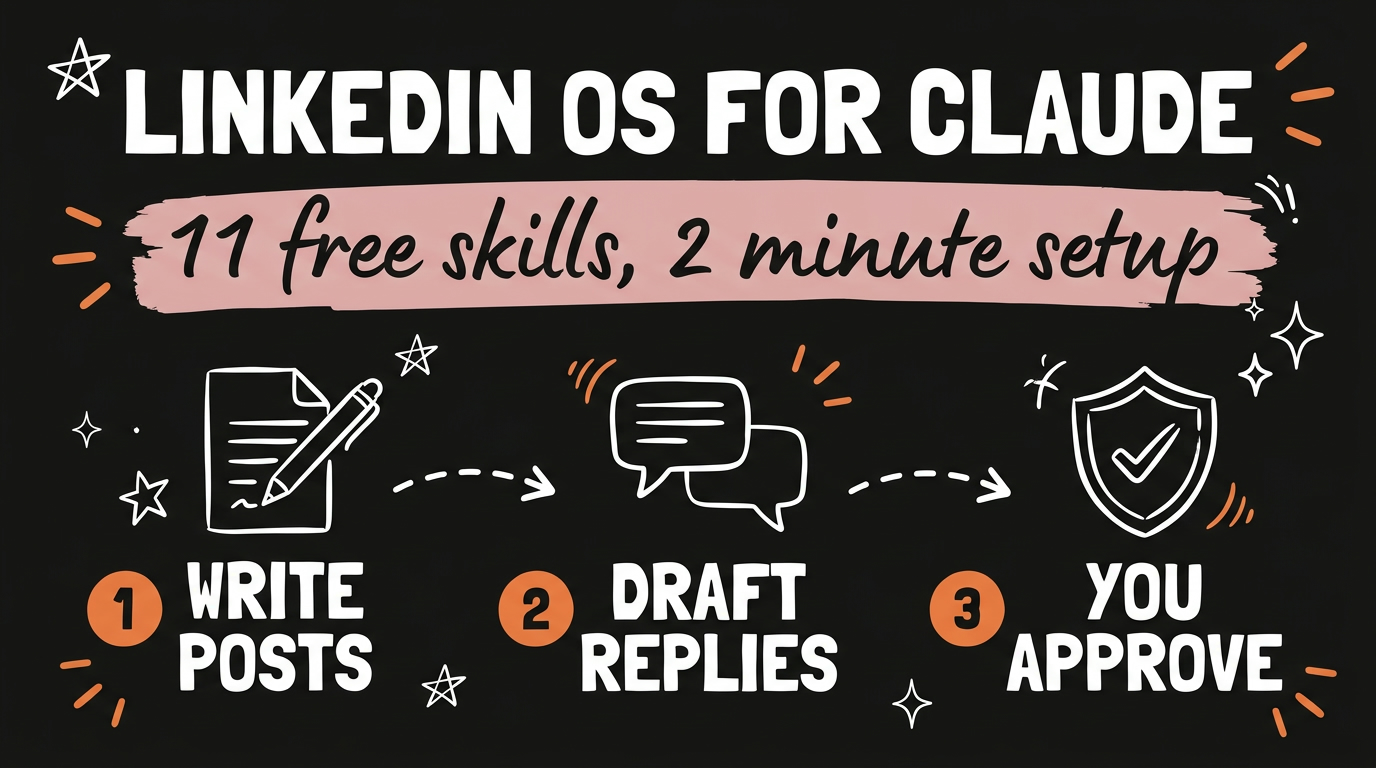
A developer named Serge Bulaev published a free, MIT licensed bundle of 11 Claude Skills that runs your entire LinkedIn presence from Claude Code or Codex. It writes posts using 20 hook formulas, drafts comments on other people’s posts, handles your replies, rebuilds your profile, and plans your week. Every skill shows you a draft and waits for your approval before anything gets published.
It is a set of skills rather than a single prompt, which is what makes it useful. Each one owns a different job, and Claude picks the right one when you ask.
Get the Free Guide
The full setup walkthrough: where the skills folder goes, the install command for each platform, the optional API keys, and the errors that stop people on their first run.
Get the free LinkedIn OS Setup Guide →
What Is the Free LinkedIn OS for Claude?
The LinkedIn OS is a repository of 11 Claude Skills, each a folder with a SKILL.md file that tells Claude Code or Codex how to do one specific LinkedIn job. You install the bundle once, then ask in plain English. Claude reads the matching skill and follows it.
Skills are the same format Anthropic uses across Claude Code, so if you have installed free Claude skills by department before, this works identically. Nothing here needs a coding background.
The repo is open source under an MIT license, and the same team ships matching bundles for X, Instagram, YouTube, TikTok, Threads, and Facebook. Same voice engine, same approve-before-publish flow.
What Do the 11 LinkedIn Skills Actually Do?
Each skill covers one part of a LinkedIn workflow, from the first draft to the reply three days later.
| Skill | What it does |
|---|---|
| Post Writer | Drafts posts using 20 hook formulas, picked by your engagement goal |
| Comment Drafter | Drafts a comment on any post from its URL |
| Reply Handler | Drafts replies, handling LinkedIn’s 2-level thread flattening |
| Post Audit | Checks a draft against 2026 algorithm rules and AI-detection patterns |
| Humanizer | Strips em dashes, AI vocabulary, and other AI fingerprints |
| Hook Extractor | Reverse-engineers the hook formula from any viral post |
| Content Planner | Builds a 7-day plan with topics, formats, hooks, and posting times |
| Engagement Monitor | Tracks your comment threads and groups engagers by fit |
| Profile Optimizer | Rewrites your headline, About, Featured, and Experience sections |
| Employee Advocacy | Plans a team program with cadence, governance, and ROI tracking |
| Repurposer | Turns a tweet, video, blog, or newsletter into a native LinkedIn post |
There is also a founder layer with 10 fill-in angles and 4 structural hook formulas, built for people whose real audience is a handful of investors and hires rather than a big follower count.
How Does the Humanizer Skill Work?
The Humanizer removes the patterns that make a post read as machine written, then tests the result against actual detectors instead of guessing. It targets em dashes, AI vocabulary like “leverage”, “delve”, “harness”, “streamline”, and “foster”, plus rule-of-three lists and other fingerprints.
It bundles three sub-tools: an AI-emoji density scorer, a multi-detector spread tester that runs the draft through GPTZero, Originality.ai, ZeroGPT, Sapling, and Copyleaks, and a rule-explainer for defending a stylistic choice you made on purpose.
That detector step is the part most humanizing prompts skip. Rewriting text so it sounds better to you is not the same as passing a check, and this one measures. If your problem is that everything you generate sounds the same, the Brand Clarity prompt that fixes generic AI writing solves the upstream half of it.
How Do You Install the LinkedIn Skills in 2 Minutes?
Pick the line that matches the tool you already use. There is no build step and no signup.
- Claude Code (CLI, VS Code, JetBrains): run
/plugin marketplace add sergebulaev/linkedin-skills, then/plugin install linkedin-skills@linkedin-skills. - claude.ai on the web: open Skills in the sidebar, click Add from GitHub, and paste
sergebulaev/linkedin-skills. - Codex CLI: run
codex plugin marketplace add sergebulaev/linkedin-skills, thencodex plugin add linkedin-skills@linkedin-skills. - Any other agent: run
npx skills add sergebulaev/linkedin-skills.
Then start a new conversation and ask for something LinkedIn shaped, like “write me a LinkedIn post about why AI agencies are replacing traditional ones.” The right skill activates on its own.
What Does It Cost to Run?
The skills themselves are free. Three optional API keys expand what they can do, and everything still works without them.
- Apify lets four of the skills read post bodies, comment threads, and the people who engaged with a post. The free tier includes $5 per month of credit, and the actors run $1 to $5 per 1,000 results. A creator doing daily comment work stays under $2 a month. Without it, the skills ask you to paste the text instead.
- Publora lets Claude publish straight to LinkedIn rather than handing you a draft to copy. The free tier covers 15 posts a month.
- Pixfaro generates an illustration for a post. Without a key, the Post Writer writes the image prompt and you generate it yourself.
Start with none of them. Add Apify first if you do a lot of commenting, since reading real threads is where the drafts get noticeably better. This is the same pattern as the free Claude SEO skill for AI search ranking, where the core skill is free and the paid pieces are optional.
FAQ
Do I need to know how to code to use these Claude Skills?
No. Installing is one command or a paste into the Skills panel, and after that you ask for what you want in plain English. The skills are markdown instruction files, not code you have to edit.
Will the skills post to LinkedIn without my approval?
No. Every skill drafts first and waits for you to say yes. Direct publishing only happens if you connect Publora and approve the post.
Does the Humanizer actually beat AI detectors?
It runs your draft through GPTZero, Originality.ai, ZeroGPT, Sapling, and Copyleaks and reports the spread, so you see real scores rather than a promise. Detectors change often, so treat the result as a signal on that day.
Do these work with Codex and other agents, or only Claude?
They work with Claude Code, claude.ai, Claude Desktop, Codex CLI, OpenClaw, Hermes Agent, and any agent that reads SKILL.md files through npx skills add.
Is the LinkedIn OS really free?
Yes. The repository is MIT licensed with no signup and no email required. The author asks for a GitHub star, since the Claude Code directories rank by star count.
Start With One Skill
Install the bundle, then use one skill this week instead of all 11. Run the Post Writer on a topic you already know well, put the draft through the Humanizer, and read what changed. That comparison teaches you more about your own writing tells than any checklist.
Once one skill is part of your routine, add the Content Planner and let it map the week. That is the point where a pile of skills turns into a system you actually run.
Want to build systems like this for your own workflow instead of installing someone else’s? Join the Vibe Coding Build →