
Orca: Free AI Agent Manager for Claude Code and Codex
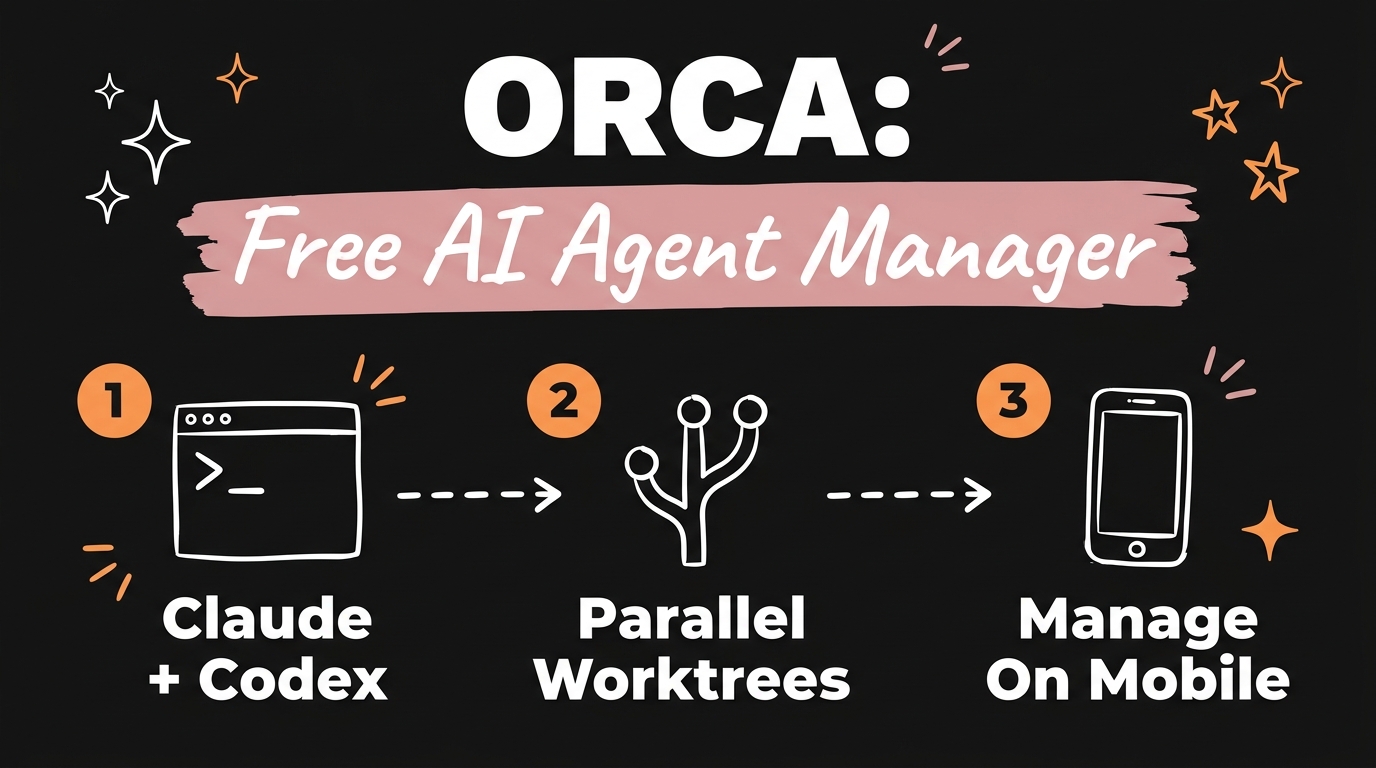
Orca is a free, open-source desktop app that pulls every Claude Code and Codex subscription you run into one workspace, with each agent working in its own isolated git worktree. It’s built by Stably (stablyai) under the MIT license, runs on macOS, Windows, and Linux, and ships mobile companion apps for iOS and Android so you can check on agents from a phone. If you’re running five Claude subscriptions and five Codex subscriptions across an agency or a solo AI build, Orca replaces a wall of terminal tabs with one coordinated view.
Get the Free Guide
Get the step-by-step guide to installing Orca, adding your Claude Code and Codex accounts, and running your first parallel worktree.
Get the free Orca Setup Guide →
What Is Orca and Why Does It Exist?
Orca is an agent development environment built specifically for running multiple AI coding agents in parallel, instead of one agent in one terminal tab at a time. Regular IDEs and single-agent wrappers were not designed for that: the moment you run two or three agents on the same repo, you end up juggling branches by hand and losing track of which agent touched what. Orca’s answer is the git worktree, a native git feature that gives each agent its own working copy of the repo so agents never step on each other’s changes.
The team behind it, Stably (github.com/stablyai/orca), describes it as “the AI orchestrator for 100x builders,” aimed at people running several coding agents side by side and comparing the results before merging.
What Features Does Orca Actually Include?
The feature list covers the parts of a multi-agent workflow that are normally scattered across separate tools:
| Feature | What it does |
|---|---|
| Parallel worktrees | Each agent gets its own isolated git worktree, so no manual branch switching |
| Terminal splits | WebGL-rendered terminals with infinite splits and persistent scrollback |
| Design Mode | An embedded Chromium browser lets you click UI elements and send HTML, CSS, and screenshots straight to an agent |
| GitHub and Linear integration | Native PR browsing, issue tracking, and project boards inside the app |
| Diff annotation | Comment directly on code changes and send that feedback back to the agent |
| SSH remote worktrees | Run agents on a remote machine, with auto-reconnection if the connection drops |
| Mobile companion app | Check agent status and manage work from iOS or Android |
| Orca CLI | Script your own workflows, including commands like orca worktree create |
Orca lists 27+ preconfigured agents, including Claude Code, Codex, Cursor CLI, Gemini, GitHub Copilot, OpenCode, and Grok, plus support for any other CLI-based agent.
How Do You Install Orca on Windows, Mac, or Linux?
Installation depends on the platform:
- macOS, Windows, Linux: download the build for your OS from onOrca.dev.
- macOS via Homebrew: run
brew install --cask stablyai/orca/orca. - Arch Linux via AUR: run
yay -S stably-orca-bin. - iOS: install the companion app from the App Store or TestFlight.
- Android: grab the APK from the project’s GitHub releases page.
Orca needs git and a terminal environment on the machine it runs on. Once it’s installed, you add your Claude Code and Codex accounts, and each new task you start gets its own worktree automatically.
How Does Orca Compare to Running Claude Code and Codex Manually?
Running Claude Code and Codex manually usually means one terminal per agent, one branch per task, and a mental map of which tab is doing what. Orca puts all of that in a single window: worktrees keep the branches separated automatically, the terminal splits keep every agent visible at once, and the GitHub and Linear integration means you’re not tabbing out to check a PR or an issue while an agent works. For anyone managing multiple subscriptions at once, that’s the practical difference, less time coordinating, more time reviewing actual output.
Who Should Use Orca?
Orca fits agencies and solo operators who are already running more than one Claude Code or Codex subscription and feel the coordination overhead. If you’re managing client work across separate worktrees, comparing two agents’ solutions to the same problem, or wanting to approve a diff from your phone while you’re away from the desk, this is the kind of workflow Orca is built for. If you’re only running a single agent on a single project, the overhead of a dedicated orchestrator probably isn’t worth it yet.
FAQ
Is Orca free?
Yes. Orca is free and open source under the MIT license, maintained by Stably at github.com/stablyai/orca.
Which AI coding agents work with Orca?
Orca lists 27+ preconfigured agents, including Claude Code, Codex, Cursor CLI, Gemini, GitHub Copilot, OpenCode, and Grok, and it supports any other CLI-based agent beyond that list.
Does Orca work on mobile?
Yes. Orca has companion apps for iOS (via the App Store or TestFlight) and Android (via an APK on GitHub releases) so you can monitor and manage agent work from a phone.
Do I need to know git to use Orca?
You need git installed, since Orca’s core feature is spinning up an isolated git worktree per agent. You don’t need to manage those worktrees by hand though, Orca creates and switches them for you.
What operating systems does Orca run on?
Orca runs on macOS (Apple Silicon and Intel), Windows, and Linux, with a Homebrew cask for Mac and an AUR package for Arch Linux.
If you want the full setup walkthrough, including where the Claude Code and Codex accounts get added and what a first worktree looks like, grab the free guide above.
For more on running an AI-powered agency or solo operation with Claude Code, check out Run a Full Business Solo With Claude Code (No Team), 4 MCPs That Make Claude Code Actually Useful, and ECC: The Claude Code Repo With 256K GitHub Stars.
Want more free systems like this one broken down step by step? Join the Vibe Coding Build →