
Run a Full Business Solo With Claude Code (No Team)
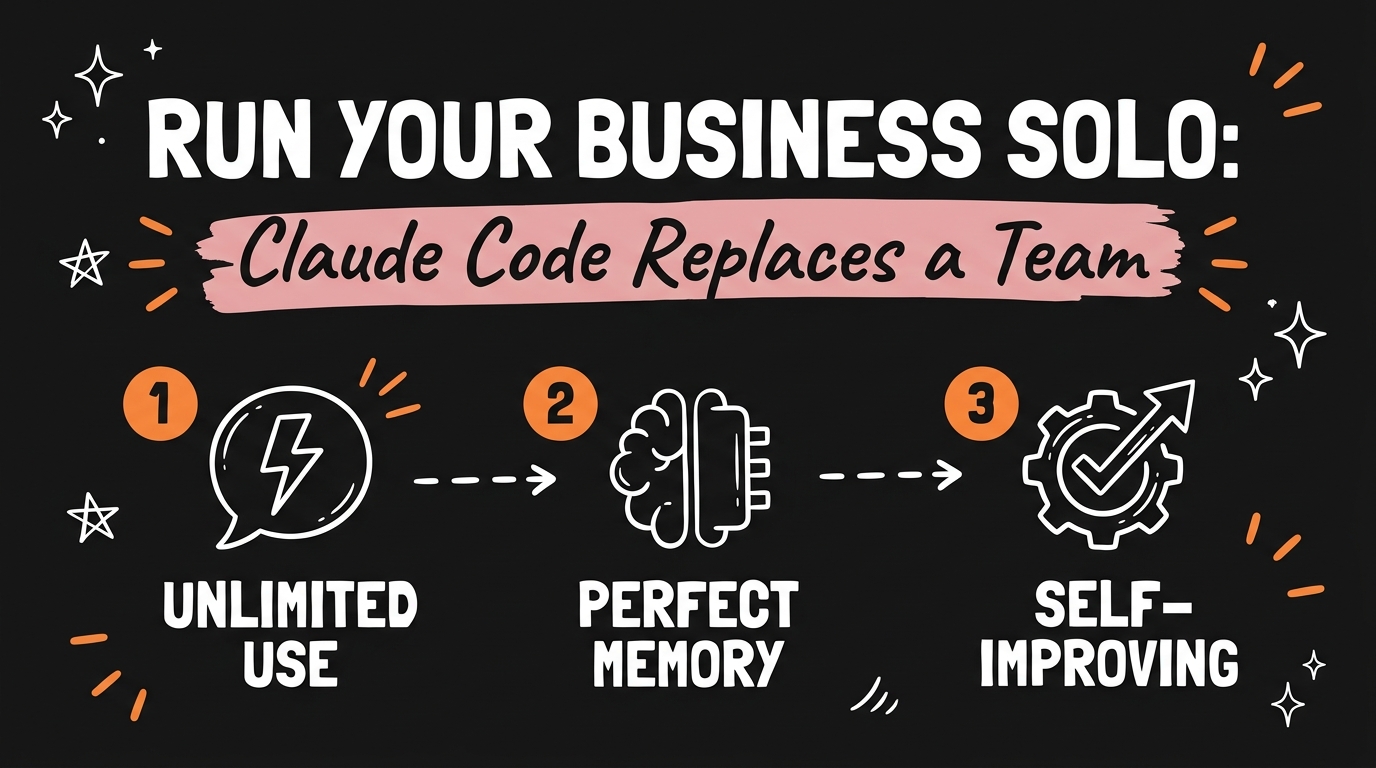
You don’t need a team to compete like one — you need the right AI infrastructure. A single Claude Code setup, built from three free ingredients (heavy usage without waste, memory that never resets, and a workflow that corrects itself), replaces the writer, the assistant, and the ops person a growing content or client business would otherwise have to hire.
Get the Free Guide
The guide walks you through the exact three-part stack: how to stop burning your Claude limit, how to give Claude permanent memory of your business, and how to build a self-improving workflow.
Get the free Solo AI Business Stack →
What Does It Actually Take to Replace a Team With Claude Code?
Replacing a team with Claude Code comes down to three things working together, not one clever prompt. You need enough usage headroom that you’re not rationing requests, a memory system so Claude doesn’t relearn your business every session, and a workflow that gets better on its own instead of staying static. Most people who say “AI didn’t work for my business” only ever built one of the three.
The mistake is treating Claude Code like a single chatbot instead of a system with parts. A writer, an assistant, and an ops person each do a different job — usage capacity, memory, and self-correction are the AI equivalents, and each one is solvable with free tooling on top of whatever Claude plan you already pay for.
How Do You Get Unlimited Usage Out of Claude Code?
You get more effective usage out of Claude Code by cutting wasted messages, not by finding a workaround to the plan itself. Most people hit their usage limit from correction loops: a vague prompt gets a wrong answer, then two or three follow-up messages try to steer it back on course. Every one of those corrections counts against the same limit as a real request.
A free Claude skill called Prompt Master closes this gap by structuring your rough idea into a finished prompt — output format, file boundaries, and a stop condition — before Claude runs anything. I cover the exact setup in my Prompt Master guide, but the short version is: one well-structured prompt replaces the five-message correction loop, which is where most “unlimited usage” complaints actually come from.
How Do You Give Claude Perfect Memory of Your Business?
Claude gets permanent memory of your business through a project-level CLAUDE.md file plus a running notes system, not through remembering across sessions on its own. Every new Claude Code session starts blank unless you hand it context, so the fix is a markdown file at the root of your project that Claude reads automatically — your brand voice, your recurring clients, your naming conventions, the decisions you’ve already made and don’t want re-litigated.
A simple three-part memory system covers most solo businesses:
| Layer | What it stores | Update frequency |
|---|---|---|
CLAUDE.md |
Brand voice, standing rules, folder structure | Rarely — only when a rule changes |
| Project notes file | Client names, active deadlines, in-progress decisions | Weekly |
| Session summary | What changed this session, open questions for next time | Every session |
This is the difference between an assistant who remembers your business and one you have to re-brief every Monday morning.
How Does a Self-Improving AI Workflow Actually Work?
A self-improving Claude Code workflow works by having the AI grade its own output against a rubric you set, then revise before you ever see the draft — not by the model getting smarter on its own. You give it a goal (what “good” looks like before it writes anything), a scoring rule (a rubric it checks its draft against), and a limit (a stop condition so it doesn’t loop forever). Writes, scores itself, fixes what’s weak, repeats.
The one trap to avoid: never let the same model that wrote the draft also grade it unsupervised — it tends to go easy on its own work, the same blind spot a human has proofreading their own email at midnight. A second, independent scoring pass (even just “check this against the rubric with fresh eyes”) is what actually makes the loop self-correcting instead of self-congratulating.
What Does This Stack Actually Cost?
The stack itself, the skills, the memory files, and the scoring loop, costs nothing beyond whatever Claude Code plan you already pay for. Community and Anthropic-maintained Claude Skills are free to install, CLAUDE.md is a plain text file, and a scoring rubric is a paragraph of instructions, not a subscription. Compare that to the tools it replaces:
- A part-time virtual assistant: $500+ per month
- A single-purpose AI subscription app: $20–79 per month (see why pay-as-you-go AI tools beat flat subscriptions)
- A department of specialists (marketing, social, design, finance): free, if you install the right Claude Skills by department instead of hiring one
The “under $5 a month” claim isn’t about replacing your Claude subscription — it’s about everything you’d otherwise need to bolt on top of it.
FAQ
Do I need to hire a developer to set this up?
No. Every piece, the CLAUDE.md file, Claude Skills, and the scoring-rule prompt structure, is plain text and configuration, not code. If you can write clear instructions, you can build this.
Will this work with the free version of Claude?
The memory system and Claude Skills work on any Claude Code plan. Heavier daily usage benefits from a paid plan, but the techniques for reducing wasted messages apply regardless of tier.
How is this different from just using ChatGPT?
The difference is the system, not the model. CLAUDE.md, Claude Skills, and scoring loops are specific to how Claude Code reads project context and installs reusable instructions — the same underlying pattern (goal, memory, self-check) can work elsewhere, but the free tooling here is built for Claude Code.
How long does it take to set this up?
The CLAUDE.md file takes about 15 minutes to write for a small business. Installing a Claude Skill like Prompt Master takes about a minute. The scoring-rule habit is a prompting pattern you can start using in your very next Claude Code session.
What’s the single highest-leverage piece to start with?
Start with CLAUDE.md. Memory is what turns Claude from a tool you re-explain your business to every time into one that already knows it — the usage savings and self-improving loop compound faster once Claude isn’t starting from zero.
Ready to build the rest of your system? Join the Vibe Coding Build → for the full walkthroughs on Claude Skills, Claude Code automation, and running a content business solo.