
4 MCPs That Make Claude Code Actually Useful
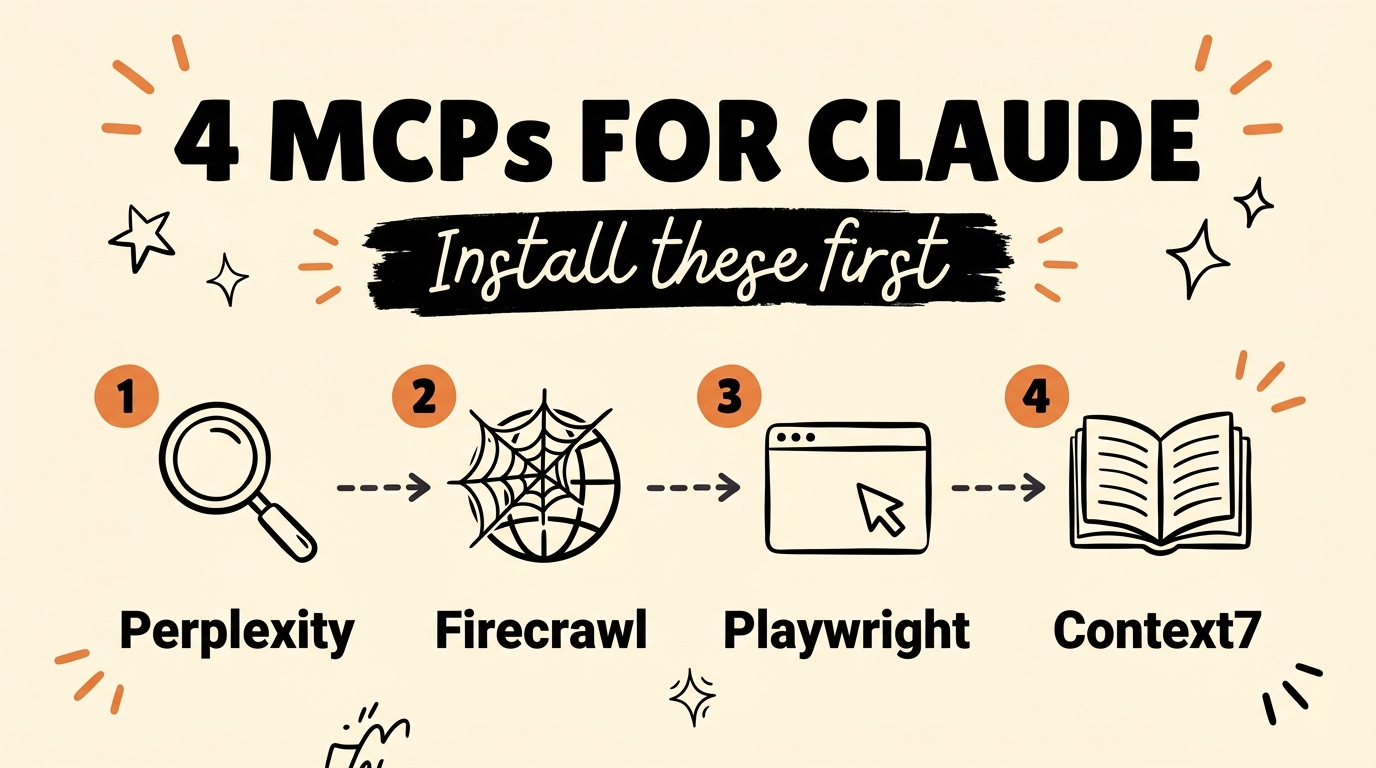
The four MCP servers worth installing before you touch Claude Code again are Perplexity for AI research, Firecrawl for web scraping, Playwright for browser control, and Context7 for up-to-date documentation. Out of the box, Claude works from its training data and whatever you paste in. These four connect it to the live web, real browsers, and current docs, which is the difference between a chatbot and an assistant that can actually go do things.
An MCP, or Model Context Protocol server, is a small connector that hands Claude a set of tools it can call on its own. Anthropic released the standard in late 2024, and it is now the common way to plug outside services into Claude Code. Below is what each of these four adds and how to set them up.
Get the Free Guide
A first-person setup walkthrough for all four MCPs, with the exact install commands, the API keys each one needs, and a fix table for when a server will not connect.
Get the free 4 MCPs Setup Guide →
What Is an MCP and Why Does Claude Need One?
An MCP server is a bridge between Claude Code and an outside service, exposed as tools Claude can call while it works. Without one, Claude can reason and write code, but it cannot search the live web, open a real browser, or read a library’s current documentation. The four below cover the gaps that come up most often in day-to-day work.
Here is what each server does and the job it handles:
| MCP | What it gives Claude | Use it for |
|---|---|---|
| Perplexity | Access to a live AI research model | Current facts, sourced answers, deep research |
| Firecrawl | Search, scrape, and crawl any website | Competitor branding, page content, bulk data |
| Playwright | Control of a real browser | Filling forms, pulling data, testing pages |
| Context7 | Up-to-date docs for connected tools | Correct APIs, no guessed or outdated syntax |
How Do Perplexity and Firecrawl Extend Claude?
Perplexity and Firecrawl are the two that pull the outside world into Claude. Perplexity connects Claude to a live research model, so instead of answering from training data that has a cutoff, it can look things up and come back with sourced answers. That matters any time the fact is newer than the model or you need a citation you can check.
Firecrawl handles the web itself. It lets Claude search, scrape, and crawl pages, then hands back clean text instead of raw HTML. You can point it at a competitor and pull their full branding and copy, or run research across dozens of pages in one pass. If you have followed my post on scraping free leads with Claude Code, Firecrawl fills the same slot with an official MCP server behind it.
How Do Playwright and Context7 Help Claude Take Action?
Playwright and Context7 are about doing and knowing. Playwright is a browser automation framework that drives Chromium, Firefox, and WebKit through one API. With its MCP server, Claude can open a real browser, fill out forms, click through a flow, pull data off a page, and test that something works. It is the same tool a lot of engineering teams already use for end-to-end testing, now available to Claude directly.
Context7 fixes the quiet problem that breaks a lot of AI code: outdated documentation. It feeds Claude current, version-specific docs for the libraries and tools you are using, so it stops guessing at APIs that changed or never existed. Built by Upstash, it runs as a hosted MCP server at https://mcp.context7.com/mcp. Pair it with the other three and Claude both acts on the web and knows the correct way to call whatever it touches. For more ways to extend the tool, see my rundown of Claude Code plugins that expand your workflow.
How Do You Install These MCPs?
Most MCP servers install with a single claude mcp add command in your terminal, and two of these four need a free API key. Here is the short version:
- Playwright runs with no key:
claude mcp add playwright npx @playwright/mcp@latest. - Context7 is a hosted server you add by URL, with an optional key from context7.com for higher limits.
- Firecrawl needs a
FIRECRAWL_API_KEYfrom firecrawl.dev, then installs asfirecrawl-mcp. - Perplexity needs a
PERPLEXITY_API_KEY, then runs theserver-perplexity-askMCP server.
Ask Claude to add each key to your shell profile, open a new terminal, and run claude mcp list to confirm all four connected. The free guide above walks through every command and key in order. If you are brand new to connecting servers, my post on cloning a website with Claude and an MCP shows the same install pattern step by step.
FAQ
What is an MCP in Claude?
An MCP, or Model Context Protocol server, is a connector that gives Claude a set of tools it can call on its own, such as web search or browser control. Anthropic introduced the standard in late 2024 and it is now the common way to extend Claude Code.
Do these MCPs cost money?
The MCP servers themselves are free and open source. Perplexity and Firecrawl need an API key, and both offer a free tier that is enough to test everything here. Playwright and Context7 run without a paid key.
Which MCP should I install first?
Playwright is the easiest because it needs no API key, so it is a good first test that your setup works. After that, add Context7 so Claude stops writing outdated code, then Firecrawl and Perplexity for web data and research.
Do MCP servers work outside Claude Code?
Yes. All four have MCP servers that also work in Cursor, Windsurf, Claude Desktop, and other MCP-compatible clients. The claude mcp add command shown here is the Claude Code path.
Put All Four to Work
Installed together, these four MCPs turn Claude Code from a smart text box into something that researches, reads the live web, drives a browser, and knows the current docs for your stack. Start with Playwright to prove the setup, then add the other three in any order. If you want the full walkthrough with every command in one place, grab the free guide above, and if you are ready to build real AI systems this way, come Join the Vibe Coding Build →.