
Clone Any Website With Claude Using Ditto MCP
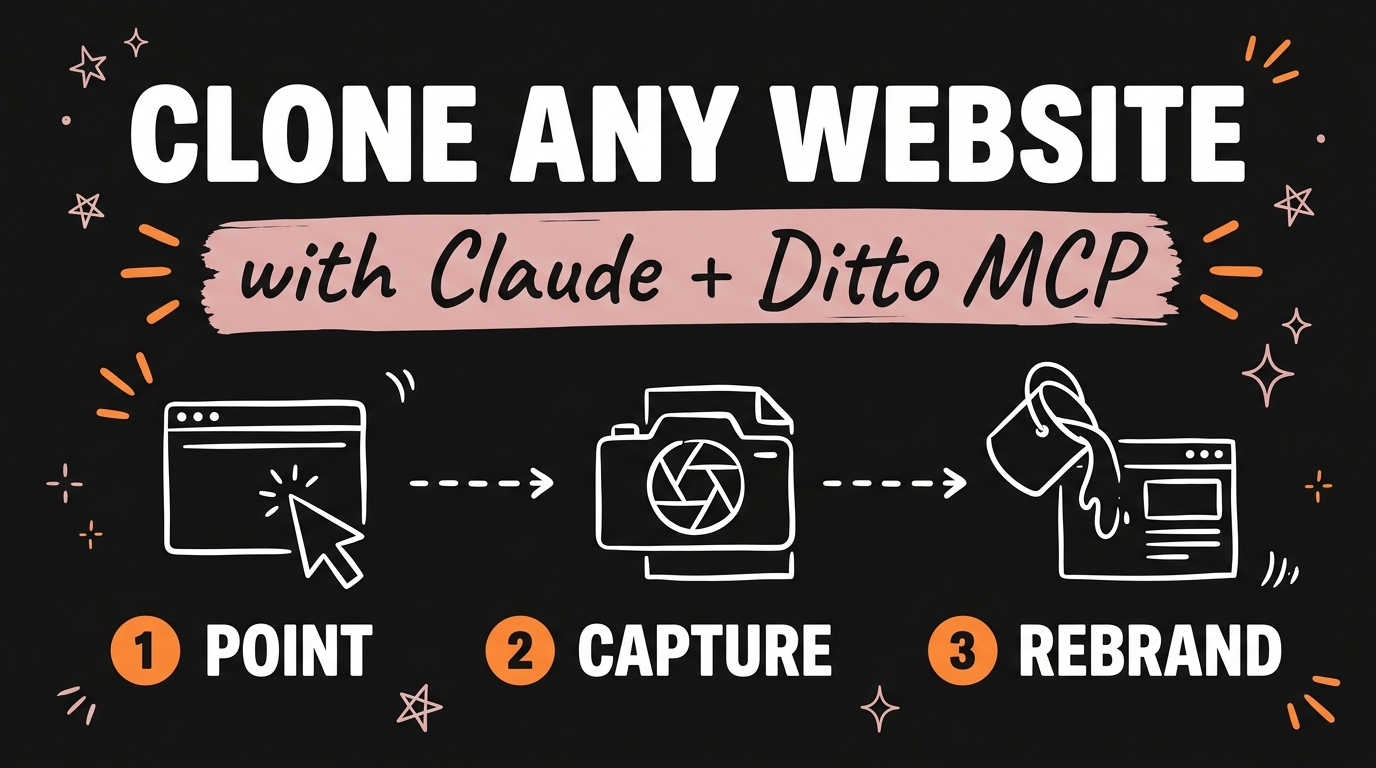
You can clone any public website with Claude in about ten minutes using a free, open-source tool called Ditto. You connect Ditto to Claude Code as an MCP server, point it at a URL, and it returns the page as clean Next.js or Vite code running on your own machine — real layout, real fonts, real breakpoints. Then you tell Claude to swap the copy, the colours and the brand until the page is yours.
The important part is what Ditto is not. It is not an AI squinting at a screenshot and guessing at the design. It captures exactly what the browser rendered, which is why the output actually matches the original instead of being a vague approximation of it.
Get the Free Guide
The full setup playbook: installing the Ditto MCP server, wiring it into Claude Code, and the exact prompts I use to rebrand a cloned page end to end.
Get the free Website Cloning Playbook →
What Is Ditto and How Does It Clone a Website?
Ditto is an open-source website cloner built by ion.design that turns any public URL into componentised front-end code. It is MIT-licensed, free to use, and self-hostable, and as of July 2026 it ships three ways to run it: a hosted REST API, a self-hosted pipeline, and an MCP server you can wire into an AI agent like Claude Code.
What it pulls out of a page goes well beyond a layout screenshot:
- Design tokens, web fonts and responsive breakpoints
- Hover and focus states, dropdown menus and accordions
- Declarative motion and transitions
- SEO metadata, JSON-LD and sitemaps
- An organised project structure with components, sections and content models
The output is TypeScript, in either Next.js or Vite, styled with either Tailwind v4 or plain CSS. That means what lands on your machine is a real project you can open, run and edit — not an HTML blob you have to untangle first.
Why Is Ditto Different From Screenshot-to-Code Tools?
Ditto is deterministic: the capture step does not use LLM inference at all, so the same URL produces the same result every time. Screenshot-to-code tools ask a model to look at a picture and invent markup that resembles it, which is why they drift on spacing, miss hover states entirely, and give you a different answer on every run.
| Screenshot-to-code | Ditto | |
|---|---|---|
| How it reads the page | A model guesses from an image | Captures what the browser actually rendered |
| Consistency | Different output each run | Same input, same output |
| Interactive states | Usually lost | Hover, focus, dropdowns, accordions preserved |
| Fonts and tokens | Approximated | Extracted directly |
| Output | Loose markup | Componentised Next.js or Vite + TypeScript |
This is the same principle behind reverse-engineering an existing app with Claude Code — you get much further starting from what something is than from what a model thinks it looks like.
How Do You Connect Ditto to Claude Code?
Connecting Ditto takes three steps and a couple of minutes. You need a free API key from the Ditto site before you start.
- Get your API key. Grab one from the
/api-keypage on ditto.site. It is free. -
Add the MCP server to your Claude Code MCP configuration:
1
2
3
4
5
6
7
8
9
10
{
  "mcpServers": {
    "ditto": {
      "url": "https://api.ditto.site/mcp",
      "headers": {
        "Authorization": "Bearer ${DITTO_API_KEY}"
      }
    }
  }
}
- Set
DITTO_API_KEYin your environment, restart Claude Code, and confirm the server shows as connected.
From there you just talk to Claude normally: “Use Ditto to clone https://example.com as a Next.js project with Tailwind, then run it locally.” Claude calls the tool, waits for the capture, and drops the project into your working directory.
If MCP servers are new to you, the same wiring pattern shows up everywhere — it is worth reading how Claude Code’s slash commands and configuration work before you start stacking servers.
How Do You Turn a Cloned Page Into Your Own?
Once the project is running locally, the rebrand is a conversation, not a rebuild. This is where the ten-minutes-versus-two-weeks difference actually lands: you start from a structure that already converts and spend your time on the message instead of the markup.
Prompts that do most of the work:
- “Replace all copy with the content in
brand.md. Keep the section structure and word counts roughly the same.” - “Swap the design tokens to my palette: primary
#DEB4B4, accent#F5C018, background#111111. Update every component that references the old values.” - “Replace the web fonts with Inter and Playfair Display, and update the token file rather than hardcoding them.”
- “Strip the original logo, favicon and OG image, and wire in the assets in
/public/brand.”
Work in that order — copy, then colour, then type, then assets. Changing tokens before copy means re-reviewing every section twice. When it looks right, deploy it live with Claude Code and Railway and you have a shipped page.
What Should You Actually Clone?
Clone structure, not identity. A cloned page is a starting skeleton, and the parts that make it theirs — brand name, logo, copy, photography, illustration — need to be gone before you publish anything. Layout conventions, section ordering and interaction patterns are not protected in the way brand assets and written copy are, and the difference matters commercially as much as legally: a page still wearing someone else’s words will not convert for your audience anyway.
The honest use cases are the boring ones. Rebuild your own old site on a modern stack. Take a competitor’s page as a wireframe for a first draft. Recreate a page you like as a way of learning how it was constructed. If you would be uncomfortable telling the original owner what you did, that is the signal to change more before you ship.
FAQ
Is Ditto free?
Yes. Ditto is MIT-licensed and free to use, and you can self-host the entire pipeline. The hosted API and MCP server require a free API key from ditto.site.
Does Ditto work with Claude Code, or only Claude on the web?
Ditto ships an MCP server, so it works with any MCP-capable agent — Claude Code, Cursor, or your own build loop. You add it to your MCP configuration with the server URL and your API key.
What code does Ditto output?
Next.js or Vite projects in TypeScript, styled with Tailwind v4 or plain CSS. It also extracts design tokens, fonts, breakpoints, interactive states, SEO metadata and JSON-LD.
Is it legal to clone a website?
Cloning a page’s layout for learning or as a first-draft wireframe is generally fine; republishing someone’s copy, logo, images or brand identity is not. Replace all brand assets and written content before you put anything live.
Why not just use a screenshot-to-code tool?
Screenshot-to-code asks a model to guess markup from an image, so spacing drifts and interactive states are lost. Ditto captures what the browser actually rendered, which makes the output consistent and much closer to the original.
Start With a Page You Already Like
The reason most landing pages never get built is not the writing — it is staring at an empty canvas and inventing a layout and a message at the same time. Cloning removes one of those two problems. You clone any website with Claude, strip it back to a structure, and put your own offer into a page that already knows how to sell.
If you want the systems behind this — the skills, the MCP setups and the automations I use to run content and builds end to end — come and Join the Vibe Coding Build →.