
7 Claude Code Slash Commands That Make You 2× Faster
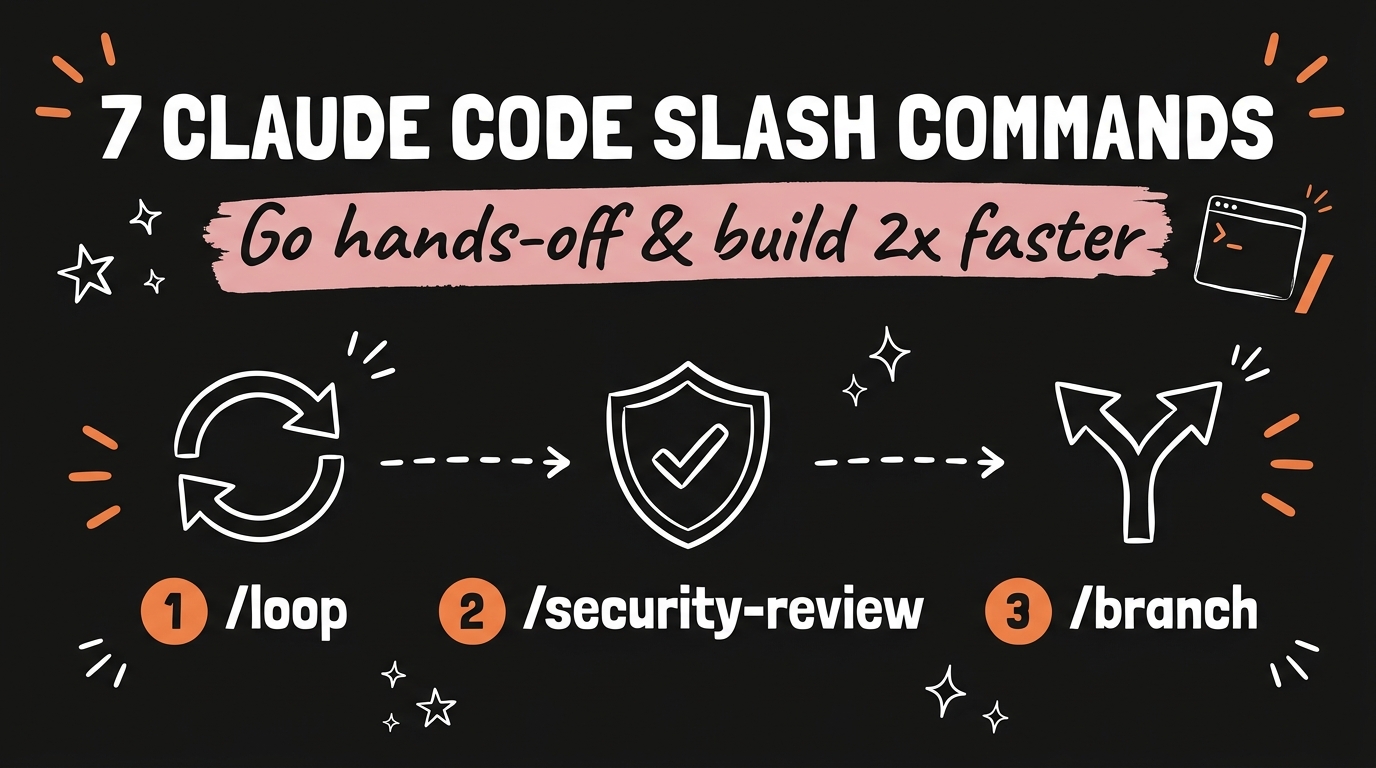
Most people using Claude Code never touch its slash commands — and they’re leaving half the speed on the table. These little / shortcuts are the difference between babysitting your AI and letting it run while you go do literally anything else. In this post I’ll walk you through 7 Claude Code slash commands that turn it from a chatbot into a hands-off building machine — no coding background required.
Get the Free Guide
I pulled all of these into a one-page Claude Code Slash Commands Cheat Sheet — the 7 from the video plus 5 more builder commands I use every single day (12 total), each with what it does, when to use it, and a pro tip.
Get the free Claude Code Slash Commands Cheat Sheet →
What slash commands actually are
Claude Code isn’t just a chat box in your terminal. Type / and a whole menu of built-in shortcuts appears — commands that control how Claude thinks, how much it remembers, which model it runs on, and whether it keeps working after you walk away. Most people scroll past them. The creators who don’t are the ones shipping in a fraction of the time. Here are the seven Claude Code slash commands worth memorizing first.
1 & 2 — Run on autopilot: /loop and /background
These two are the hands-off dream team.
/loop lets you hand Claude a single instruction — say, “run the tests and fix the failures” — and it runs on repeat until the job is actually done. The session stays open, Claude keeps taking passes, and you don’t have to re-prompt after every attempt.
/background goes one step further: the agent keeps working even after you close the session. Kick off a big refactor, shut your laptop, and come back to finished work. No sitting there watching a spinner.
3 & 4 — Stay in control: /context and /usage
The fastest way to get bad output from any AI agent is to let it quietly run out of memory.
/context shows your context window filling up live — so you can see the moment Claude is about to start forgetting the earlier parts of your conversation, and act before quality slips.
/usage is your dashboard: cost, plan limits, and stats in one place. Instead of guessing how much of your allowance you’ve burned, you know exactly where you stand.
5 — Never lose a good idea: /branch
Ever been mid-conversation and thought, “I want to try a totally different approach — but I don’t want to lose this one”? That’s exactly what /branch is for. It splits your conversation into two paths so you can test Approach A and Approach B in parallel, then keep whichever wins. Test both, lose neither.
6 — The right brain for the job: /model
Not every task needs your most powerful (and slower) model. /model lets you switch mid-task — run a stronger model like Opus for the genuinely hard problems, then flip to a faster one like Haiku for the simple, repetitive stuff. You get speed where it doesn’t matter and horsepower where it does.
7 — Ship safer: /security-review
Before you push anything live, /security-review scans your files for security holes — exposed secrets, shaky auth, risky config — and flags them so you can catch the problems before they ship, not after. For anyone building real apps with AI, this one is non-negotiable.
The other 5 commands (the ones I use daily)
These seven are the highlight reel — but they’re not the whole toolkit. In the free Claude Code Slash Commands Cheat Sheet I added 5 more builder commands I reach for every single day: the ones that set your project up so Claude actually understands it, reset context for a clean start, and pull in specialized help on demand. That’s 12 commands total, all on one scannable page you can keep open while you build.
Grab the full 12-command cheat sheet here →
Start with one
You don’t need to memorize all twelve today. Pick one — I’d start with /loop, because the moment you watch Claude run tests and fix its own failures on repeat while you sip your coffee, you’ll never build the same way again. Then add the next one. Within a week these shortcuts become muscle memory, and Claude Code stops feeling like a chatbot and starts feeling like a team.
If you want the complete system for building agentic AI workflows like this — the master prompts, the setups, and the step-by-step walkthroughs — come join us inside Vibe Coding Mastery. It’s where creators and entrepreneurs learn to build AI systems they actually own.