
Scrape Thousands of Free Leads With Claude Code
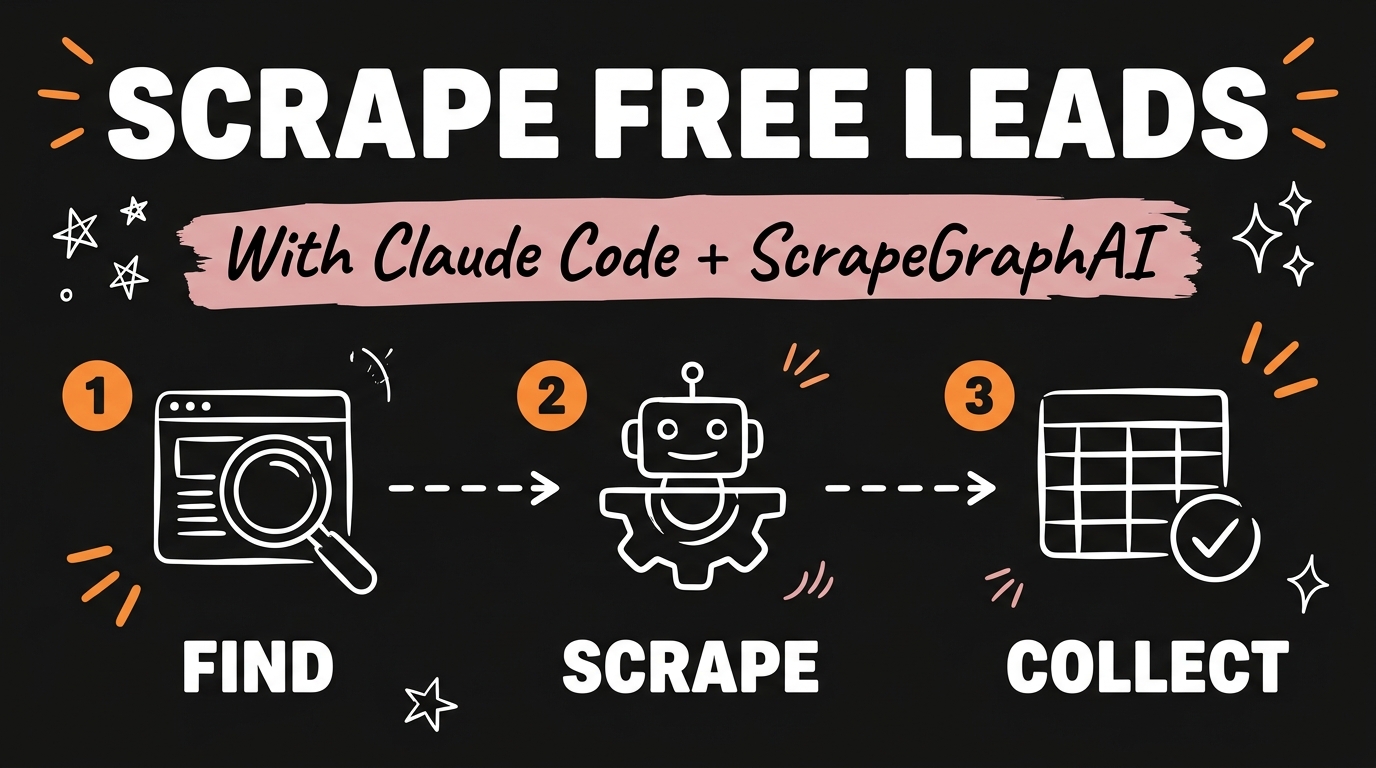
Claude Code can scrape thousands of business leads for free using an open-source tool called ScrapeGraphAI. It searches the web or crawls a list of company sites, pulls public contact details, and drops everything into a clean spreadsheet, with no per-scrape fee if you run it on a local model.
Get the Free Guide
Grab the exact prompts and setup steps to run this scraper yourself.
Get the free Claude Lead Scraper Playbook →
Most people buy lead lists or pay per contact through a scraping API. ScrapeGraphAI skips both. It’s an open-source project with close to 29,000 stars on GitHub as of August 2026, and it works by pairing a language model with a scraping pipeline: you describe what you want in plain English, and it figures out how to pull it from the page.
What Is ScrapeGraphAI and Why Pair It With Claude Code?
ScrapeGraphAI is a Python library that lets an AI agent read a webpage the way a person would, then extract the specific fields you asked for instead of forcing you to write CSS selectors or XPath rules by hand. Claude Code acts as the operator: it installs the library, writes the scraping script for your use case, and runs it.
The pairing matters because most scraping tools break the moment a site changes its layout. A rules-based scraper looks for a fixed pattern in the HTML and fails silently when that pattern moves. ScrapeGraphAI passes the page content to a language model instead, so it adapts to layout changes without you rewriting selectors every few weeks.
How Do You Install ScrapeGraphAI in Claude Code?
You don’t need to touch a terminal command by hand. Open Claude Code, paste the ScrapeGraphAI GitHub repo link, and tell it to install the project.
- Copy the repo URL from GitHub.
- Paste it into Claude Code and say “install this.”
- Claude Code clones the repo, installs the Python dependencies, and confirms it’s ready.
From there, Claude Code can write and run scraping scripts against ScrapeGraphAI’s API directly inside your project.
How Do You Tell Claude Which Leads to Scrape?
Once ScrapeGraphAI is installed, describe the business owners you’re targeting in plain language: the industry, the location, and the fields you want (business name, website, email, phone). Claude Code turns that description into a scraping script, points it at a directory site or search results, and writes the output to a spreadsheet.
This is where running it on a local model pays off. Because ScrapeGraphAI supports local models, every scrape runs on your own machine instead of billing per request against a hosted API, so scraping ten sites costs the same as scraping a thousand.
| Approach | Cost per lead | Setup effort | Update speed |
|---|---|---|---|
| Buying a static lead list | Fixed, often per contact | None | List goes stale immediately |
| Hosted scraping API | Per request | Low | Fast, but recurring cost |
| Claude Code + ScrapeGraphAI (local model) | $0 after setup | One-time install | Re-run anytime, free |
Can You Schedule Lead Scraping to Run Automatically?
Yes. Once the script works, ask Claude Code to schedule it to run every morning. The scraper checks the same directories or search sources on a loop, appends new contacts to your spreadsheet, and skips duplicates you’ve already collected. You end up with a lead list that refreshes itself instead of one you have to re-buy or re-scrape by hand.
For a walkthrough on setting up recurring automations like this one, see how to run your business solo with Claude Code.
FAQ
Is ScrapeGraphAI free to use?
Yes. ScrapeGraphAI is open source, and running it with a local model means there’s no per-scrape or per-request fee. You only pay if you choose to point it at a hosted LLM API instead of a local model.
Do I need to know how to code to use ScrapeGraphAI with Claude Code?
No. Claude Code writes and runs the scraping scripts for you. You describe the leads you want in plain English and Claude Code handles the installation, the script, and the spreadsheet output.
What kind of data can it scrape?
Any publicly visible field on a webpage: business names, websites, public contact emails, phone numbers, addresses, and similar directory-style information.
Is scraping public business contact information legal?
Scraping publicly available data is generally permitted, but rules vary by a site’s terms of service and by jurisdiction. Always check a site’s terms of service before scraping it, and respect opt-out or do-not-contact requests once you reach out.
Does ScrapeGraphAI work with local AI models?
Yes. ScrapeGraphAI supports local models, which is what keeps the cost at zero after setup, since nothing routes through a paid API by default.
Start Scraping Your Own Leads
Claude Code and ScrapeGraphAI turn lead generation into something you run once and let repeat, instead of a list you keep re-buying. If you want to build systems like this one for your own business, join the Vibe Coding build and get the full setup walkthroughs as they ship.
For more on installing free agent tools like this one, check out Claude’s free skills by department and how to get local business clients with AI.