
Claude Skill for Animated Reels: Zero Video Credits
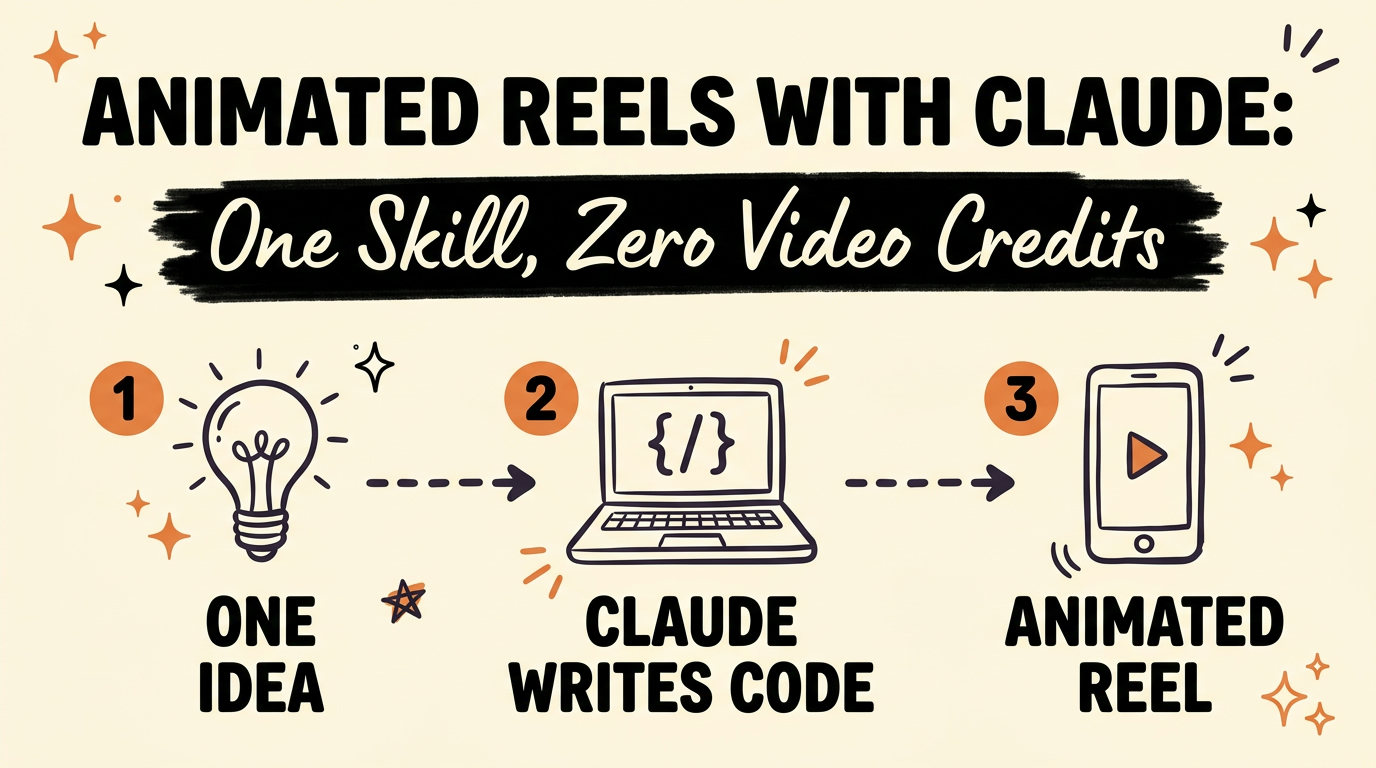
A Claude skill can build a complete animated reel from one idea by writing the animation, the timing and the sound effects as code, so there are no video credits to spend. I used one to post 60 reels in 4 weeks, which brought over 1 million views and more than 15,000 new followers across my social platforms, all from one Claude subscription.
Get the Free Guide
The guide shows how the animated reel skill works, the prompt I give Claude, the setup steps and what to do when a render breaks.
Get the free Animated Reels with Claude guide →
How Does a Claude Skill Make an Animated Reel?
A Claude skill makes an animated reel by turning your idea into code that draws every frame. The reel in the video above was built that way, down to every word, animation and sound effect.
- You give Claude one idea. A topic is enough, and you can add your voiceover if you have one.
- Claude shows a storyboard first. It draws a grid of key frames, one per beat of the story, and waits for your OK.
- Claude builds the reel in code. Each piece, each movement and each sound effect is written out, timed to the words.
- The code is rendered into a video. Every frame is drawn from the code and joined into a vertical video you can post.
Why Is Code Better Than a Video AI Tool?
Code gives you a reel that you control and that costs no video credits. Many video AI tools run on credits that you spend on every clip.
With code, the timing lives in one table of beats. If you record a new take of your voiceover, you update the table and render again. Nothing gets regenerated from scratch, and the same moment in the reel always draws the same frame.
What Styles Can the Skill Make?
The skill can make any style your brand needs, because the style is part of the code Claude writes. Here is what I made with the same skill:
| Style | What it was for |
|---|---|
| Bedtime stories | A kid’s brand |
| Clean animations | A product launch |
| A koi pond | Water that actually moves |
| A short film | A story that feels real |
The reel in this post uses a claymation look. Every piece is a lump of clay that pops onto the set, and the labels are pressed into the clay like letters.
What Did 60 Reels in 4 Weeks Look Like?
Sixty reels in 4 weeks works out to about two reels a day, and each one started from a single idea. As of October 2026, the result was:
- 60 reels posted in 4 weeks
- 1 million+ views
- 15,000+ new followers across all my social platforms
- 1 Claude subscription behind all of it
If you want to see how other creators are setting up video styles in Claude, read 5 Claude skills for AI video styles. For the editing side, Claude Code video editing in one sentence covers cutting and captions, and 3 free tools for Claude sound effects covers the audio.
How Do You Get Started?
You get started by picking one style and one idea, then letting Claude draw the storyboard. For the full prompt and setup, grab the free guide.
- Pick the style you want, such as claymation.
- Write the idea or paste your script.
- Give Claude the word-level timing of your voiceover.
- Approve the storyboard, or ask for changes.
- Render the reel and listen for the sound effects.
Frequently Asked Questions
Do I need to know how to code to make animated reels with Claude?
No. Claude writes the code. You describe the idea, share your voiceover timing and approve a storyboard before anything gets built.
Does the skill use video credits?
No. The reel is built as code and rendered into a video file, so there are no video credits to burn. You only need a Claude subscription.
Can I use my own voiceover?
Yes. You give Claude the word-level timing of your voiceover, and it places each visual on the word it illustrates. A new take only means updating the timing table.
What styles can the skill make?
Any style your brand needs. In my reels that meant bedtime stories for a kid’s brand, clean animations for a product launch, a koi pond where the water actually moves and a short film that tells a real story.
Want the Videos Made for You?
If you would rather skip the setup, meet Content Engine. Paste any link or idea and get a published video in under 3 minutes, with DM automation armed to capture leads.