
Claude Sound Effects: 3 Free Tools That Fix Them
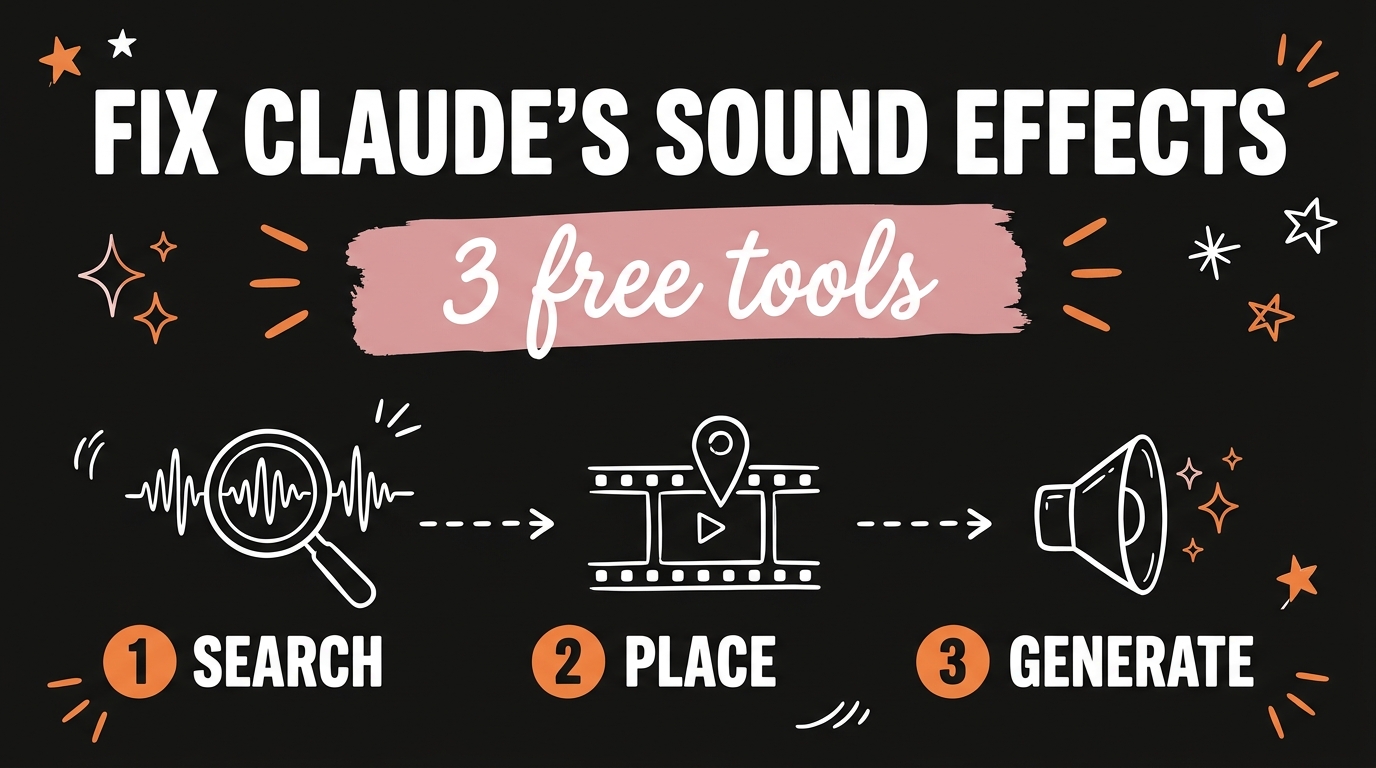
Claude Code has become genuinely good at motion graphics and video editing, and then it ruins the cut with sound effects that land in the wrong place at the wrong level. Three free tools fix that: the Openverse API hands an agent 5.2 million openly licensed audio records it can search and download on its own, the real-sfx Claude Code skill reads a timeline and places a real recording on the exact frame, and earshot generates a new sound in code when nothing in any library fits. All three run free, and two of them run entirely on your own machine.
Get the Free Guide
The free guide has the install commands for all three tools, where each skill folder goes in Claude Code and Codex, the Openverse search endpoint, and the prompts I run on a finished render.
Get the free Claude Sound Effects Stack guide →
Why Are Claude’s Sound Effects the Weakest Part of the Edit?
Claude Code cannot hear. It writes the code that renders a video, so it can reason about every frame it placed, but the audio comes back as a file it has no sense for. It cannot tell that a whoosh peaks 80 milliseconds after the cut, that a click is louder than the voiceover, or that the sound it picked is a cheap recording of the wrong object.
Every tool in the Claude video editing stack exists to hand Claude a sense it does not have. These three do it for sound: a library to search, a timeline to place against, and a way to make a sound from nothing.
| Tool | What it gives Claude | Runs where |
|---|---|---|
| Openverse API | 5.2 million openly licensed audio records it can search and download | Public API, no key |
| real-sfx | The moments in the picture that need a sound, and the exact frame for each | Local, Claude Code skill |
| earshot | A sound made in code when the library has nothing, plus ears to score the mix | Local, CPU only |
How Does the Openverse API Give an Agent 5 Million Sounds?
Openverse is WordPress’s search engine for openly licensed media, and its REST API is open to anyone with no API key and no login. That last part is what makes it usable by an agent: Claude can call it directly in a loop without you provisioning anything first.
As of October 2026, the audio index holds about 5.2 million records across three providers:
| Provider | Audio records |
|---|---|
| Wikimedia Commons | 3,983,517 |
| Jamendo | 644,709 |
| Freesound | 591,897 |
Freesound is the one that matters for sound design, since that is where the raw effects live. A search is a plain GET request:
1
https://api.openverse.org/v1/audio/?q=metal+door+slam&license=cc0
Every result carries the direct file URL, the license, the attribution string, the source page and the tags, so Claude can download the file and write the credit line in the same pass. Filter on license=cc0 when the video is commercial and you want to skip the attribution bookkeeping entirely.
What Does the real-sfx Skill Actually Do to Your Timeline?
The real-sfx skill is a Claude Code skill that sound-designs a finished render with real recordings from a library you already own, instead of synthesized ones. It finds the moments in the picture, picks a recording for each, processes it, and puts it on the exact frame, while your music and voiceover stay where they are.
It reads the timeline differently depending on what you hand it. A project that already writes a typed list of events gets real sounds swapped onto those same timestamps. A HyperFrames project gets read off its data-start timeline. A bare video file gets frame analysis. You get back a new *_sfx.mp4, a separate *_sfx_track.wav so you can remix later, a cue report, and a critique scoreboard.
Setup is three commands once Python 3.9+ and FFmpeg are in your PATH:
- Copy the folder to
~/.claude/skills/real-sfxon macOS, or%USERPROFILE%\.claude\skills\real-sfxon Windows, and restart Claude Code. - Point it at your sounds:
python scripts/setup.py init --library main="/path/to/SFX" --uisfx --index. - Run
python scripts/setup.py checkto confirm the index built.
The skill ships with no sound library of its own, which is the one thing that trips people up. The --uisfx flag gives you 78 CC0 UI cues to start with, and the Openverse API above is how you fill the rest. The scripts are MIT licensed and it was built by Alexander Korbanov at Clipwing.
When Should You Generate a Sound With earshot Instead?
Use earshot when the library search comes back empty, or when you want a kit of sounds that all belong to the same film. It is an open source toolkit that gives a coding agent ears: it describes a file in words, scores how well a recording matches a description, finds the best moment inside a long take, and critiques a finished film against a profile of professional launch videos.
Version 0.4 ships a bank of 252 sounds stored as code. They render by id in seconds with no models and no network, which makes them the fastest option on the list:
1
2
3
earshot sfx render whoosh_fast -o w.wav --dur 0.4 --apex 0.18
earshot kit init --preset launch
earshot critique film.mp4 --video film.mp4
The launch preset is the useful one for short-form. It mixes each effect against the music bed rather than at a fixed level, and it places each role against the cut, so taps lead it and whoosh peaks land after it. Everything runs on CPU, and the only part that wants an API key is the optional Gemini critique, which is off by default.
Add it as an MCP server so the models stay loaded between calls instead of costing 20 to 40 seconds per command:
1
claude mcp add earshot --scope user -e EARSHOT_THREADS=3 -- /path/to/earshot/.venv/bin/python -m earshot mcp
How Do the Three Fit Together on One Video?
Run them in order and each one catches what the last one missed. Once the loop exists you can hand Claude a render the same way you hand it a one-sentence edit brief and get the sound back with it.
- Ask Claude to search Openverse for the five or six sound types your video needs, and download the CC0 results into a folder.
- Index that folder with real-sfx and ask Claude to sound-design the render.
- Read the cue report, and for any moment where the skill picked something weak, render a replacement with
earshot sfx. - Run
earshot critiqueon the final file and fix the two or three timestamped notes it gives you.
FAQ
Do I need an API key for any of these tools?
No. The Openverse API needs no key and no login, real-sfx runs locally, and earshot runs locally on CPU. The only optional key is a Gemini key for earshot’s audio-LLM critique, which is off by default.
Can Claude actually hear the sounds it picks?
No. Claude chooses sounds by measured character, tags and spectrogram images, not by listening. That is exactly what earshot is for, since it turns sound into numbers and words the agent can reason about, and both real-sfx and earshot include a critique step so a human only has to check a handful of moments.
Are these sound effects safe to use commercially?
Filter Openverse results to license=cc0 and they are. The 78 UI sounds bundled with real-sfx are CC0 as well. Anything else from Openverse carries its own Creative Commons terms, and the API returns the attribution string you need with every result.
What do I need installed before any of this works?
Python and FFmpeg with ffprobe in your PATH. real-sfx wants Python 3.9 or newer, earshot wants Python 3.10 or newer. On macOS install ffmpeg-full rather than the plain formula, because real-sfx uses the drawtext and rubberband filters that the slim build leaves out.
Will this work in Codex instead of Claude Code?
Yes, with one change. real-sfx is distributed as a Claude Code skill folder, so for Codex you put it in the project folder or .codex/skills/real-sfx/ and point at it from AGENTS.md. earshot is a plain CLI and MCP server, so it works anywhere either is supported.
Where to Take This Next
Sound is the last thing people add to an AI edit and the first thing an audience notices. Fixing it costs nothing here: a public API with no key, a skill folder you copy once, and a CPU-only toolkit. Build the library, index it, and the next render comes back with the sound already on it.
If you want the whole video made for you, from the render to the caption to the post, paste any link or idea into Content Engine and get a published video in under 3 minutes, with DM automation armed to capture leads. Meet Content Engine →