
5 Claude Skills for 5 Different AI Video Styles
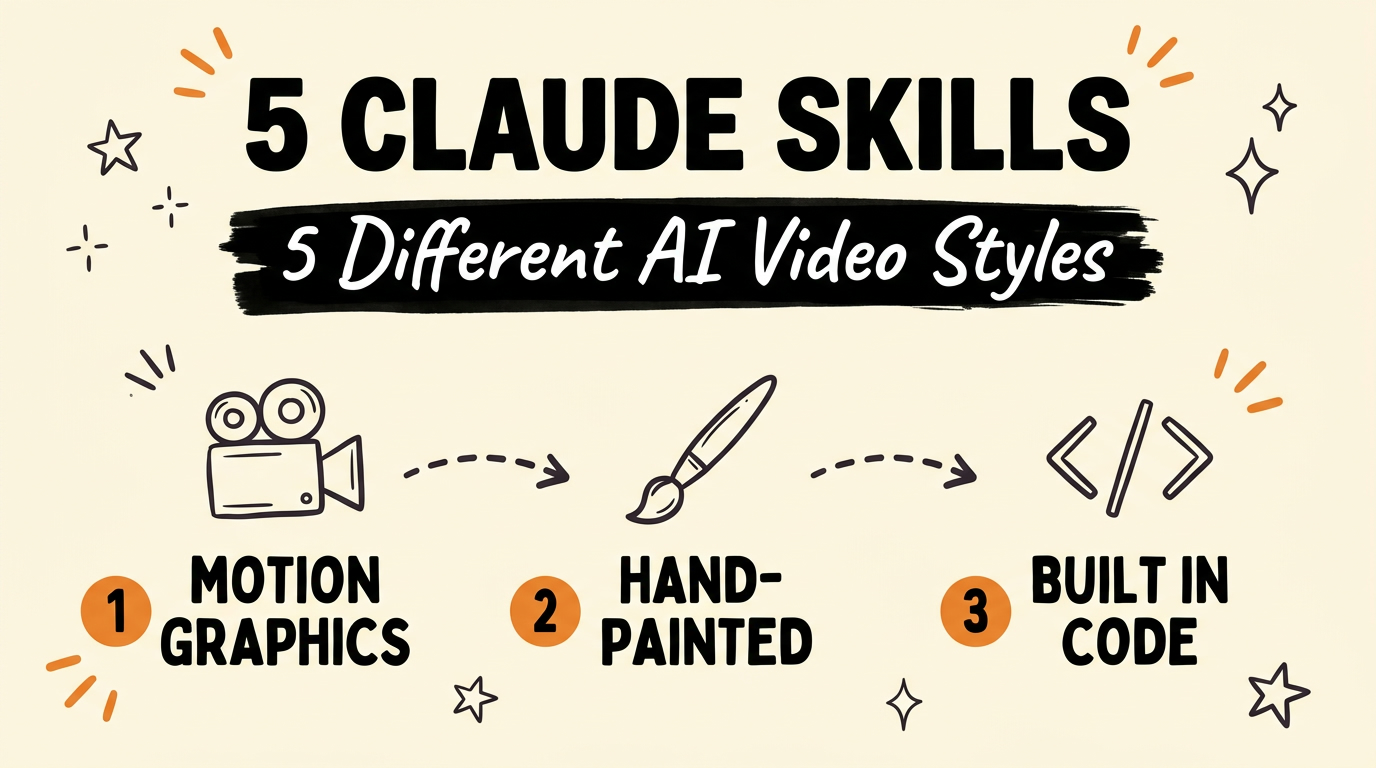
Five Claude Skills now cover five completely different AI video styles, so creators using Claude don’t have to end up with the same motion-graphics look as everyone else. Each skill turns a different kind of input, HTML, a single camera move, a set of still images, a prompt, into a finished video with its own visual identity. All five are free and open source on GitHub.
Get the Free Guide
Get the full breakdown of all five Claude video style skills, what each one needs as input, and how to set it up.
Get the free Claude Video Styles Breakdown →
Why do so many Claude-made videos look the same?
Most people reach for the same default when Claude Code generates a video, usually a clean motion-graphics template, because it’s the first thing that works. That default is useful, but when thousands of creators use the same one, the content stops being distinguishable. The fix isn’t a better prompt, it’s picking a different skill that renders video through a different mechanism entirely. Five Claude Skills now exist that each produce a visual style none of the others can replicate.
What are the 5 Claude video style skills?
Each of these five skills is a self-contained Claude Skill, a packaged set of instructions Claude Code or Antigravity can install and run, and each one takes a different kind of input to reach a finished video.
| Skill | Input | Output style |
|---|---|---|
| HyperFrames by HeyGen | HTML | Motion graphics |
| Onetake | A single continuous shot | One unbroken camera take, no cuts |
| Collage B-roll | Still images | Halftone paper cutouts, animated by Google’s Gemini |
| Claude Animation Base | A character brief | Hand-painted cartoons starring Claude’s own mascot |
| Lemo Opuscar | Code, no video model | 43 distinct film styles |
How do HyperFrames, Onetake, and Collage B-roll each work?
HyperFrames by HeyGen takes HTML as its input and renders motion graphics out the other side, so the same skill that builds a web layout becomes the engine behind a title card, a chart animation, or a full explainer sequence. Onetake works in the opposite direction: instead of assembling cuts, it holds a single continuous camera shot for the whole video and is free to use for non-commercial projects. Collage B-roll takes a different route again, turning still images into halftone paper cutouts that assemble themselves on screen, animated by Google’s Gemini rather than a traditional video model.
How do Claude Animation Base and Lemo Opuscar push further?
Claude Animation Base swaps live-action or 3D rendering for hand-painted cartoons, with Claude’s own mascot as the character carrying the video. Lemo Opuscar is the furthest from a typical video pipeline: it covers 43 separate film styles and builds every video in code, with no video generation model involved at any step. Between the five, a creator can move from photoreal motion graphics to illustrated animation to a fully code-driven film look without touching a different platform.
How do you pick one and build a system around it?
Start with the output you actually need for your content, a clean explainer points toward HyperFrames, a continuous unedited feel points toward Onetake, an illustrated or collage look points toward Collage B-roll or Claude Animation Base, and a wide range of film styles without a video model points toward Lemo Opuscar. Once you pick one, the real gain comes from building your content system around that single skill so every video you publish shares a visual identity, rather than switching styles video to video. All five skills live on GitHub, free to install into Claude Code or Antigravity.
FAQ
What is HyperFrames by HeyGen?
HyperFrames by HeyGen is a Claude Skill that takes HTML as input and outputs motion graphics, letting the same markup that builds a page also drive an animated video sequence.
Is Onetake free to use?
Yes. Onetake is free for non-commercial use and produces a video as a single continuous camera shot with no cuts.
What makes Collage B-roll different from a normal AI video generator?
Collage B-roll animates still images into halftone paper cutouts that assemble themselves on screen, using Google’s Gemini rather than a dedicated video generation model.
Does Lemo Opuscar need a video generation model?
No. Lemo Opuscar builds every video entirely in code and covers 43 distinct film styles without calling a video model at any point.
Where can I find these Claude Skills?
All five skills, HyperFrames by HeyGen, Onetake, Collage B-roll, Claude Animation Base, and Lemo Opuscar, are free and open source on GitHub.
For more on turning Claude Skills into a full content pipeline, see 5 Free Claude Skills That Run Your Content Team and Claude Code Can Edit Your Videos From One Sentence. If you’re repurposing a single video across formats, Repurpose One Video Into Three Assets in Two Minutes covers that pipeline end to end.
Ready to build a content system instead of one-off videos? Join the Vibe Coding Build →