
Claude Opus 5.5 Changed These 4 Prompts Overnight
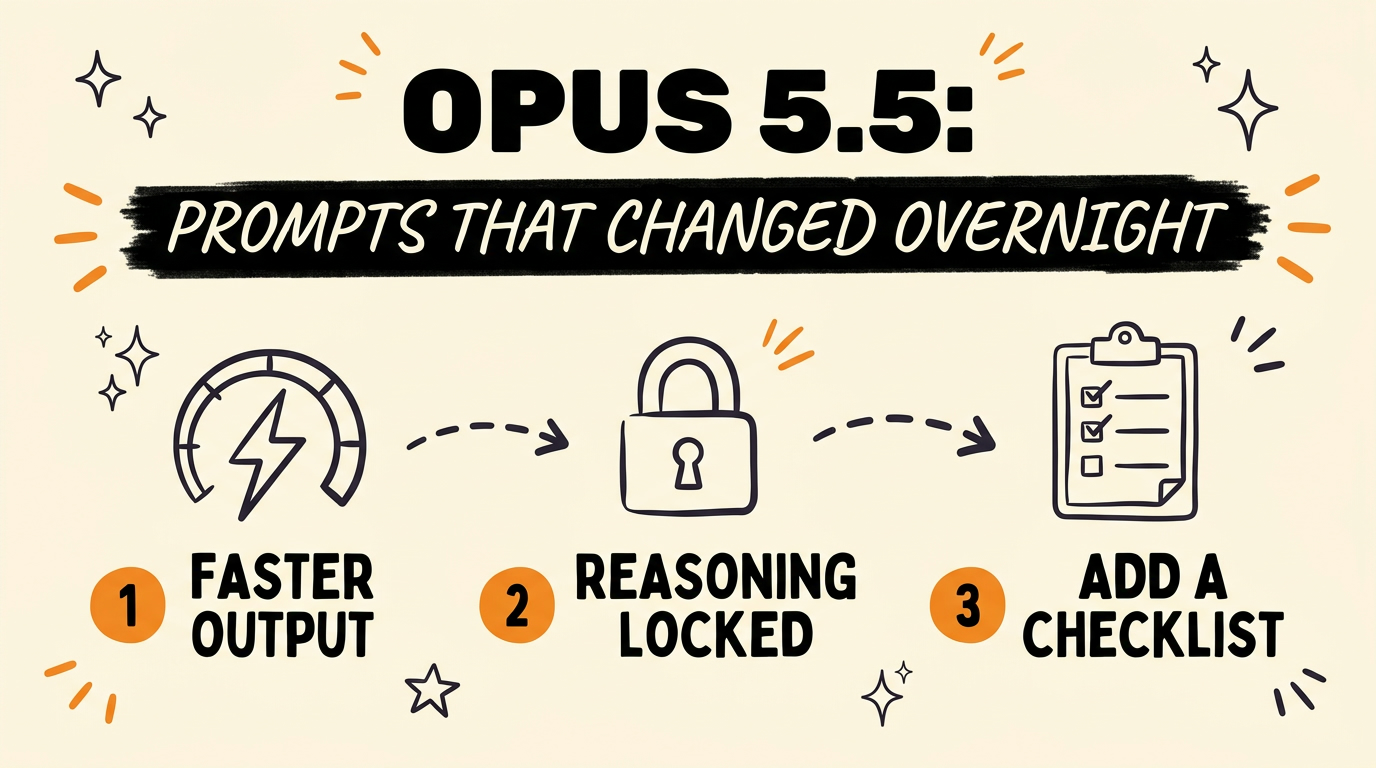
Claude Opus 5.5 changed four defaults that most people are still prompting around instead of with. It now defaults to medium effort instead of high, it refuses requests to show its own reasoning, it can quietly stop early on long tasks without a checklist in the prompt, and it responds to one specific phrase when speed matters more than polish. Anthropic shipped Opus 5.5 on September 22, 2026, and prompts that worked fine on Opus 5 are now working against you.
Get the Free Guide
Every prompt fix in this post, written out word for word so you can paste them straight into Claude.
Get the free Opus 5.5 Prompt Fix Guide →
What Actually Changed in Claude Opus 5.5?
Claude Opus 5.5 changed its own defaults, not just its benchmark scores. Anthropic released the model on September 22, 2026, priced at $4 per million input tokens and $20 per million output tokens, which works out to about 40 percent less overall cost than Opus 5. Cache reads dropped the most, from $0.50 to $0.20 per million tokens, a 60 percent cut. Anthropic also states Opus 5.5 generates output more than 30 percent faster than Opus 5, and on agentic coding (Terminal-Bench 4.0) it scores 66.4 percent against Opus 5’s 52.3 percent.
None of that shows up if your prompts still assume the old model. The default effort level moved from high to medium, and Anthropic’s own testing found medium effort on Opus 5.5 matches or beats high effort on Opus 5 for coding and knowledge work, often in fewer tokens. If you never touch effort settings, you’re already getting the upgrade. If you do touch them, the next section is where people get it wrong.
Why Does Asking Claude to Show Its Reasoning Get Refused Now?
Asking Claude to show its reasoning gets refused now because Opus 5.5 ships with a “preserved thinking” safeguard that blocks reasoning extraction through the API, and thinking mode itself can no longer be turned off. Anthropic built this in for EU AI Act compliance, so it isn’t a bug or a rate limit, it’s the model behaving exactly as designed.
If any of your saved prompts, templates, or claude.md rules include a line like “show your reasoning” or “explain your thinking step by step before answering,” delete that line. It doesn’t just get ignored, it gets an explicit refusal, which can stall an automated pipeline that expects a normal response.
How Do You Switch Effort Without Losing Your Cache?
You switch effort mid-conversation without losing your cache because Opus 5.5 preserves context across an effort change, where changing effort on earlier models usually meant Claude re-reading the whole thread from scratch. That difference matters most inside long agent sessions, where every reread burns tokens you already paid for once.
| Behavior | Older models | Claude Opus 5.5 |
|---|---|---|
| Switching effort mid-thread | Cache often invalidated, thread re-read | Cache preserved, no reread |
| Default effort | High | Medium |
| Cache read cost | $0.50 / 1M tokens (Opus 5) | $0.20 / 1M tokens |
In practice, that means you can start a conversation at medium effort, bump it to high for one hard step, and drop back down, without paying to re-load everything Claude already knew about the task.
How Do You Stop Claude From Stopping Early on Long Tasks?
You stop Claude from stopping early on a long task by adding a checklist directly into the prompt, so the model has something concrete to check against before it decides the job is done. Without one, a long multi-step task can end early the moment Claude judges the main ask satisfied, even if smaller steps are still open.
A simple version looks like this:
1
2
3
4
5
Before you consider this task done, confirm every item below:
1. [Step one]
2. [Step two]
3. [Step three]
Do not stop until every item is checked off.
This costs a few extra lines in the prompt and saves the far more expensive step of noticing halfway through a project that Claude quietly wrapped up early.
What Is the “Time Matters” Prompt Trick?
Adding the exact phrase “time matters” to a prompt signals to Claude that speed should outweigh polish on that specific task, which is useful when you want a fast first pass instead of the most thorough possible answer. Anthropic’s own guidance for running multiple Claude agents already leans on this idea of time awareness: agents given an explicit time budget in the prompt paced their work to land inside it, and finished considerably sooner than agents working without one, at similar quality.
Save “time matters” for tasks where a good-enough answer now beats a polished answer later, drafts, first passes, anything you’re going to revise anyway.
FAQ
Does “time matters” actually make Claude answer faster?
It signals a preference for speed over thoroughness on that specific prompt. Anthropic’s guidance for multi-agent setups confirms that giving Claude explicit time awareness changes how it paces a task, not just how it phrases the answer.
Is Opus 5.5 always running at medium effort?
Medium is the default, not a fixed setting. You can still request low, high, xhigh, or max effort for a specific task, and Opus 5.5 preserves your cache when you switch, unlike earlier models.
Can I still ask Claude to explain its answer?
Yes, asking Claude to explain its answer after the fact works fine. What gets refused is asking it to expose its internal reasoning process itself, which Opus 5.5 blocks under its preserved thinking safeguard.
Do I need to rewrite every old prompt for Opus 5.5?
No. Most prompts carry over. The ones to check are any that request visible reasoning, assume high effort by default, or run long multi-step tasks without a checklist.
What happens if I skip the checklist on a long task?
Claude may decide the task is finished once the main request looks satisfied, even if smaller steps inside it are still incomplete. A checklist in the prompt gives it a concrete finish line instead of a judgment call.
Four small prompt changes are a short list compared to what they fix: wasted tokens, stalled pipelines, and tasks that end before they’re actually done. If you want every prompt from this breakdown copied out in full, grab the free guide.
For more on getting more out of Claude without burning your usage cap, see Claude Opus 5.5: Stop It From Burning Your Usage Limit and 4 Claude Code Plugins That Cut Token Usage in Half. If you’re building a full content system around Claude, 3 Claude Connectors for a Full AI System is a good next stop.
Small prompt habits like these compound fast once you’re running Claude on real work every day. Join the Vibe Coding Build → for more breakdowns like this one.