
3 Claude Connectors That Turn It Into a Full AI System
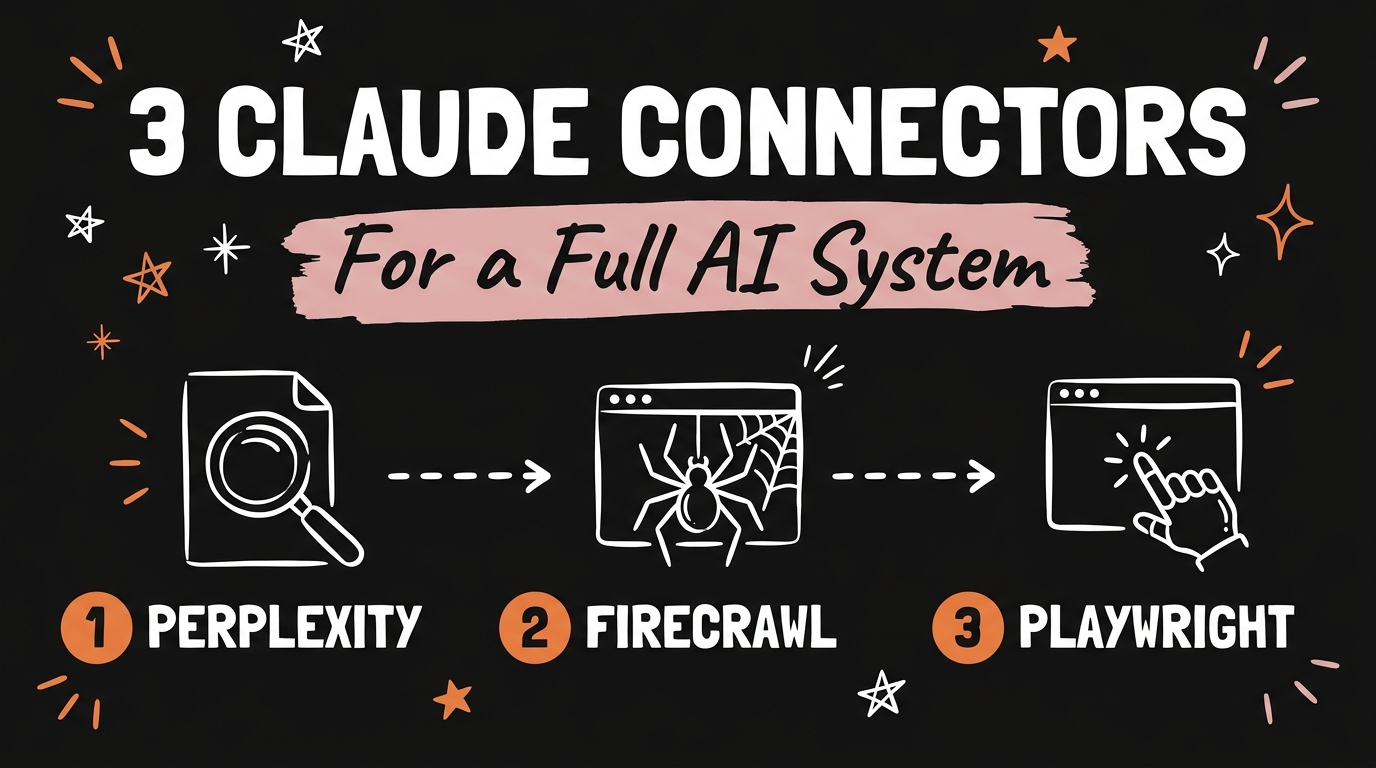
The three Claude connectors worth setting up are Perplexity, Firecrawl, and Playwright. Perplexity gives Claude live research so it stops guessing at outdated facts, Firecrawl gives it the ability to read and scrape any website, and Playwright gives it a real browser it can click through on its own. Put together, they turn Claude from a chatbot that answers questions into a system that can look things up, pull data, and take action.
Get the Free Guide
Get the full setup playbook for all three connectors, the exact commands, and what to do when one won’t connect.
Get the free Claude Connectors Setup Playbook →
What Do Claude Connectors Actually Do?
A Claude connector is a tool that plugs an outside service into Claude so it can call on it directly instead of only working from what you type or what it learned during training. Without one, Claude reasons well but is stuck: it cannot check today’s news, open a website, or click a button on your behalf. Each connector below closes one of those gaps.
| Connector | Closes this gap | What Claude can do with it |
|---|---|---|
| Perplexity | No live research | Pull current articles, data, and citations instead of guessing |
| Firecrawl | Can’t read the web | Scrape a page, crawl a site, or pull competitor assets |
| Playwright | No hands | Control a real browser: fill forms, click, test, extract |
I went deeper on the install side of these same three (plus a fourth, Context7) in 4 MCPs that make Claude Code actually useful, if you want every command laid out. This post is about what each one is actually for and how they work as one system.
How Does Perplexity Turn Claude Into a Research Machine?
Perplexity closes Claude’s biggest blind spot: everything it knows has a training cutoff. Perplexity is an AI answer engine built to search the live web and return sourced results instead of a single guessed response, so when Claude calls it, it comes back with an article, a citation, or a data point pulled from the current internet rather than from memory. That matters most when you’re asking about something that changed last week, a price, a release date, or a claim you need to be able to check.
The practical difference shows up in output quality. Ask Claude a dated question without a research connector and it will hedge or make something up that sounds plausible. Ask the same question with Perplexity wired in and it comes back with a real source you can click.
How Does Firecrawl Let Claude See and Scrape the Web?
Firecrawl gives Claude eyes on the internet. It is a web data API built to search, scrape, and crawl sites at scale, and it converts messy HTML into clean markdown or structured JSON that an AI model can actually use, at roughly 93% fewer tokens than feeding it raw HTML. Point it at a single page and it scrapes that page. Point it at a domain and it can crawl the whole site, following links while respecting robots.txt.
For a Claude-driven workflow, that means you can hand it a competitor’s URL and get back their full page copy, their brand colors and fonts, or a structured list of every product on the site, in seconds instead of the hour it would take to do it by hand. Firecrawl ships a free tier with 1,000 monthly credits, enough to run this kind of research repeatedly before you’d need to pay for anything. If you’ve read my post on scraping free leads with Claude Code, Firecrawl solves the same problem with an official connector behind it instead of a standalone script.
How Does Playwright Give Claude Hands?
Playwright is the connector that moves Claude from telling you what to do to doing it. It’s a browser automation framework, originally built for testing, that drives Chromium, Firefox, and WebKit through one API. With its connector wired into Claude, the model controls a real browser: filling out a form, clicking through a multi-step flow, testing that a page actually works, or pulling data off a site that has no API and no native AI connection at all.
That last part is the one worth sitting with. A lot of the internet still has no clean API. Playwright doesn’t need one, because it drives the browser the same way a person would, through the actual page.
How Do You Combine All Three Into One System?
Used together, the three connectors cover a full loop: research, gather, act. A common version of that loop looks like this:
- Research: Claude uses Perplexity to find what’s current on a topic, a competitor, or a market before doing anything else.
- Gather: Claude uses Firecrawl to pull the actual page content, assets, or structured data behind what it just found.
- Act: Claude uses Playwright to put that research to work: filling out a form, testing a page, or running a task on a site that has no other way in.
That’s the shift from a chatbot to a system. One prompt can now trigger a chain where Claude looks something up, reads the pages behind it, and then does something with a browser, without you switching tools in between. For the exact commands, API keys, and a fix table for when a connector won’t respond, grab the free setup playbook above.
FAQ
What are Claude connectors?
Claude connectors are tools, most commonly MCP (Model Context Protocol) servers, that give Claude the ability to call an outside service directly, such as running a live search, scraping a website, or controlling a browser, instead of only working from training data and text you paste in.
Do Perplexity, Firecrawl, and Playwright cost money?
Firecrawl has a free tier of 1,000 monthly credits with no card required. Playwright’s connector is free and open source with no API key needed. Perplexity requires an API key and paid usage beyond any free allowance it offers.
Which connector should I set up first?
Playwright is the easiest starting point since it needs no API key, so it’s a fast way to confirm your setup works before adding the two that require keys.
Can I use these connectors outside Claude Code?
Yes. Firecrawl and Playwright both ship MCP servers that also work in other MCP-compatible clients, including Claude Desktop, Cursor, and Windsurf.
One System, Three Jobs Covered
Perplexity, Firecrawl, and Playwright each solve one gap: no live research, no way to read the web, and no hands to act on it. Set up together, they stop being three separate tools and start acting like one AI system that can look something up, read the page behind it, and take action, all inside the same conversation. If you want to build systems like this one for your own content or business, come Join the Vibe Coding Build →.