
4 Claude Master Skills That Got Me 1M+ Views
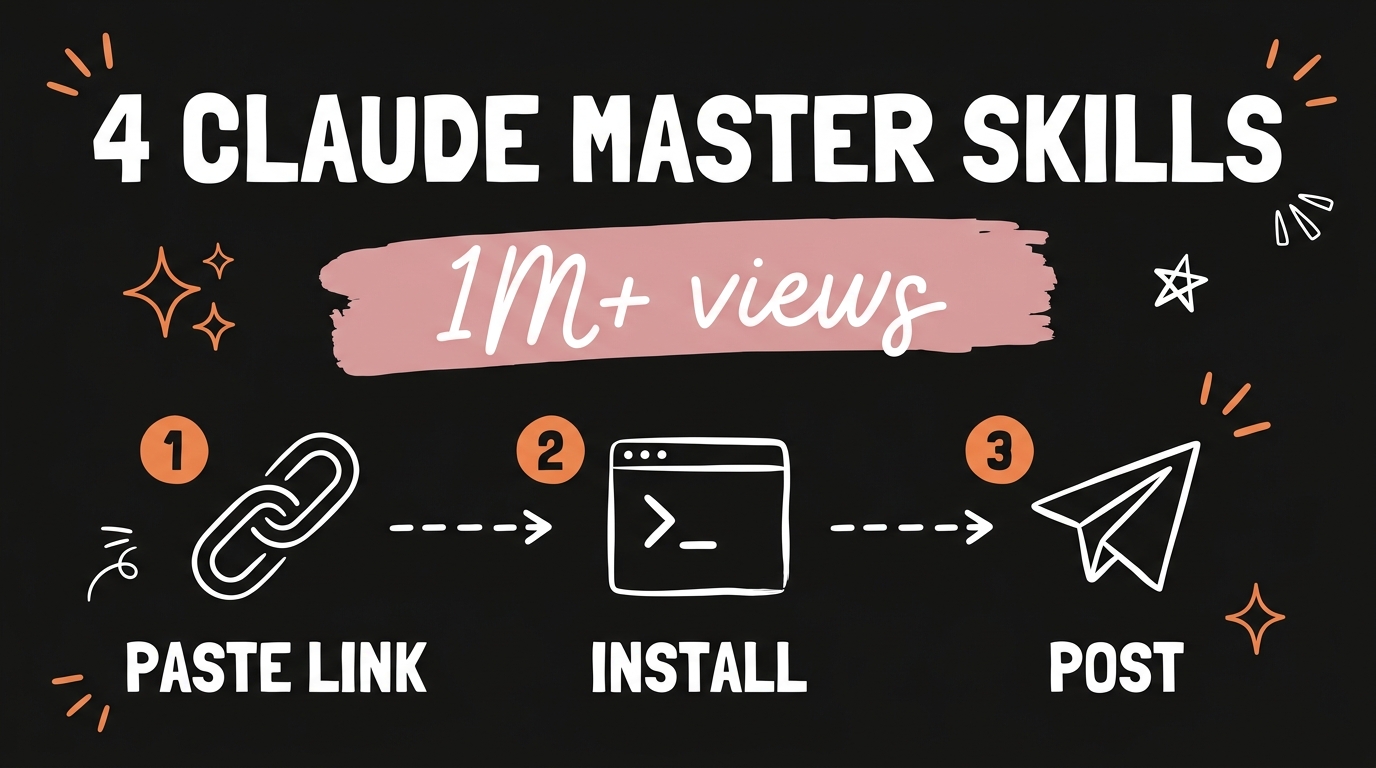
The four Claude master skills are Edit, Virality, Build and Publish, and together they cover the whole loop from raw footage to a posted video with a working keyword DM. Edit cuts the dead space and adds captions and dynamic visuals. Virality finds what is already working in your niche and rewrites it in your voice. Build turns a plain-English spec into a live site. Publish pushes the rendered video out and sets up the comment-keyword DM on Instagram and Facebook.
I tested every Claude skills video I could find, kept what moved the numbers, and packed the rest into these four. Over the test period my following doubled and my accounts crossed a million views combined. The pack installs with one repo link and one command.
Get the Free Guide
The full setup walkthrough: where the skill folders go, the optional API keys, the first test command, and the exact prompts I run for each of the four skills.
Get the free Master Skills Setup Guide →
What Are Claude Master Skills?
Claude master skills are four agent skills for Claude Code that handle the content workflow end to end, installed from a single public repository. They are built on Jake Schincariol’s original master-skills pack, with my own edition adding self-fetching research, a publisher, a longer humanizer list, and a 58-second fit pass.
The reason I group them as a pack rather than four separate downloads is that they hand work to each other. Virality produces the script, you shoot it, Edit cuts it and writes the captions, Publish posts it with the caption and hashtags that Virality already wrote. Build sits slightly apart, for when the idea needs a page rather than a video.
| Skill | What it does | Command |
|---|---|---|
| Edit | Cuts dead space and filler, fits under 58 seconds, captions in the safe zone, dynamic visuals, stop motion | /edit |
| Virality | Ranks niche outliers, breaks down why they worked, rewrites the winner in your voice | /virality |
| Build | Plain-English spec to a live, QA-checked site | /build |
| Publish | Posts the rendered video through Blotato and sets the keyword DM | /virality-publish |
How Does the Edit Skill Cut a Video?
The Edit skill works from the transcript rather than the waveform, which is why it removes filler without clipping the first consonant off the next word. It finds the dead space and the ums, cuts them, then writes one to three word captions and places them in the safe zone instead of across your face.
Two parts of it earn their keep more than the rest. The first is fit.py: if the cut still runs long, it speeds picture and sound up together, never past 1.1x, and keeps the captions in sync. If 1.1x is not enough it stops and tells you which phrases to cut rather than guessing. It never trims the ending, because that is where the call to action lives.
The second is the dynamic visuals pass, which plans a visual for the moment you say the thing, not four seconds after. It also turns frames or a live clip into stop motion in clay, paper cut-out, bricks, sticky notes or pixel. Audio finishes at -14 LUFS with no compression on the voice. If you want the deeper version of this, I wrote about AI motion graphics skills in Remotion and Claude Code separately.
Edit needs ffmpeg on your PATH. Transcription uses faster-whisper if you have it installed, and takes a transcript you already have if you do not.
Why Does the Virality Skill Beat Picking Topics By Hand?
Virality ranks videos by views as a multiple of each creator’s own median, so a 400k-view video from an account that averages 2 million reads as underperforming and a 60k-view video from an account that averages 5k reads as the outlier it is. Raw view counts put the biggest account on top every time and tell you nothing.
In my edition the research fetches itself. fetch_youtube.py pulls any channel’s Shorts through the YouTube Data API v3, and fetch_instagram.py pulls the reels under a hashtag through Apify, each with the creator’s median views so the outlier math works. results.py reads the views back on what you posted, so the next script starts from your own numbers instead of a guess. The earlier manual version of this process is what I covered in reverse engineering viral videos with AI; these fetch tools are ported from my Claude YouTube agent skill edition.
You fill in templates/voice.md once, or paste three of your own captions and ask Claude to write the voice file. Every skill in the pack reads it.
How Do You Install the Four Claude Master Skills?
Paste the repository link into Claude and type install skills. That is the whole install for most people, and it takes a couple of minutes.
- Paste
https://github.com/nessalazne/master-skillsinto Claude Code. - Type
install skillsand let it copy the four folders. - Optional: put your API keys in
~/.claude/virality/.env. - Run
python3 tests/test_ness.pyto confirm the pack is wired up. - Ask for what you want: “edit this video”, “make this go viral”, “build me a site that…”, “publish it”.
If you would rather do it by hand, git clone https://github.com/nessalazne/master-skills.git then cp -r master-skills/skills/* ~/.claude/skills/. It also installs as a plugin with /plugin marketplace add nessalazne/master-skills followed by /plugin install master-skills.
Every skill works by paste with no keys at all. Keys only turn on the fetching and the posting: YOUTUBE_API_KEY is free from the Google Cloud console with YouTube Data API v3 enabled, APIFY_TOKEN costs roughly $0.16 per 30 reels on Apify’s free plan, and BLOTATO_API_KEY plus your account ids handle posting and the keyword DM. Run python3 ~/.claude/skills/virality-publish/publish.py --check to see the account name behind each id before anything goes out.
What Does the Publish Skill Actually Post?
Publish takes the rendered video and posts it with the caption, hashtags and YouTube title that Virality already wrote, then waits until every post is live or scheduled and logs the links. It goes through Blotato, which uses each platform’s official API on accounts you connected yourself.
It covers Instagram, TikTok and YouTube, plus Facebook, LinkedIn, X, Threads and Bluesky if you want them. YouTube uploads default to private until you say public. Pass --dm-url and everyone who comments your keyword on Instagram or Facebook gets a DM with your link; if that keyword already has a DM from an earlier video it leaves it alone unless you pass --dm-replace. Comment-keyword DMs are Instagram and Facebook only, because Blotato has no DM automation for TikTok. Nothing posts until you type “publish”.
FAQ
Do I need to know how to code to use Claude master skills?
No. You paste a repository link, type install skills, then ask for what you want in plain English. The only command-line step is the optional test run, and Claude will run it for you if you ask.
Do the Claude master skills cost anything?
The skills are free and MIT licensed. The optional API keys are where money appears: the YouTube Data API key is free, Apify charges around $0.16 per 30 reels on its free plan, and Blotato is a paid subscription for the posting and the DM automation.
Will these skills guarantee a million views?
No, and nobody can. The pack raises the odds by copying structure from videos already working in your niche and rewriting them in your voice. The idea, the delivery and the account still decide the result.
Does anything log into my social accounts?
No. Research comes from the official YouTube API, Apify’s public no-login scrapers, or whatever you paste in. Posting runs through Blotato on accounts you connected yourself, so no credentials ever touch the skills.
Can I use these in Codex instead of Claude Code?
Yes. Copy the skill folders into your project or into .codex/skills/<name>/ and add a pointer in AGENTS.md. The folder name has to match the name: field in that skill’s SKILL.md.
Where to Go From Here
Four skills, one repo link, one command. Edit handles the cut, Virality handles the idea, Build handles the page, and Publish handles the posting and the DM. The pack is free, and the setup guide above walks through the parts that are easy to get wrong the first time.
If you want to take this further, like wiring these skills into your own app or reshaping them around how your business actually works, Join the Vibe Coding Build →.