
Claude YouTube Agent Skill: 12 Free Channel Skills
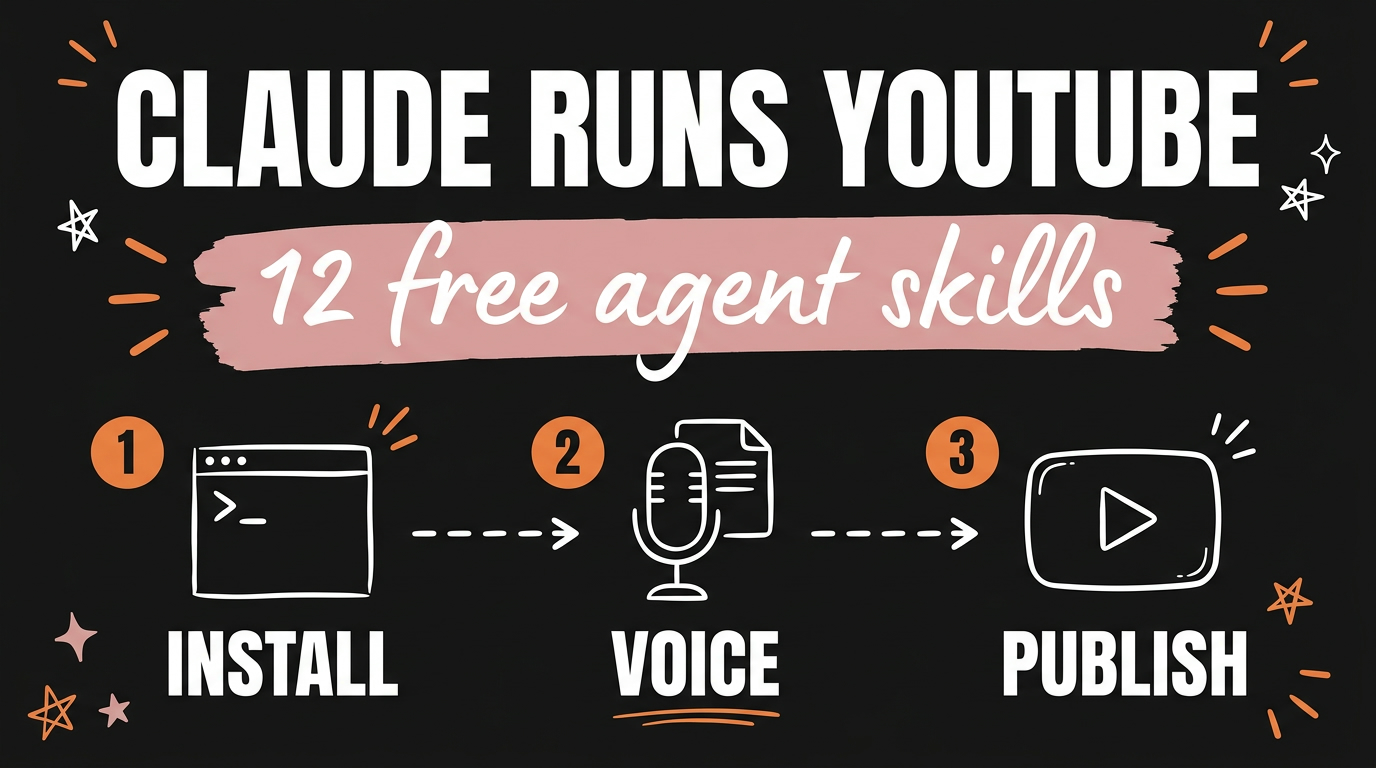
The Claude YouTube Agent Skill is a free, MIT licensed pack of 12 Claude Skills that writes your scripts, pairs your titles with your thumbnails, turns a transcript into an edit list, triages your comments, and plans your posting week, all inside Claude Code. Eleven of the twelve only write. The twelfth, /yt-publish, is the only one that touches your channel, and it uploads private by default after you type the word publish. It is a fork of Jake Schincariol’s original pack, maintained by Ness Alazne, and as of September 2026 it installs with one git clone.
Get the Free Guide
The guide walks through installing all 12 skills, filling in the voice profile every skill reads, getting your free YouTube Data API key, and the six commands worth running first.
Get the free YouTube Agent Skill Setup Playbook →
What Does the Claude YouTube Agent Skill Actually Do?
Each of the 12 skills handles one job on a channel, and you call it by name like a slash command in Claude Code. There is no dashboard and no subscription. You type /yt-script, Claude reads your voice profile, and it writes.
| Command | What it does |
|---|---|
/yt-script |
Turns one idea into a script. Five hooks off 21 formulas, scored, then the spoken script with retention beats marked. |
/yt-package |
Title and thumbnail as one pairing, linted for truncation, duplication and vagueness. |
/yt-edit |
A transcript into an edit decision list: dead air, filler cues, retakes, with timecodes. |
/yt-comment |
The comment section sorted into four piles, then replies in your voice, and it says which one to pin. |
/yt-plan |
A week that fits the hours you actually have. One anchor, one cheap one, three Shorts. |
/yt-viral |
What is working in your niche, ranked by multiple over each channel’s own median. |
/yt-retention |
Your retention export read properly: hook leak, the cliffs, the slide, and what to change. |
/yt-shorts |
The Shorts already sitting inside a long video, with a new first line written for each. |
/yt-seo |
The description, the tags worth having, and the three queries the video should win. |
/yt-chapters |
Chapters from a transcript, validated against YouTube’s own rules so they render. |
/yt-audit |
The whole channel, ending in one fix rather than twenty. |
/yt-publish |
Uploads or schedules the finished video through Blotato. Private by default, two yeses. |
The pack also ships six Python tools that run on a clean Python 3 with nothing installed, which is why the skills are more than prompts. hookscore.py scores a hook on five properties. title.py lints a title and thumbnail together. deadair.py builds the edit list. chapters.py validates chapter boundaries. retention.py reads your retention CSV. swipe.py ranks competitor videos by outlier multiple.
How Does the Virality Tool Rank Videos?
/yt-viral ranks a video by how far it beat its own channel’s median, not by how many views it got. A 400,000 view video on a channel that averages 500,000 is a miss. A 40,000 view video on a channel that averages 8,000 is the one worth studying, and raw view counts will never show you that. This is the same maths behind the outlier score and why copying viral videos fails.
Two fetchers feed it. tools/channel.py pulls the last 15 uploads from a handle through the official YouTube Data API, and tools/transcript.py pulls a video’s caption track as text or SRT. Both write the exact formats the original six tools already read, so you stop pasting data in by hand:
1
2
python3 tools/channel.py @me @rival1 @rival2 --json > collected.json
python3 skills/yt-viral/swipe.py collected.json --min 2.0
The --min 2.0 flag keeps only videos that did at least twice their channel’s median. Everything below that is noise.
How Do You Install the YouTube Agent Skill?
Installing takes about ten minutes, and most of that is the voice profile. There are three routes and they all end in the same place.
- Paste the repo URL into Claude. Give Claude the link
https://github.com/nessalazne/youtube-agent-skilland say “Install this skill, then confirm/yt-scriptworks.” Claude does the rest. - Clone it yourself. Run
git clone https://github.com/nessalazne/youtube-agent-skill.gitthencp -r youtube-agent-skill/skills/yt-* ~/.claude/skills/. - Install it as a plugin. Run
/plugin marketplace add nessalazne/youtube-agent-skillthen/plugin install youtube-agent.
Then copy templates/voice.md to ~/.claude/youtube/voice.md and fill it in, or hand Claude three of your own videos and say “write my voice.md from these”. Every skill in the pack reads that one file, so a blank profile gives you generic output from all twelve. This is the step people skip and then blame the tool for.
For the fetchers, put a free YouTube Data API key in ~/.claude/youtube/.env:
1
YOUTUBE_API_KEY=AIza...
Enable “YouTube Data API v3” in the Google Cloud console to get one. The free quota is 10,000 units a day. Looking up three channels by @handle costs 9 units; looking the same three up by name costs 306, so always use handles. transcript.py is the only tool in the pack with a dependency: pip install youtube-transcript-api.
What Are the Limits Worth Knowing Before You Trust It?
The pack is unusually honest about what it cannot do, and the limits matter more than the feature list.
hookscore.pyis a heuristic, not a predictor. It was calibrated against 74 real short-form hooks across five channels. It separates deliberately bad hooks from real ones well, and separates one creator’s hits from their own misses barely at all. A low score is a reason to look again. A high score is not a promise.- The formula classifier judges words, not results. When
/yt-viralsays a title used The Statistic, that is a read of the title, not a claim about why the video got its views. - Tags barely matter, and the pack says so instead of selling you a tag generator.
- It reads, it does not scrape.
channel.pyuses the official Data API with your own key. It never logs in as you. - Nothing invents a number. If a skill needs a figure it does not have, it asks you or writes the line without it.
Publishing is the one thing to read carefully, because it is the only capability that reaches your channel. /yt-publish uploads to a single pinned Blotato account, private unless you pass --privacy public, subscribers unnotified unless you ask, and only after Claude has printed the exact title, description and file and you have typed publish. Run python3 skills/yt-publish/publish.py --check first: it prints the pinned channel’s actual name rather than a four digit id, and refuses outright if that id turns out to belong to a different platform.
Who Is This For?
This suits a creator already making videos who is losing hours to the work around the video rather than the video itself. If you are writing scripts from a blank page, guessing at titles, or scrolling your niche hoping to spot a pattern, the pack replaces that with a command. If you have never published anything, fix that first. None of these skills can tell you what you sound like.
It runs the same way the Claude LinkedIn Agent Skill does, which is the same author’s original pack for a different platform, and it slots next to the rest of the free Claude Skills worth installing by department.
FAQ
Is the Claude YouTube Agent Skill free?
Yes. The pack is MIT licensed and costs nothing. The YouTube Data API key is free with a daily quota of 10,000 units, and you only need a paid Blotato account if you want the twelfth skill to publish for you.
Do I need Claude Code to use it?
No, but you lose most of it without Claude Code. Pasting a single SKILL.md at the top of a chat runs that skill as a mode, which works for the writing skills. You lose the Python tools, which is most of the point of /yt-script, /yt-retention and /yt-edit.
Can it publish to my channel without asking?
No. Eleven of the twelve skills never touch YouTube at all. /yt-publish uploads only after you approve the exact title, description and file, and it uploads private unless you explicitly pass the public flag.
What is the difference between this and the original pack?
This edition adds two fetchers, channel.py and transcript.py, so six of the skills stopped asking you to paste data in by hand. It adds /yt-publish as a twelfth skill. The six original Python tools, the 21 hook formulas and the voice template are byte identical to upstream.
How long does setup take?
About ten minutes, and most of it is writing your voice profile. The clone and copy take under a minute; the API key takes a few minutes in the Google Cloud console.
Start With One Command
Install the pack, fill in voice.md, then run /yt-viral on three channels in your niche before you write anything. Seeing which videos actually beat their own channel changes what you make next more than any script generator will. Everything after that is faster because you stopped guessing.
If you want to build systems like this instead of just installing them, come and Join the Vibe Coding Build →.