
Edit Videos With Claude Code In Three Prompts
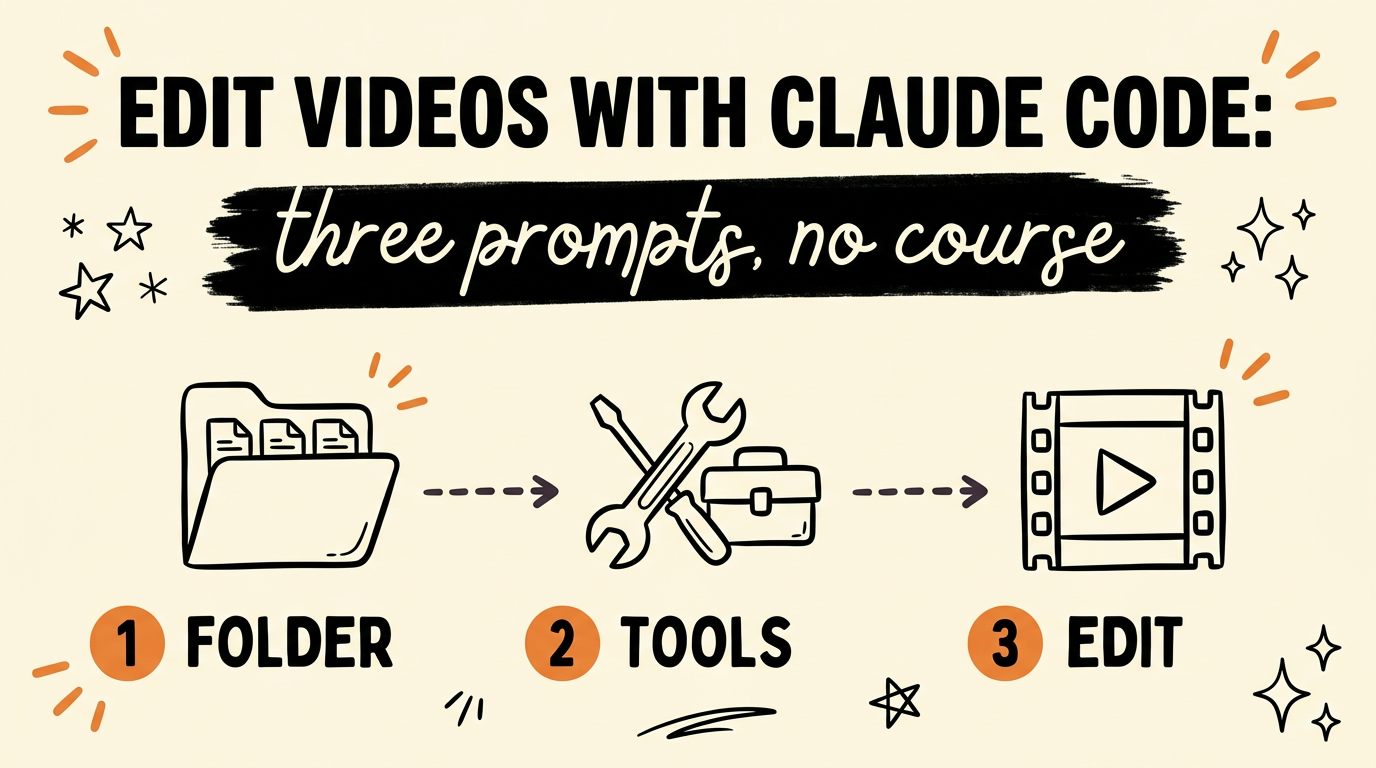
You can edit videos with Claude Code using three prompts and one folder. The first prompt gives Claude the editing tools, the second teaches it your taste from reference videos you pick, and the third takes your raw footage and returns a cut with captions and music on it. Setup takes about a minute, and you only do it once.
Most people selling this setup put it behind a course. There is nothing in it worth gating, so here is the whole thing.
Get the Free Guide
The guide has all three prompts written out in full, plus the folder structure and what a working first run looks like.
Get the free Claude Video Editing Prompt Pack →
Why does Claude Code need a folder before it can edit?
Claude Code can only touch files inside a folder you point it at, so the folder is the first thing you make. Download the Claude desktop app from Anthropic and open Claude Code inside it. Then make a folder called AI Video Editor with three subfolders:
| Subfolder | What goes in it |
|---|---|
raw footage |
The clips straight off your phone or camera, untouched |
references |
Videos whose style you want Claude to learn from |
exports |
The finished cuts Claude renders out |
Start a new chat, choose local, and point it at AI Video Editor. That one choice is what turns Claude from a chat window into something that can read your files, write new ones, and run tools on them. If you want the longer version of this part, I wrote it up in the Claude Code video editing setup walkthrough.
Which tools does Claude Code use to edit video?
Claude Code drives five open tools, and the first prompt is what gets them in place. You do not install anything by hand. You paste the prompt and let Claude handle it.
- Remotion builds the video itself, in code.
- HyperFrames handles the motion graphics and the on-screen animation.
- FFmpeg does the cutting, the trimming and the final export.
- Whisper transcribes the audio and times the captions to the words.
- yt-dlp pulls reference videos down so Claude can study them.
Nothing on that list costs money. The reason the first prompt matters is that Claude needs to know all five exist and which job each one has, otherwise it reaches for whatever it guesses first. I broke down what each piece is actually for in the Claude video editing stack.
How do you teach Claude Code your editing taste?
Claude can cut video the moment the tools are in, but it has no idea what you want the result to look like, and that is the gap the second prompt closes. Pick three to five videos in the style you are going for. Not your favourite videos, the ones whose pacing, caption style and energy you want your own footage to come out looking like.
Drop those links into the second prompt. The wording that matters is the instruction to get inspired by them rather than copy them. Without that line you get a flat imitation of whichever video Claude looked at last. With it, Claude pulls out the pattern underneath: how long a shot holds before it cuts, where captions sit, how loud the music sits against the voice.
This is the step almost everyone skips, and it is the reason most people’s first Claude edit comes out looking generic. The tools are the easy half. Taste is the half you have to hand over on purpose.
What does the final edit prompt actually do?
The third prompt takes a raw file and returns something you can watch. You film normally, drop the raw file into raw footage, and run it. Claude then:
- Cuts the dead air, the long pauses and the restarts
- Transcribes the audio and lays word-timed captions over it
- Adds music underneath
- Lays the whole thing out for you to review before anything is final
If a cut feels wrong, you say so in plain words. “The captions are too high.” “That pause at forty seconds should stay.” “Music is loud under the hook.” Claude changes it and shows you again. There is no timeline to drag and no keyframe to find, which is the part that takes the longest to believe.
Once the three prompts are working, the same folder handles every video after it. The reference set keeps teaching, so edit ten and the tenth comes back closer to what you wanted than the first. If you want the look of each edit to stay consistent, the next thing to add is a set of reusable video effect templates Claude can drop into any project.
FAQ
Do I need to know how to code to edit videos with Claude Code?
No. You paste three prompts and talk to Claude in plain English about what you want changed. Claude writes and runs the code, and you never open a file yourself.
Does this cost anything beyond the Claude subscription?
The five tools in the stack, Remotion, HyperFrames, FFmpeg, Whisper and yt-dlp, are all free. Your only cost is whatever Claude plan you are already on.
Why does the folder have to have three subfolders?
Because Claude needs to know where to look and where to write. Raw footage goes in one place, style references in another, finished exports in a third, so nothing gets overwritten and Claude never has to guess which file you meant.
How many reference videos should I give Claude?
Three to five. One is not a pattern, and ten pulls Claude in too many directions at once. Pick the handful that genuinely look like what you want to make.
Can I change the edit after Claude finishes it?
Yes. Claude lays the edit out for review instead of exporting straight to final, and you can ask for changes in plain words as many times as you need before you export.
Wrapping up
Three prompts, one folder, five free tools. That is the whole Claude Code video editing setup, and the only part that takes any thought from you is picking the reference videos that teach it your taste.
If what you actually want is the step after editing, posting the thing, that is a different system. Meet Content Engine → Paste any link or idea and get a published video in under 3 minutes, with DM automation armed to capture the leads it brings in.