
Claude Code Built 25 Free Video Effect Templates
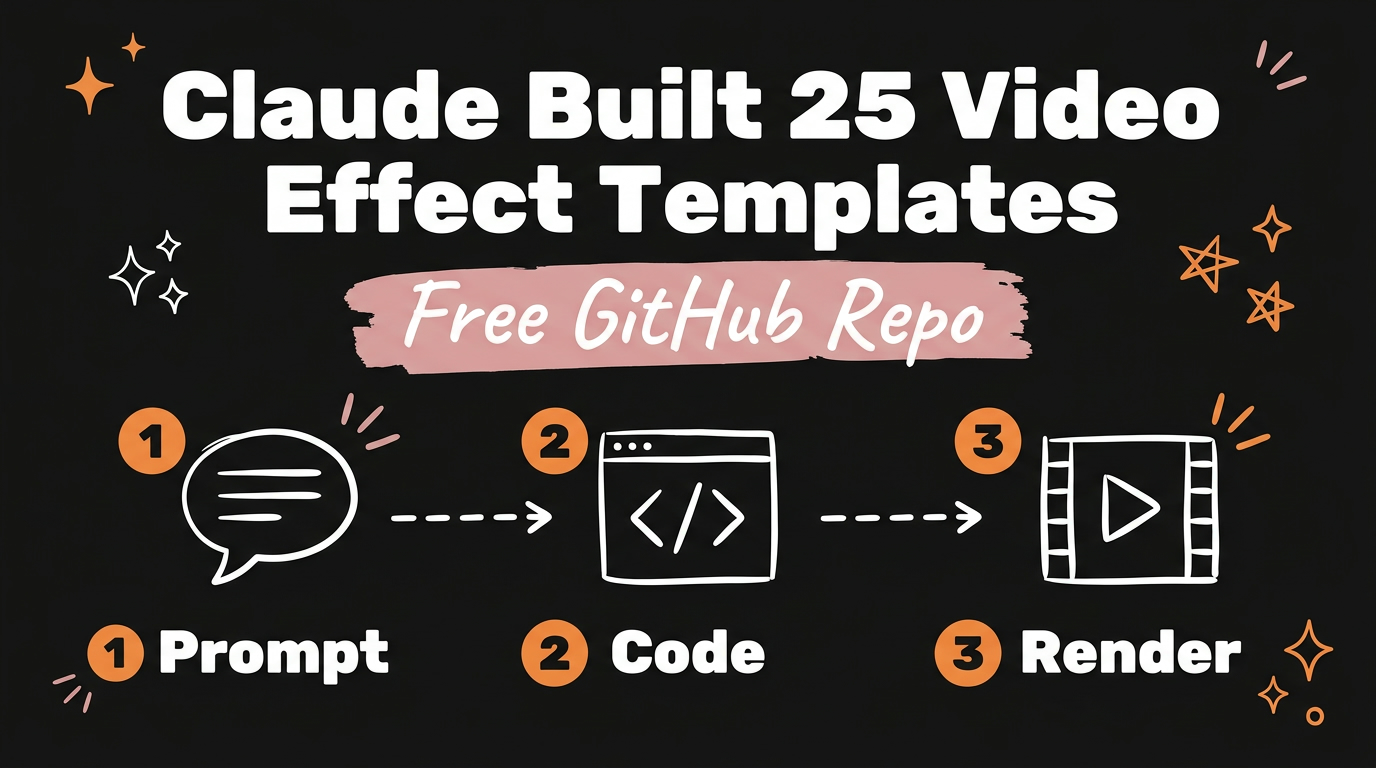
Claude Code can build a full library of video effect templates, the same looks you scroll past in reels every day, as reusable code instead of one-off edits in After Effects. You describe the effect once, Claude writes the code for it, and you drop that same template into every future video without redoing the work.
Get the Free Guide
One sentence on what is in the guide: how to turn any reel effect you spot into a reusable Claude Code template of your own.
Get the free 25 Video Effect Templates Guide →
What Is a Video Effect Template Built With Claude Code?
A video effect template is a small piece of code, usually a Remotion component, an HTML/CSS layer, or an ffmpeg filter chain, that reproduces one specific look on demand. Instead of manually keyframing a zoom or a light sweep every time you edit, you write the effect once with Claude Code and call it again on the next video with new footage and new text.
This is the same idea behind the 25 templates in the GitHub repo mentioned in the video: Vertigo, Orbit, Lockdown, Paper Cut, Spotlight, Backdrop Blur, Digital Zoom, Rabbit Hole, Shadow Puppet, Reject Stamp, Giant Captions, and Countdown among them. Each one is a trend you have already seen on Instagram or TikTok, rebuilt as code so it can run on any clip.
How Does Claude Code Turn a Reel Trend Into Reusable Code?
The process starts with naming the trend, not the tool. Instead of asking for “a cool transition,” you describe exactly what happens on screen: the camera appears to push forward while the background stretches outward (that is a vertigo effect), or the frame locks in place while something small moves inside it (a lockdown effect).
- Name the look. Watch the reel, pause on the effect, and describe the motion in plain language: what moves, what stays still, what triggers the change.
- Ask Claude Code to build it as a template, not a one-off. The request matters here. Asking for “a zoom effect for this video” gets you a single edit. Asking for “a reusable zoom-punch template that takes any clip and a zoom point as input” gets you a file you can call again.
- Save it to a templates folder and test it on a second clip. A template only earns the name once it has run on footage it was not written for.
Which Effects Are Worth Building First?
Start with the effects that show up in the most reels, since those are the ones you will reuse the most. Here is what each named effect in the video actually does on screen:
| Effect | What it looks like |
|---|---|
| Vertigo | Camera pushes in while the background stretches out (the classic Hitchcock dolly zoom) |
| Orbit | The camera appears to circle around a subject or object |
| Lockdown | The frame stays still while motion happens inside it |
| Spotlight | A circle of light reveals part of the frame, the rest stays dark |
| Backdrop Blur | The background softens so the subject reads sharper |
| Digital Zoom | A fast punch-in zoom on a detail, often with a frame flash |
| Rabbit Hole | A zoom-through transition that pulls the viewer into the next scene |
| Giant Captions | Oversized, screen-filling text synced to a word or phrase |
A library like this does not have to be built in one sitting. Pick the three effects you use most often in your own content and have Claude Code template those first.
How Do You Reuse a Template Library Across Future Videos?
Once a template exists as code, reusing it is a matter of pointing it at new footage and new text, not rebuilding the effect from scratch. Keep each template in its own file inside a shared folder, name the file after the effect, and give Claude Code a short description of what inputs it expects (clip path, text, duration). That description is what lets you ask for “the spotlight template on this new clip” months later and get the same result instantly.
For a deeper look at setting up a Claude Code project for video work specifically, see how to structure a video editing stack with Claude Code and the step-by-step video editing setup.
FAQ
Do I need After Effects experience to build video effect templates with Claude Code?
No. The point of building effects as code is that Claude Code writes the implementation. You describe the look you want, and it handles the math behind the zoom, the blur, or the camera move.
What tools does Claude Code use to render these effects?
It depends on the effect. Motion-heavy looks like vertigo or orbit usually run through Remotion (React components rendered to video), while simpler overlays like giant captions or a stamp can run through ffmpeg filters directly.
Can I edit a template once Claude Code has already built it?
Yes. Since each template is a readable file, you can ask Claude Code to adjust the timing, the color, or the intensity of an existing effect the same way you asked for the first version.
How many effect templates should I start with?
Three is enough to start. Pick the effects you reuse most in your own content, template those, and add more as you spot new trends worth keeping.
Where do these 25 templates come from?
They were built one by one with Claude Code, starting from reel and TikTok trends the creator wanted to reuse, and collected into a single free GitHub repo.
Ready to stop rebuilding every effect from scratch, or editing at all? Content Engine turns a link or an idea into a published short video in under three minutes, DM automation included for capturing leads the moment someone comments your keyword. Meet Content Engine →