
Claude Code Video Editing Setup: Folder to Brand Sheet
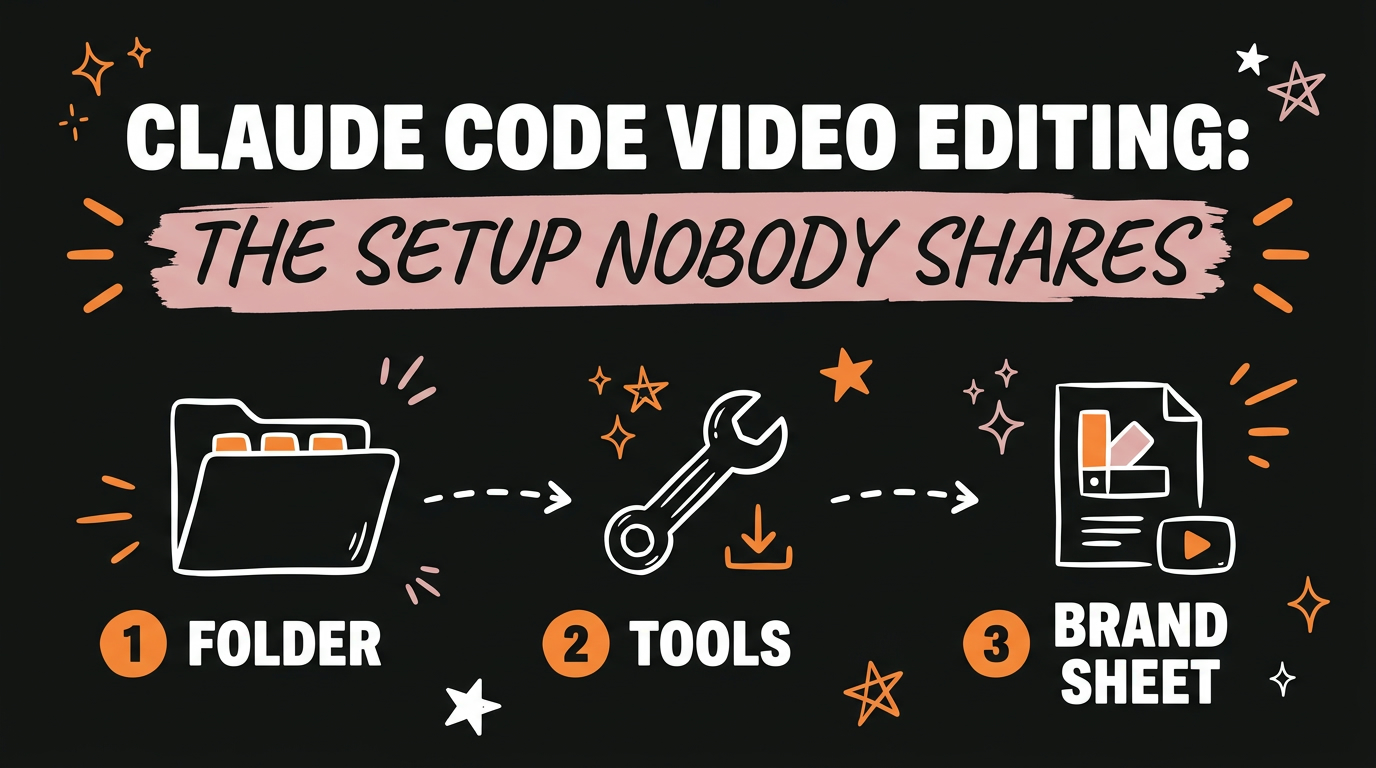
To set up Claude Code for video editing, install the Claude Code desktop app, make a folder called AI Video Editor with three subfolders (raw footage, references and exports), and point a new local chat at that folder. Then send Claude three to five reference videos and it builds a brand sheet, a written version of the editing style you want it to copy. You only do the setup once.
Get the Free Guide
The free guide has the full setup written out step by step, plus the copy and paste prompts for the folder, the tools and the brand sheet.
Get the free Claude Code Video Editing Setup guide →
Why Is Everyone Talking About Claude Code Video Editing but Nobody Shows the Setup?
Most posts about Claude Code video editing show a finished edit and skip the setup, or they put the setup behind a paywall. The setup is short. It is a folder structure, a desktop app connected to that folder, and one document that describes your editing style. None of it needs a paid course.
Claude Code is Anthropic’s coding agent. It edits video the way it works on code, by reading files and running tools on your computer. That means it needs two things from you before the first edit: somewhere to find your files, and a clear picture of what “good” looks like to you.
What Do You Need Before You Start?
You need the Claude Code desktop app, and you need to use the app, not the browser. The browser version cannot be pointed at a folder on your computer, and the whole system depends on Claude reading your local files.
Here is the order that works:
- Install the Claude Code desktop app.
- Create a folder called AI Video Editor.
- Inside it, make three subfolders: raw footage, references and exports.
- Start a new chat in the app and choose Local.
- Select the AI Video Editor folder.
Once the folder is selected, Claude can read what is inside it. That one connection is what turns a chat window into an editing assistant.
What Goes in Each of the Three Folders?
Each subfolder has one job, and keeping them separate stops Claude from mixing up your inputs and your outputs.
| Folder | What goes in it |
|---|---|
| raw footage | Your unedited clips, exactly as you filmed them |
| references | Videos from the creator whose style you want to copy, or your own past videos |
| exports | The finished edits Claude renders for you |
Raw footage and references are the only two you fill. Exports starts empty and Claude writes into it.
How Do You Give Claude the Editing Tools?
After the folder is connected, you give Claude the links to the editing tools and an install prompt, and it sets them up for you. You do not install each tool by hand. You paste the links, tell Claude to install them, and it runs the steps on your machine.
The tools themselves are the same ones covered in the Claude video editing stack: a framework that holds the video project, plus tools for transcription and sound. If you want to see what a finished edit from this kind of setup looks like, Claude Code can edit a video from one sentence once the stack is in place.
What Is a Brand Sheet and Why Build One First?
A brand sheet is a written description of your editing style that Claude builds by studying reference videos. You send it three to five videos, from a creator you want to mimic or from your own past work, and it writes down what it sees: how fast the cuts are, how the captions look, what the pacing feels like.
This step is what separates a generic AI edit from one that looks like yours. Without a brand sheet, every new edit starts from Claude’s guess. With one, every edit starts from a document you can read, correct and reuse.
Pick references you actually like watching. If you are not sure why a particular video works, this guide to reverse engineering viral videos with AI shows how to break one down before you feed it in.
FAQ
Do I need the desktop app, or can I use Claude Code in the browser?
Use the desktop app. The setup relies on a Local chat that reads a folder on your computer, and the browser version is not the one to use for this.
How many reference videos should I send for the brand sheet?
Three to five. That gives Claude enough examples to see a repeating style without drowning it in footage.
Can I use my own videos as the references?
Yes. You can send videos from a creator you want to mimic, or your own past videos. Using your own gives you a brand sheet that matches how you already edit.
What is the difference between the references folder and the raw footage folder?
Raw footage holds the clips you want edited. References holds finished videos that show the style you want. Claude learns the style from references and applies it to raw footage.
Do I have to redo this setup for every video?
No. The folder, the tools and the brand sheet are one time work. After that, each new video starts with you dropping clips into raw footage.
Set It Up Once, Edit Every Video From It
The Claude Code video editing setup is a folder with three subfolders, a Local chat pointed at it, installed tools, and a brand sheet built from three to five reference videos. Do it once and every edit after that starts from your own style. Grab the free guide above for the prompts, or if you want the full system and the builds behind it, Join the Vibe Coding Build →