
Animated Explainer Videos Free With Claude Code
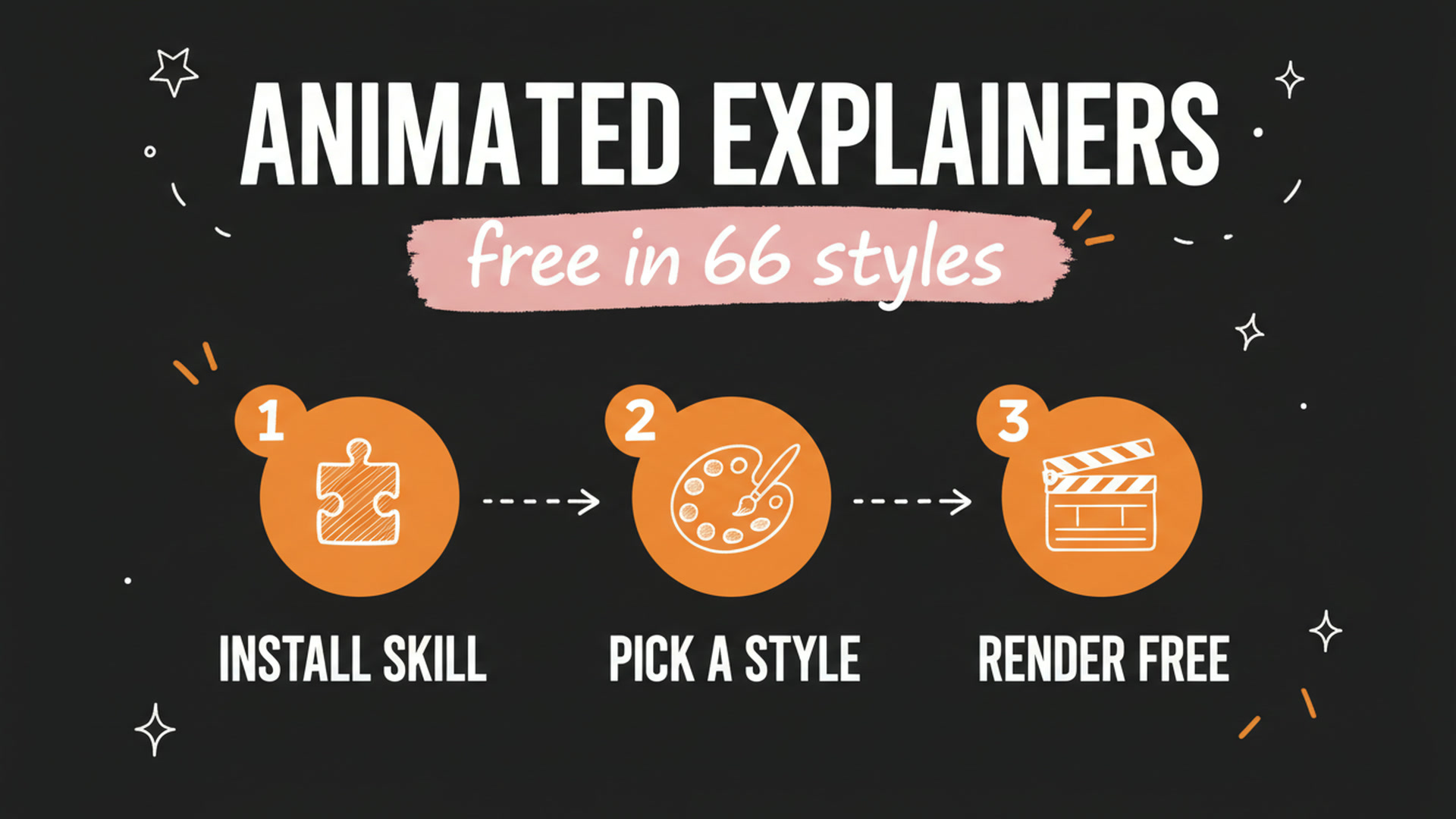
You can make animated explainer videos free with Claude Code by installing an open source skill called Lemo-Opuscar. It ships with 66 film styles, and once you pick one and describe your idea in plain English, the agent writes the story, generates the voiceover and storyboards, adds the music and sound effects, then renders the whole video frame by frame in code. No video generation model touches it, so there are no per-second credits to buy.
The part you sit through takes under 10 minutes. You choose a style, type a sentence about your topic, answer a couple of questions, and walk away.
Get the Free Guide
The guide has the install commands, the exact prompts I use, the style list and a fix table for the three things that break on a first run.
Get the free Animated Explainer Video Setup Guide →
How Do You Make an Animated Explainer Video With Claude Code?
Five steps take you from an idea to a rendered MP4, and only the first two need you at the keyboard.
- Install the skill. Add the marketplace with
claude plugin marketplace add lemomo-ai/lemo-opuscar, then install withclaude plugin install lemo-opuscar@lemolab. - Pick a style and describe the idea. One sentence is enough: “Make a 45-second film in the watercolor style about the coffee farm my family runs. Warm female narrator.”
- Answer the clarifying questions. The agent asks about your topic, what source material you have, and whether you want a storyboard preview before it commits.
- Let it write and score. It drafts the story, synthesizes the narration with a text-to-speech engine, lays in the music and the sound effects, and builds the shot list.
- Let it render. Every frame is drawn in code through canvas and WebGL, then FFmpeg composites the picture, the score and the voice into a 1920x1080 file at 24 frames per second.
The output is a real video file. Nothing is stitched together from stock clips.
What Are the 66 Art Styles?
The styles are grouped by medium rather than by topic, so you pick the look first and pour any subject into it.
| Category | Styles in it |
|---|---|
| Hand-drawn and painting | Crayon, Watercolor, Ink Wash, Oil |
| East Asian traditions | Shadow Puppetry, Ukiyo-e, Paper-cut |
| Print and printmaking | Risograph, Halftone, Woodcut, Engraving |
| Graphic and type | Swiss Motion, Spy Titles, Art Deco, Blueprint |
| Information and keynote | Data Storytelling, Isometric Infographic |
| Cartoon and anime | Rubber Hose, Cel Anime, Sitcom Toon |
| Games | 16-bit Pixel RPG, HD-2D, Microgame |
| Cinema and eras | Silent Film, Found Footage |
| Materials and 3D | Brick Toy, Pop-up Book, Tilt-Shift |
| Evidence films | Satellite Briefing, LiDAR Survey |
| Edit and documentary | News, Newsreel, Countdown |
Seven more landed on 29 October 2026: Memphis Diorama, Transit Map, Chalkboard, Isometric Picture Book, Printed Long Take, Circuit Board and Desktop Flythrough. Each style has a demo film and a downloadable frame in the interactive gallery, so you can watch the look before you spend a run on it.
If you want to compare this against the other code-rendered video skills, I covered five Claude skills for five AI video styles earlier, and the Claude skill I use for animated reels runs on the same no-credits idea in a vertical format.
Why Render in Code Instead of Using a Video Model?
Code rendering removes the two things that make AI video expensive and unpredictable: per-second billing and drift between shots.
- No generation credits. The frames are drawn by your machine, so a 45-second film and a six-minute film cost the same in dollars.
- The look holds. A style is a specification in a
STYLE.mdfile, not a prompt you hope lands the same way twice. - You can edit it. Every shot is source code with a
build.sh, so changing a colour or a timing is an edit, not a reroll. - It is auditable. The agent leaves the story, the shot list and the technique notes on disk next to the output.
The proof of concept is a film called OPUSCAR 98: 98 Best Picture winners from 1927 to 2025, each rendered in a style appropriate to its year, six and a half minutes long, every frame and every edit produced in code by Claude Opus 5.5. The full shot-by-shot breakdown is published at the OPUSCAR 98 gallery.
Can Agencies Build Their Own Branded Style?
Yes, and this is the part that matters if you make videos for clients. You can start from a library style or from a blank page, feed it reference images or a film you like plus your brand colours, logo and font, and the agent builds a style around them.
The flow has five steps: it interviews you one question at a time about audience, platform and frame size, renders a single style frame for approval, makes a 15 to 30 second demo film, then saves the result once you sign off. Finished styles land in ~/lemo-my-styles/<slug>/ with a style.json, a STYLE.md, a decision log and the demo source. That folder sits outside the library on purpose, so plugin updates never overwrite your work.
What Does It Actually Need to Run?
Three local dependencies and a Claude Code session, with no API keys for the default setup.
- Node.js 20 or newer
- FFmpeg 7 or newer (Ubuntu 24.04 ships 6.1, which is too old, so use a static build)
- Python 3.11 or newer, or
uv - Kokoro for text-to-speech, included by default, with Microsoft Edge TTS and Doubao as alternatives
Be realistic about the clock. Your hands-on time is minutes, but the repo notes that a film typically takes 30 to 60 minutes of agent runtime and a significant number of tokens, and that the styles are tuned for Claude Opus 5.5. Smaller models will not reproduce them faithfully. Start one, go do something else, come back to a finished file. If the audio is the weak spot in your edits, the three free tools I use to fix Claude sound effects slot in afterwards.
The code and docs are MIT licensed. Films you make are yours with no credit required. The demo films and stills are CC BY 4.0, and three voice tracks keep their original licences, so leave those alone.
FAQ
Is Lemo-Opuscar free?
The code and documentation are MIT licensed and free to use. You pay nothing for rendering because no video generation model is called, though you do spend Claude tokens on the agent run.
How long does one animated explainer video take?
Your input takes a few minutes. The repository notes that the agent itself typically needs 30 to 60 minutes of runtime to write, score and render a film.
Which model do I need?
The styles are built for Claude Opus 5.5. The repo warns that other models may not reproduce the styles accurately, so stay on Opus for the render.
Can I use my own brand colours and logo?
Yes. You give the agent reference images or a reference film plus your colours, logo and font, and it builds a custom style around them. Custom styles save to ~/lemo-my-styles/ and survive plugin updates.
What resolution does it output?
1920x1080 at 24 frames per second by default. You can set a different frame size during the custom style interview if you need vertical for Reels or Shorts.
Start With One Film
Install the plugin, pick a style off the gallery, and give it one sentence about something you already know. The first run teaches you more about what the styles can hold than any amount of reading, and it costs you tokens rather than credits.
If you want the whole pipeline instead of one video, that is what I built next. Paste any link or any idea and get a published video in under 3 minutes, with DM automation armed to capture the leads it brings in. Meet Content Engine →