
Why Your AI App Isn't Converting (Fix the Design)
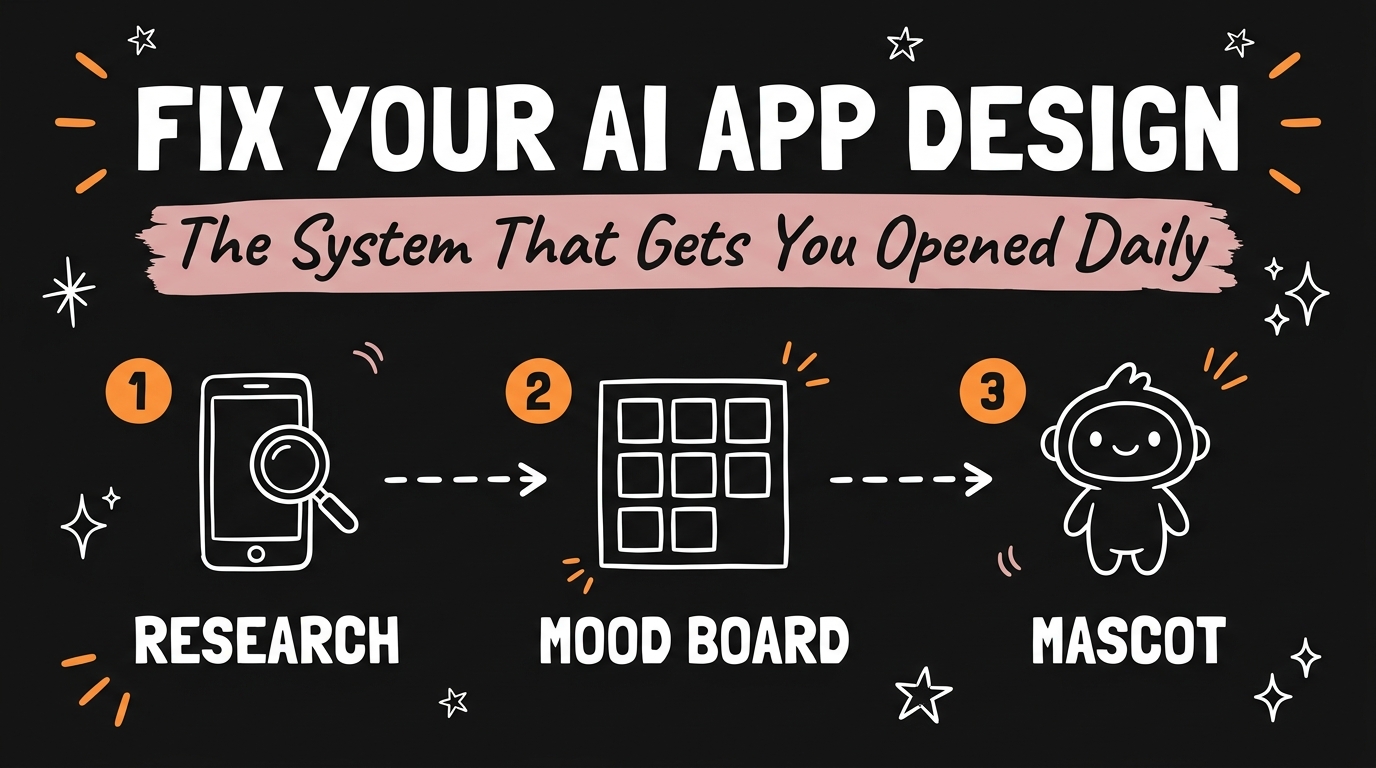
Most AI apps stop converting because they look like every other AI app, not because the features are weak. A repeatable AI app design system — competitor research, a mood board, an AI-generated requirements doc, and a custom mascot — fixes the “blends in” problem before a single line of new code gets written.
Get the Free Guide
Get the full step-by-step playbook for the AI app design system, including the exact prompts for Gemini and ChatGPT.
Get the free AI App Design Playbook →
Why Do AI Apps Fail on Design Before They Fail on Features?
AI app design fails first because a generic interface signals a generic product, and users decide whether to trust an app within seconds of opening it. Two apps can ship the exact same feature set — the same onboarding flow, the same core function — and still convert at wildly different rates purely because one looks considered and the other looks like a template. For solopreneurs shipping fast with Claude Code, it’s tempting to treat design as the last 10% of the job. In practice it’s closer to the first 10%, because it’s what decides whether anyone sticks around long enough to test the features at all.
How Do You Research Competitor Design for Free?
The App Store and Google Play top charts are a free, built-in competitive research tool — no subscription or scraping tool required. Open either store, search your niche, and sort by top charts to find apps already making an estimated $50K a month in that category. Study three things on each one: the onboarding screens, the color and icon system, and any recurring visual “hook” that shows up across their marketing screenshots.
From there, build a mood board from two or three of those competitors:
- Screenshot the onboarding flow of each competitor app, start to finish.
- Note what you like — a color palette, a layout pattern, a tone of voice in the copy.
- Note what you don’t like — anything that feels dated, cluttered, or off-brand for your audience.
- Mark where you can add your own twist — a detail none of the three competitors are doing yet.
This step alone usually takes under an hour and replaces what would otherwise be a paid brand strategy session.
How Do You Turn a Mood Board Into an Actual Design Brief?
A mood board only becomes useful once it’s translated into a written brief an AI tool can build from, and Gemini is the fastest way to make that translation. Feed your screenshots and notes into Gemini and ask it to generate a detailed requirements document — color palette, typography direction, icon style, and screen-by-screen layout notes based on what you flagged as strong or weak in each competitor.
Paste that requirements document into an AI design tool and run the identical prompt three times in parallel, not once. Here’s why that one change matters more than the prompt itself:
| Approach | Outputs Generated | Design Options to Choose From |
|---|---|---|
| Run the prompt once | 1 | 1 |
| Run the same prompt 3x in parallel | 3 | Up to 3 distinct directions |
More outputs means more real options on the table instead of committing to whatever the first generation happens to produce. This is the same “generate in parallel, then pick” logic behind reverse-engineering a proven app idea before you build it — you’re reducing risk by comparing multiple attempts instead of betting on the first draft.
Why Does a Custom Mascot Drive Daily Retention?
A custom mascot works because it gives users an emotional, memorable reason to open the app again, in a way that generic UI components can’t. Once the mood board and requirements document are locked in, use ChatGPT to generate a custom mascot with a transparent background — a single character or icon that becomes the recognizable face of the app across onboarding, empty states, and push notifications.
That one asset does more retention work than most feature updates. Apps with a distinct visual mascot benchmark better on daily-open rates than visually anonymous competitors in the same category, because a mascot gives the brain something to recognize and return to, the same way a logo or jingle does for a traditional brand. If you’re niching down an app the way the highest-earning simple apps do, the mascot is often the cheapest, highest-leverage differentiator available — it costs one ChatGPT session, not a design agency retainer.
FAQ
Do I need a professional designer to run this AI app design system?
No. Every step — App Store research, the mood board, the Gemini requirements document, the parallel AI design generations, and the ChatGPT mascot — can be run solo with free or low-cost AI tools, no design background required.
How many competitor apps should I put in my mood board?
Two or three is enough. More than that dilutes the research and makes it harder to spot the one or two patterns worth borrowing and the one gap worth filling with your own twist.
Why run the same AI design prompt three times instead of once?
Running the identical prompt three times in parallel gives you multiple distinct visual directions to compare, instead of anchoring on whatever the first output happens to look like.
What should the mascot actually be used for inside the app?
Use it anywhere a user might otherwise see a blank or generic screen — onboarding, empty states, loading screens, and push notification icons — so it becomes the recurring visual signature of the app.
Does this design system work for apps that already launched?
Yes. Competitor research, a mood board, and a mascot can all be layered onto an existing app as a redesign pass; you don’t need to be pre-launch to use this system.
Ready to Build Apps That Actually Convert?
A generic-looking AI app is a solvable problem, not a personality flaw — free competitor research, a mood board, an AI-written design brief, and one well-designed mascot are usually enough to fix it. If you want the full build system behind apps like this, Join the Vibe Coding Build →