
Find a $1M App Idea by Screenshotting the App Store With Claude
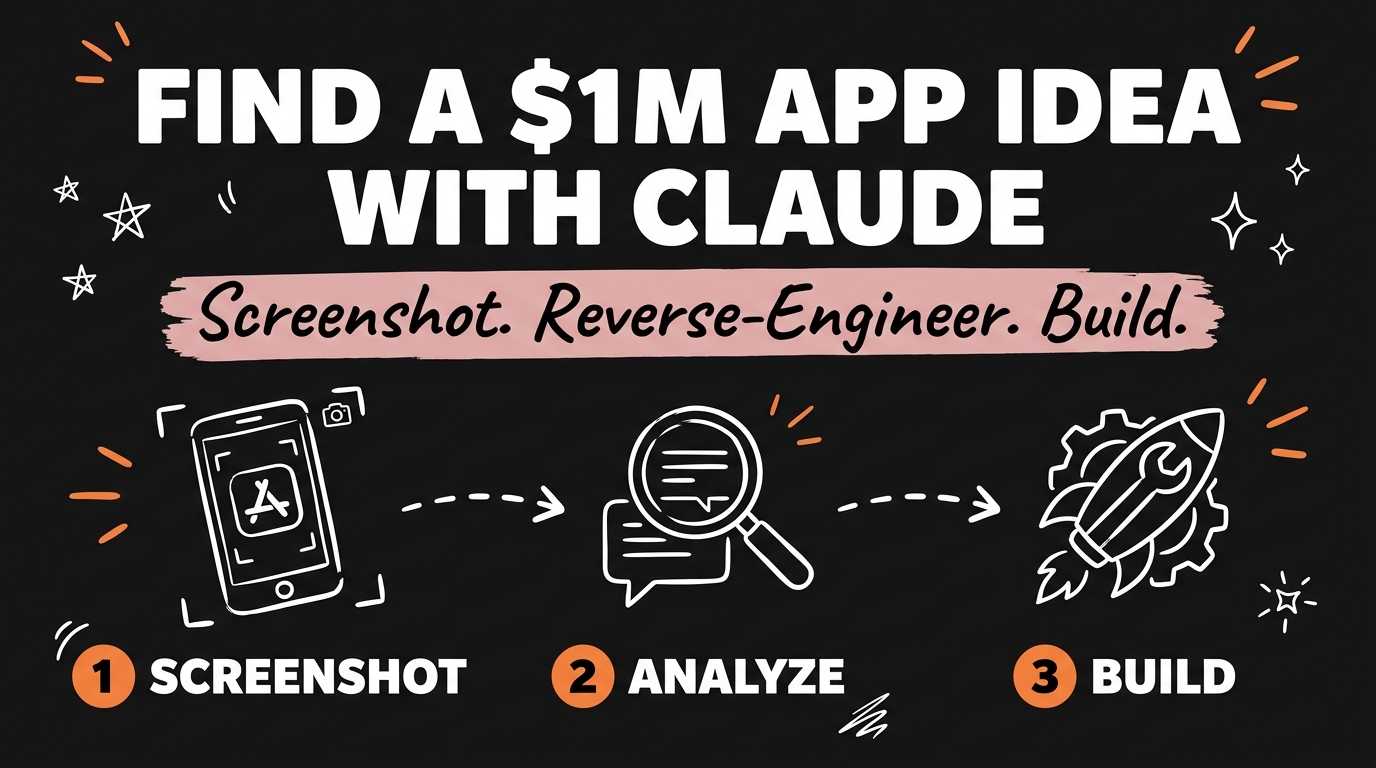
The fastest way to find a validated app idea is to screenshot the top-ranked app in any App Store category and ask Claude to reverse engineer it. In under a minute, Claude returns the ideal customer profile, the core pain point, the market gap, possible revenue models, and a “blue ocean” angle you could build against — no market research subscription, no guesswork. One more prompt turns that analysis into a build-ready spec you can paste straight into Claude Code.
Get the Free Guide
The free guide includes the exact reverse-engineering prompt, a full worked example running it against a real top-ranked app, and the follow-up prompt that turns the analysis into a Claude Code build spec.
Get the free App Idea Research Prompt Guide →
Why Is the App Store the Best Free Database for App Ideas?
The App Store is a live, ranked record of what people already pay for, updated every day for free. Every app sitting at the top of a category has already cleared the two hardest questions in building software — does anyone want this, and will they pay for it — because its download count and star rating are the answer.
Most people browse the App Store the way they browse Instagram: for entertainment, not research. Treating it as a research database instead means every top app becomes a case study you can extract in minutes with a single screenshot and a well-built prompt.
What Should You Screenshot Before You Prompt Claude?
You need three things in the screenshot for Claude to reason about the app properly: the app’s icon and name, its short description or tagline from the listing, and its current star rating with review count. If you can fit a second screenshot of the main app screen or a review snippet, that adds real signal, but the listing screenshot alone is usually enough to start.
Pick a category you already understand — fitness, productivity, finance, journaling, habit tracking — because you’ll evaluate Claude’s output faster when you know the space. Open the App Store or Google Play, find the top one or two apps in that category, and screenshot the listing page for each.
What Does Claude’s Reverse-Engineering Prompt Actually Return?
Claude’s reverse-engineering prompt returns five specific things: the ideal customer profile, the core pain point the app solves, the gap the app leaves open, a plausible revenue model, and a “blue ocean” angle — a way to serve the same customer without competing head-on. Here’s the prompt itself:
1
2
3
4
5
6
7
8
9
I'm sharing a screenshot of [App Name] from the App Store.

Reverse engineer this app and give me:
1. The ideal customer profile (ICP) — be specific, not "busy people"
2. The core pain point this app solves for that ICP
3. The gap: what this app still does badly or ignores entirely
4. 2-3 plausible revenue models this app is likely running
5. A "blue ocean" angle — a version of this that serves the same
   ICP without competing head-on on the same feature set
Where this differs from a straight feature audit is the ICP-first framing: Claude is reasoning about who the app serves and why, not just listing buttons and screens. That’s what makes the output usable for a business decision, not just a feature list.
| Output | What it tells you |
|---|---|
| ICP | Who to design and market for |
| Pain point | The one job the app is hired to do |
| Gap | What the incumbent leaves on the table |
| Revenue model | How this category of app actually makes money |
| Blue ocean angle | Where you can win without a feature war |
For the full worked walkthrough — the same prompt run against a real top-ranked app, with Claude’s actual output at each step — grab the free guide.
How Do You Turn the Analysis Into a Build Prompt for Claude Code?
You turn the analysis into a build prompt by asking Claude to compress its own output into a scoped, buildable spec, then pasting that spec straight into Claude Code as the first message of a new project. The second prompt looks like this:
1
2
3
4
5
6
7
8
9
10
Using the reverse-engineering analysis above, write a build prompt for
Claude Code that scopes a v1 around the blue ocean angle.

Include:
- The one core feature that proves the blue ocean angle works
- The screens needed for that feature only (max 3)
- Suggested tech stack and why
- What to explicitly leave out of v1

Format it as a single prompt I can paste directly into Claude Code.
This is the step most people skip — they either stop at the analysis and never build, or they skip the analysis and start building the wrong thing. The two-prompt sequence is what turns App Store browsing into a dev-ready spec in about the time it takes to drink a coffee.
If you’d rather mine an app’s actual complaints instead of its category position, reverse engineering an app from its negative reviews is the same idea from a different angle. Once you have a direction and want the full MVP build sequence, cloning a $1M App Store app with Claude Code picks up exactly where this leaves off.
FAQ
Do I need more than one screenshot for this to work?
No. One clean screenshot of the app’s listing — icon, name, description, and rating — is enough for Claude to produce a usable ICP, pain point, and gap analysis. A second screenshot of the main screen adds detail but isn’t required.
Is this different from just asking Claude “give me an app idea”?
Yes. An open-ended prompt gives Claude nothing to anchor on, so it defaults to generic suggestions. Reverse-engineering a specific, already-successful app gives Claude a real ICP, a real pain point, and real market signal to reason from.
Can I use this on apps outside the App Store, like SaaS products?
Yes. The same prompt works on a screenshot of any product’s marketing site or listing page — G2, Product Hunt, or the app’s own homepage all provide enough signal for the ICP, pain point, and gap analysis.
How is the “blue ocean angle” different from just copying the app?
Copying the app means matching its feature set. The blue ocean angle asks Claude to find a way to serve the same customer without competing on the same features — often a narrower use case, a different pricing model, or an underserved segment of the same audience.
What if Claude’s ICP or gap analysis feels generic?
Add more specifics to your screenshot or prompt — the actual review count, a line from a real review, or the app’s pricing tier. Claude’s output is only as specific as the signal you give it.
Start With a Screenshot, Not a Blank Page
You don’t need an original idea to start building — you need a proven app and thirty seconds with Claude. Screenshot the top app in a category you understand, run the reverse-engineering prompt, and let Claude hand you the ICP, the gap, and the angle before you write a single line of code.
Want the full system — the worked example, the build prompts, and the project structure to ship it? Join the Vibe Coding Build →