
5 Claude Code Frontend Design Skills That Fix AI Slop
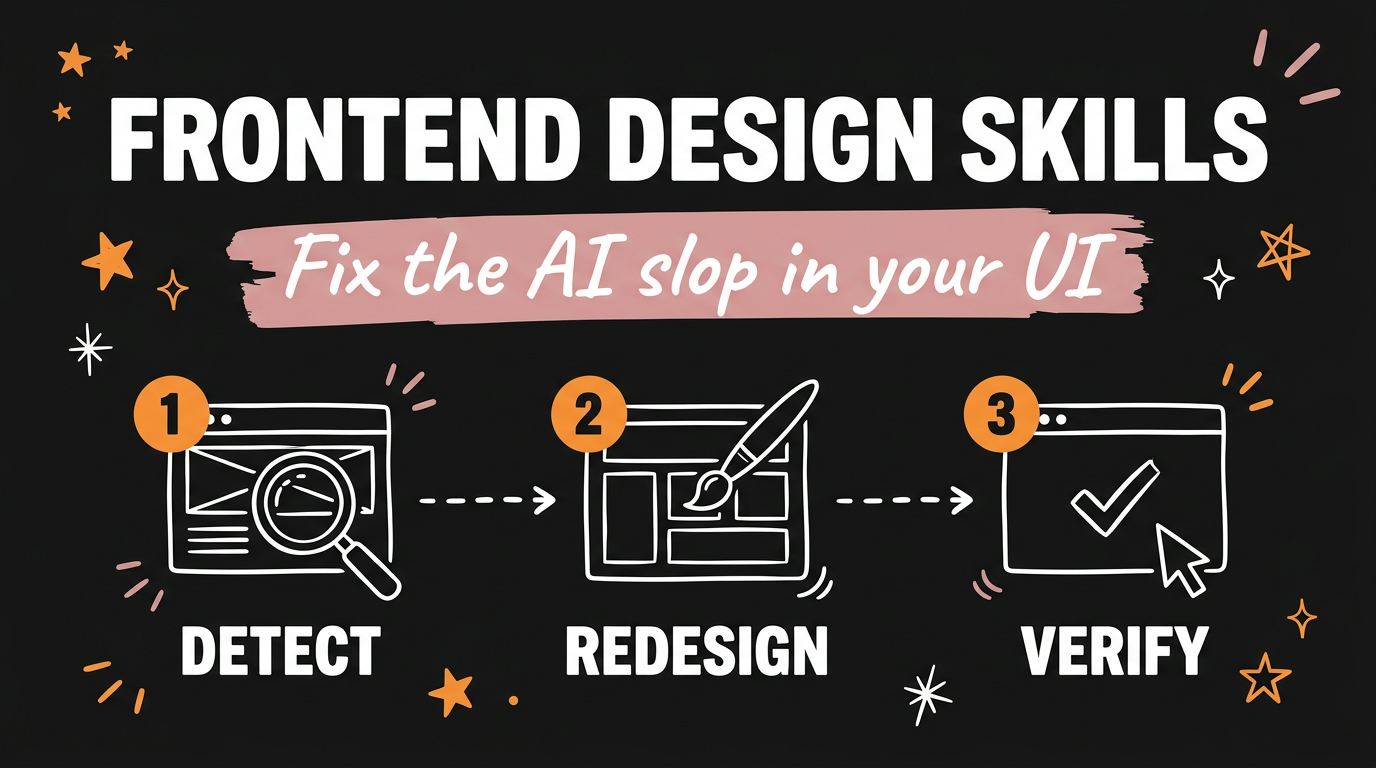
The five Claude Code frontend design skills worth installing are Impeccable, Taste, Unslop, Design Extract and Playwright CLI. Each one handles a different part of the same problem: Impeccable spots AI slop in your interface and gives you a live in-app browser so you watch every change land, Taste builds full pages off a real design system, Unslop rewrites generic output into something that looks considered, Design Extract pulls the colors, fonts and spacing out of any website, and Playwright CLI hands Claude Code a real browser to check its own work in. All five are free, and all five install in about two minutes each.
Get the Free Guide
The guide has the install command for each of the five skills, the exact prompts I run them with, and the fix table for when a skill refuses to load.
Get the free Frontend Design Skills Pack →
What is AI slop in a user interface?
AI slop is the house style that coding agents fall into when nobody gives them a design direction. The Unslop skill names the usual suspects directly: purple gradients, glows, emoji used as labels, and uneven spacing. Add the rest of the family and you get the full picture. Every card carries the same drop shadow, every heading sits at the same weight, the palette is one hue plus grey, and nothing tells you where to look first.
The reason is boring. Claude Code writes the markup and the CSS well and has no opinion about which of a thousand valid layouts you wanted, so it picks the average of everything it has seen. A skill fixes that by handing the agent a vocabulary before it writes a line. If you read my breakdown of four free Claude plugins that fix generic AI output, this is the same principle aimed at the front end.
Which skill should you install first?
Install Impeccable first if you already have an app running, and Taste first if you are starting a page from nothing. Here is the full set with what each one is for and how it goes in.
| Skill | What it does | Install |
|---|---|---|
| Impeccable | Detects design problems in a running app, 24 steering commands, live browser overlay | npx impeccable install |
| Taste | Builds complete pages with a design system, real photos and browser verification | npx skills add https://github.com/Leonxlnx/taste-skill --skill "design-taste-frontend" |
| Unslop | Audits a screen in nine passes and rewrites the generic parts | git clone https://github.com/heydamir/unslop then copy into ~/.claude/skills/ |
| Design Extract | Pulls tokens, colors, type and spacing out of any live URL | npm i -g designlang then designlang install-browser |
| Playwright CLI | Gives Claude a real browser to click, fill, snapshot and verify in | npx skills add microsoft/playwright-cli --skill playwright-cli |
Impeccable needs one extra beat after install. Reload your editor, then run /impeccable init in Claude Code, or $impeccable init if you are on Codex. It writes its working files to .impeccable/ in your project, including a PRODUCT.md and a DESIGN.md that you commit so the whole team shares one design brief.
How do Impeccable and Taste differ?
Impeccable is the stricter of the two, and Taste is the one with a point of view. Impeccable gives you 24 named commands that push an existing interface in a direction: bolder, quieter, distill, colorize, typeset, layout, animate, delight and overdrive for steering, critique and audit for review, then finishing passes like polish, harden and clarify. You aim one at a specific part of the page, for example /impeccable critique the pricing cards.
The command I use most is /impeccable live. It starts your dev server with an overlay on top, so you click an element, pick a direction, and watch variants hot-swap in front of you. Accept one and it writes back to the source files. It works with Vite, Next, SvelteKit, Astro, Nuxt and plain HTML.
Taste goes the other way. It builds the page for you, with a cohesive design system, real photographs that come with attribution, genuine brand icons, and shader effects reserved for tech and gaming pages. It starts with a page kind:
1
node scripts/start.mjs deal --page software
Page kinds are software, gaming, tech, product, service and place. When the build is done, node scripts/consistency.mjs <url or file> --page <kind> checks it in a real browser before you look at it. Taste needs Node 22 or newer and a Chrome, Edge or Chromium binary, and no API keys, because the photographs ship with it.
Unslop sits between them. Run /unslop this dashboard or /unslop the hero of https://example.com and it works through nine passes covering spacing, color, icons, copy, typography, layout, details, visuals and motion. It proposes a design direction before it touches anything, which is the part I care about. For a live site, add Playwright to the project first with npm install -D playwright and npx playwright install chromium.
Why Design Extract and Playwright CLI finish the set
Design Extract answers “make it look like that site”, and Playwright CLI is how the agent proves its own work. Design Extract ships as the designlang CLI. Point it at a URL and it reads the live DOM, then writes 17 or more files into ./design-extract-output/:
*-design-tokens.jsonin W3C DTCG format, split into primitive, semantic and composite layers*-tailwind.config.jsyou drop straight into a project*-variables.cssas plain custom properties*-shadcn-theme.cssfor a shadcn/ui globals file*-figma-variables.jsonwith light and dark modes*-design-language.md, a 19-section reference written for an LLM to read
Add --dark to capture dark mode, --responsive to crawl several breakpoints, or --full to turn everything on. There is also designlang grade <url>, which hands back a letter-graded report card, and as a Claude Code plugin you get /extract, /grade and /battle <urlA> <urlB>. It needs Node 20 or later.
Playwright CLI is the plainest of the five and the one I would keep if I had to drop four. It installs with npx skills add microsoft/playwright-cli --skill playwright-cli, plus -g to make it available in every project. Claude runs playwright-cli snapshot to read the page structure, where every element gets a short reference like e15, then clicks and fills against those references instead of guessing at selectors. It can mock network responses with route, record actions into reusable TypeScript with recording-start, save and reload a logged-in session with state-save and state-load, and emulate a phone with --mobile. For more on agents driving browsers, my write-up of Vercel Agent Browser giving a coding agent real browser control covers the same ground from the other side, and five free tools that turn Claude into your AI designer pairs well with this list.
FAQ
Do these Claude Code skills cost anything?
No. All five are free and open source as of November 2026. Taste and Design Extract need no API keys, and Impeccable downloads its engine binary once to ~/.impeccable/bin/.
Where do Claude Code skills get installed?
A Claude Code skill lives in ~/.claude/skills/<name>/ for every project, or in the project’s own skills folder for one project only. The folder name has to match the name: field inside that skill’s SKILL.md, or Claude will not load it.
Can I use these skills in Codex or Antigravity instead?
Yes. Unslop publishes install paths for Claude Code, Codex at ~/.agents/skills/ and Google Antigravity at ~/.gemini/antigravity/skills/. Impeccable and Taste both ship Codex variants too, where the slash prefix becomes a dollar sign, so /impeccable init is $impeccable init.
Do I need to install all five?
No, and I would not start that way. Pick Impeccable or Taste depending on whether you are fixing an app or building a page, then add Playwright CLI so the agent can see what it made. Design Extract and Unslop are worth adding once the first two are earning their keep.
Will these skills rewrite my existing code?
Impeccable writes accepted changes back to your source files, so work on a branch. Unslop proposes a design direction before it edits, which gives you a stop point. Design Extract only writes new files into its own output folder and never touches your project.
The short version
AI slop is a missing design brief, not a model problem. Hand Claude Code a vocabulary and a real browser and the output stops looking averaged. Install Impeccable or Taste first, add Playwright CLI so the agent can check itself, then layer in Unslop and Design Extract when you want a specific look.
If you would rather skip the setup and have the content side handled for you, Meet Content Engine →. Paste any link or idea and get a published video in under 3 minutes, with DM automation armed to capture the leads it brings in.