
4 Free Claude Plugins That Fix Generic AI Output
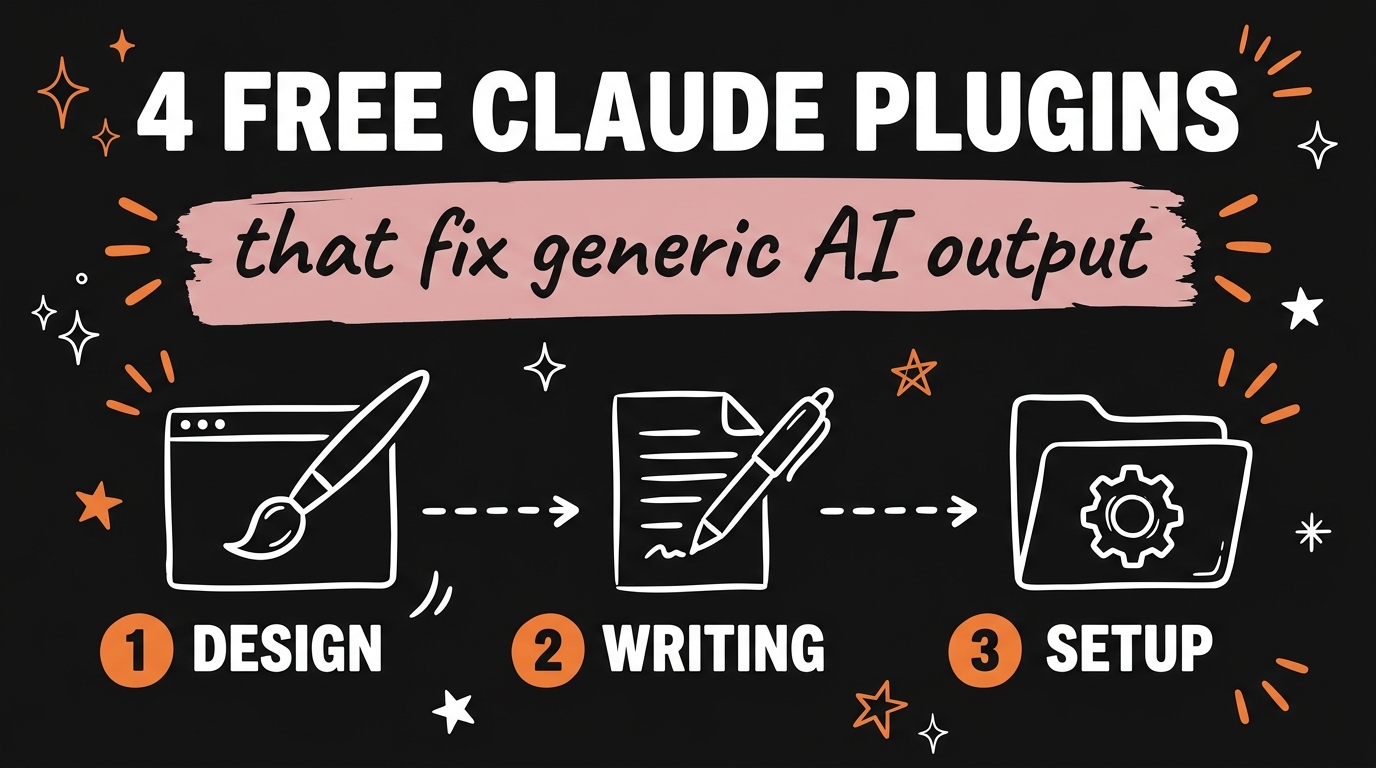
The four free Claude plugins that fix generic AI output are Impeccable for design, 21st MCP for UI components, Humanizer for writing, and Claude Code Setup for project configuration. Impeccable gives Claude Code a design vocabulary and 61 detector rules so your UI stops looking like every other template. 21st MCP searches more than 10,000 React and Tailwind components from inside your editor. Humanizer strips the patterns that make text read as AI-written and can match your own voice from a writing sample. Claude Code Setup scans your codebase and recommends the skills, hooks, MCP servers, and subagents that fit the project. All four are free and open source.
I made a Short about these because the same complaint keeps coming up: “my AI output looks and sounds like everyone else’s.” The model is the same one everyone else runs. The setup is what differs, and these four plugins are how I change mine.
Get the Free Guide
The guide has the exact install commands for Claude Code and Codex, the commands I run for each plugin, and a fix table for the errors people hit on the first run.
Get the free 4 Free Claude Plugins Setup Guide →
Why does AI output look and sound generic?
AI output looks generic because every model trained on the same SaaS templates and the same blog posts, so with no guidance it picks the most statistically likely answer. The Impeccable README lists the design tells you already recognise: Inter for everything, purple-to-blue gradients, cards nested inside cards, the rounded icon tile above every heading. Humanizer’s README explains the writing side the same way: the model makes the choice that fits the widest range of readers, while a person writes for one reader and one subject.
Plugins fix this because they change what Claude Code knows before it starts working. A design skill gives it a vocabulary and rules to check its own work against. A component library gives it real, finished parts to pull from instead of inventing a button from scratch. A writing skill gives it a list of tells to remove. A setup skill makes sure the project has only the tools it actually needs.
If you want the prompt-side fix for writing as well, I covered that in the brand clarity prompt that fixes generic AI writing.
What do the four plugins actually do?
Each plugin fixes one specific kind of generic output, and they stack without overlapping. Here is the short version, with figures as of September 2026 from each project’s README.
| Plugin | Fixes | What it is | Install (Claude Code) |
|---|---|---|---|
| Impeccable | Thrown-together UI | 1 skill, 23 commands, 61 deterministic detector rules for frontend design | npx impeccable install then /impeccable init |
| 21st MCP (formerly Magic MCP) | Reinventing every component | Search of 10,000+ React and Tailwind components, plus AI generation when enabled | npx @21st-dev/cli@latest init --client claude |
| Humanizer | Writing that reads as AI | A skill that finds 25 patterns of AI writing in five groups and rewrites around them | /plugin marketplace add blader/humanizer then /plugin install humanizer@humanizer |
| Claude Code Setup | Bloated or empty project setup | An official Anthropic plugin that scans your codebase and recommends the top one or two automations per category | /plugin install claude-code-setup@claude-plugins-official |
Impeccable started from Anthropic’s own frontend-design skill and grew from there. It writes durable product context to PRODUCT.md and the visual system to DESIGN.md, and on Claude Code it installs a hook that runs the design detector every time a UI file is edited. Every command runs through the one skill: /impeccable audit, /impeccable polish, /impeccable critique, /impeccable distill, and so on. Author Paul Bakaus licenses it under Apache 2.0.
21st MCP is the plain HTTP MCP server at https://21st.dev/api/mcp. In the video I called it 21st Dev MCP; the GitHub repo is still named magic-mcp, but Magic has been consolidated into the 21st MCP and the old Magic API keys were reset, so you need a fresh key from 21st.dev/mcp. The old /ui trigger is gone. You ask in plain language: “search 21st for a pricing table.”
Humanizer, by blader, is the skill I lean on for every caption and blog post. In the Short I said it removes 33 telltale signs of AI text, which was the count at version 2.9. Version 3.0.0 consolidated 35 patterns into 25, grouped into five sections and numbered by strength. The pattern list comes from Wikipedia’s “Signs of AI writing” page. Paste two or three paragraphs of your own writing and it follows your rhythm, word choice, and punctuation.
Claude Code Setup lives in Anthropic’s official plugin marketplace. It is read-only: it analyses the codebase and recommends MCP servers, skills, hooks, subagents, and slash commands, but it does not modify files. That is what makes it a clean start. You see the recommendation, then you decide what to install.
I compared a different set of plugins, the ones that cut token usage, in 4 Claude Code plugins that cut token usage in half.
How do you install all four in Claude Code?
You can install all four plugins in Claude Code in under ten minutes, and only 21st MCP needs an API key. Here is the order I use on a new project.
- Claude Code Setup first. Run
/plugin install claude-code-setup@claude-plugins-official, then type “recommend automations for this project”. Read the list before you install anything else. - Impeccable. From the project root run
npx impeccable install. It detects~/.claude,~/.codex, or a project-local.cursorfolder and asks whether to install to the project or globally. Reload Claude Code, then run/impeccable initto writePRODUCT.md. - 21st MCP. Get a free key at
https://21st.dev/mcp, then runnpx @21st-dev/cli@latest init --client claude. If you prefer the plugin route:claude plugin marketplace add 21st-dev/magic-mcp, then/plugin install 21st, with the key in theAPI_KEY_21STvariable. - Humanizer. Run
/plugin marketplace add blader/humanizerand/plugin install humanizer@humanizer(needs Claude Code 2.1.142 or newer). The plugin answers to/humanizer:humanizer. On any other agent,npx skills add blader/humanizer --globalinstalls it and it answers to/humanizer.
For Codex, Impeccable ships a dist/codex/ folder with a .codex/hooks.json, 21st has codex plugin marketplace add 21st-dev/magic-mcp, and Humanizer’s Skills CLI command works as is. Claude Code Setup is a Claude Code plugin only.
What does a project look like once they are running?
Once all four are running, Claude Code ships UI that passes a detector, pulls real components, writes copy that sounds like you, and carries only the tooling the project needs. My workflow on a new landing page looks like this:
/impeccable shape the hero sectionto plan the UX before any code.- “Search 21st for a testimonial grid” and let the MCP return finished components to adapt.
- Build, then
/impeccable auditfor accessibility and responsive checks, and/impeccable polishbefore shipping. /humanizer:humanizeron every headline and paragraph, with a sample of my own writing pasted above it.
The design side pairs well with a single design system file, which I broke down in one AI design system file for Claude and ChatGPT.
FAQ
Are these four Claude plugins really free?
Yes. Impeccable is Apache 2.0, Humanizer is MIT, the 21st MCP compatibility package is ISC with a free API key tier, and Claude Code Setup is published by Anthropic in its official plugin marketplace.
Does Humanizer work outside Claude Code?
Yes. The Skills CLI command npx skills add blader/humanizer --global installs it for other agents, and Claude Desktop accepts the repository ZIP as an uploaded skill.
Do I need Node to run Impeccable?
Only for the npx impeccable install shortcut. The skill itself runs a self-contained binary downloaded once into ~/.impeccable/bin/, so the hook and commands need no Node runtime.
Why did my old Magic MCP key stop working?
The Magic backend was replaced by the unified 21st MCP and all old Magic API keys were reset. Generate a fresh key at 21st.dev/mcp and either keep your existing config or switch to the 21st CLI installer.
Does Claude Code Setup change my files?
No. It is a read-only skill that scans the codebase and recommends hooks, skills, MCP servers, subagents, and slash commands. You choose what to install.
Conclusion
Generic AI output comes from a generic setup. Impeccable, 21st MCP, Humanizer, and Claude Code Setup each fix one part of it, they cost nothing, and they take about ten minutes to install together. Grab the free guide above for the full commands and the fix table, and if you want to build systems like this with me every week, Join the Vibe Coding Build →.