
5 Free Tools That Turn Claude Into an AI Designer
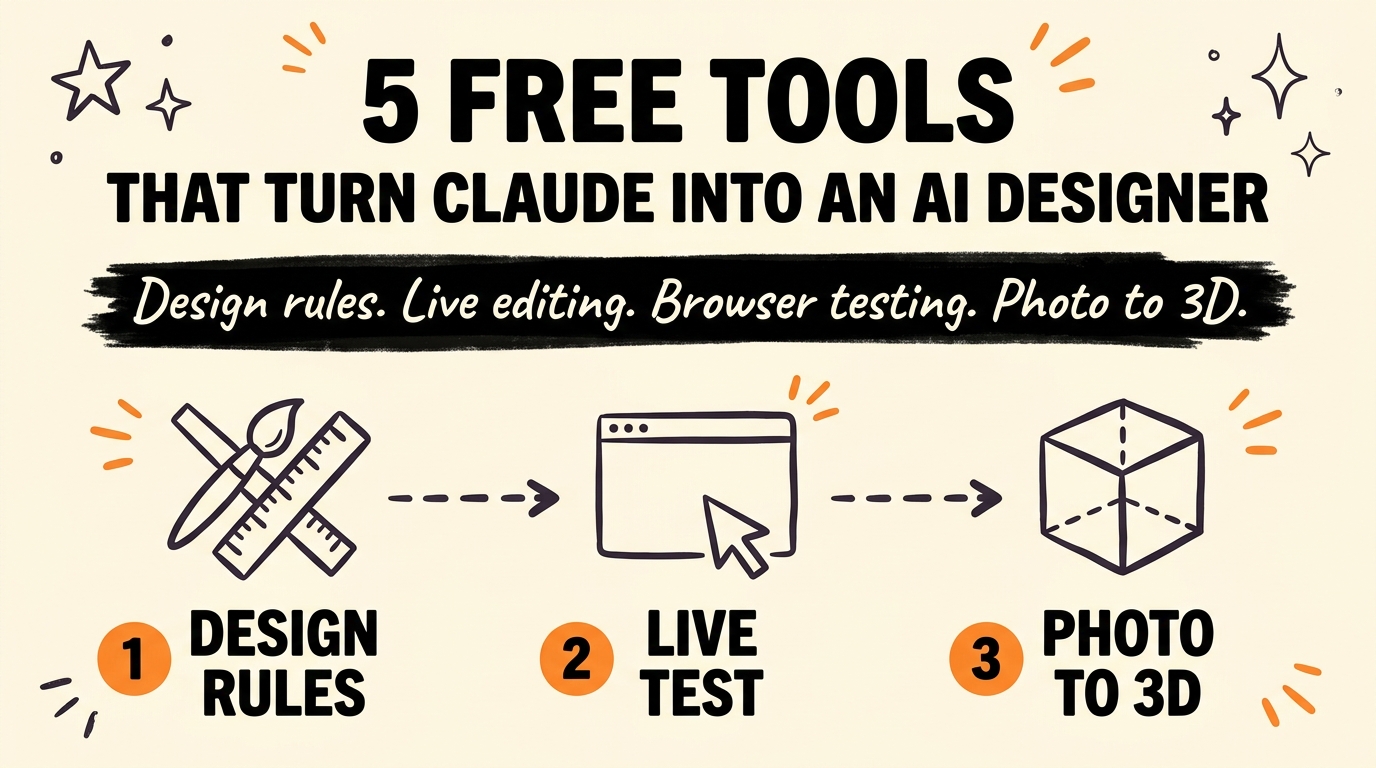
Claude and ChatGPT build generic-looking websites because they default to the same training patterns: purple gradients, the same nested cards, the same overused fonts. Five free tools fix that by giving your AI agent real design rules, a live editor, browser testing, reference design systems, and a way to turn a photo into a working 3D model.
Get the Free Guide
I put the full setup for all five tools, the exact install commands, and the first test to run for each one, into a free guide.
Get the free 5 Free Tools That Turn Claude Into an AI Designer →
What Is Taste and How Does It Fix Generic AI Design?
Taste is a skill library that gives Claude, ChatGPT, and Cursor actual design rules to follow instead of defaulting to the same templated look. It ships as a set of portable SKILL.md instruction files you install with the npm-based skills CLI:
1
npx skills add https://github.com/Leonxlnx/taste-skill
The default skill is called design-taste-frontend, and it exposes three dials you can adjust: variance, motion intensity, and visual density. There are also stricter variants for GPT and Codex, an image-first pipeline for generating a visual reference before writing code, and a mode built specifically for auditing and improving an existing codebase. If your AI keeps shipping the same purple-gradient SaaS layout, this is the first thing to add.
How Does Impeccable Give Claude a Live Design Editor?
Impeccable is a design guidance system, originally built on Anthropic’s frontend-design skill, that pairs deterministic quality rules with a live editor you use directly in the browser. It installs with:
1
npx impeccable install
Running /impeccable init writes a PRODUCT.md file that records your product’s audience, purpose, and voice, so every design command Claude runs afterward stays consistent with that context. From there, 24 specialized commands cover the workflow: /impeccable audit, /impeccable polish, /impeccable critique, and /impeccable animate. Underneath those commands sit 61 deterministic detector rules that catch anti-patterns like poor color contrast or skipped heading hierarchy without needing an extra LLM call. The live editor lets you make changes in the browser and see them reflected immediately, which is the part most AI design tools skip entirely.
| Tool | Core job | Install command |
|---|---|---|
| Taste | Design rules and taste dials | npx skills add https://github.com/Leonxlnx/taste-skill |
| Impeccable | Live editor + 61 detector rules | npx impeccable install |
| Playwright CLI | Browser testing + screenshots | npm install -g @playwright/cli@latest |
| Awesome Design Skills | 67 real design systems | npx typeui.sh pull <slug> |
| img2threejs | Photo to interactive 3D model | git clone https://github.com/img2threejs/img2threejs.git |
Why Does Claude Need Playwright CLI to Test Its Own Designs?
Playwright CLI lets Claude open a real browser, click through your site, and take screenshots to confirm the design actually looks right, instead of guessing from the raw HTML it just wrote. Microsoft maintains it as a CLI-first alternative to MCP-based browser tools, which matters for context: CLI invocations skip loading large tool schemas and accessibility trees into the model, so Claude burns far fewer tokens per test run. Install it with:
1
2
npm install -g @playwright/cli@latest
playwright-cli install --skills
Core commands include open, goto, click, type, fill, screenshot, and snapshot, plus support for named sessions, video recording, and tracing. It runs headless by default, add --headed if you want to watch the browser work. This is the step that catches a broken layout before you ever open the site yourself.
What Does Awesome Design Skills Add That Taste and Impeccable Don’t?
Awesome Design Skills feeds Claude 67 real design systems, from brutalism to glassmorphism to minimal, each one documented down to typography, spacing, color palettes, and component families. Where Taste gives Claude general rules and Impeccable gives it a workflow, this repo gives it a specific aesthetic to copy. Each design system lives in its own folder with a SKILL.md for the agent and a human-readable DESIGN.md explaining the rationale. Pull one with the TypeUI CLI:
1
npx typeui.sh pull <slug>
You can target specific tools with a flag (-p cursor,claude), preview with a dry run, or browse the full list interactively with the list command. If you want your site to look like a specific style rather than just “not generic,” this is the tool that gets you there fastest.
How Does img2threejs Turn a Photo Into a 3D Model?
img2threejs takes a single reference photo, like a picture of a bike, and has Claude generate working Three.js code that recreates it as an interactive 3D model, no mesh files or photogrammetry required. It reconstructs the object procedurally through staged passes: blockout, structural, form, material, surface, lighting, interaction, and optimization. Install it by cloning straight into your skills folder:
1
git clone https://github.com/img2threejs/img2threejs.git ~/.claude/skills/img2threejs
Then run it inside Claude Code or a compatible agent with a prompt like /img2threejs Rebuild this object as a Three.js model, keep proportions, angles, and colours. The output is a JSON spec plus a TypeScript factory that returns a THREE.Group, ready to animate in a browser. It’s the only tool on this list that turns a static image into something you can rotate and interact with on a live page.
For the complete walkthrough, including the exact commands I run for each tool and a fix table for common setup errors, grab the free guide.
FAQ
Are all five of these tools actually free?
Yes. Taste, Playwright CLI, Awesome Design Skills, and img2threejs are open source and free to install. Impeccable’s CLI and core detector rules are free as well, with its website offering pre-packaged downloads too.
Do I need to know how to code to use these?
No. All five install through a single terminal command inside an AI coding agent like Claude Code, and you direct them with plain-language prompts. The tools themselves write and test the code.
Which tool should I install first?
Start with Taste or Impeccable, since both target the root problem of generic AI output. Add Playwright CLI once you have a design you want to verify in a real browser, and add Awesome Design Skills or img2threejs when you need a specific aesthetic or a 3D element.
Do these tools work with ChatGPT and not just Claude?
Taste and Impeccable both explicitly support ChatGPT and Cursor alongside Claude. Playwright CLI and img2threejs are built around Claude Code and compatible coding agents, and Awesome Design Skills targets any agent that can read a SKILL.md file.
Can I use these tools together on the same project?
Yes, and that’s the intended workflow. A typical setup installs Taste or Awesome Design Skills for the visual rules, Impeccable for the live editor and audits, and Playwright CLI to verify the result in a real browser before shipping.
If you want the exact setup steps for each tool along with troubleshooting fixes, read One AI Design System File for Claude and ChatGPT and 4 Free Claude Plugins That Fix Generic AI Output for more ways to stop Claude from shipping the same templated layout. For a broader list of plugins worth adding to your setup, see 5 Claude Code Plugins You Need to Install Right Now.
None of this requires a design background. It requires installing the right tool for the step you’re on, then letting Claude do the work with better rules to follow. Join the Vibe Coding Build → if you want more of these systems delivered as they come out.