
4 MCPs That Finish Your Claude Code and Codex Build
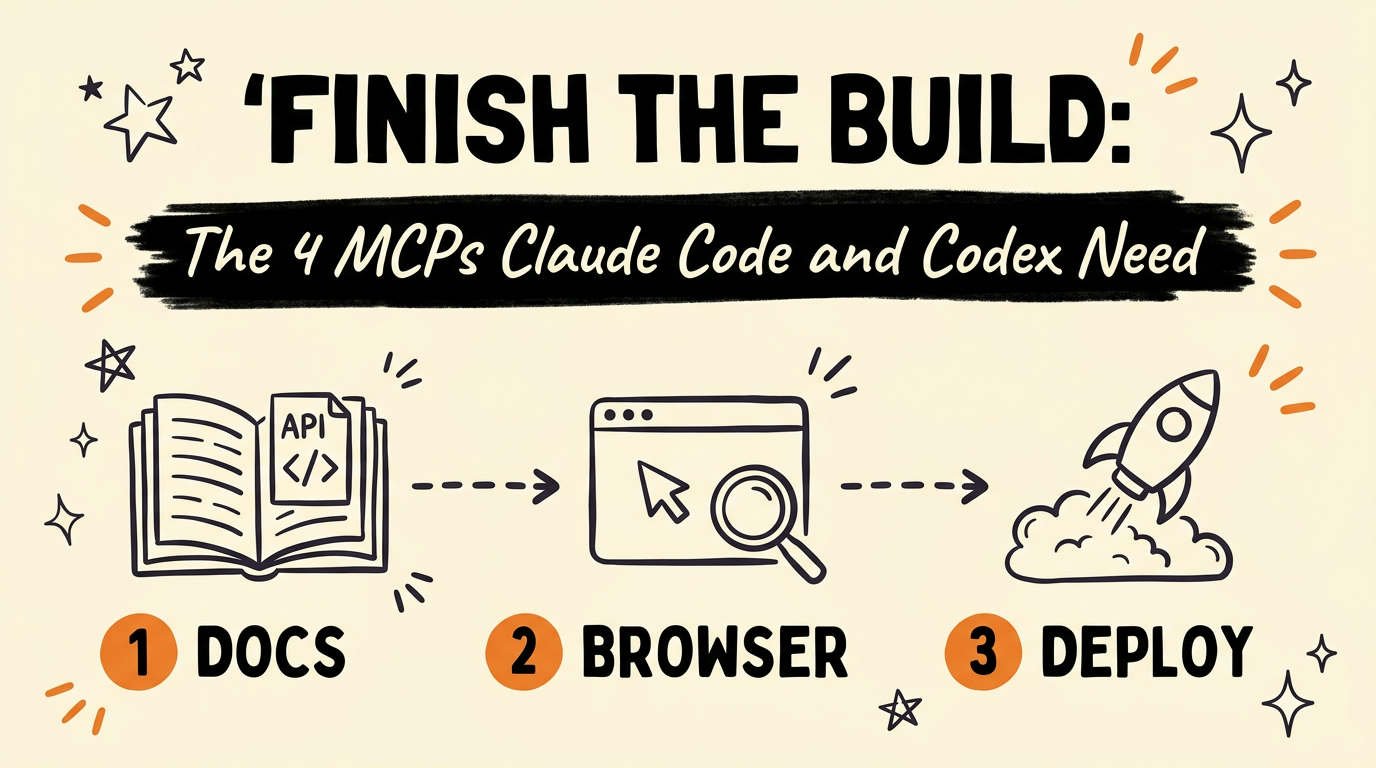
Four MCP servers close the gap between a Claude Code or Codex build and a shipped app: context.dev for current documentation, Chrome DevTools MCP for live browser testing, Supabase MCP for direct database access, and Vercel MCP for deployment. Add all four and the AI can pull the right API syntax, test what it just built in a real browser, read and query your live data, and push the finished app live, without you touching a dashboard in between.
Get the Free Guide
A first-person setup walkthrough for all four MCPs, with what each one connects to and what to check when one won’t respond.
Get the free MCP Build Workflow Playbook →
What Do These Four MCP Servers Actually Do?
Each one hands Claude Code or Codex a tool it doesn’t have on its own: current documentation, a real browser, a live database connection, or a deploy pipeline. Without them, an AI coding agent works from training data and whatever you paste into the chat, which means it can write code against APIs the way they worked months ago, guess at whether the UI it built actually renders, and stop dead the moment a database or a deploy step is involved.
These four are a build-and-ship stack, separate from the research-and-scrape stack covered in 4 MCPs that make Claude Code actually useful (Perplexity, Firecrawl, Playwright, and Context7). Run both sets together and Claude Code or Codex can research a topic, scrape the source, write against current docs, test in a browser, read your data, and deploy, all in one agent.
- context.dev feeds the AI the latest official documentation, so builds follow current syntax and APIs instead of outdated patterns.
- Chrome DevTools MCP lets the AI control a browser and test what it built in real time.
- Supabase MCP reads your database, runs queries, and works directly with your live data.
- Vercel MCP deploys the finished app without you touching the dashboard.
How Does context.dev Keep Claude Code and Codex Current?
context.dev’s job is to feed the AI documentation that is current as of the moment it’s building, not whatever was true when the model was trained. That matters most with fast-moving APIs and frameworks, where a method signature, a config option, or an entire package can change between one release and the next. Instead of the AI guessing from memory, it can check the actual docs before it writes the line.
What Can Chrome DevTools MCP Test That You Can’t See?
Chrome DevTools MCP gives Claude Code or Codex control of a real browser, so it can open the page it just built and check whether it actually works. That closes the loop between writing code and confirming the result, instead of the AI describing what the code should do and you finding out later that a button doesn’t fire or a layout breaks on load.
How Do Supabase MCP and Vercel MCP Close the Loop?
Supabase MCP and Vercel MCP cover the two steps that used to force you out of the chat window: touching real data and pushing the app live. Supabase MCP reads your database, runs queries, and works directly with your live data, so the AI can check what’s actually stored instead of assuming a schema. Vercel MCP deploys the finished app without you opening the dashboard, so the build ends with a live URL instead of a folder of code sitting on your machine, closing the same loop covered in shipping an app in 60 seconds with Claude Code.
| MCP server | What it connects to | What you’d do manually without it |
|---|---|---|
| context.dev | Current official documentation | Search docs yourself, paste snippets into the chat |
| Chrome DevTools MCP | A real, controllable browser | Open the app yourself and click through it to test |
| Supabase MCP | Your live database | Query the database in a separate tool, paste results back |
| Vercel MCP | Your deployment pipeline | Open the Vercel dashboard and deploy by hand |
How Do You Add These MCP Servers to Claude Code or Codex?
Claude Code and Codex both add MCP servers through their own config, either from a claude mcp add style command or an MCP entry in the project’s settings file, depending on which agent you’re running. The exact connection string differs per server and changes as each provider updates their setup docs, so the safest move is to pull the current install command from context.dev, Chrome DevTools MCP, Supabase, and Vercel’s own MCP documentation rather than copying an old one from somewhere else. Once a server is added, it shows up in the agent’s tool list and the AI calls it the same way it calls any other tool, no extra prompting required. If you’re running builds in Codex too, the same servers connect there, and pairing them with a manager like Orca for Claude Code and Codex keeps several of these agents organized at once.
For the exact setup order and what to check first when a connection fails, grab the free playbook above.
FAQ
What is an MCP server?
MCP, or Model Context Protocol, is a standard that lets an AI agent like Claude Code or Codex call outside tools, such as a documentation source, a browser, a database, or a deploy pipeline, instead of working only from its training data and the current chat.
Do I need all four MCPs, or can I start with one?
Each one solves a separate gap, so they work independently. Context.dev fixes stale documentation, Chrome DevTools MCP fixes unverified UI, Supabase MCP fixes guessed data, and Vercel MCP fixes manual deploys. Start with whichever gap costs you the most time right now.
Does this setup work in Codex the same way it does in Claude Code?
Both are MCP-compatible agents, so the same four servers connect to either one. The video and this guide cover both, and the connection method is the same protocol either way, only the specific config file differs.
Is it safe to point Supabase MCP at a live production database?
Supabase MCP reads and queries your live data directly, so treat it the way you’d treat any tool with database access: scope the credentials it uses and be deliberate about which database (production or a staging copy) you point it at.
Will Vercel MCP deploy an app that isn’t finished yet?
Vercel MCP deploys whatever the AI hands it, so it’s on you and the AI to confirm the build actually works, ideally after a Chrome DevTools MCP test pass, before it goes live.
If you want to build systems like this instead of just installing them, come Join the Vibe Coding Build →.