
10 AI Art Styles From One Prompt Set in Claude
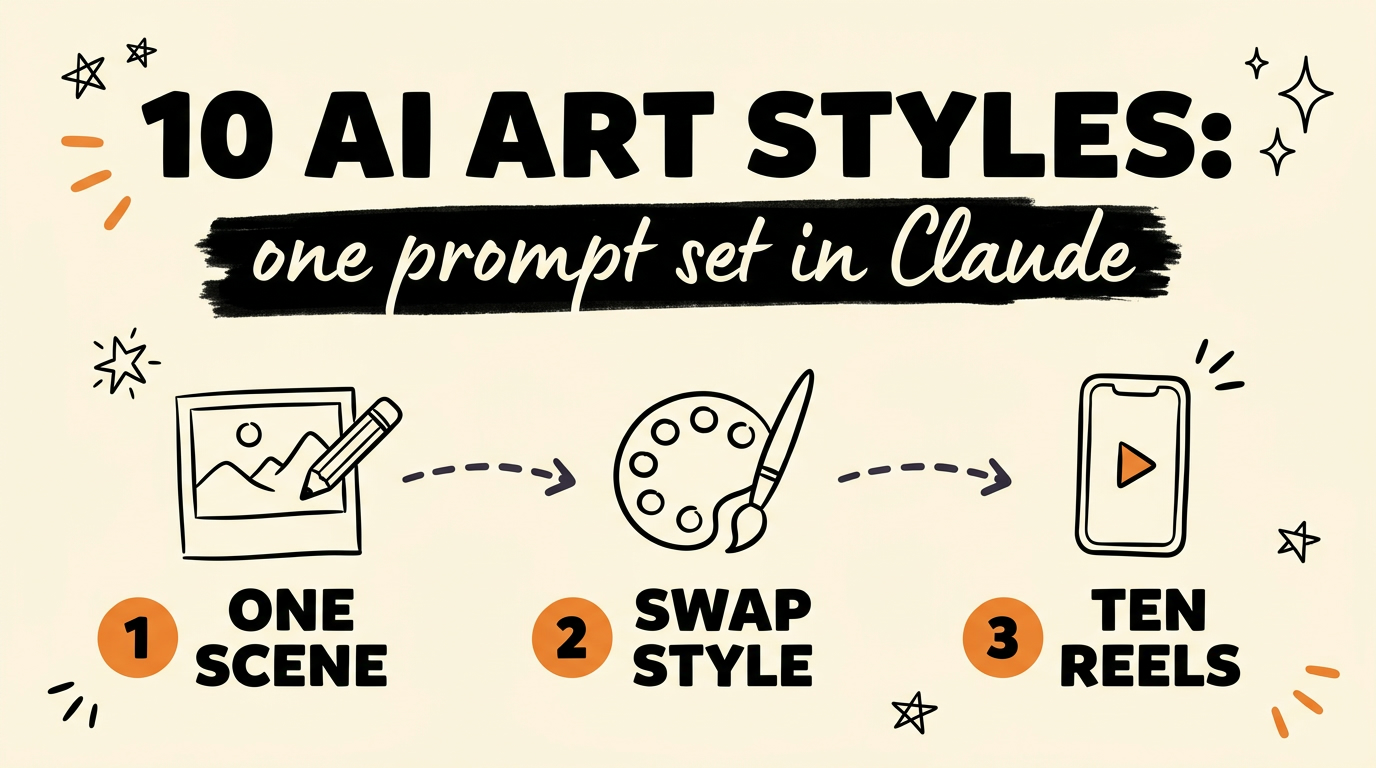
You can get ten completely different looking reels out of one scene by running that scene through ten AI art style prompts in Claude. Pixel art, PS2 style, comic art, Lego style, claymation, paper cutout, retro anime, low poly 3D, risograph and miniature diorama are all the same subject described ten different ways. No design software, no manual editing, just text prompts doing the work.
Get the Free Guide
All 10 style prompts written out in full, plus the walkthrough for animating the still to your own voice.
Get the free 10 AI Art Styles Prompt Set →
What Are the 10 AI Art Styles?
The ten styles are deliberately far apart from each other, so the same scene reads as ten separate pieces of content rather than ten versions of one. Each one is a recognisable medium with its own rules about edges, colour and texture.
| # | Style | What it looks like | Reads best as |
|---|---|---|---|
| 1 | Pixel art | Chunky limited-palette sprites, hard pixel edges | Retro gaming, nostalgia hooks |
| 2 | PS2 style | Early 2000s console 3D, low texture resolution, slight jank | Y2K and throwback content |
| 3 | Comic art | Ink outlines, flat colour fills, halftone dots | Storytelling and dialogue beats |
| 4 | Lego style | Plastic brick construction, stud tops, glossy plastic | Explainers and build-up sequences |
| 5 | Claymation | Fingerprinted plasticine, soft studio light, stop motion feel | Warm, funny, handmade tone |
| 6 | Paper cutout | Layered cardstock, visible paper edges, drop shadows | Clean educational B-roll |
| 7 | Retro anime | 1990s cel animation, grain, hand-painted backgrounds | Emotional or dramatic framing |
| 8 | Low poly 3D | Faceted geometry, flat shading, few vertices | Tech and product angles |
| 9 | Risograph | Two or three ink layers, misregistration, grainy paper | Editorial and design-led posts |
| 10 | Miniature diorama | Tilt shift macro, tiny built set, shallow depth of field | Scroll stopping detail shots |
Pick the subject once. The style line is the only part of the prompt that changes.
How Do You Get 10 Styles From One Scene?
One subject description plus one style block equals one image, and you repeat that ten times with the style block swapped. Keeping the subject wording identical across all ten is what makes the set feel like a deliberate series instead of ten unrelated images.
- Write the scene once, in plain language. Who or what is in it, what they are doing, where they are, what the camera sees.
- Write a style block for each of the ten looks. Name the medium, then describe its materials, its edges, its lighting and its colour behaviour.
- Paste subject plus style into Claude as a single prompt and generate. Change nothing else.
- Repeat for the other nine style blocks, in separate messages so each one starts clean.
- Post them as ten separate pieces of content, or run the same hook across all ten and see which aesthetic holds attention.
The reusable shape looks like this:
1
2
3
4
Subject: [who or what, doing what, where, what the camera sees]
Style: [medium name]. [materials]. [edge quality]. [lighting]. [colour palette].
Framing: vertical 9:16, [close up / wide], subject centred.
No text, no watermarks, no logos.
If you already keep a prompt library, this slots straight into it. I wrote about building one in 500+ Claude Opus 5.5 video prompts you can steal free.
Why Test Ten Aesthetics Instead of Reshooting?
Testing ten aesthetics costs you one scene idea, and reshooting costs you a whole production day. Same content, ten looks, and you find out what lands with your audience without touching a camera again.
- You learn which visual language your audience actually stops for, not which one you assume they like.
- A style that flops tells you something useful for the next thirty posts.
- The ten pieces fill a posting week on their own, so the test and the content calendar are the same job.
- Nothing is wasted. The winning aesthetic becomes your default and the rest stay in the bank.
This is the same reasoning behind running one video through several visual engines, which I covered in 5 Claude Skills for 5 different AI video styles.
How Do You Turn the Still Into a Reel?
A still gets you the look, and a voice track plus motion gets you the post. The image is step one, and the reel is the image moving to something you actually said.
That is where my Content Engine comes in. You paste a link or an idea, it writes the script, generates the voice in your own cloned voice, renders the animation and schedules it out, with DM automation armed so the comments turn into leads. The art style decides how the reel looks. The engine decides that it exists at all.
For the code-built version of animated reels with no video credits, see the Claude skill that makes unlimited animated reels.
FAQ
Do I need design software for these AI art styles?
No. Every one of the ten styles comes from a text prompt, so there is no design software and no manual editing step in between.
Can I use one photo instead of a written scene?
Yes. A photo works as the subject, and the style block still does the same job of restating that subject in a new medium.
How many prompts do I need for ten styles?
Ten, one per style. The subject description is written once and reused across all ten, so only the style block changes.
Will all ten styles work for my niche?
Probably not, and that is the point of running the set. The test tells you which two or three aesthetics your audience responds to, and you keep those.
Can I animate the stills to my own voice?
Yes. The free guide includes the animation walkthrough, and Content Engine does it end to end from a link or an idea.
Start With One Scene
Pick one scene you were going to post anyway, write it down once, and run it through all ten style prompts. By the end you have a posting week and a real answer about what your audience stops for, from a single idea and zero reshoots.
If you want the whole thing automated, from the idea to the posted reel in your own voice, Meet Content Engine →. Paste any link or idea and get a published video in under 3 minutes, with DM automation armed to capture leads.