
Reverse Engineer Any Video Shot by Shot With rea-video
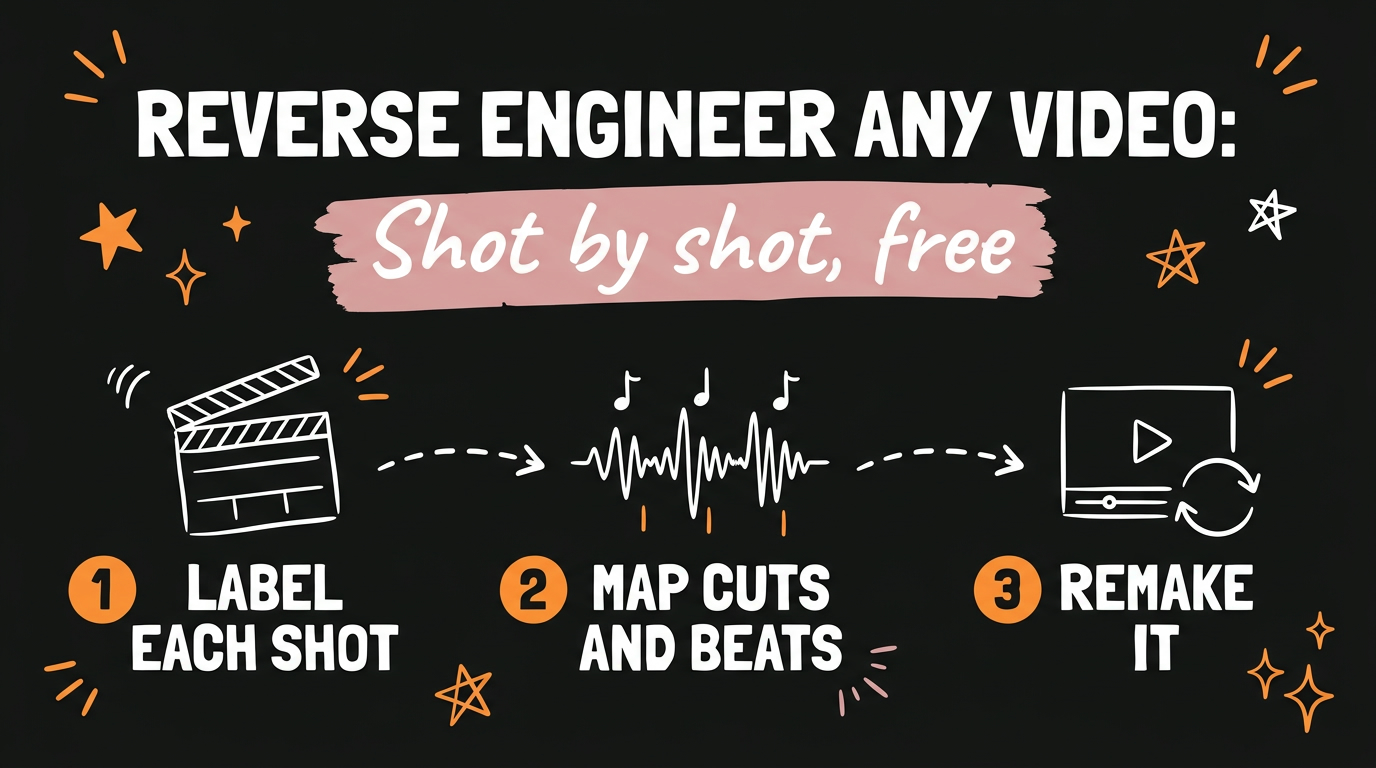
rea-video is a free, open-source tool that reverse engineers any video shot by shot. For every shot it tells you whether the footage was filmed, AI generated or built in code, then explains how to remake it. You run it from Claude Code or Codex, and it writes the breakdown as a VIDEO.md file plus a readable report.
Get the Free Guide
I put the install steps, the exact prompts I use and a fix table for the common errors into one PDF, so you can run your first breakdown without rewatching the video.
Get the free Reverse Engineer Any Video guide →
What does rea-video do to a video?
rea-video takes one video and turns it into a structured breakdown you can act on. The project lives at github.com/JuneYaooo/rea-video and is Apache-2.0 licensed. As of November 2026 the repo shows about 12.1k stars.
Here is what comes out of a single run:
- A label for every shot. Each one is marked as filmed, AI generated or built in code.
- Captions with their timing, plus every cut, the music beats and where each sound effect landed.
- A recreation prompt per shot, so you can generate or film the same moment yourself.
- A remake plan covering what to film, what to generate and what to code.
- A remake of the video with your own elements swapped in, keeping the original pacing, effects and transitions.
The breakdown is written in an open format called VIDEO.md, and you also get a report.html (or PDF) made for humans. Think of it as the structure of a viral video, written down.
How do I install rea-video in Claude Code?
The easiest way is to ask your agent to do it. The README gives this as the quick start: tell Claude Code, Codex or any agent that can run commands to install the repo and break down a video. The agent installs the command line tool itself.
1
Install https://github.com/JuneYaooo/rea-video, then break down this video: /path/to/video.mp4
You need two things on your machine first: ffmpeg and Python 3.10 or newer.
If you want it as a plugin, the README lists these commands:
| Agent | Commands |
|---|---|
| Claude Code | claude plugin marketplace add JuneYaooo/rea-video then claude plugin install rea-video@rea-video |
| Codex | codex plugin marketplace add JuneYaooo/rea-video then codex plugin add rea-video@rea-video |
Even with the plugin, the agent still installs the command line tool the first time it runs a breakdown, so the first run takes longer than the next ones.
Does rea-video cost money to run?
Tools-only mode is offline and free. That is the mode the video means by “completely free”. The README says a video-capable model is optional: you can give your agent a Gemini or Doubao endpoint and key, and the tool uses it to improve the calls on live, AI and 3D shots and to write a reverse-engineered prompt per shot.
The remake step is where money can come in. The optional capsule-cinema tool does a free dry run first and only calls paid models after you confirm.
What should I know before my first run?
Reports can come out in Chinese. The README says rea-video defaults to Chinese for the capability tables, the eval results and the skill, and that this command switches reports, command line help and messages to English:
1
rea-video prefs lang en
Second, sound separation uses two models, UVR MDX-Net and BandIt v2. They download on first use and are not part of the repo, so a first run that sits for a while is normal.
Third, it plans a remake. It is not a renderer, so the output is a shooting plan, prompts or a code approach. The README also asks you not to repost other people’s footage, music, characters or likeness. Use it to learn the structure, then remake with material you have the rights to.
How does this fit with remaking viral reels?
Breaking a video down is the step that makes a remake work. I wrote about the same idea from the editing side in Copy a Viral Reel the Right Way: Structure First, and about turning that structure into your own cut in Remake Any Viral Reel With a Claude Skill. If you want to study hooks and storytelling beats across several videos, How to Reverse-Engineer Viral Videos With AI covers that.
FAQ
What is rea-video?
rea-video is an open-source command line tool and agent skill that breaks a video down shot by shot. It labels each shot as filmed, AI generated or built in code and writes a breakdown in the VIDEO.md format.
Is rea-video free?
Tools-only mode is offline and free. A video-capable model such as Gemini or Doubao is optional, and automatic remake generation through capsule-cinema does a free dry run before it calls any paid model.
What do I need installed to run it?
You need ffmpeg and Python 3.10 or newer. Your agent installs the rea-video command line tool itself the first time you ask for a breakdown.
Does it work with Claude Code and Codex?
Yes. The README lists plugin install commands for both, and it also works with any agent that can run commands.
Ready to go deeper?
Breaking down a video is half of the loop. Content Engine is the other half: paste any link or idea and get a published video in under 3 minutes, with DM automation armed to capture leads. Meet Content Engine →